Weflow changelog

67 updates shipped in 2026339 all time

Showing September 2022 and earlier · Back to latest

September 2022

Group by in your pipeline table view

A completely new pipeline experience with Weflow's group by feature 😊

  • You can now use the "group by" feature in your table views
  • Group your pipeline by owner, stage, or any other pick list or multi-pick list field

Access Salesforce from Gmail

Install our Chrome Extension to quickly access your pipeline, notes and tasks directly from the Google Workspace.

Please note, that this will work with every possible Gmail layout however the experience may vary depending on your settings

Access Salesforce from Gmail

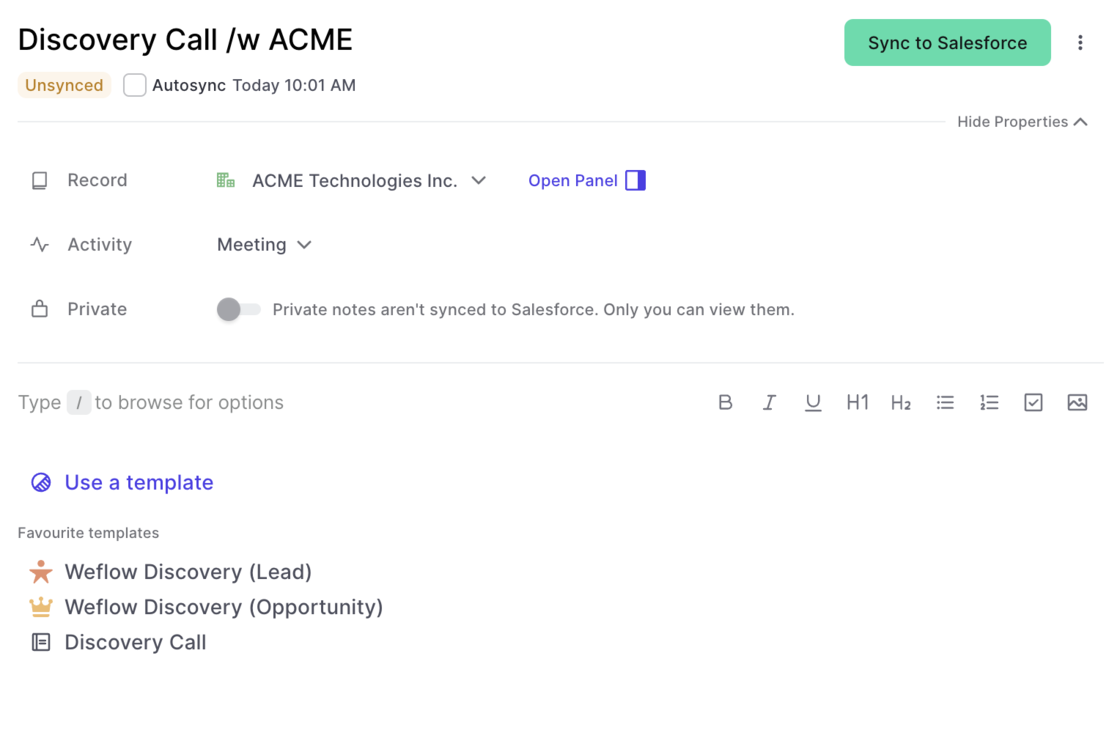
Edit the activity details in the note pad

You can now edit activity details via the Weflow note pad. In addition, you can also connect notes to existing activities which have already been logged in Salesforce previously.

To edit activity details via the note pad:

  • Create a new note
  • Select an activity type
  • Sync the note
  • Once synced, you can edit the activity details

High-speed in North America

With more and more customers in the USA and Canada, we are continuously investing into speeding up our infrastructure.

Now, users in North America should experience a significant uptick in loading times when using our web app or Chrome Extension.

The entire deal history everywhere you go

  • Look at the entire deal history inside the panel
  • Quick access to emails, notes, activities, and important field updates
  • Make changes or log new activities with one click
  • Super fast editing from our web app or Chrome Extension

Auto-detect URLs in notes

Weflow not auto-detects URLs in your notes and let's you access the website with just one click.

Auto-detect URLs in notes

Connect your notes to existing activties

Weflow let's you connect notes to activities already residing within your Salesforce CRM.

  • Connect your note to an activity
  • Weflow will sync the content of your note into the activity
Connect your notes to existing activties

August 2022

Don't like the new tab by Weflow?

When installing the Weflow Chrome Extension, you'll get an entirely new "new tab" experience that is optimized for revenue teams with a fast access to your pipeline, notes and tasks.

With the latest Weflow update, you can now choose whether you want to keep the new tab or switch it off. In the past, deactivating the "new tab" experience, deactivated the entire Chrome Extension. Now, you can choose what works best for you.

Please note: We heavily recommend to keep the "new tab" experience alive and running as we constantly push new updates and improvements.

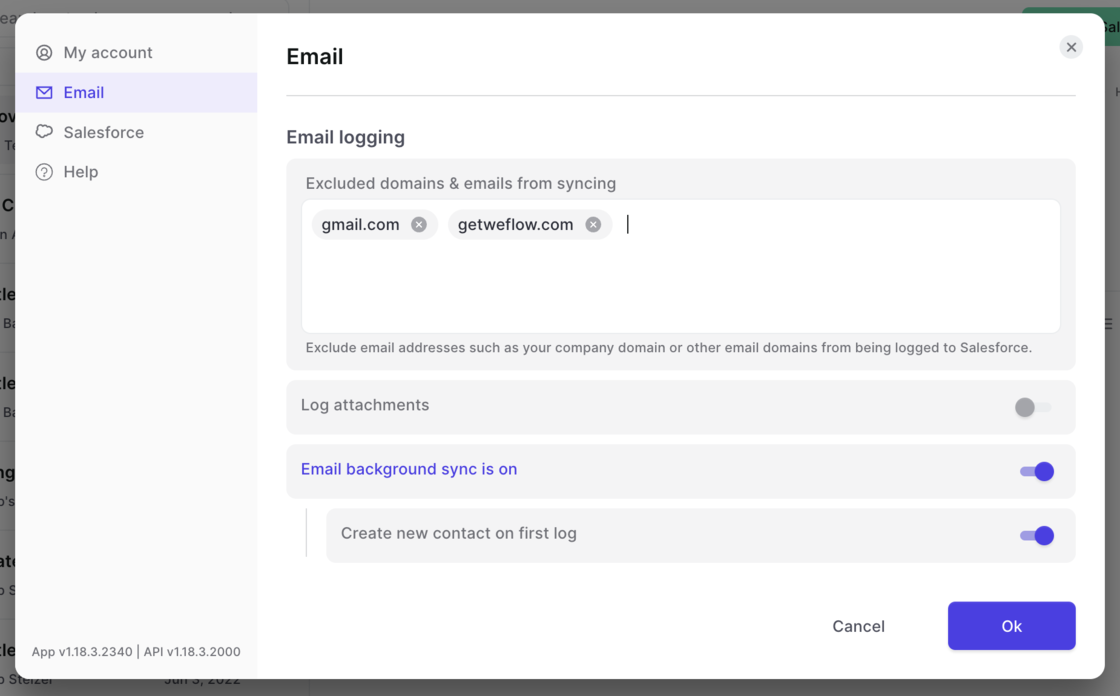
Domain exclusion for email logging

  • Set domains you want to avoid being logged by Salesforce
  • Deactivate logging attachments
  • Allow emails to be synced via background logging (to be used without the Weflow Chrome Extension)
Domain exclusion for email logging

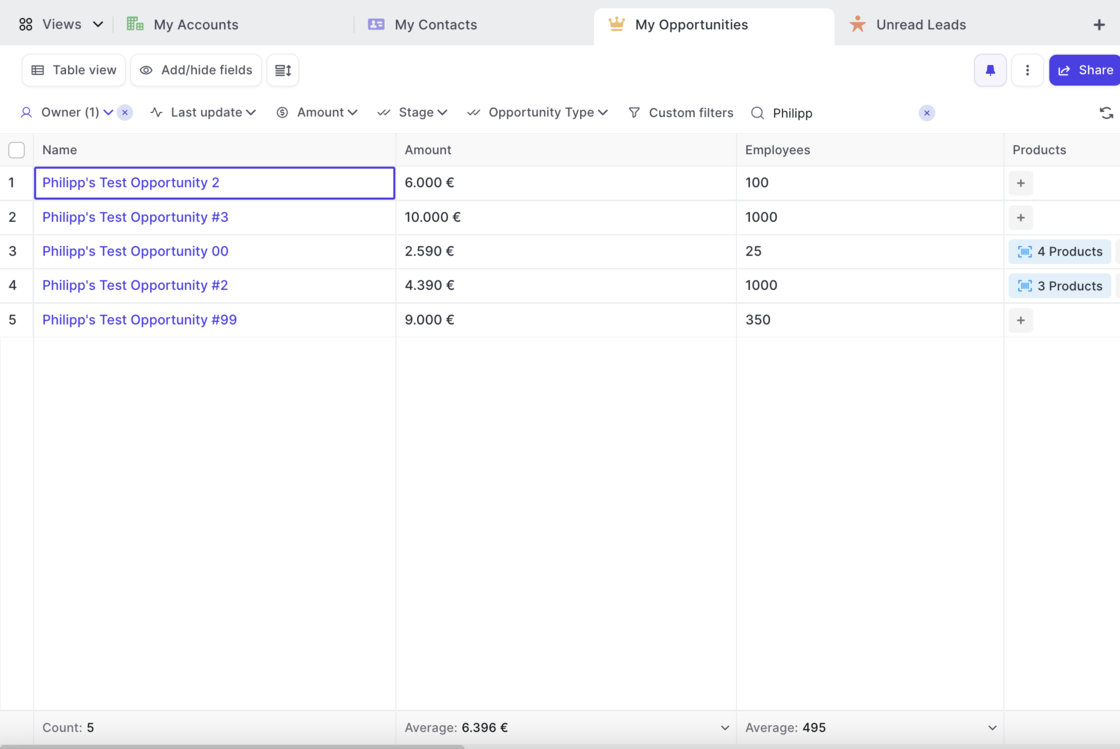
Counting and calculating number fields

  • You can now calculate the max, min, sum and average of any number or currency field at the bottom of a table view
  • In addition, Weflow shows you the total count of records for each view in the left-most column
Counting and calculating number fields

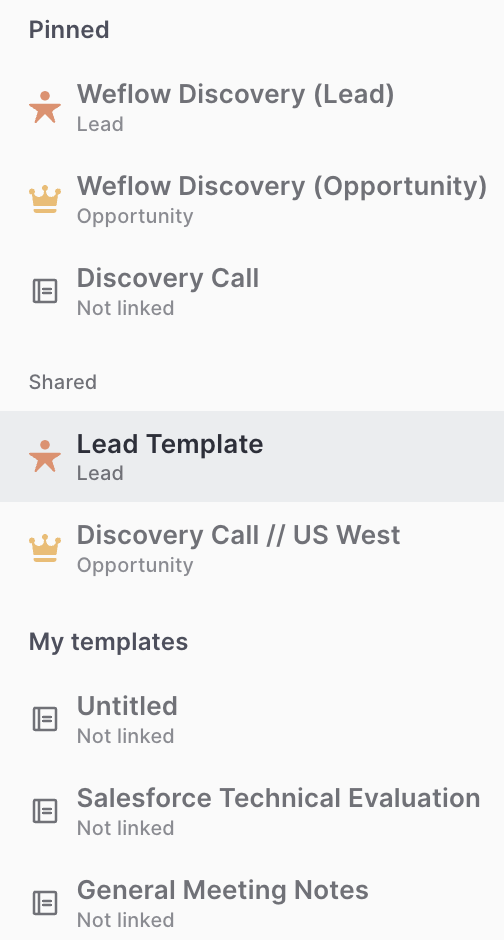
Linking templates to record types

Previously, the link between a note template and a record type was not that obvious. We now added record icons into the quick selection and the template editor to change that.

Quick Selection:

Template Editor:

Linking templates to record typesLinking templates to record types

July 2022

Bulk Updates

We absolutely love this feature! And we hope you will too. Weflow now let's you do bulk updates on any kind of record.

This short demo highlights the key aspects of bulk updating with Weflow:

Opportunity Products

Weflow now features Opportunity Products giving you full access and editing functionality to select price books, add new products or edit existing ones.

Check this 3 minute demo and tutorial video on how to get the most out products with Weflow:

June 2022

Currency Locale

  • Weflow now understands how you prefer your currency fields to be formatted based on your organization's formatting settings
  • When changing your currency, Weflow will update the formatting on the next sign-in (sign out and back in)

User Settings

Look up your total number of API calls, manage your integrations and access information about your user profile as well as our help desk all from within t he new settings page.

  • You can access the settings by clicking on your account avatar and then selecting 'Settings'
  • Look up your total number of API calls made by Weflow that day
  • Manage your integrations (more on this coming soon)
  • Manage your name, email, etc.
  • Quickly access the help section
  • See an overview of all available screen shots
User Settings

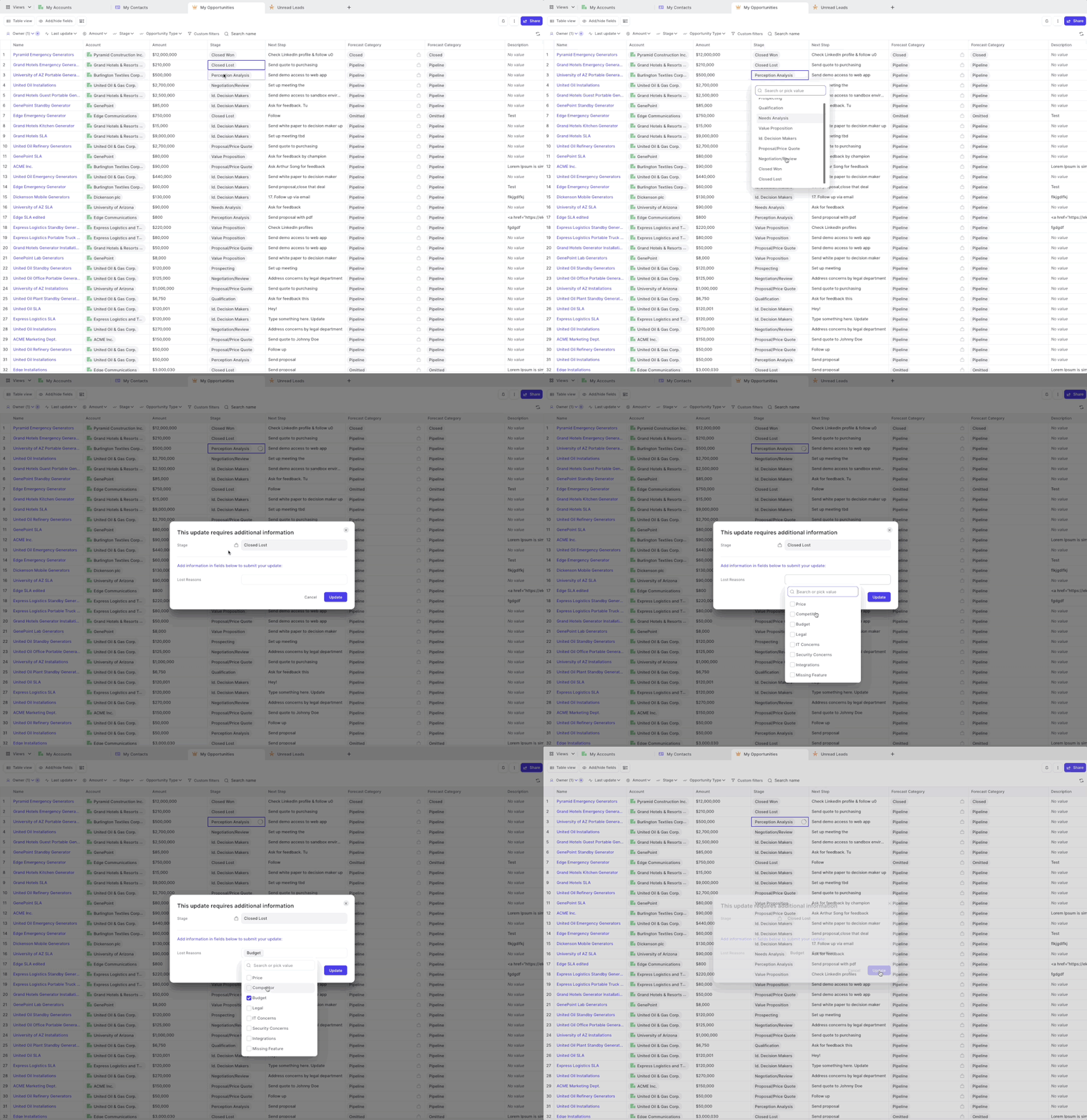
Field Dependencies

Weflow has always been respecting required fields and validation rules. However, for field dependencies, we did not show the dependent fields in all cases.

As of this week, you can now safely rely on Weflow to trigger a message to your Salesforce users, whenever they make a change to a controlling field which asks for input in dependent fields.

A popular example is changing the stage of an opportunity to "Closed/Won" and then requiring additional input in a field such as e.g. "Lost Reasons".

Field Dependencies

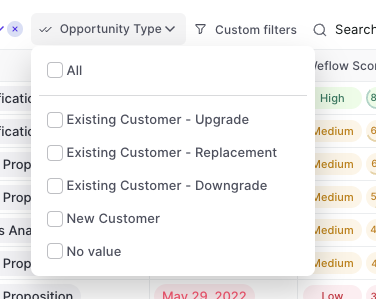
Filter by Opportunity type

You can now filter by Opportunity record type

  • Are you using different opportunity types with different sales processes?
  • Then you can use our "Opportunity Type" filter now
  • Available for all opportunity pipelines - matter if table or kanban board
Filter by Opportunity type

Major layout improvements for Tasks

  • Weflow now let's you link a task to multiple records with more ease
  • In addition, Weflow displays all linked records on the first level of our user interface, meaning no need to look into the task details i.e. when having a task linked to a Lead or Contact