There are a lot of hidden insights in your Salesforce CRM. Some are so well hidden, that sales reps sometimes wonder why they even make the effort to add all this data.
Weflow fields automatically calculate useful insights for you and surface them in your pipeline and panel.
Example of Weflow fields:
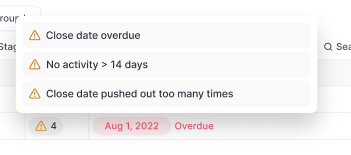
Warning summary field:
You can add all Weflow fields via the Add/Hide button in the pipeline or panel.
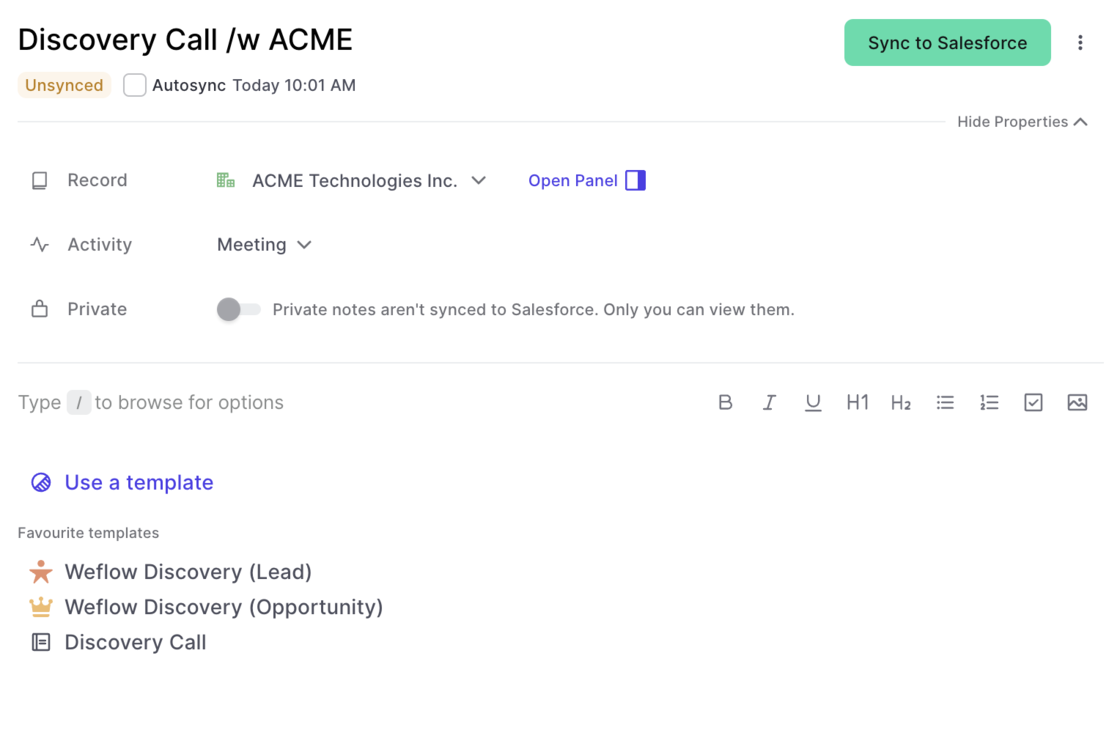
You can now edit activity details via the Weflow note pad. In addition, you can also connect notes to existing activities which have already been logged in Salesforce previously.
When installing the Weflow Chrome Extension, you'll get an entirely new "new tab" experience that is optimized for revenue teams with a fast access to your pipeline, notes and tasks.
With the latest Weflow update, you can now choose whether you want to keep the new tab or switch it off. In the past, deactivating the "new tab" experience, deactivated the entire Chrome Extension. Now, you can choose what works best for you.
Please note: We heavily recommend to keep the "new tab" experience alive and running as we constantly push new updates and improvements.
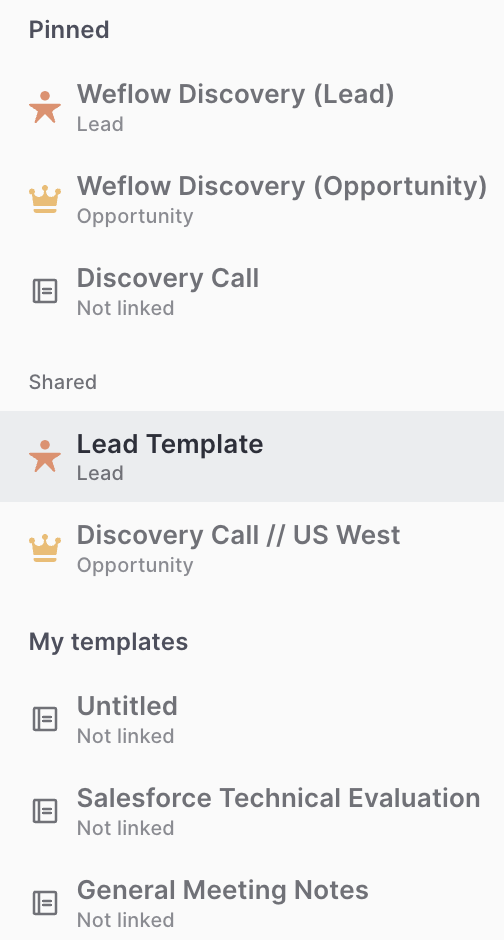
Previously, the link between a note template and a record type was not that obvious. We now added record icons into the quick selection and the template editor to change that.
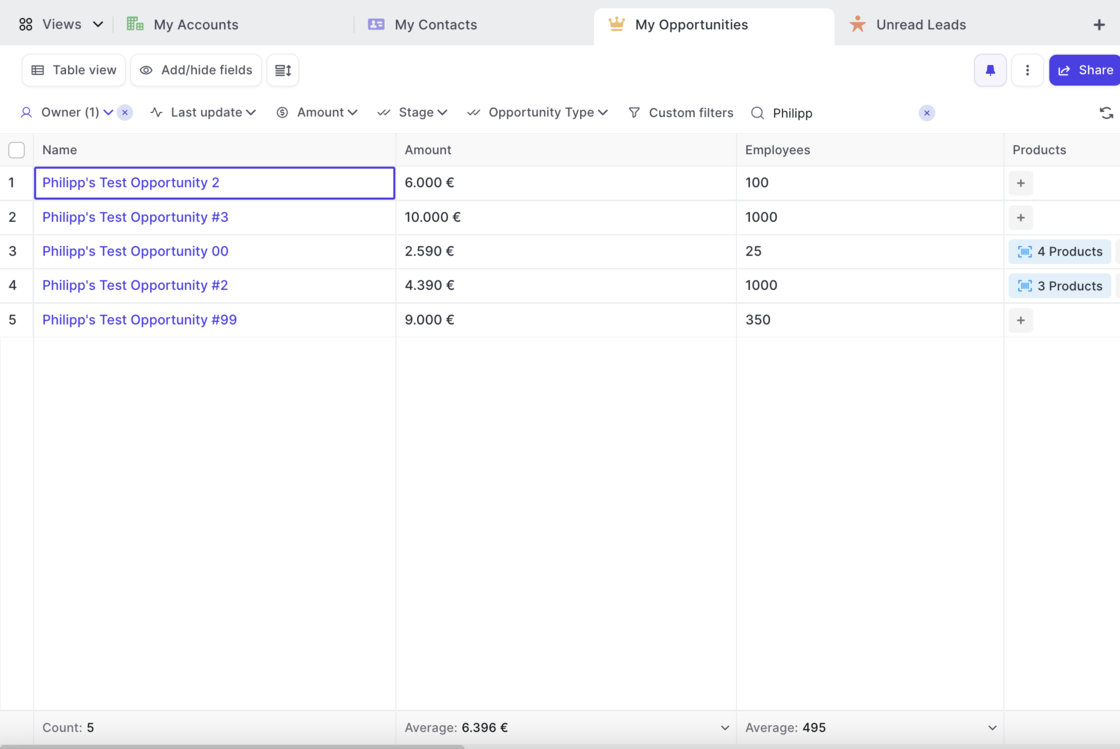
Weflow now features Opportunity Products giving you full access and editing functionality to select price books, add new products or edit existing ones.
Check this 3 minute demo and tutorial video on how to get the most out products with Weflow:
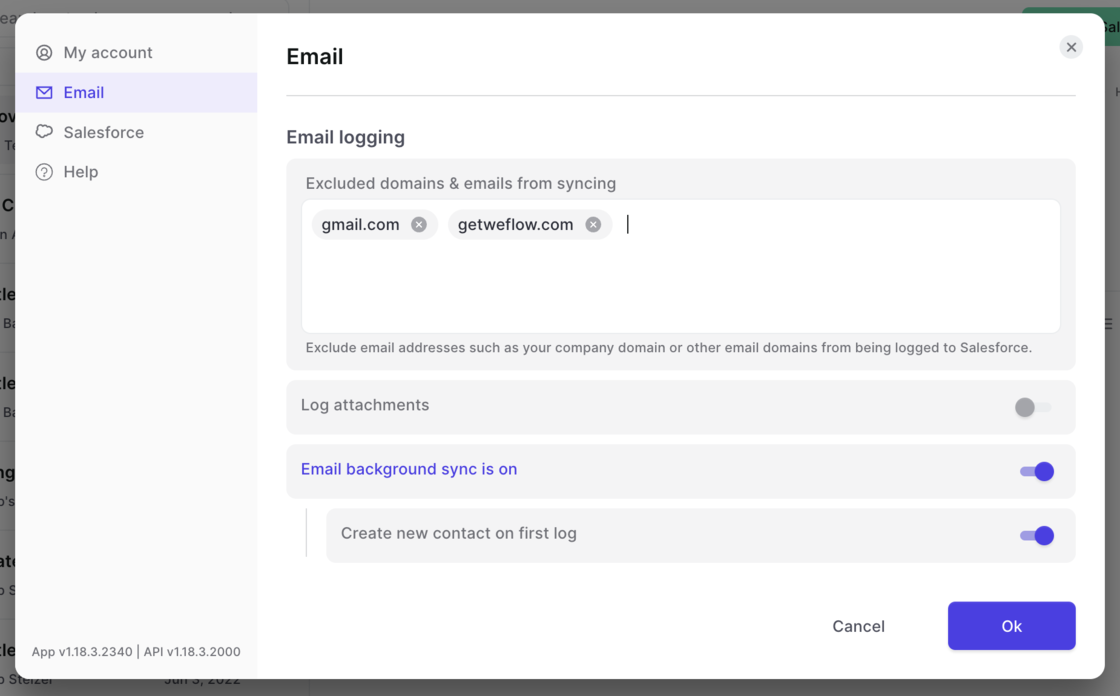
Look up your total number of API calls, manage your integrations and access information about your user profile as well as our help desk all from within t he new settings page.
You can access the settings by clicking on your account avatar and then selecting 'Settings'
Look up your total number of API calls made by Weflow that day
Manage your integrations (more on this coming soon)
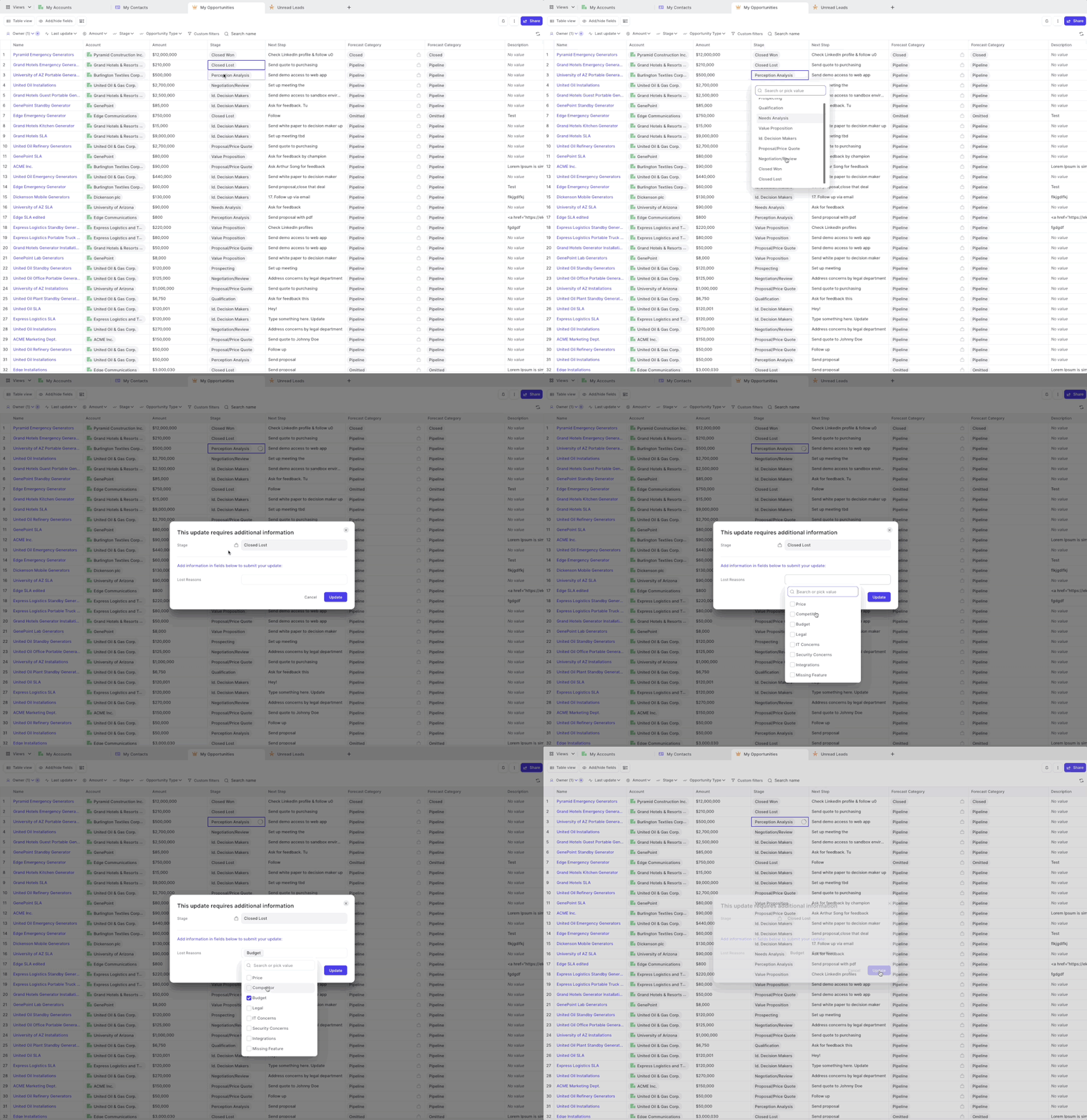
Weflow has always been respecting required fields and validation rules. However, for field dependencies, we did not show the dependent fields in all cases.
As of this week, you can now safely rely on Weflow to trigger a message to your Salesforce users, whenever they make a change to a controlling field which asks for input in dependent fields.
A popular example is changing the stage of an opportunity to "Closed/Won" and then requiring additional input in a field such as e.g. "Lost Reasons".
 weflow