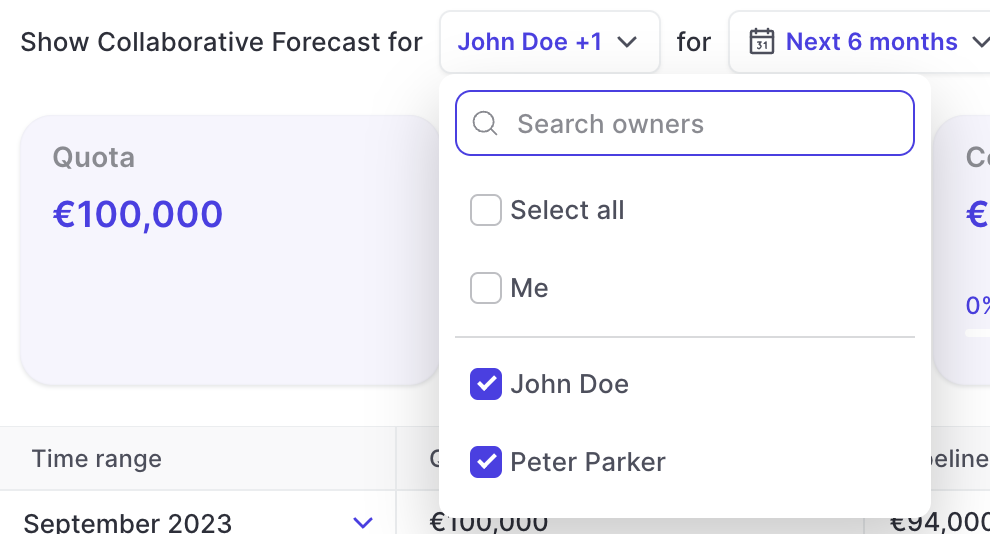
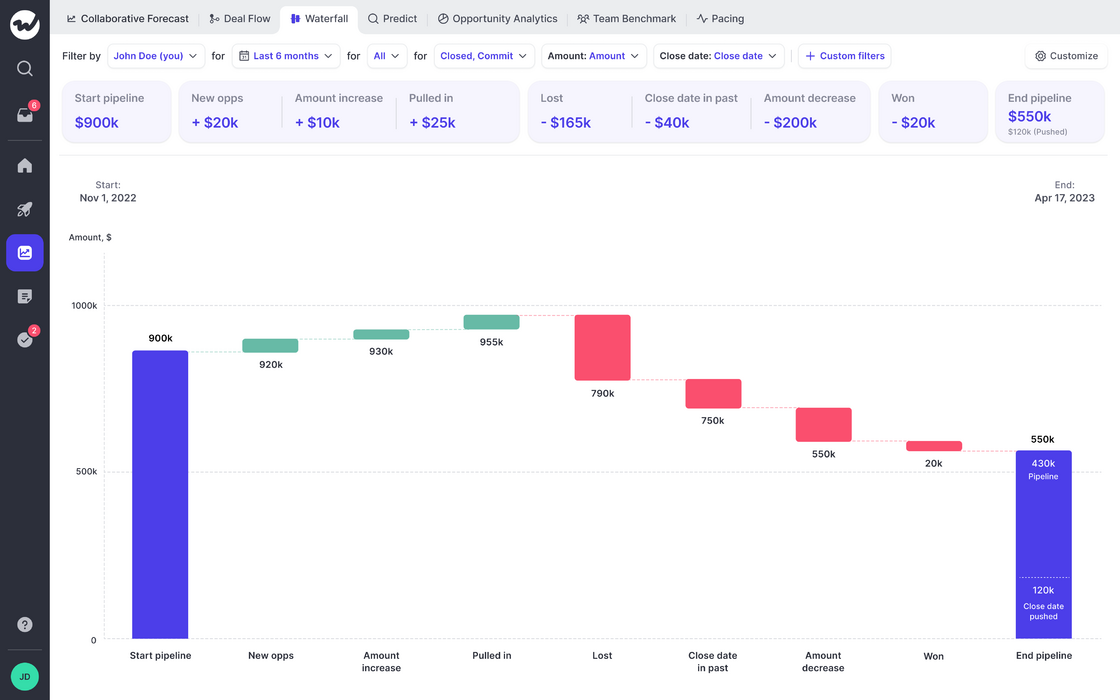
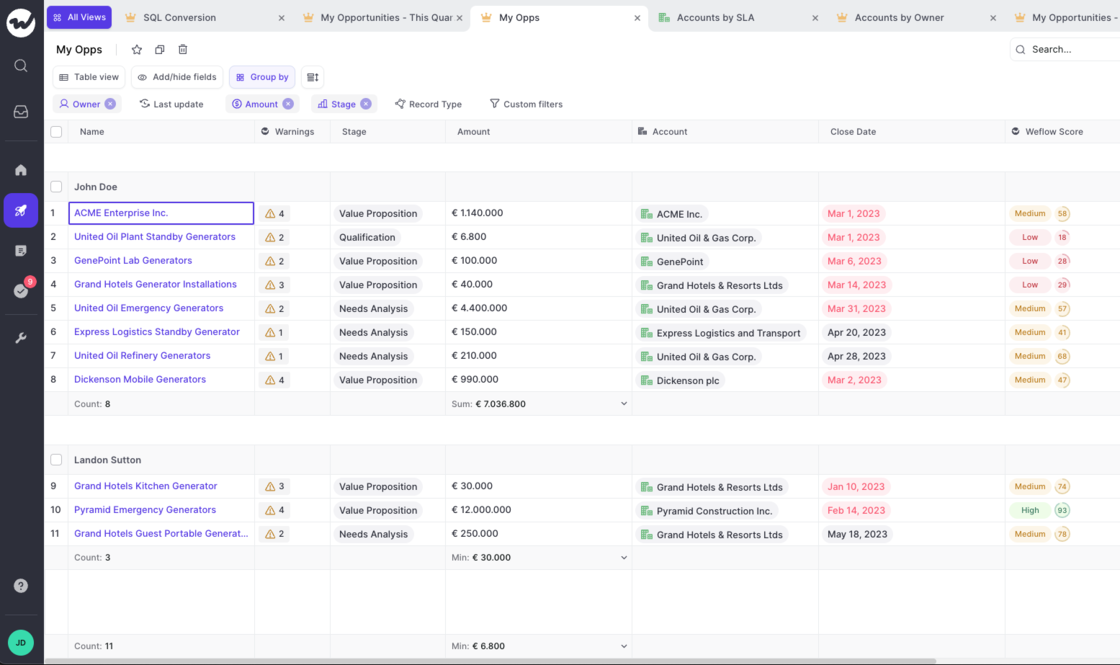
See how your pipeline developed over time. Filter by rep or entire teams.
If you have questions or feedback, please reach out to us at hello@getweflow.com or contact your customer success manager.
If you have forecasting enabled, you can now quickly learn how your pipeline developed over time
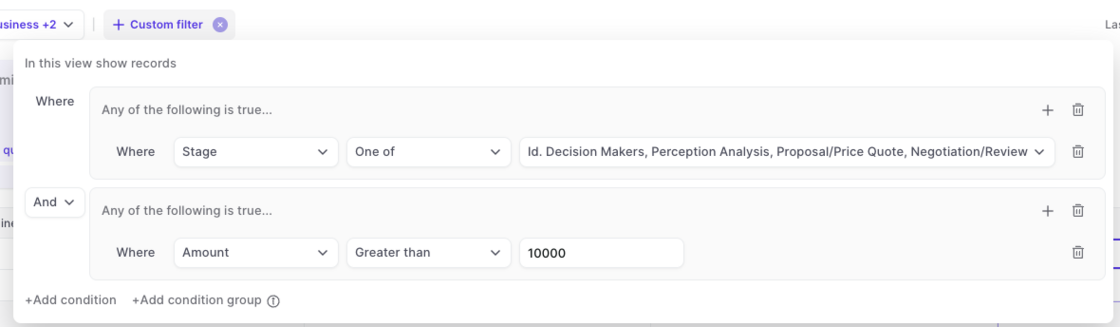
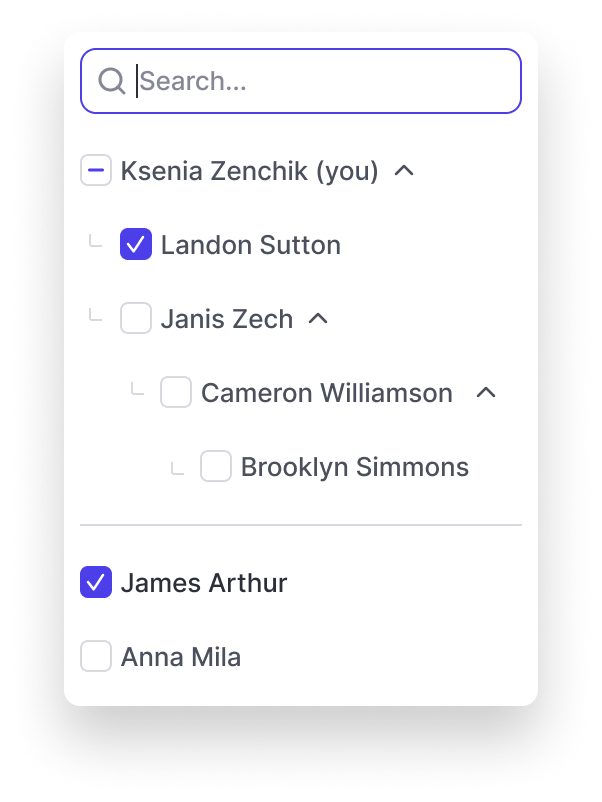
Filter by owner, record time and different time frames
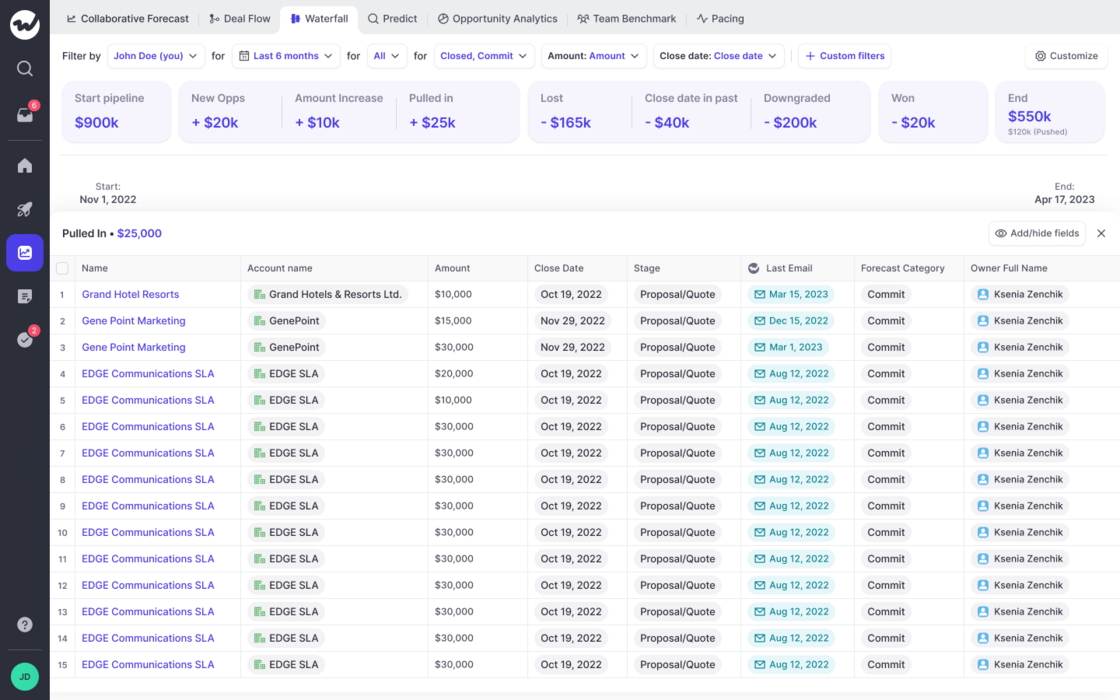
Quickly learn which opportunities relate to the different categories such as "Close date pushed out", "Amount increased", "Amount decreased" and others
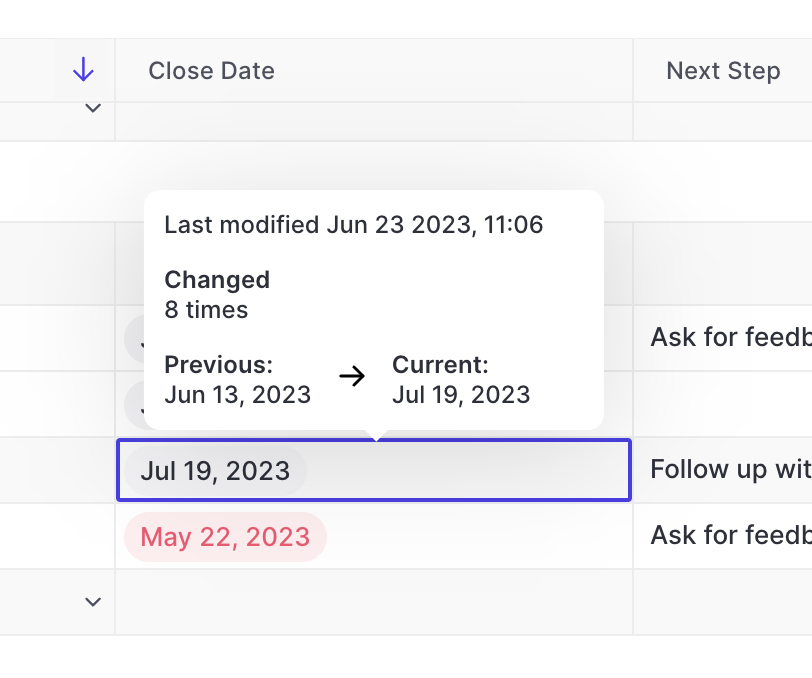
Ever wondered how often a close date has already been pushed out, or adjusted and what its previous value was? You can see all that in Weflow easily.
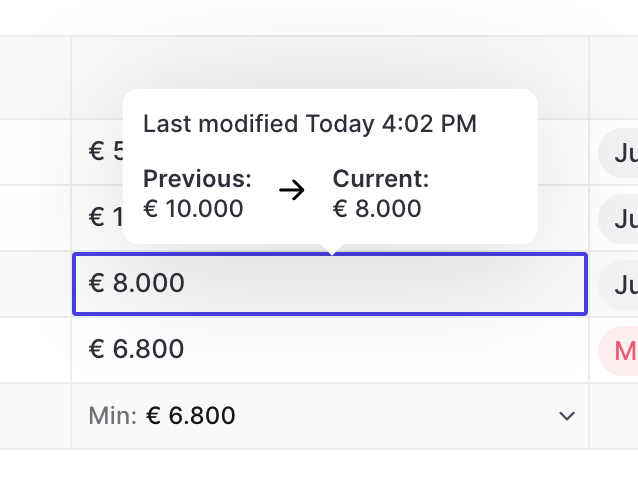
On hover, Weflow will show you the number of times a close date has been edited, the last modified time and date as well as the previous and current value
Useful during pipeline reviews and forecasting sessoins
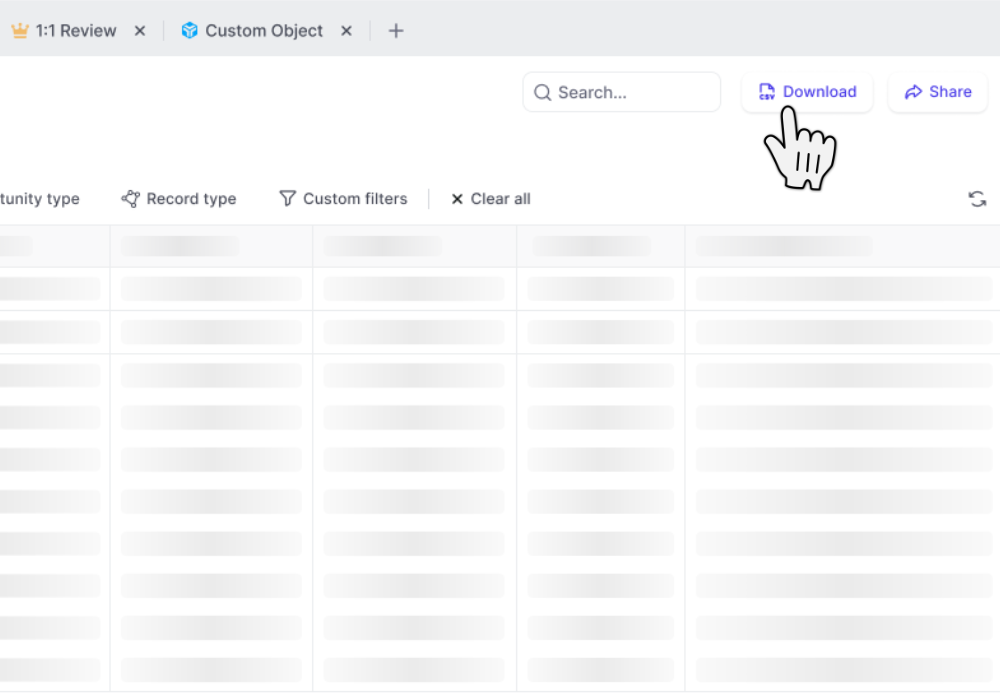
CSV files include custom Weflow Fields which you cannot utilize outside of Weflow such as "Reply Rate", "Time in Stage", "Weflow Engagement Score", and other use metrics
One of our most beloved features is the ability to let Weflow log all your emails in the background. No clicking, no worrying…it just works.
But sometimes, you want to tweak the details a bit more. Maybe there is that one email that should not get logged or that one email that absolutely needs to get into Salesforce even though typically it shouldn't. Exceptions are the norm. And Weflow let's you stay in control.
 weflow