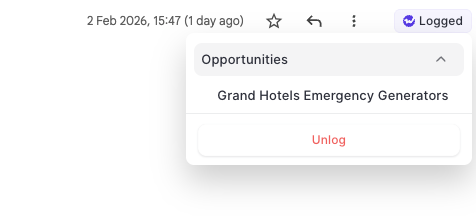
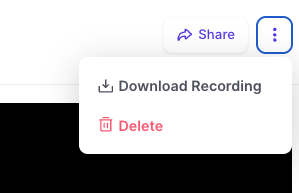
With the Outlook Add-In and Chrome Extension, users can now "unlog" email activities and re-log them to a seprate record.
As Salesforce does not allow changing the name / related record on an email message object, the unlogging feature is a unique way to change the logging behvaior on a single email message.
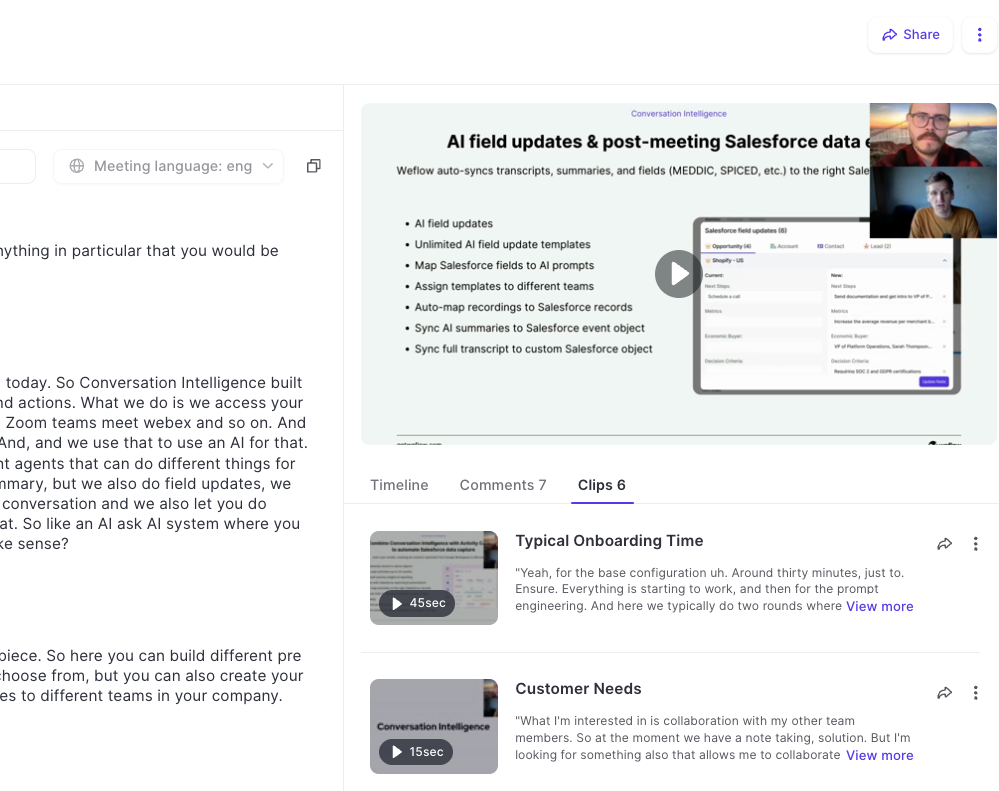
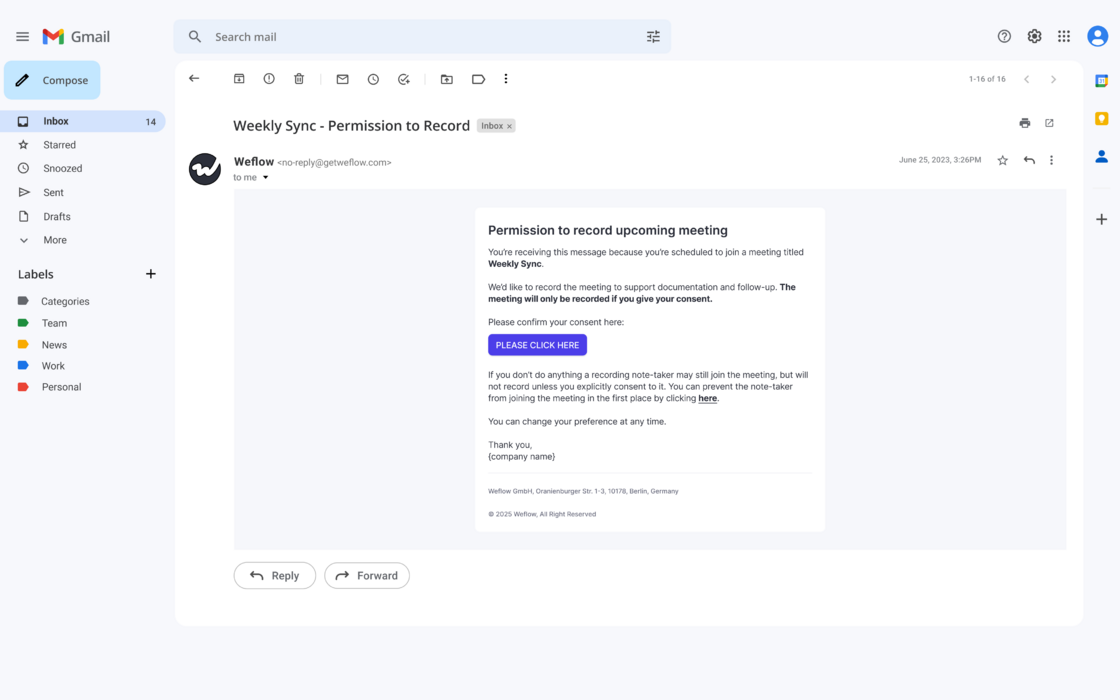
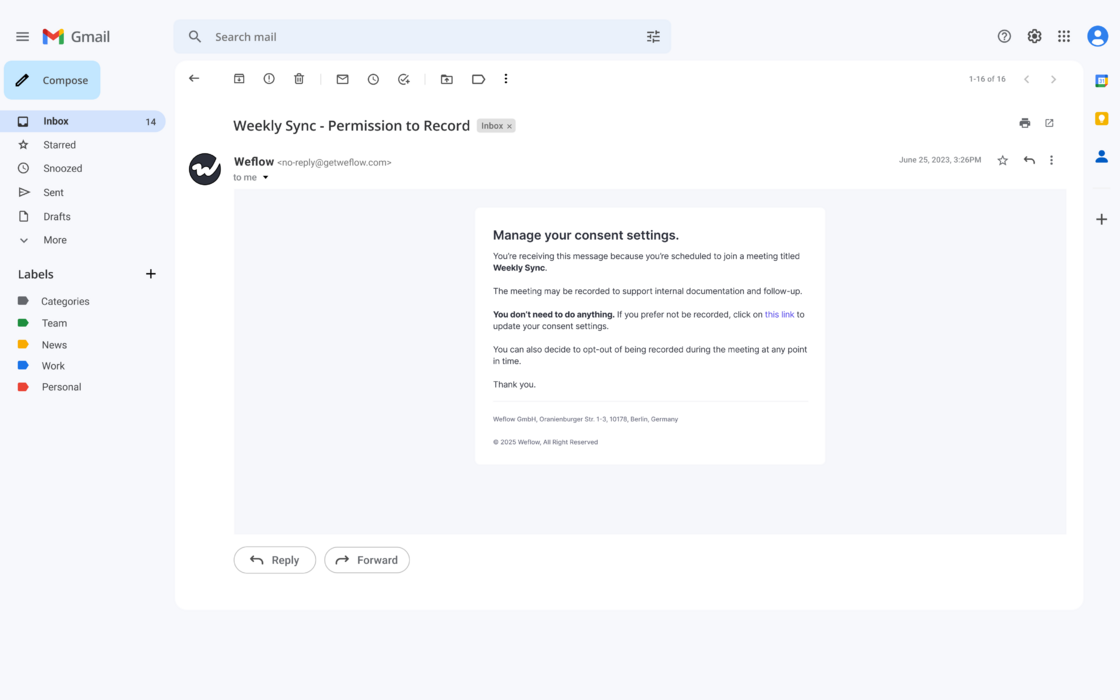
When activated, Weflow will send a message to all external participants that a notetaker is scheduled to join the meeting to record, transcribe and summarize it.
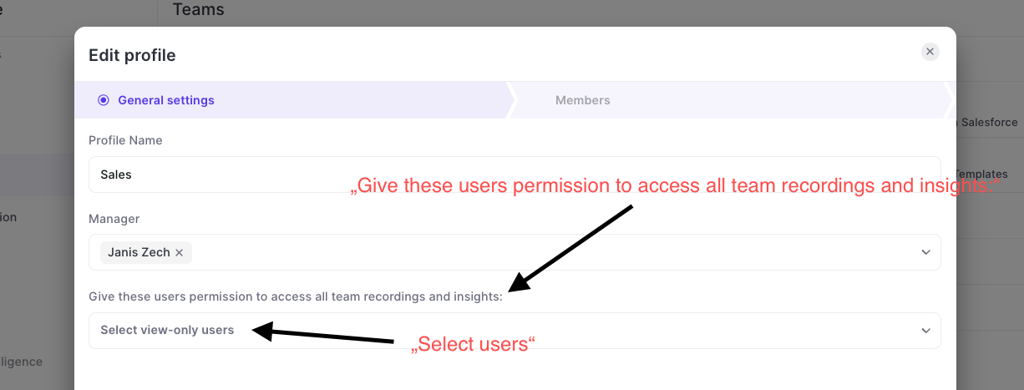
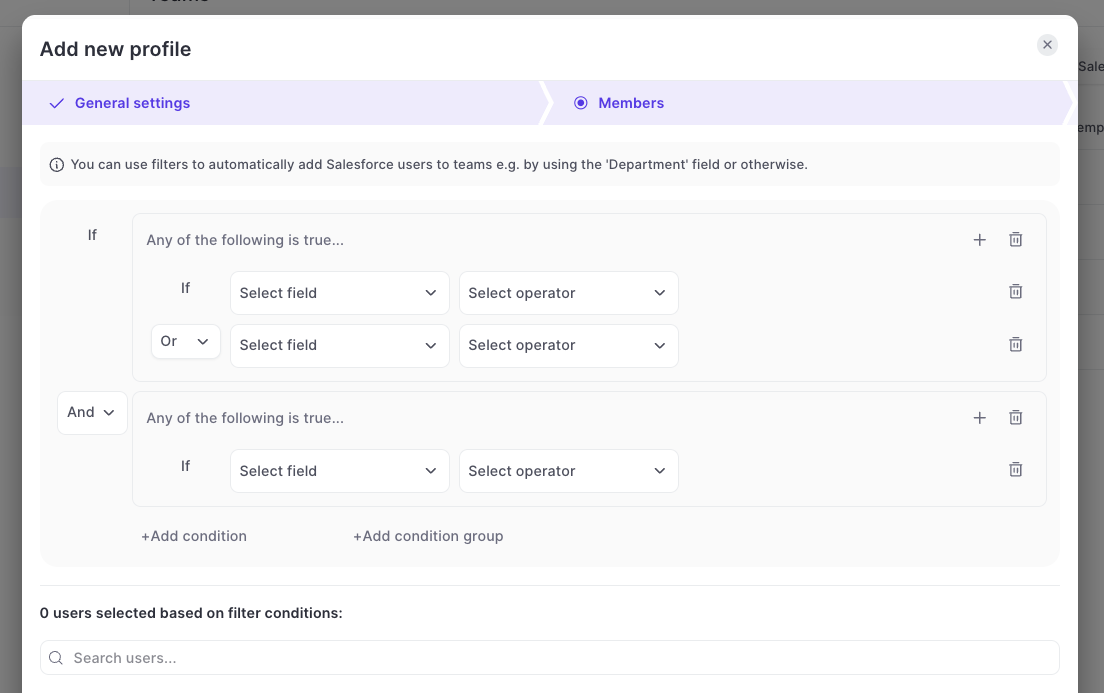
Instead of giving an entire team access to all recordings or trying to give access through complicated hierarcy systems, Weflow also let's you give access to all recordings of a team to specific individual users:
Go to "Teams"
Go to the "General settings"
Assign users in the dropdown that is called "Give these users permission to access all team recordings and inisghts"
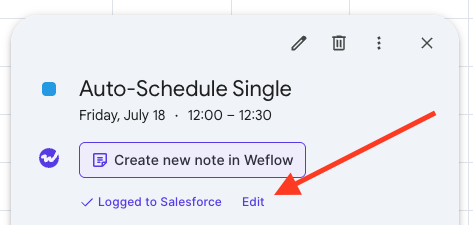
On Google Calendar, users can now edit already logged meetings via a new "Edit" button. This will open a pop-up (customizable via the admin console) to let end users edit standard and custom fields on the activity record in Salesforce directly from their Google Calendar.
Use Weflow's smart tracker to measure and capture important topics and keywords.
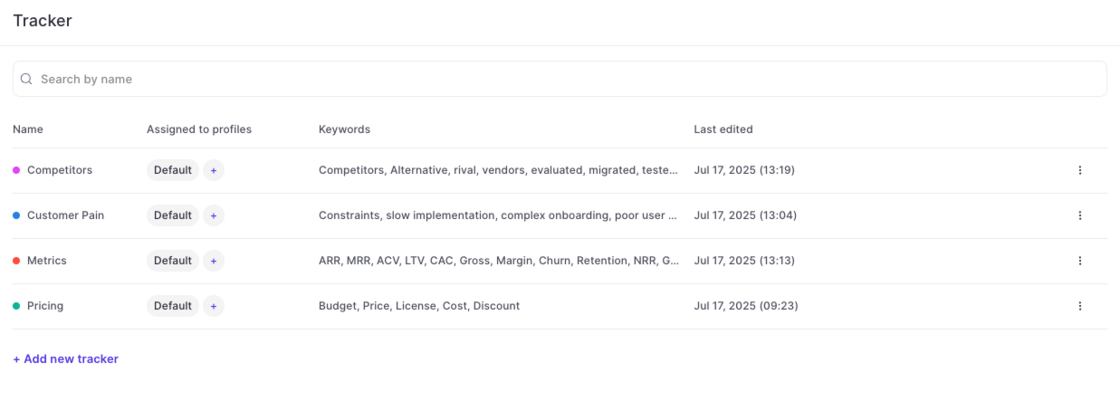
Setup in Admin Console:
Weflow automatically creates four default templates for you (pain points, metrics, pricing, decision makers). Admins can create unlimited additional templates as needed.
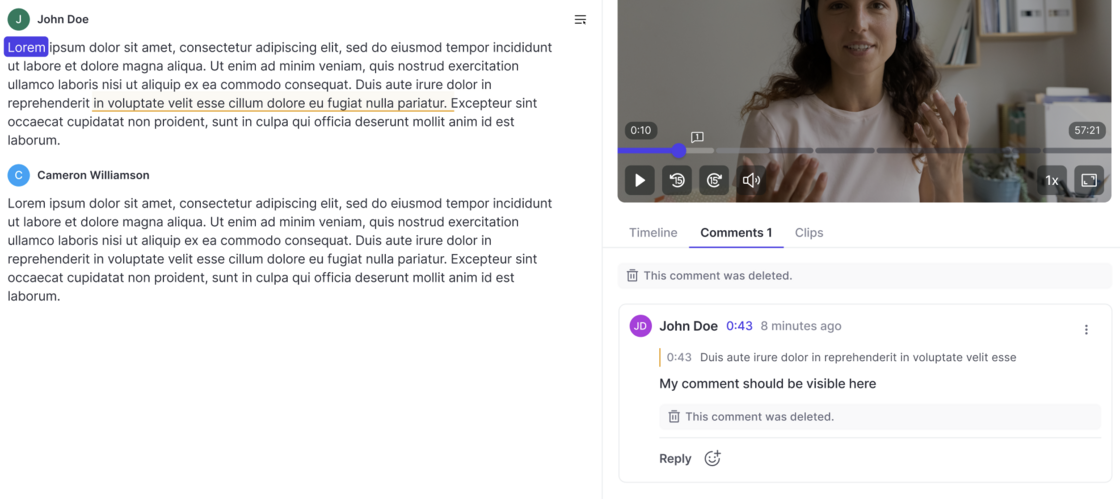
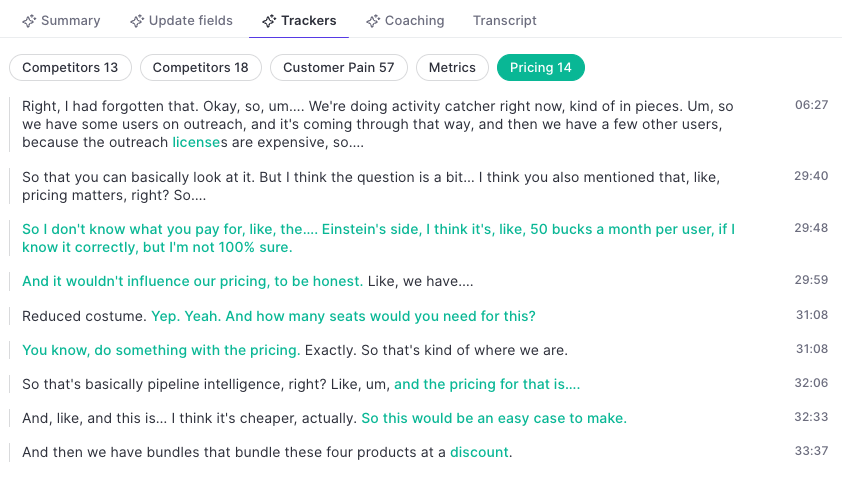
Trackers in the Transcript:
Use keywords to refine the topic tracker. Weflow's AI will pick up additional related keywords and topics automatically.
 weflow