weflow
Open in Salesforce from Pipeline/Slide-Up Views
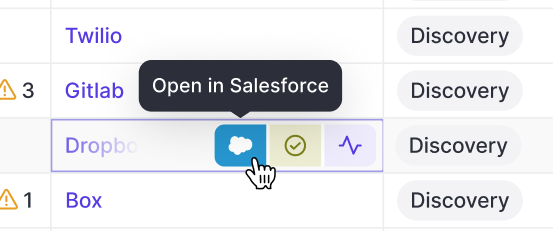
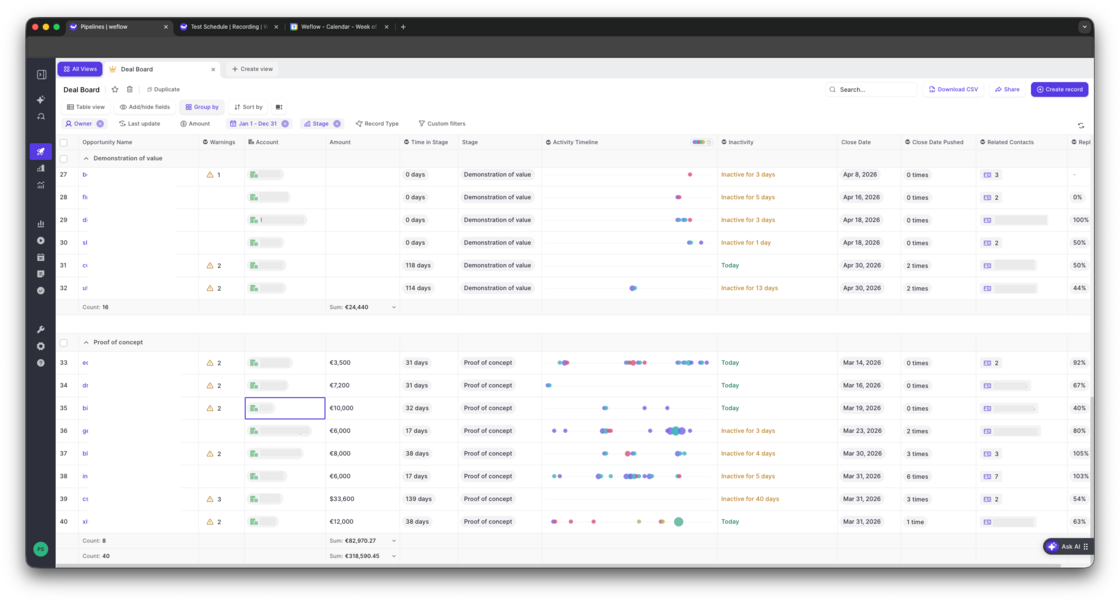
You can now open Salesforce records directly from any pipeline or slide-up view without having to open the sidebar.
67 updates shipped in 2026339 all time
Showing August 2026 and earlier · Back to latest
You can now open Salesforce records directly from any pipeline or slide-up view without having to open the sidebar.
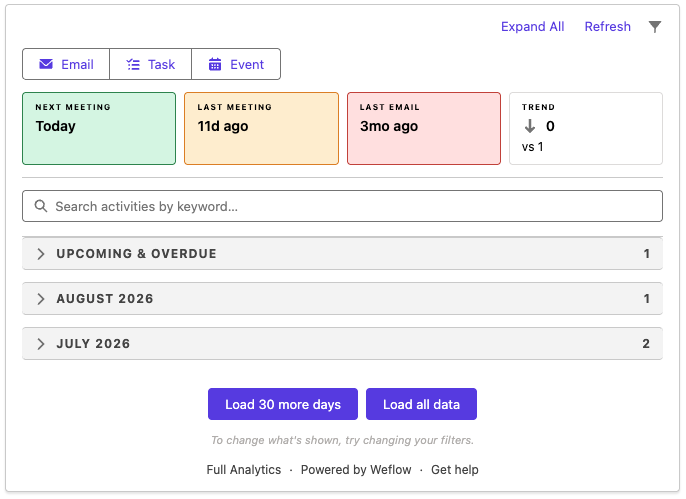
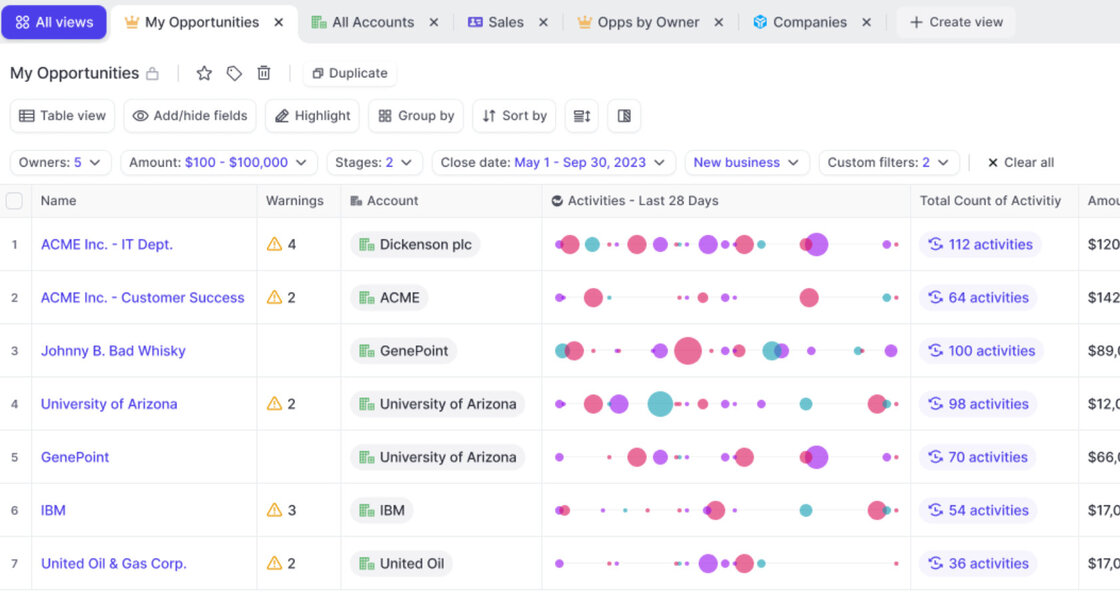
As part of Weflow's new Advanced Analytics Package, admins can now add the "Weflow Activity Timeline" as a lightning component into any page view on Salesforce.
The component will mark last/upcoming activities, filter out child events, group email messages, and generally, give you a more coherent and insightful experience of looking at activities tracked by Weflow in your CRM.
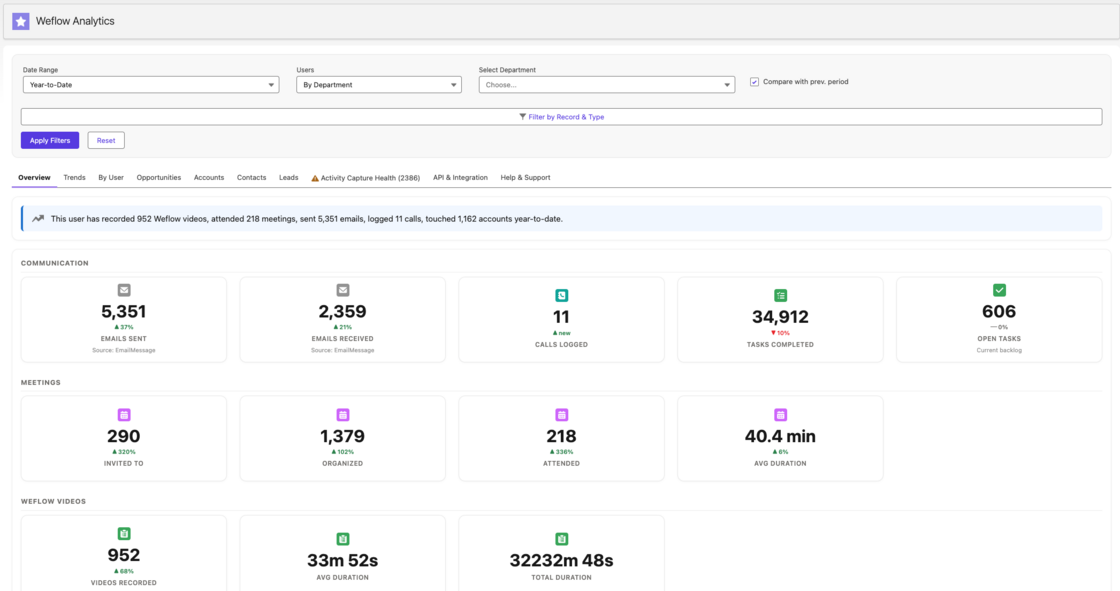
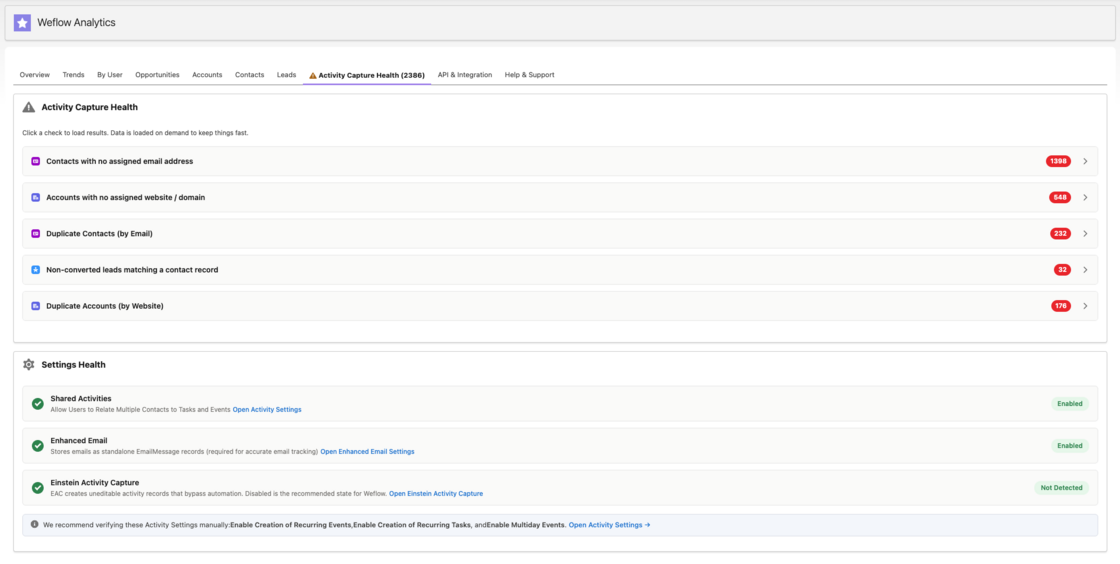
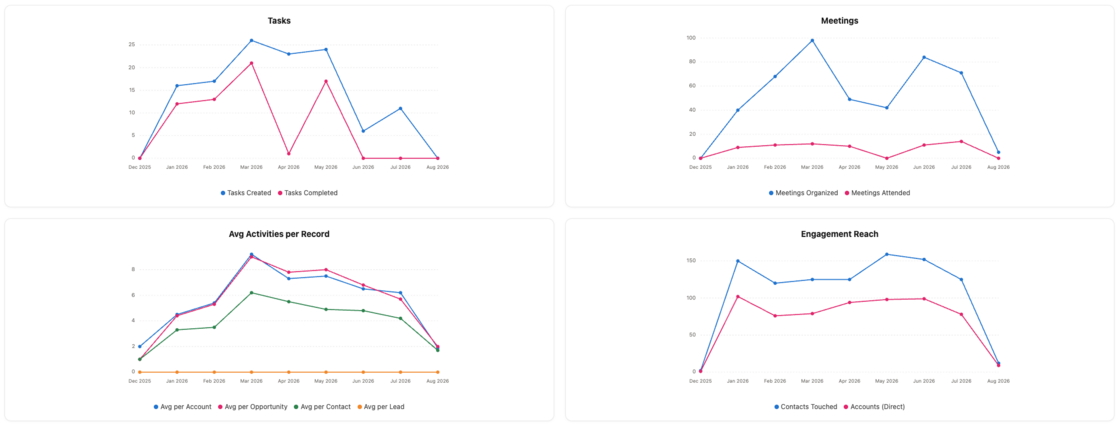
With the new "Weflow Advanced Analytics" package, you can now create powerful activity analytics directly in your Salesforce CRM (without using any API calls for reporting).
Quick overiew of activity trends company wide
Reporting on activity health issues such as duplicates
Track orphaned accounts, activities over time and more
This powerful new analytics suite gives you full ownership of reporting by user, record, time frame etc. - all natively built in Salesforce.
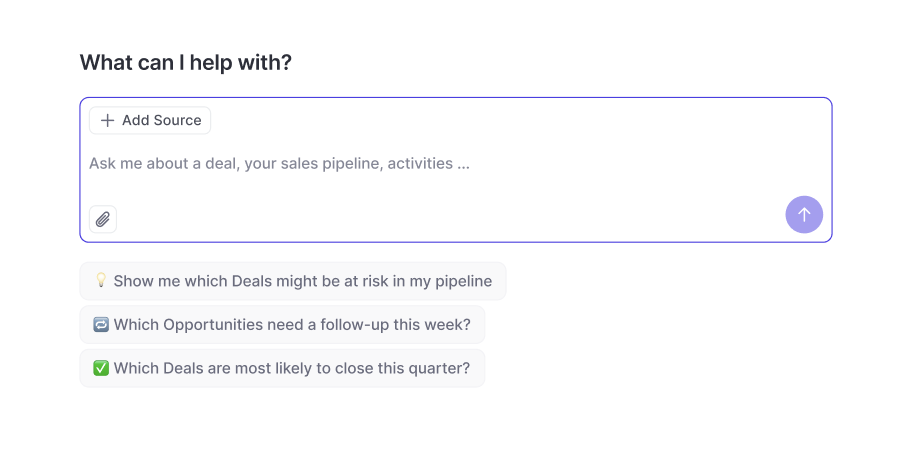
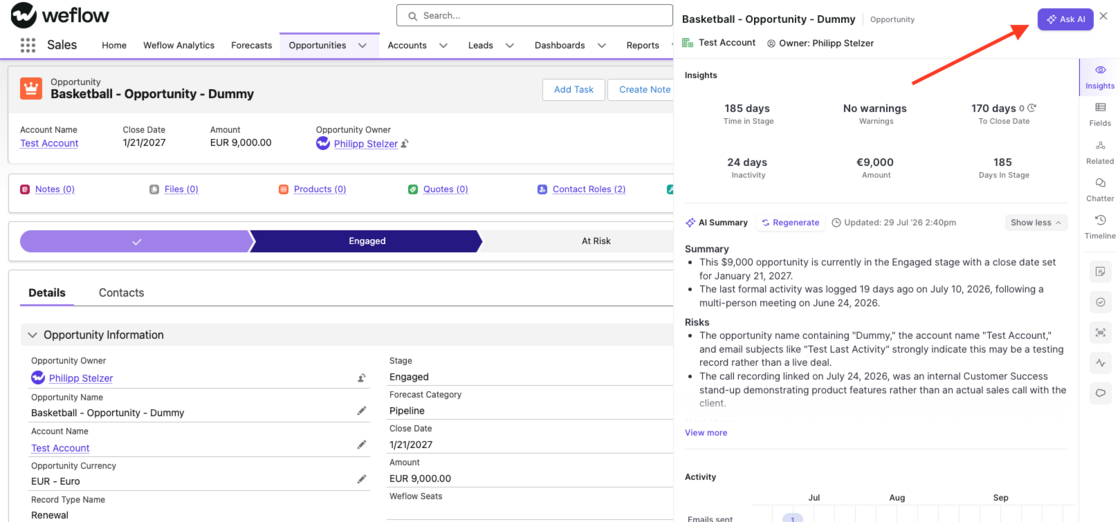
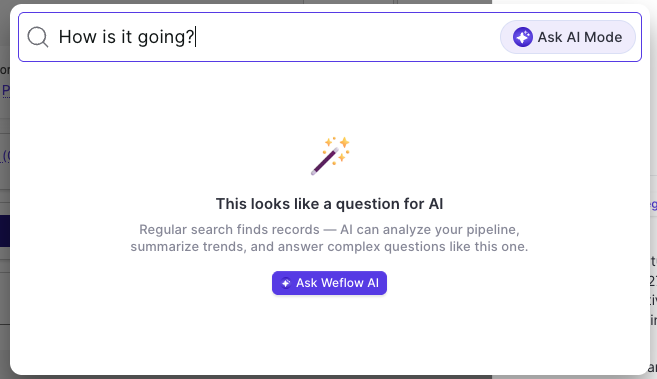
The Weflow Ask AI is now available anywhere on the web via our Chrome Extension. Simply click the "Ask AI" button when opening a record on the sidebar (e.g. via Salesforce) or enter a question into the Chrome Extension search to trigger the Ask AI mode.
This is automatically available for all users with Ask AI enabled in the Weflow admin console.
This feature is available to all customers on version 3.18 or higher.
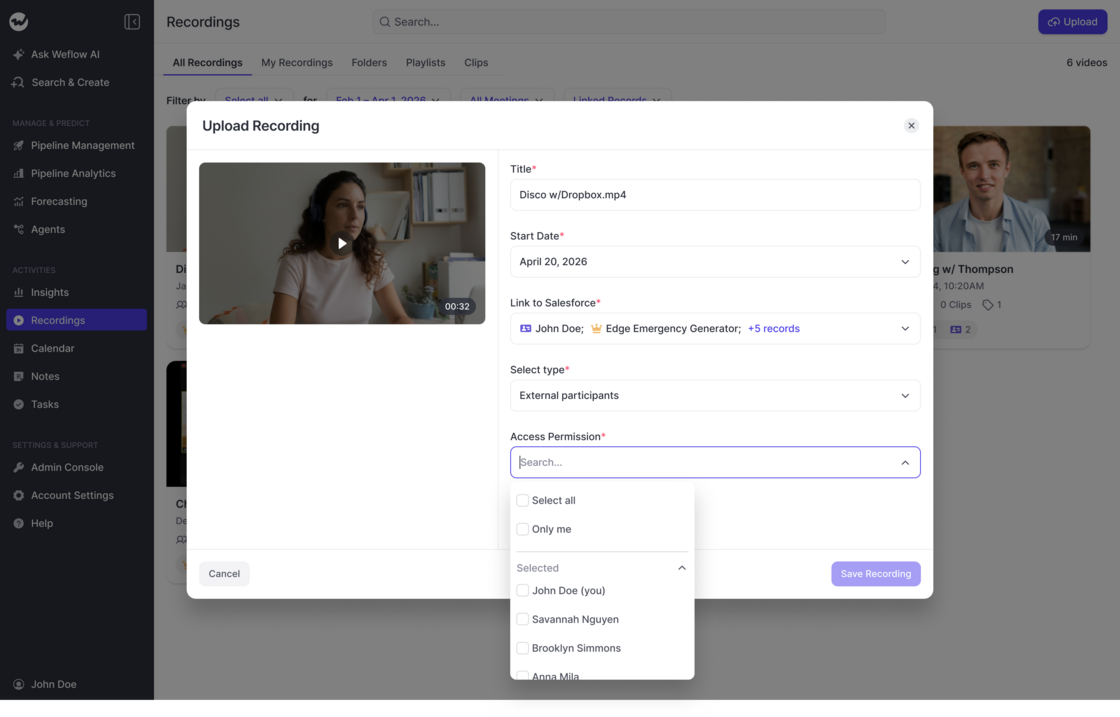
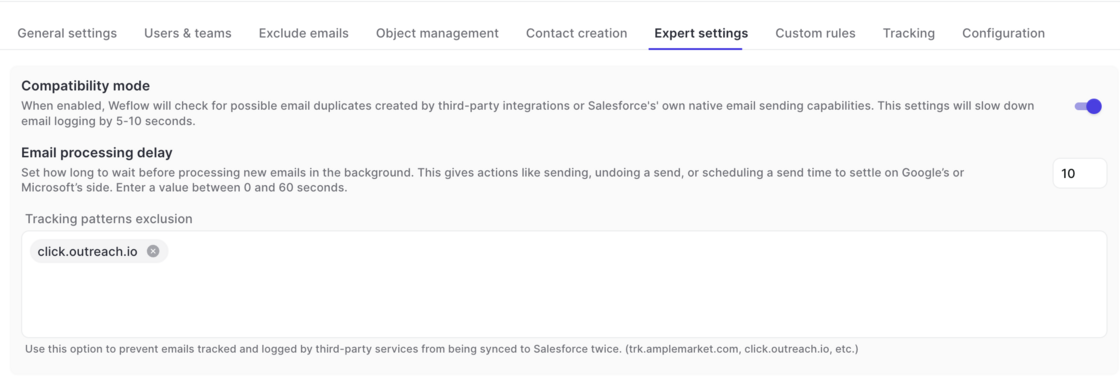
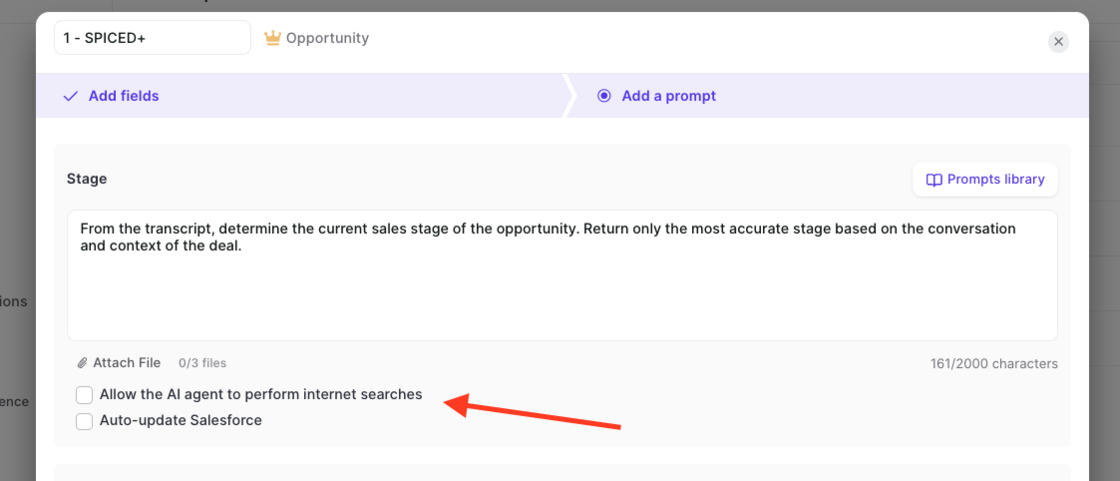
You can now control which fields users are allowed to edit in Weflow when syncing to Salesforce. By default, Weflow syncs records bi-directionally, so any change you make in Weflow updates Salesforce instantly. With this release, admins get two new ways to tighten that:
Read-only mode: Blocks all record creation and field updates from Weflow to Salesforce. Users can still create tasks, notes, events, emails, and recordings.
Field-level permissions: Allow specific fields to be edited while locking the rest. For example, you can keep Close Date editable on opportunities while setting Stage, Amount, and Owner to read-only.
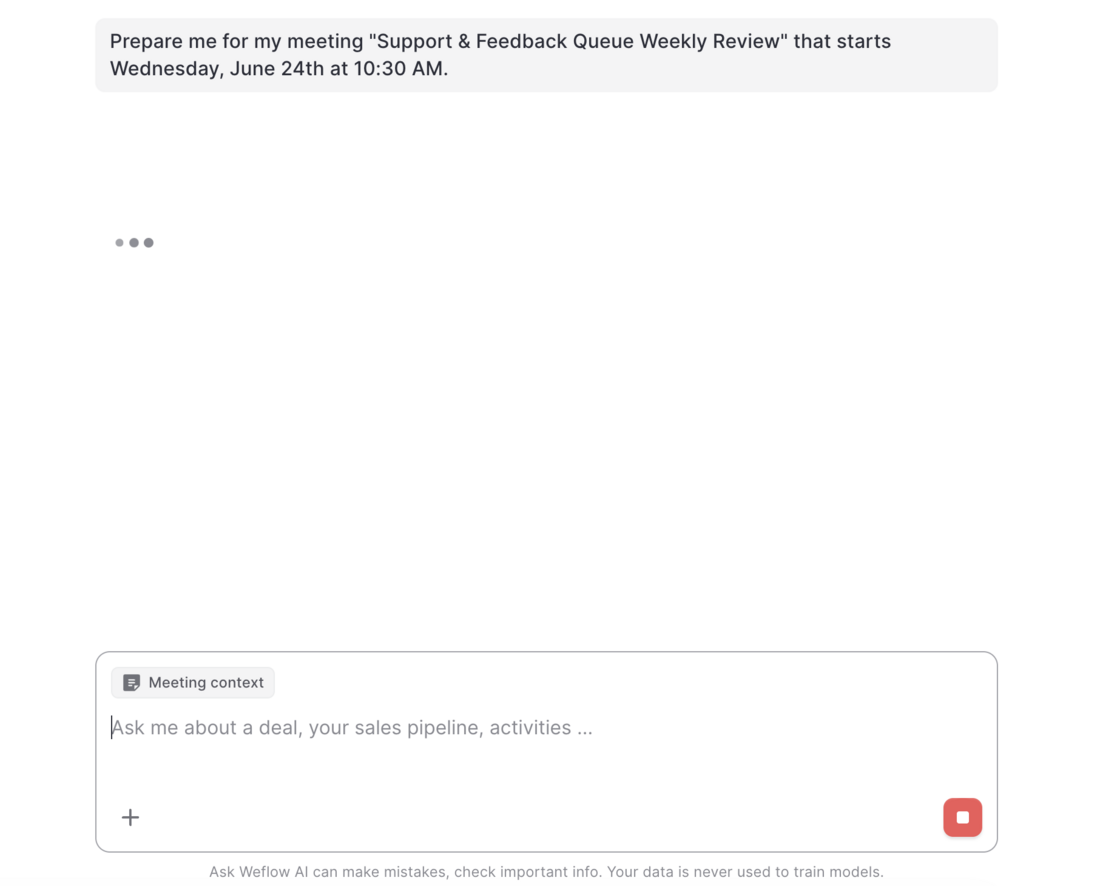
This new addition to Weflow's AskAI let's users prepare for any upcoming meeting on their calendar by clicking the "Prepare meeting" button.
When clicked on, users get forwarded to Weflow's AskAI.
The AI will retrieve any available context information e.g. emails, meetings, previous recordings and Salesforce to prepare a meeting brief 👇

Customers with access to Conversation Intelligence can now create API keys to retrieve recordings, transcripts, summaries, templates and insights.
For more information please review:
For companies who want to avoid giving Weflow the permission to modify and send emails from Google Workspace, Weflow now offers a new authentiction flow that limits Weflow to read and sync emails from Google Workspace to Salesforce only.
Contact your account manager or support to enable this feature for your organization.
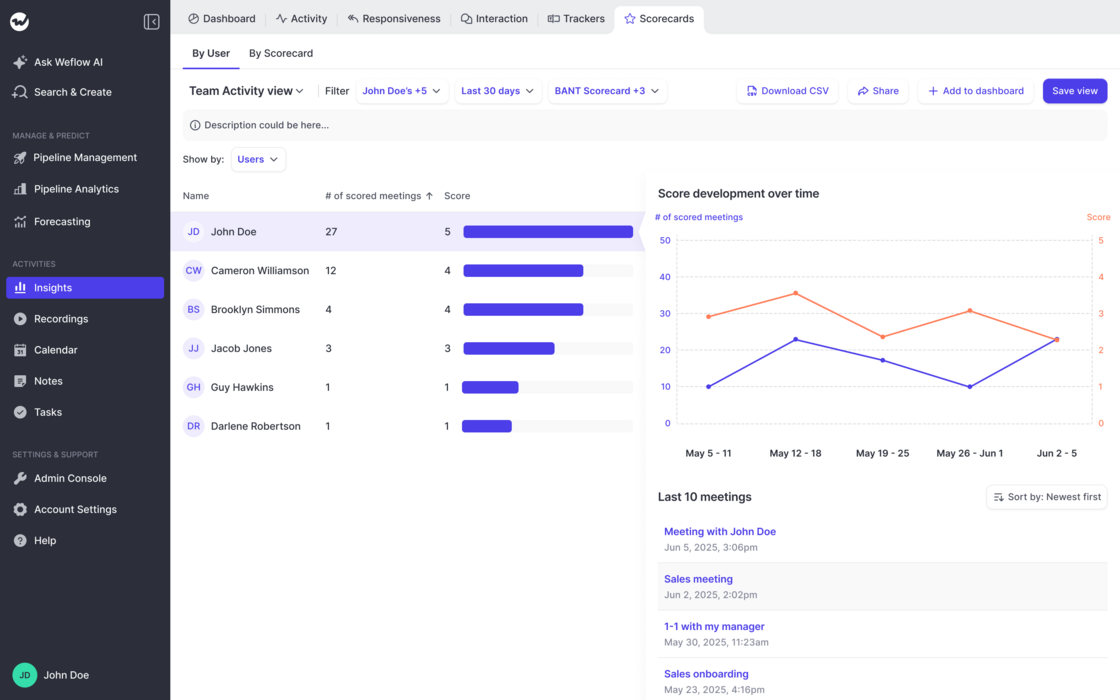
Track ratings by Users:
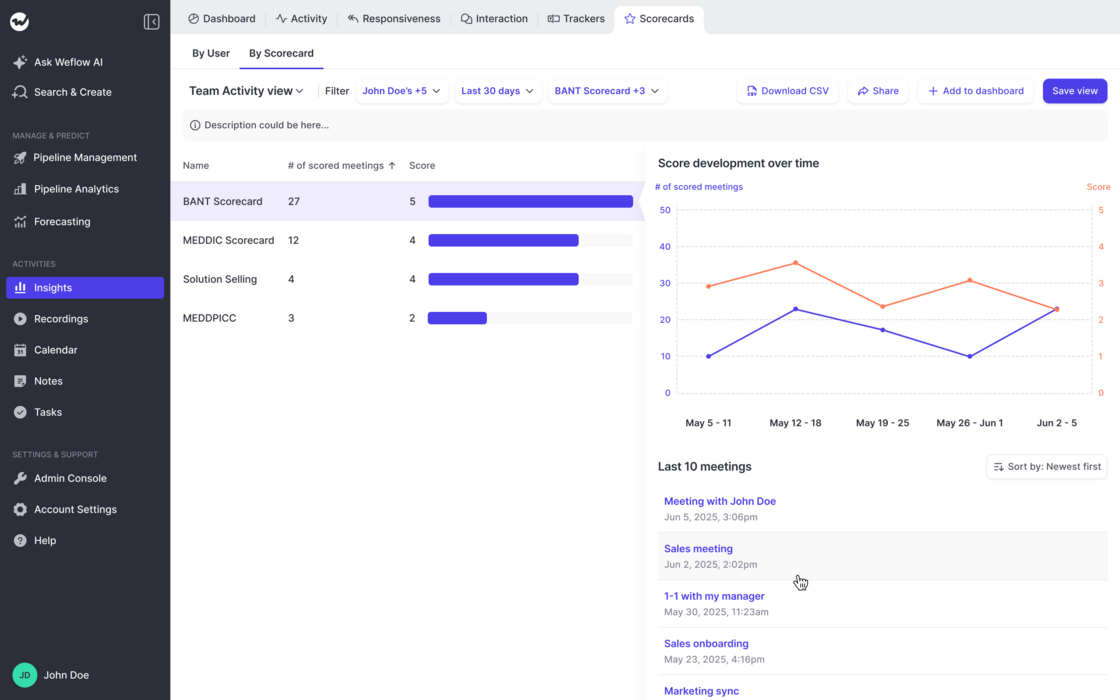
Track ratings by Scorecard:
Examples and Use Cases: