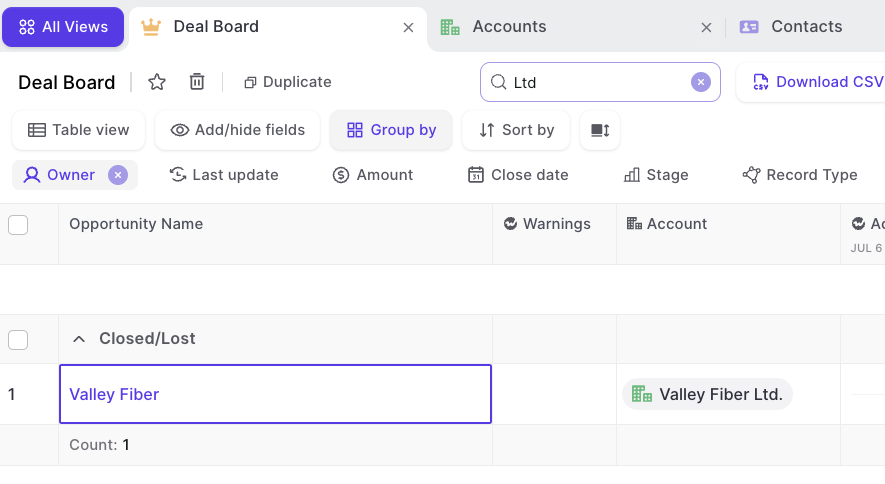
When you submit a team forecast as a manager, you can now select opportunities owned by anyone in your reporting hierarchy, all in one place. No more stepping into each rep's submission to build your call.
Opportunities from you and everyone reporting to you appear in the selection list, including the full downstream team for second line managers
Same period, forecast category and forecast type scoping as before
Your forecast total updates based on the deals you select across all owners
Your selections stay on your own submission and never change your reps' forecasts
We upgraded the speech-to-text model behind meeting recordings, so your transcripts capture what was said more accurately. Better transcripts mean more reliable summaries, notes and insights from your calls.
You can now create a clip straight from the video player by selecting a section of the recording, instead of highlighting transcript text. Pick your start and end points, name the clip, and save it.
New clip button right in the video player
Trim the exact section you want with a visual selector
Zoom in and out of the audio waveform for precise cuts
Clear prompt if your clip still needs a name before saving
The forecast roll-up view has been tidied up so you can scan numbers at a glance. Columns now have sensible default widths, so values are readable without resizing anything.
Default column widths fit values from $30,000 up to $300,000,000
Refined font sizes and weights for a calmer layout
Edit button appears only when you hover over a cell
You can now run AI Playbooks in bulk from Pipeline, instead of updating each deal one by one. Playbooks now run when you choose, so you stay in control of when results are refreshed.
New bulk action runs AI Playbooks on up to 100 records at a time
Playbooks no longer run automatically every time a new activity is logged
Refresh the page to see the latest playbook results
The timeline on a parent record now brings in activities and field updates from its child records, so you get the full picture in one place. For example, an Account timeline now includes what happened on its Opportunities and Contacts.
Works in both the web app and the Chrome extension
Includes activities and field updates from child records like Opportunities and Contacts
Child record timelines stay focused on their own activity
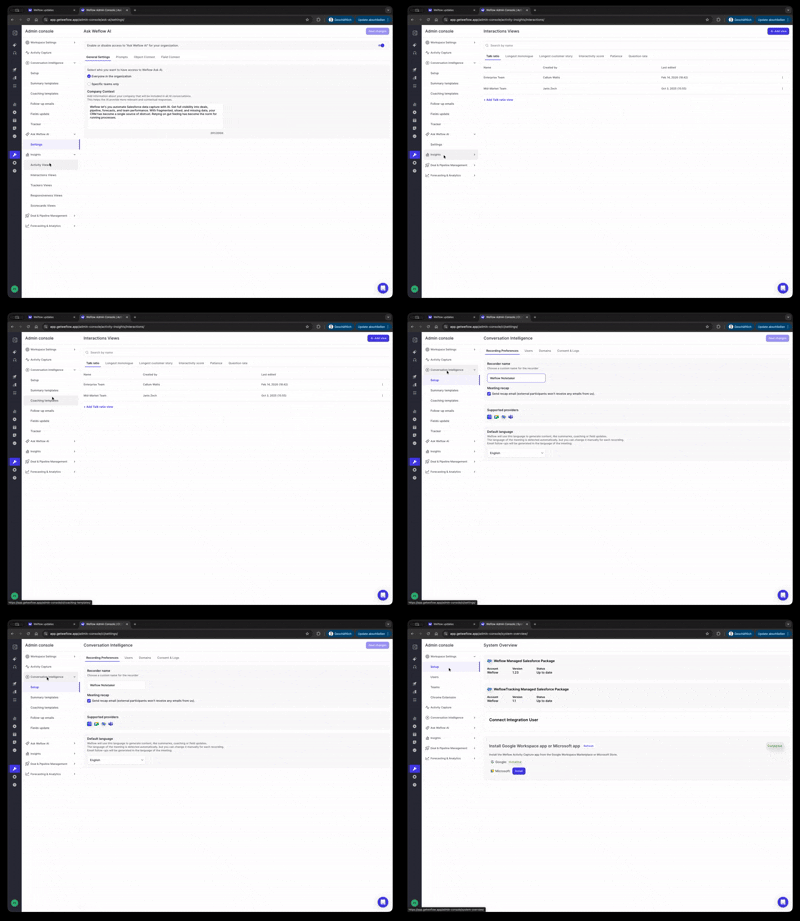
The workspace setup page is now Setup & Integrations, a clear overview of every way Weflow connects with your tools. You can configure available integrations, request ones you need, and spot broken connections at a glance.
Integrations grouped by CRM, Email & Calendar, Weflow Apps, AI, Workspace Apps, Video Conferencing and Telephony
Open any card to jump straight into its existing configuration page
Warning icons flag problems such as a broken Salesforce, Microsoft or Google Workspace connection
Request telephony and custom AI integrations, or contact us about one that is missing
To keep your meeting summaries short and easy to scan, summary templates now support up to five sections. If you already use more than five, your existing sections stay in place, but new ones can only be added once you are back within the limit.
Summary templates can include a maximum of five sections
Existing setups with more than five sections keep working as they are
Removed sections can only be replaced while staying within five
When an email, meeting or task is logged against both a contact and an opportunity, Weflow now adds that contact as an Opportunity Contact Role if one does not exist yet. This works for your existing contacts too, not just ones Weflow creates, so your buying groups stay complete without reps having to remember.
Works for emails, meetings and tasks synced to Salesforce
Primary contact is never set or changed automatically, and roles you delete manually are not recreated
Admins can choose a default role from your Contact Role picklist, or leave it blank
Settings to turn it on or off, include contacts from other accounts, and limit it to open opportunities
Gallery view now displays details beside your cards instead of overlapping them, so you can see everything at once without anything getting covered up. This layout is now the default for everyone.
Additional limitiations: Ask AI has now more refined and stricter guardrails preventing users to retrieve information they should not be able to access (even if they can via Salesforce).
Speed: Ask AI improved processing speed by 40% on avergae.
Model: Ask AI was updated to a more powerful model with increased usage bandwidth.
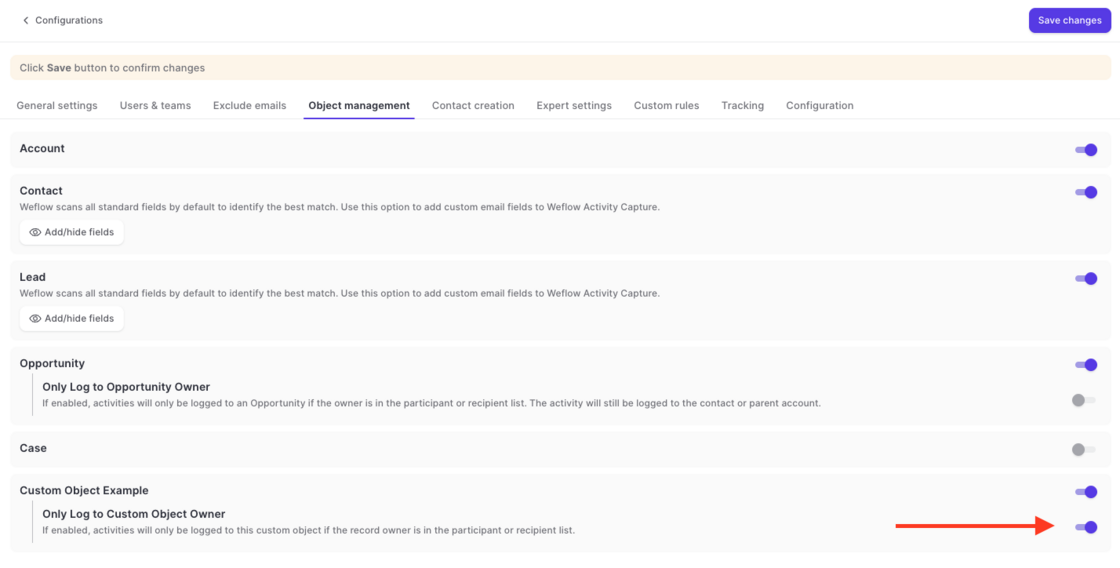
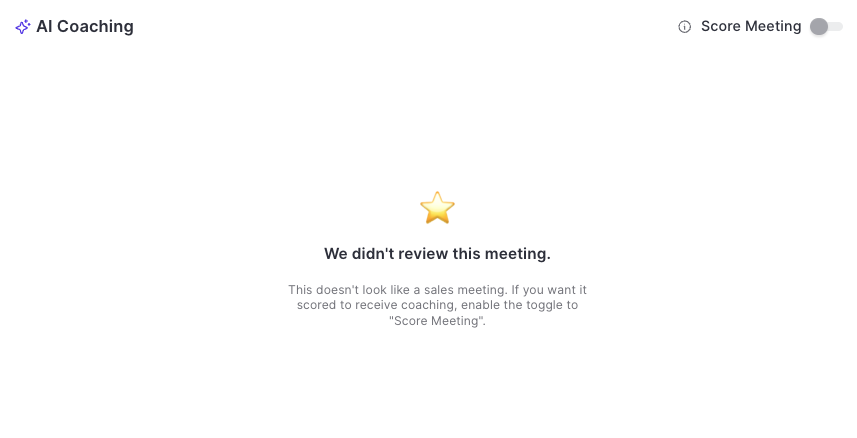
Via Admin Console > Activity Capture > Object Management, admins can now define that an email or meeting should only be logged to a custom object if the email/meeting participants include the owner of said custom object.
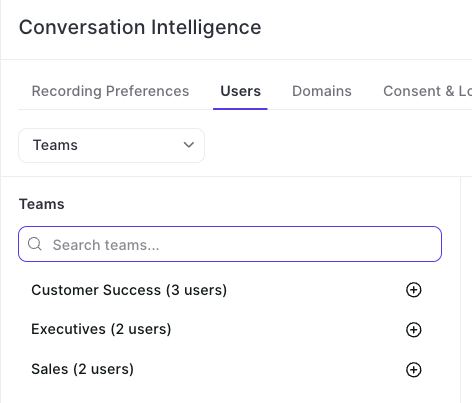
Instead of adding individual users, admins can now make use of Weflow's team feature to add groups of users dynamically (or manually) to the Conversation Intelligence configuration.
We've reduced API call and login rates by 20%, resulting in a leaner, more efficient integration that puts less load on your Salesforce org.
Our applications have been updated to align with Salesforce's most recent security requirements for the upcoming Spring '26 release, so your data stays protected and your workflows stay uninterrupted.
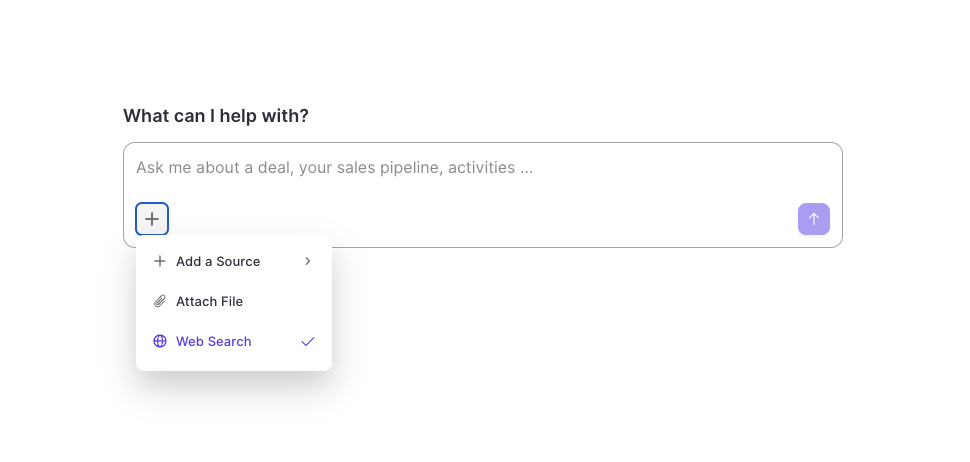
The Weflow AI has now unrestricted access to the internet.
If needed, the AI will source publicly available information to enhance its replies.
Use the web search mode to create research briefs, battle cards, follow-up emails and more.
In addition, users can now upload PDFs, images and CSV files and have them analyzed by the AI in combination with other sources e.g. emails or meeting transcripts.
 weflow