weflow
Adjust the way your notes are synced to Salesforce
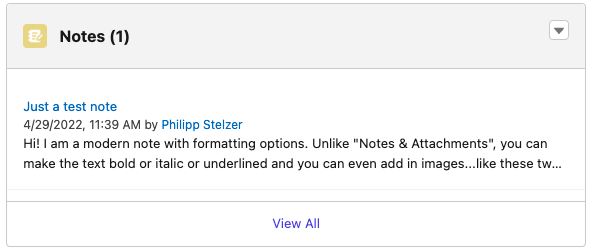
Did you know that there are different note types within Salesforce?
1) Notes & Attachments
2) Notes
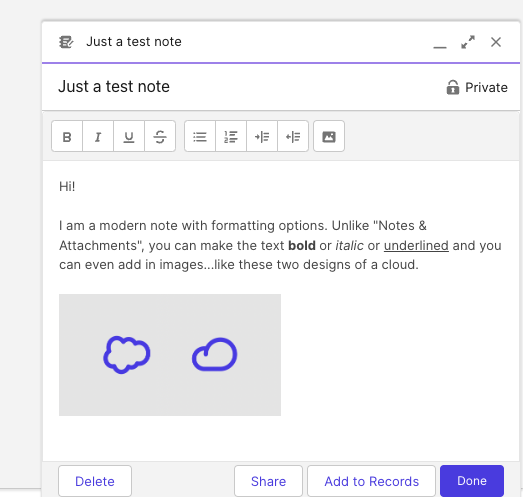
As you can see here, the newer note type features formatting options:
In Weflow, you can now choose how you want your notes to be snyced to Salesforce. Either into the "Notes & Attachment" or into "Notes" i.e. Content Notes. Of course, notes from Weflow will also appear as formatted notes if you choose the newer "Notes" type.
If you have questions about this option, please contact us at hello@getweflow.com. We are happy to assist you in setting you up for success.
- This is the "old" way to sync your notes with Salesforce
- Here, you have no formatting options within Salesforce
- This new option was introduced back in 2018
- These notes are also called "Content Notes" or contentNotes
- They offer rich formatting options including the possibility to add in images