weflow
Chrome Extension
You can now download and use Weflow's very own Chrome Extension in the official Google Chrome Extension Store here.
What can you do with it?
How does it work?
We will continue to invest heavily into the Chrome Extension. If you have feedback or ideas, let us know at hello@getweflow.com
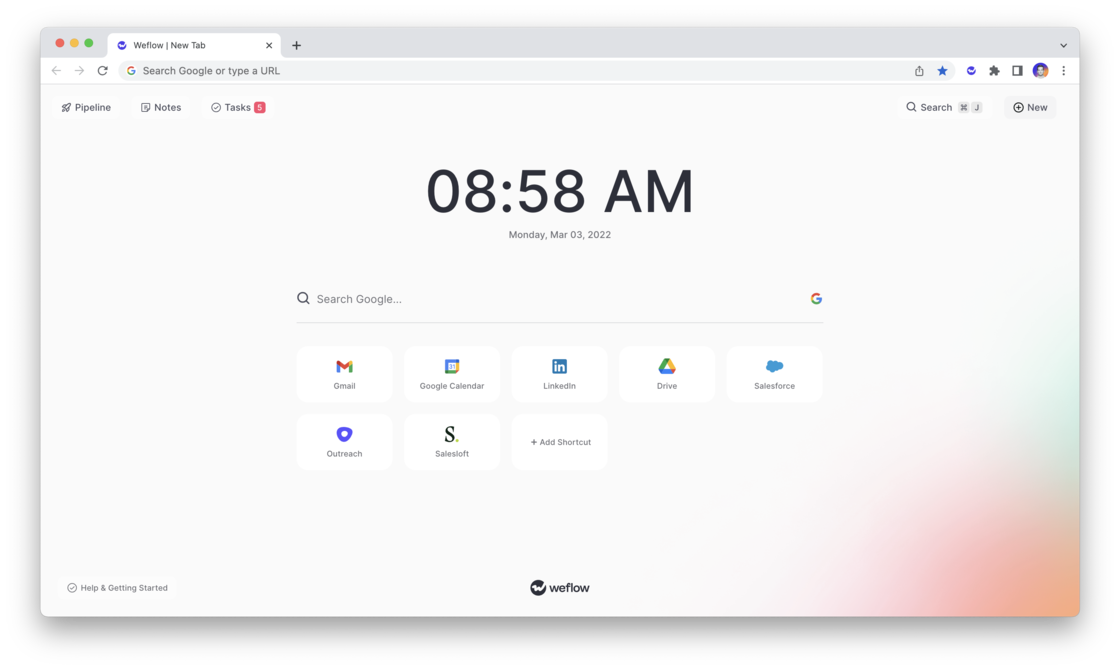
- Weflow’s free Chrome Extension, replaces your default new tab in Chrome with a powerful, yet elegant and subtle command center for Salesforce.
- Update your pipeline, create notes, manage tasks and add new records within seconds - all synced with Salesforce.
- Use the Chrome Extension on LinkedIn, Google Calendar, Gmail, Office 365 or Salesforce.com itself
- Install the Chrome extension and sign in with your Salesforce account
- Open a new tab to use Weflow’s Salesforce command center or use our shortcut (MacOS: CMD + K | Windows: ALT + J) to launch global search from LinkedIn, Salesforce, Google Workspace, Outreach or Salesloft
- View your pipeline, create notes, manage tasks and add new records within seconds
- All changes are automatically synced with Salesforce