weflow
Show active / inactive fields
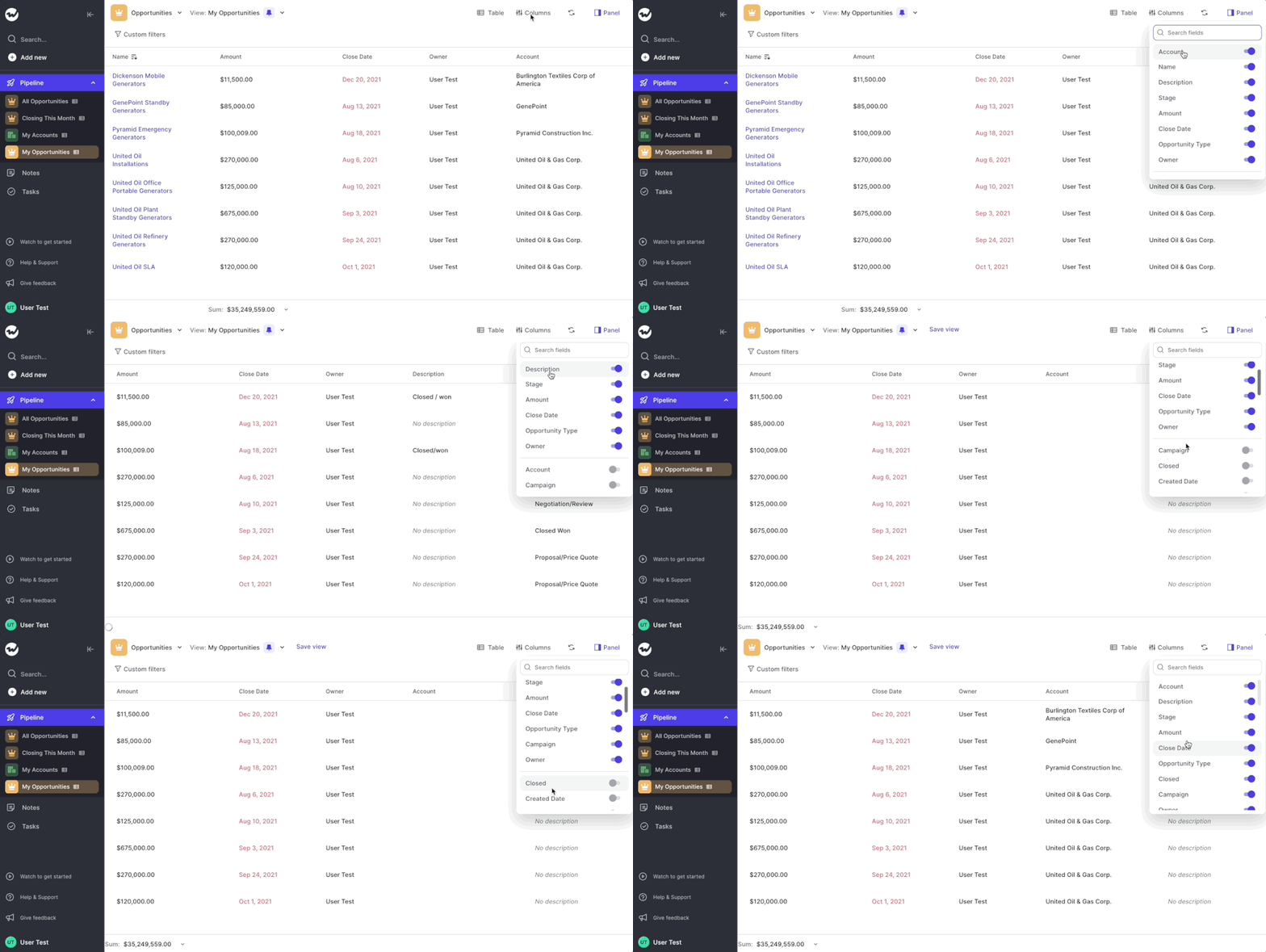
You can now see the active fields at the top when adding columns or card properties to the pipeline views
- Previously, you had to search for fields no matter if active or not
- That was confusing and added extra effort to a workflow that should be easy and fast
- Hence, we are now sorting all fields alphabetically AND show active fields at the top (always)
- You can use this new menu for Field Sets in the Panel as well as the Table and Kanban view of the pipeline as seen in this short gif