weflow
Support for Salesforce Classic
Previously, Salesforce Classic users could not open SFDC records from within Weflow. From now on, Weflow supports both Salesforce Classic and Salesforce Lightning URLs.
67 updates shipped in 2026339 all time
Showing January 2023 and earlier · Back to latest
Previously, Salesforce Classic users could not open SFDC records from within Weflow. From now on, Weflow supports both Salesforce Classic and Salesforce Lightning URLs.
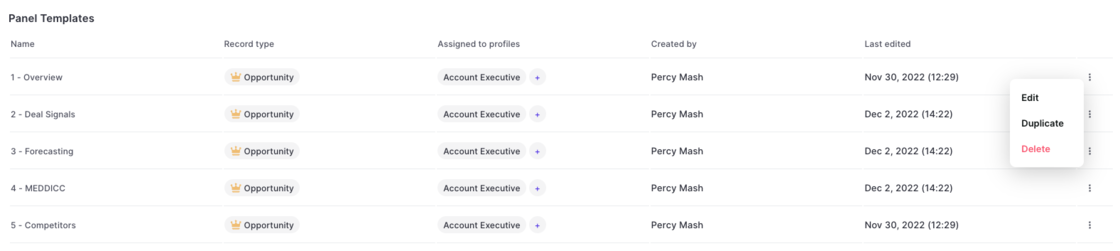
Please note: Duplicated templates need to be assigned to a profile before coming into effect.
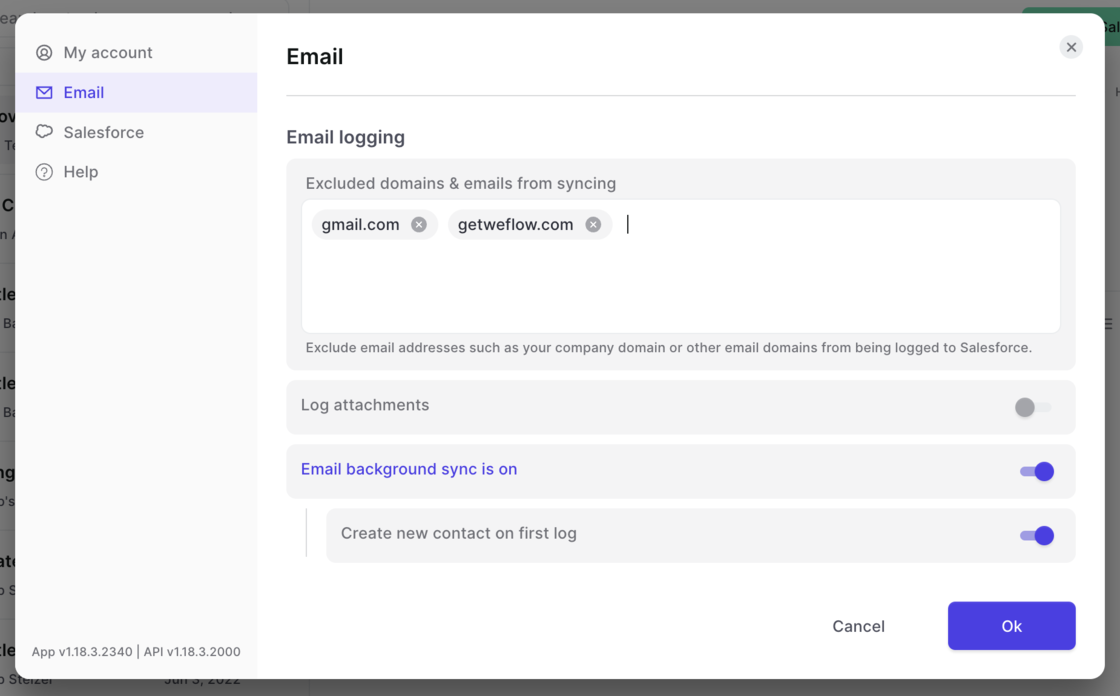
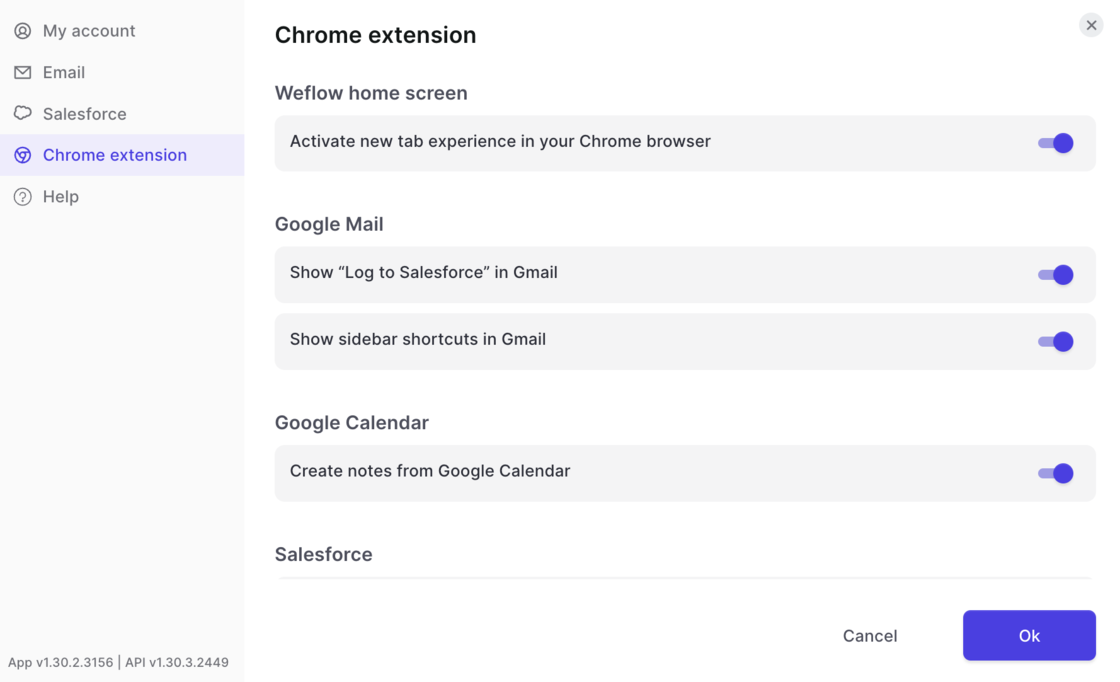
Tweak the Weflow Chrome Extension as you need it:
You are in control!
Your new one-stop shop to manage Weflow is here.
Here are some of the things you can do with the new console:
Please note: If you have no access to the admin console but require one, contact our support at hello@getweflow.com or reply to this email.
If we can save you a click or two, we'll consider an investment well worth our time.
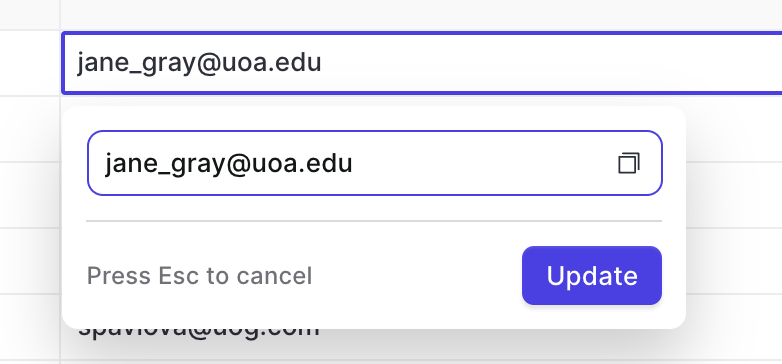
Hence, you can now copy values from fields with the copy button. This works for all text, email, and number fields.
Now, you can access opportunities and contacts by adding the "Related Opportunities" and "Related Contacts" field to your pipeline and panel views.
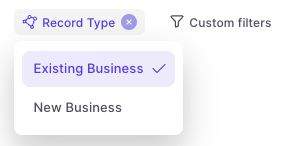
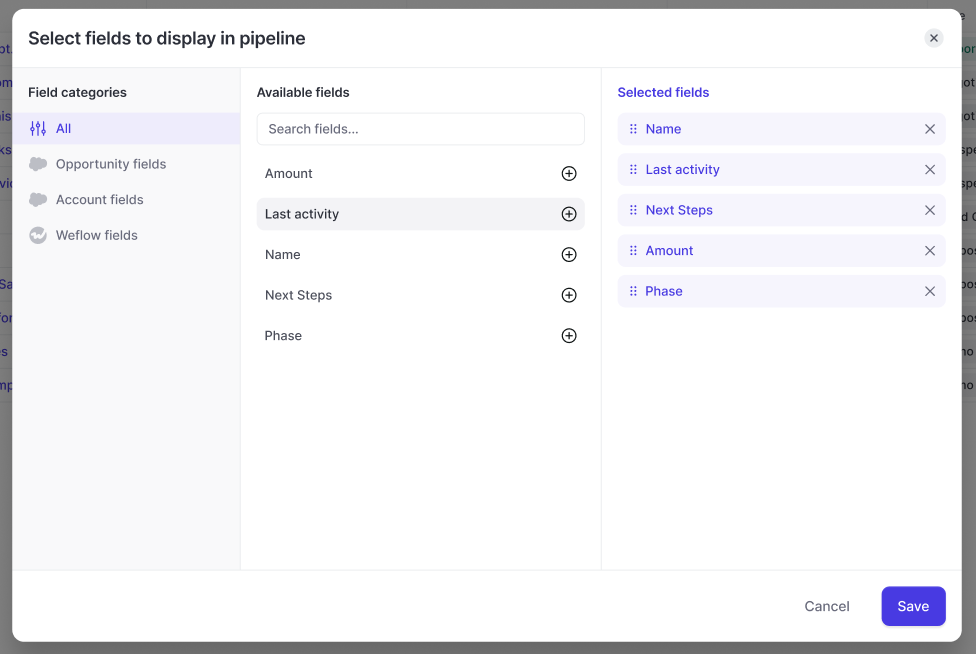
With this updated design, users can now filter by field type. In addition, it is now possible to combine account and opportunity fields within an opportunity pipeline view.
There are a lot of hidden insights in your Salesforce CRM. Some are so well hidden, that sales reps sometimes wonder why they even make the effort to add all this data.
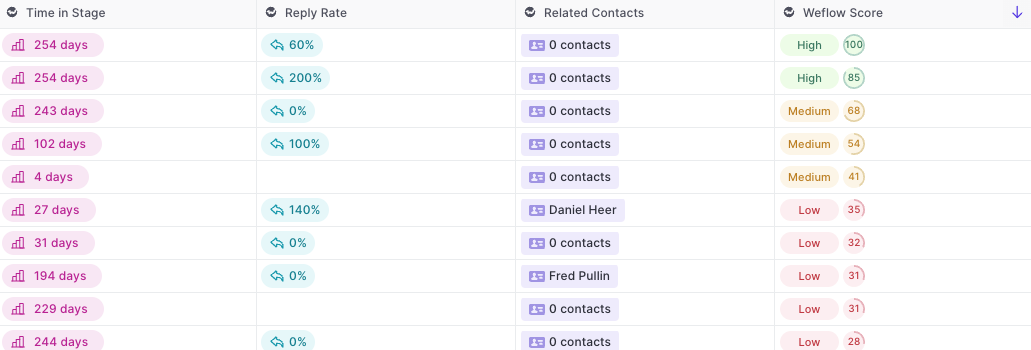
Weflow fields automatically calculate useful insights for you and surface them in your pipeline and panel.
Example of Weflow fields:
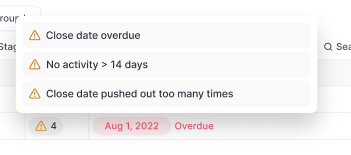
Warning summary field:
You can add all Weflow fields via the Add/Hide button in the pipeline or panel.

A completely new pipeline experience with Weflow's group by feature 😊
Install our Chrome Extension to quickly access your pipeline, notes and tasks directly from the Google Workspace.
Please note, that this will work with every possible Gmail layout however the experience may vary depending on your settings

You can now edit activity details via the Weflow note pad. In addition, you can also connect notes to existing activities which have already been logged in Salesforce previously.
To edit activity details via the note pad:
With more and more customers in the USA and Canada, we are continuously investing into speeding up our infrastructure.
Now, users in North America should experience a significant uptick in loading times when using our web app or Chrome Extension.
Wouldn't it be nice if you could simply copy an entire Weflow note into a Slack channel or an email and keep all that formatting? Well, now you can.
Weflow not auto-detects URLs in your notes and let's you access the website with just one click.

Weflow let's you connect notes to activities already residing within your Salesforce CRM.

When installing the Weflow Chrome Extension, you'll get an entirely new "new tab" experience that is optimized for revenue teams with a fast access to your pipeline, notes and tasks.
With the latest Weflow update, you can now choose whether you want to keep the new tab or switch it off. In the past, deactivating the "new tab" experience, deactivated the entire Chrome Extension. Now, you can choose what works best for you.
Please note: We heavily recommend to keep the "new tab" experience alive and running as we constantly push new updates and improvements.