 weflow
Support for Salesforce Classic
Previously, Salesforce Classic users could not open SFDC records from within Weflow. From now on, Weflow supports both Salesforce Classic and Salesforce Lightning URLs.
67 updates shipped in 2026339 all time
Showing January 2023 and earlier · Back to latest
Previously, Salesforce Classic users could not open SFDC records from within Weflow. From now on, Weflow supports both Salesforce Classic and Salesforce Lightning URLs.
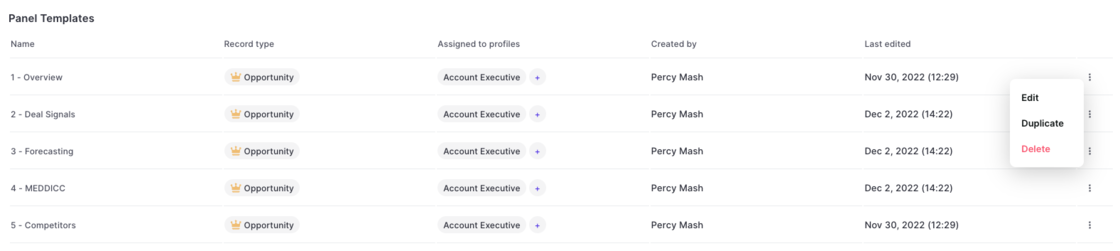
Please note: Duplicated templates need to be assigned to a profile before coming into effect.
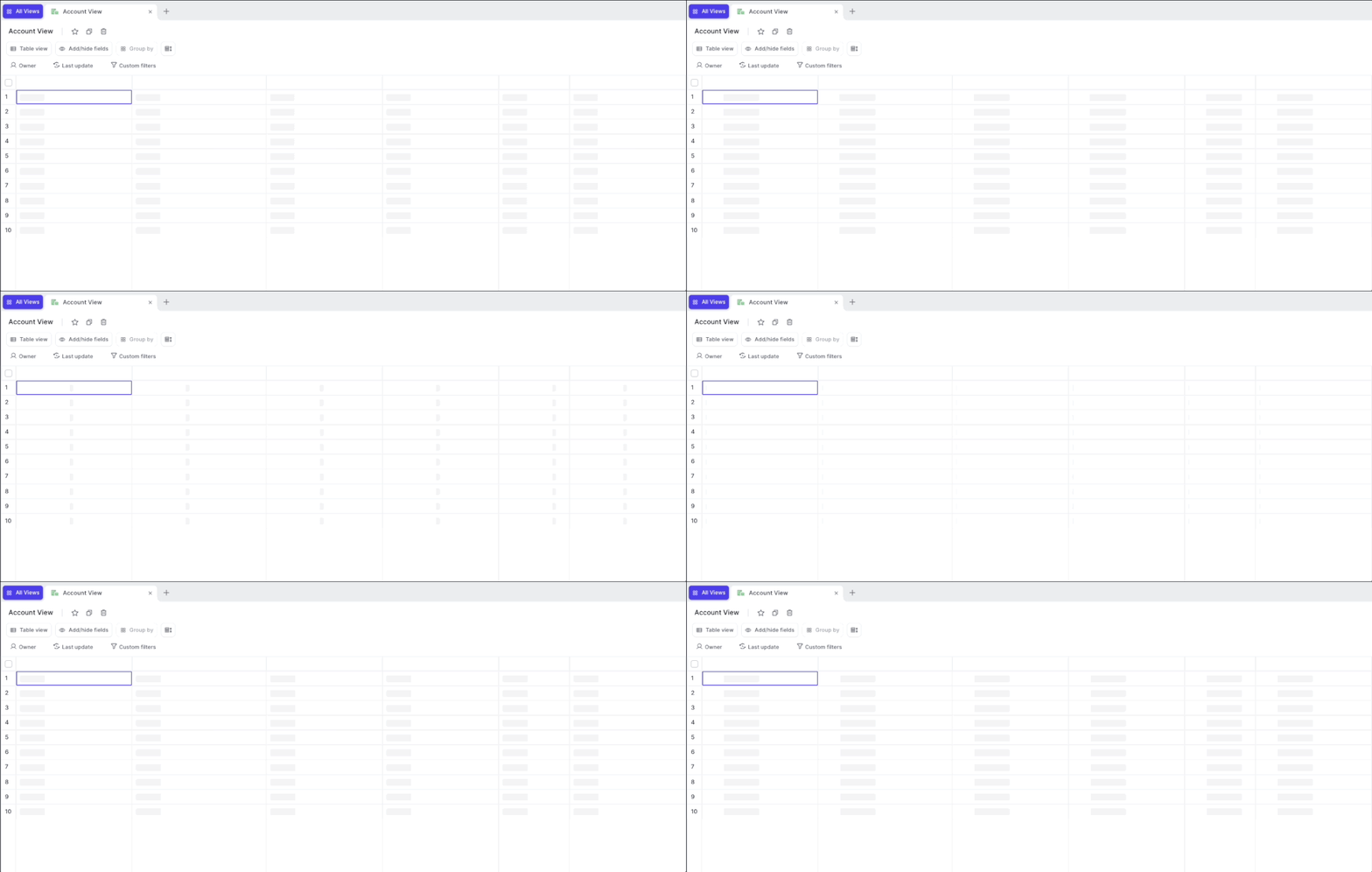
For these rare instances, we rebuilt our loading indicators to make it clearer to our customers that the page is still loading.
Would you like access to the admin console? Shoot us a message to hello@getweflow.com

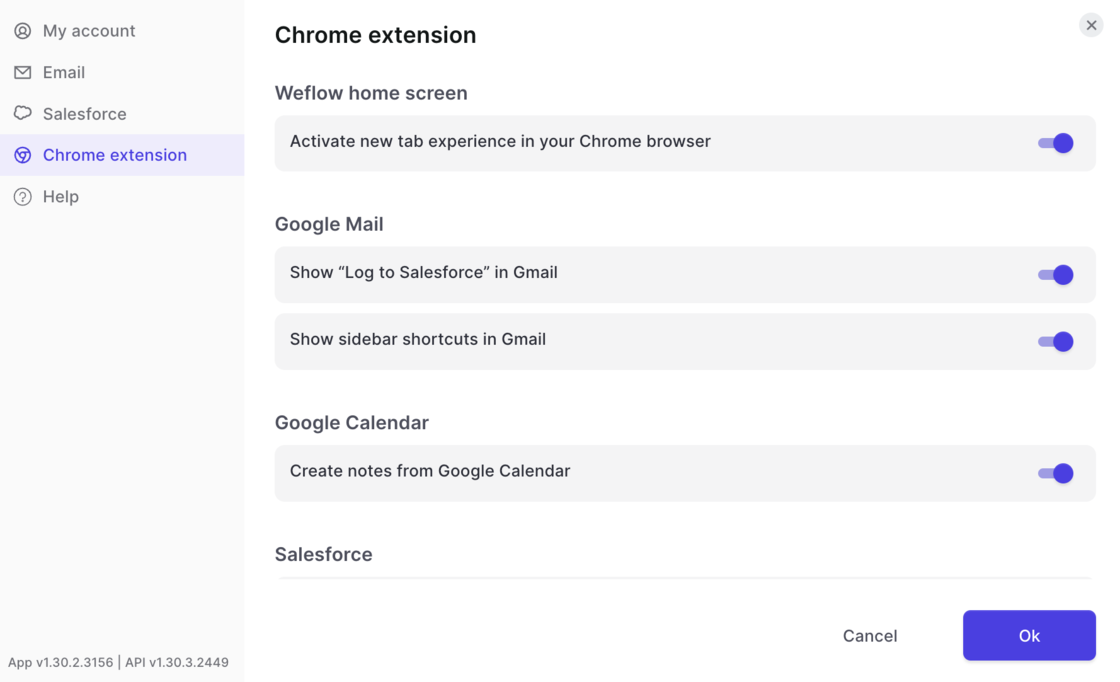
Tweak the Weflow Chrome Extension as you need it:
You are in control!
In our latest release, we fixed a series of small issues including:
Everyone here at Weflow takes quality very serious. Did you spot an error? Let us know at hello@getweflow.com
Your new one-stop shop to manage Weflow is here.
Here are some of the things you can do with the new console:
Please note: If you have no access to the admin console but require one, contact our support at hello@getweflow.com or reply to this email.
Setting up custom objects in Weflow has never been easier. We improved the implementation time from a few days to less than 24 hours. Do you want to see your custom objects in Weflow today? Shoot us an email at hello@getweflow.com or fill out this form.
If we can save you a click or two, we'll consider an investment well worth our time.
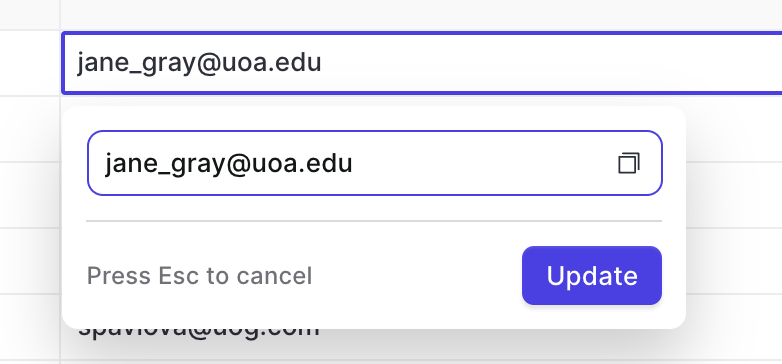
Hence, you can now copy values from fields with the copy button. This works for all text, email, and number fields.
Now, you can access opportunities and contacts by adding the "Related Opportunities" and "Related Contacts" field to your pipeline and panel views.
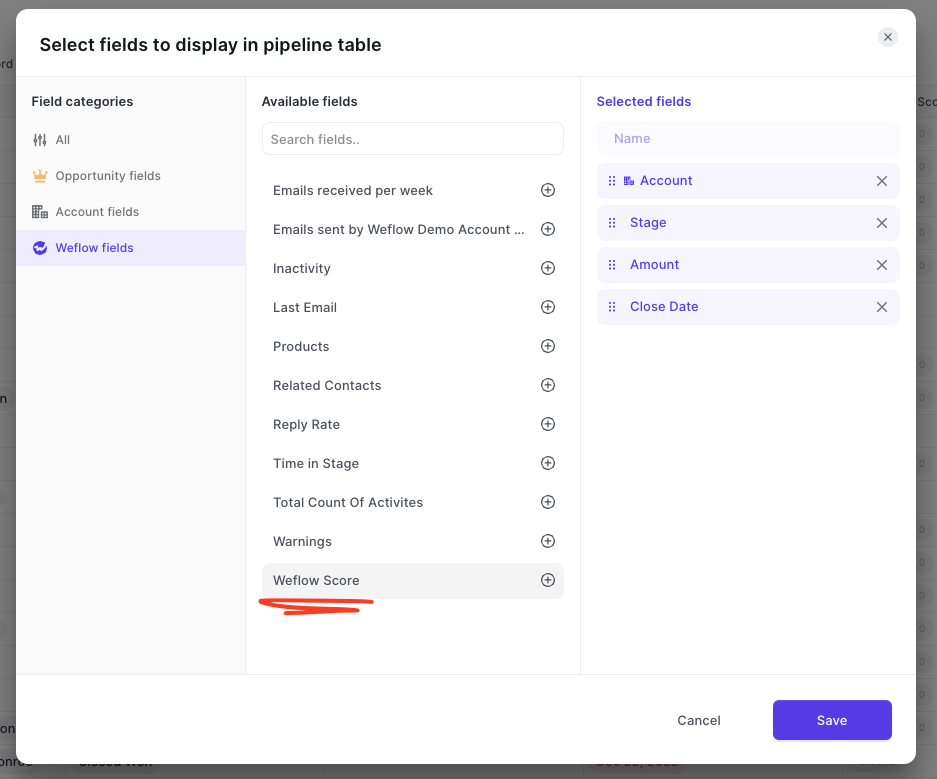
With this updated design, users can now filter by field type. In addition, it is now possible to combine account and opportunity fields within an opportunity pipeline view.
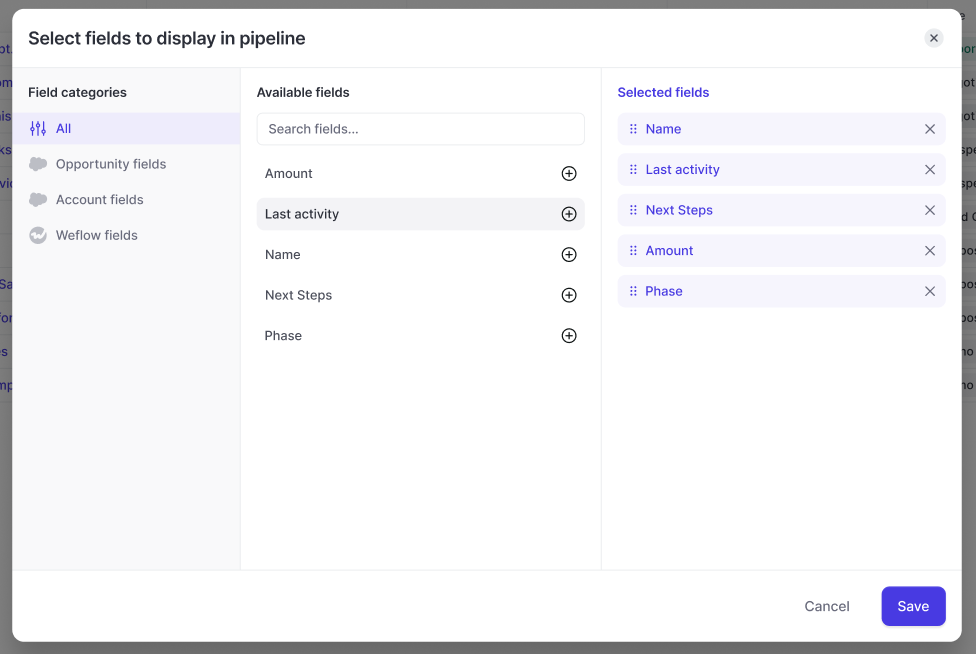
In the latest release, we made the following improvements:
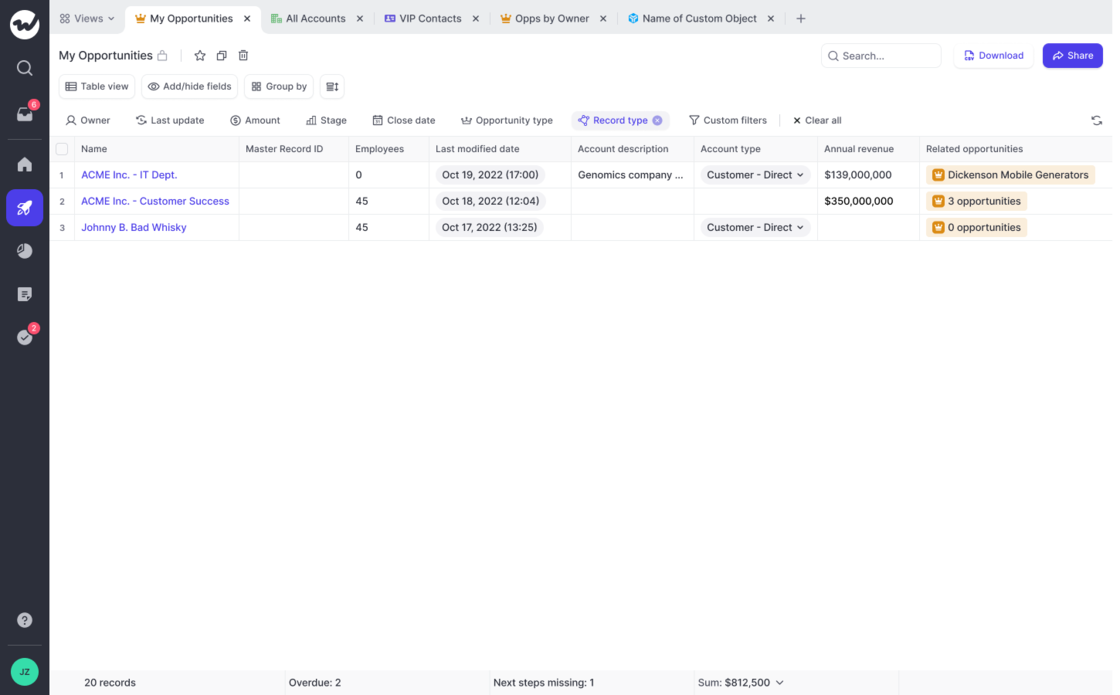
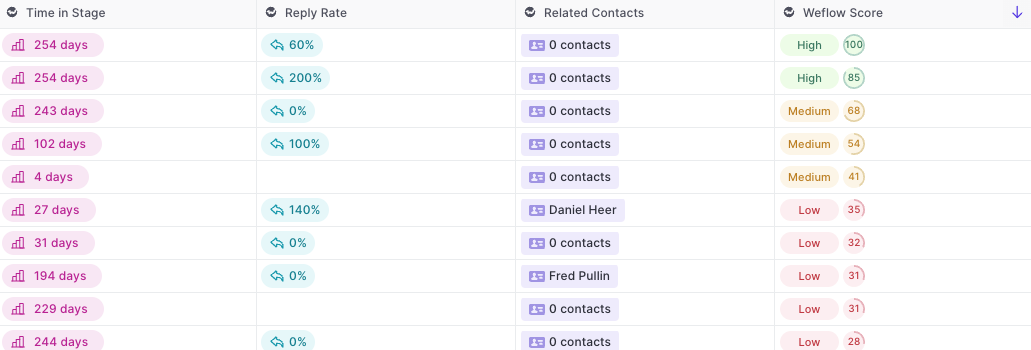
There are a lot of hidden insights in your Salesforce CRM. Some are so well hidden, that sales reps sometimes wonder why they even make the effort to add all this data.
Weflow fields automatically calculate useful insights for you and surface them in your pipeline and panel.
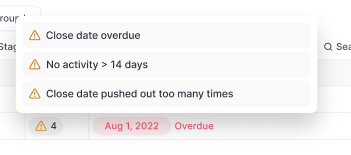
Example of Weflow fields:
Warning summary field:
You can add all Weflow fields via the Add/Hide button in the pipeline or panel.

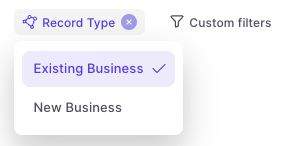
A completely new pipeline experience with Weflow's group by feature 😊