weflow
Smaller Sidebar = More Space
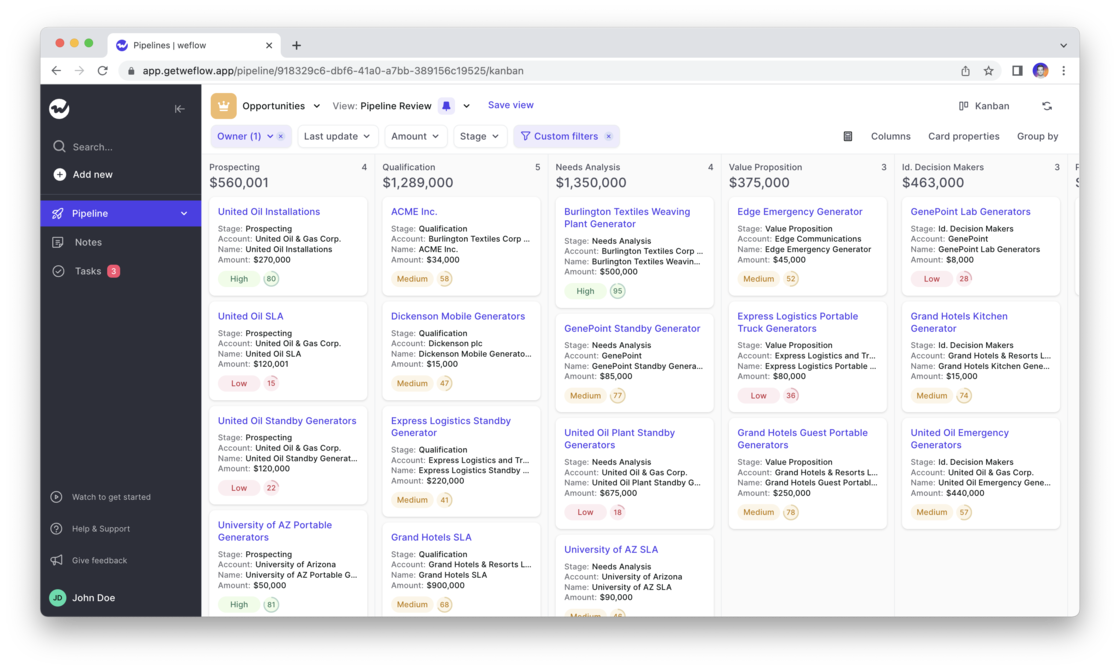
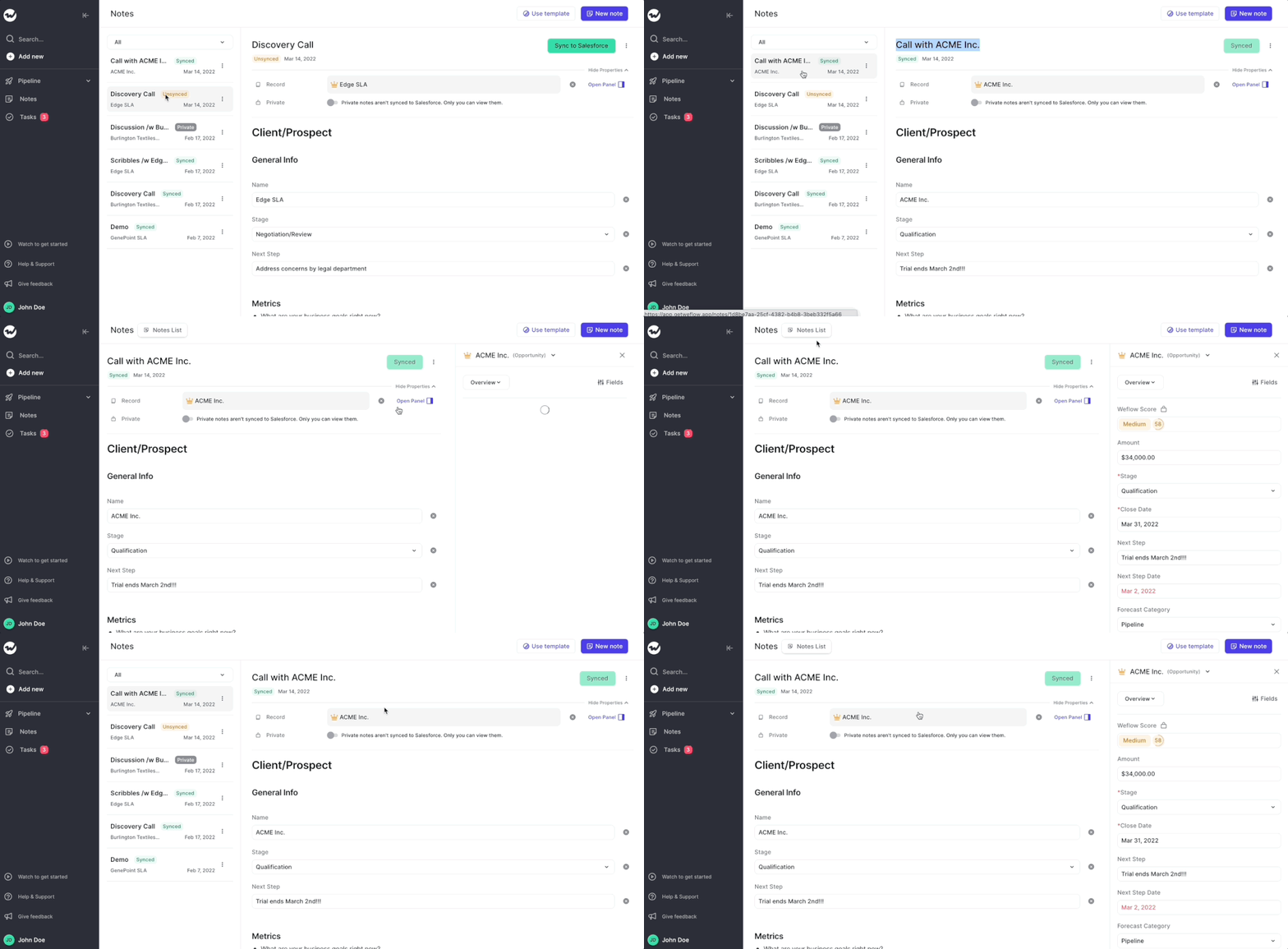
- As you can see, with version v1.15 we made the sidebar a bit smaller
- The goal of this resizing is to give you more space to navigate your pipeline

67 updates shipped in 2026339 all time
Showing April 2022 and earlier · Back to latest
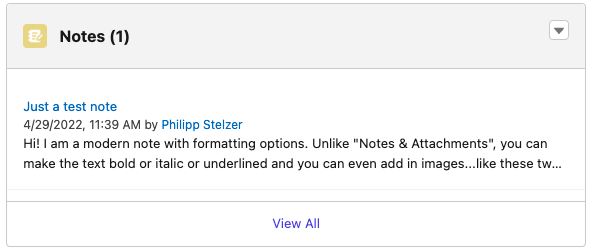
Did you know that there are different note types within Salesforce?
1) Notes & Attachments
2) Notes
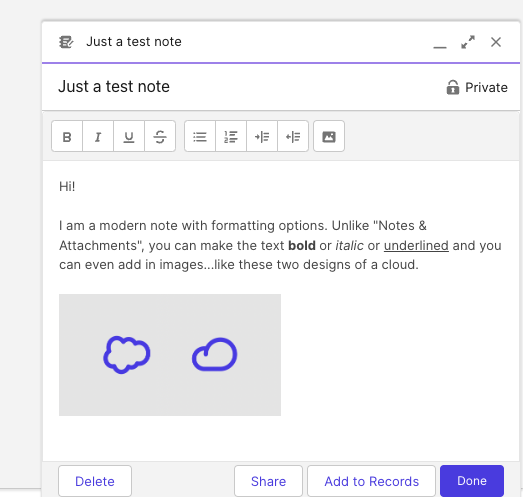
As you can see here, the newer note type features formatting options:
In Weflow, you can now choose how you want your notes to be snyced to Salesforce. Either into the "Notes & Attachment" or into "Notes" i.e. Content Notes. Of course, notes from Weflow will also appear as formatted notes if you choose the newer "Notes" type.
If you have questions about this option, please contact us at hello@getweflow.com. We are happy to assist you in setting you up for success.

We love listening to your feedback ❤️
That is why we re-worked the Weflow task manager from scratch. Previously, it was not always clear how to add a new task and there was no way to edit an existing task.
With the new flow, we now built a re-usable component that will find its way also into the upcoming "Activity Timeline" as well as our already existing Chrome Extension.
Check out this short video to walk you through the new design:
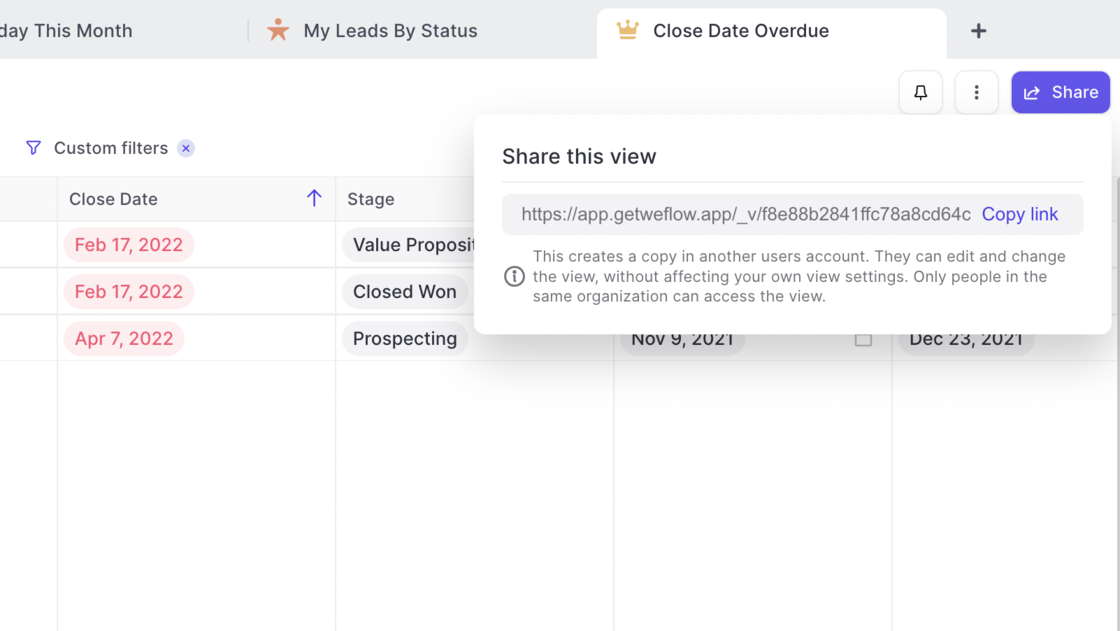
You can now share your pipeline views with other users in the same Salesforce account.
Use cases:
➡️ Send a pipeline to your manager before a 1:1 meeting
➡️ Share your best-practice pipeline settings and filters with others easily
➡️ Set up pipeline templates with filters and fields for fast onboardings
The Weflow Kanban board is a favorite among our customers to run effective weekly sales meetings. Now, Weflow automatically highlights card which have been inactive for more than 30 days.
Use Case:
➡️ No need to use the "Last update" filter (though you of course still can)
➡️ Get a quick overview of which records need attention
➡️ Combine it with the Weflow score for more actionable insights


You need to log activities to understand how your sales organization is performing. Without activities you won't know what drives a conversion.
That is why we developed activity logging as part of note taking in Weflow:
If you have questions, thoughts or feedback then let us know at hello@getweflow.com. We love to hear your ideas!
Navigate your pipeline like your browser. Weflow is all about making complex sales software accessible and easy to navigate:
What is new?
Often, the small details are what make a difference. This small update improves the usability of our app by improving these two things:
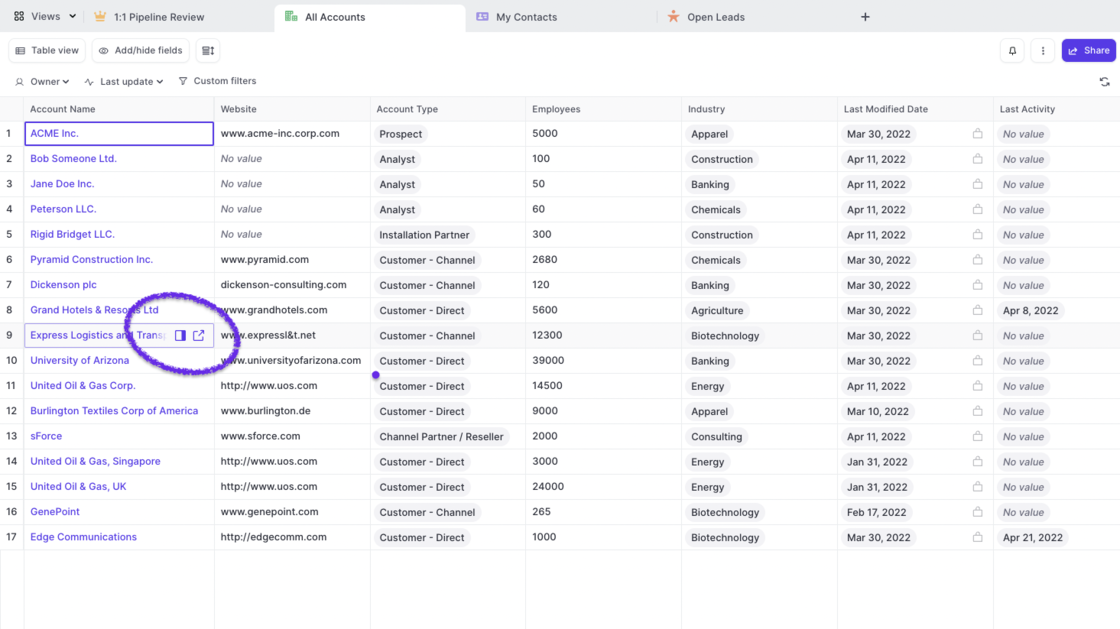
Are you sometimes forgetting to sync your notes? Well, let us take care of that for you.
How does it work?
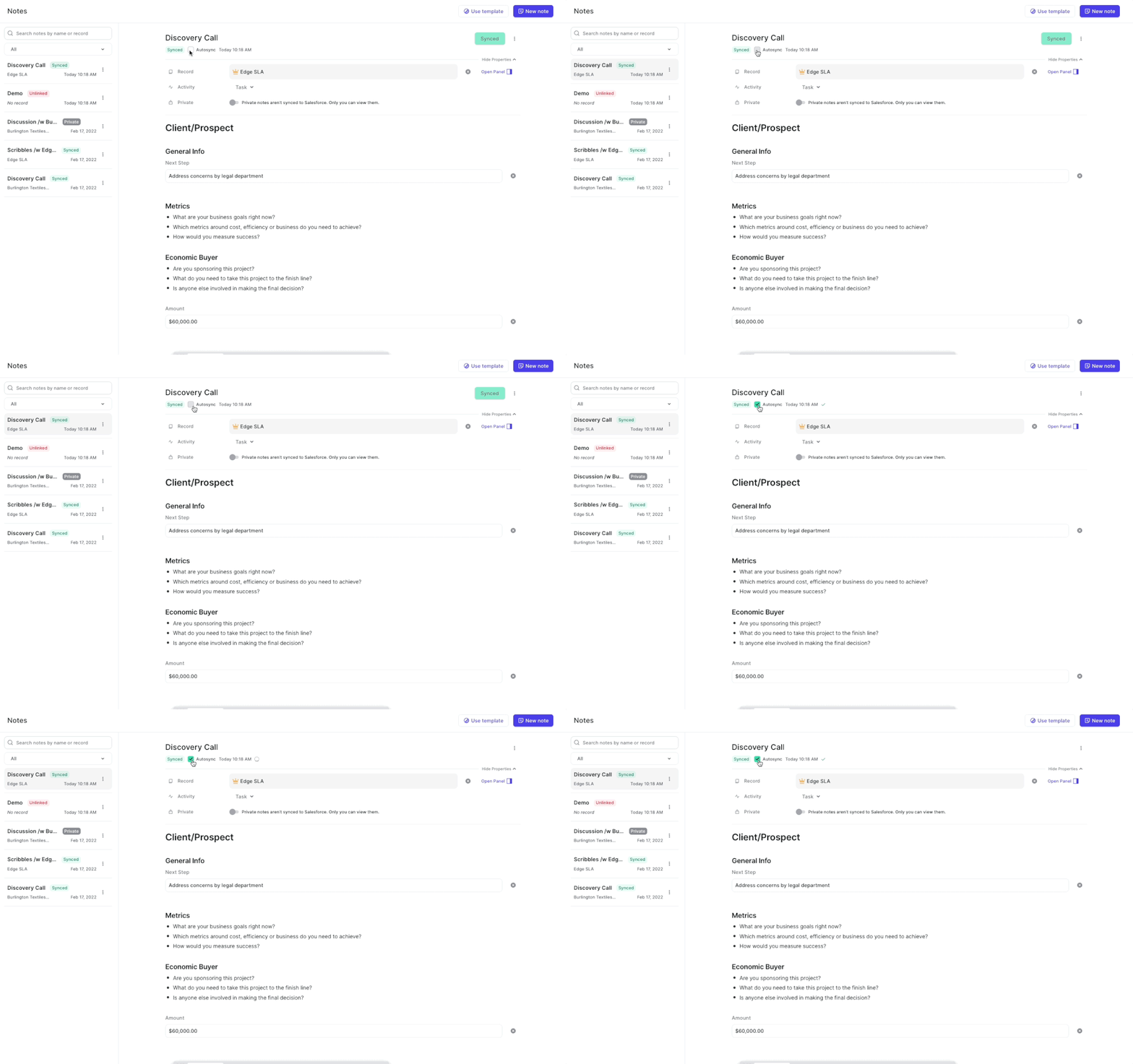
Two weeks ago, we released our algorithm which rates your Opportunity pipeline based on the likelihood to win a deal. Now, you can filter and sort the score.
Please note: The Weflow score is currently in private beta. If you are interested in using the score, please send an email to hello@getweflow.com and we will get back to you.
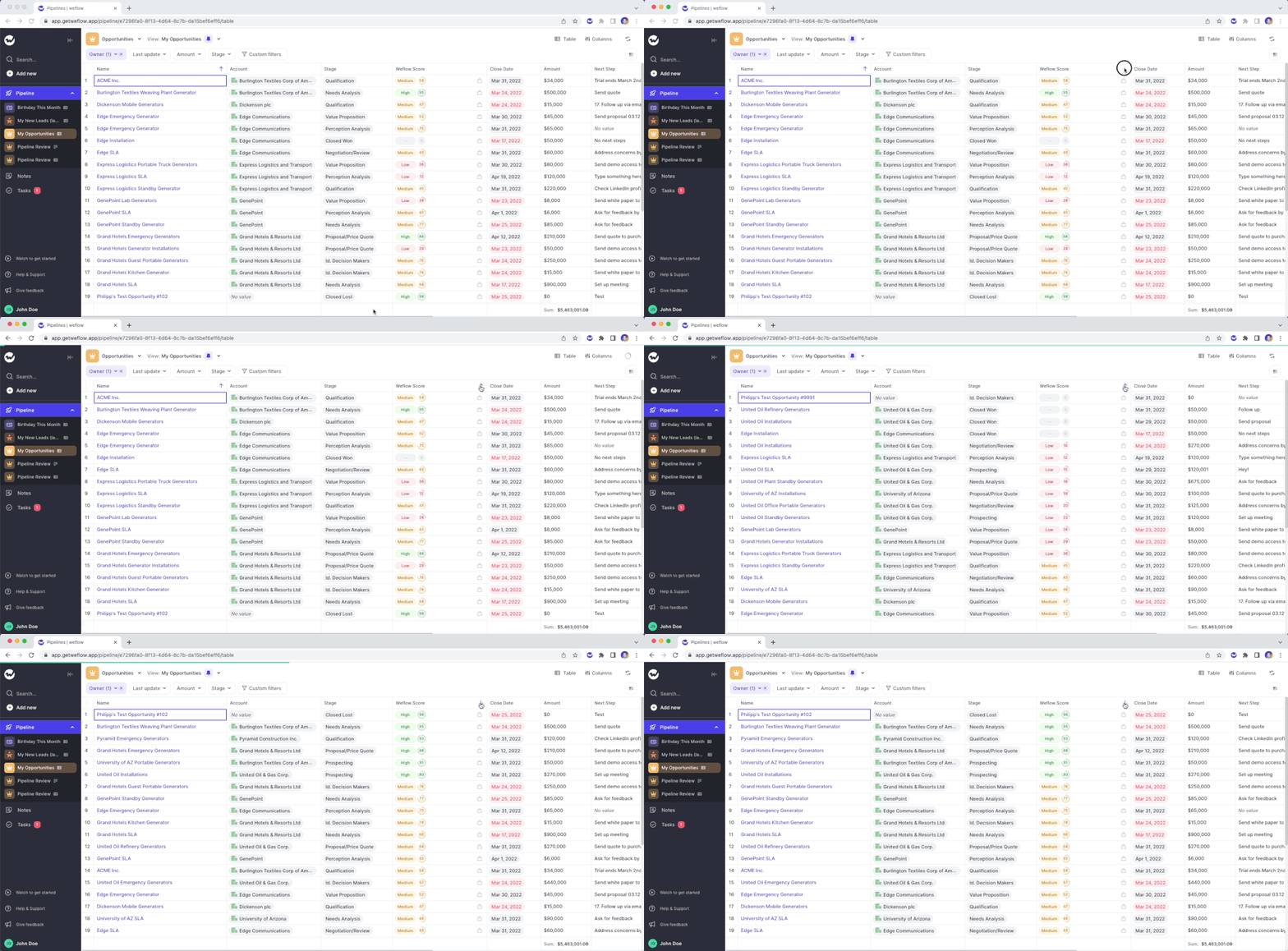
At Weflow, the thing we dislike the most is a bad user experience. Which is why we do regular in-depth testing and dedicate a good amount of effort on improving the existing features in our web app or Chrome Extension. Below is a list of the most recent fixes and improvements:
If you ever encounter an issue, absolutely let us know. We deeply care about the quality of our product.
Based on your feedback, we made several changes to how changes to your pipeline views are either auto-saved or require a manual saving confirmation:
The following actions are auto-saved and overwrite the current view settings:
All these actions are commonplace and are expected to be persisted. On the contrary the actions blow are taking the currently loaded data and re-define them i.e. by using filters or switching from a Kanban to a Table view.
These actions are not auto-saved and require a manual confirmation by the user via the “Save” button:
We understand, that using Salesforce sometimes is simply necessary. That is why we extended the functionality of the Weflow Chrome Extension to make use of Weflow within Salesforce itself.
What would you like us to build next for Salesforce? Let us know at hello@getweflow.com
With the latest version of our Chrome Extension installed, you can now create new notes directly from your Google Calendar.
Step-by-step guide:
Are you a busy note-taker? You deserve to find your notes quickly!
You can already find your notes by using the Weflow search (CMD+J on macOS or ALT+J on Windows). Now, you can also find your notes by searching in the note list itself.
Still having trouble finding your notes? Let us know! We would love to hear from you.
Use CMD+J on macOS or ALT+J on Windows to launch the Weflow Search
The Weflow search is more than just a simple search. Here are all the things you can do with it:
Weflow search in itself is nothing new. However, now you can launch it more easily by hitting the CMD+J or ALT+J shortcut from anywhere in the Weflow web app.
If you have our Chrome Extension installed, you can use the shortcut ANYWHERE on the web to get quick access to your Salesforce records.
We fixed an issue, where sometimes fields were not saved on cards in the Kanban board.
If you find any issues, let us know.
You can now see relationships and object types more clearly in the Panel, Kanban Board or Tableview.
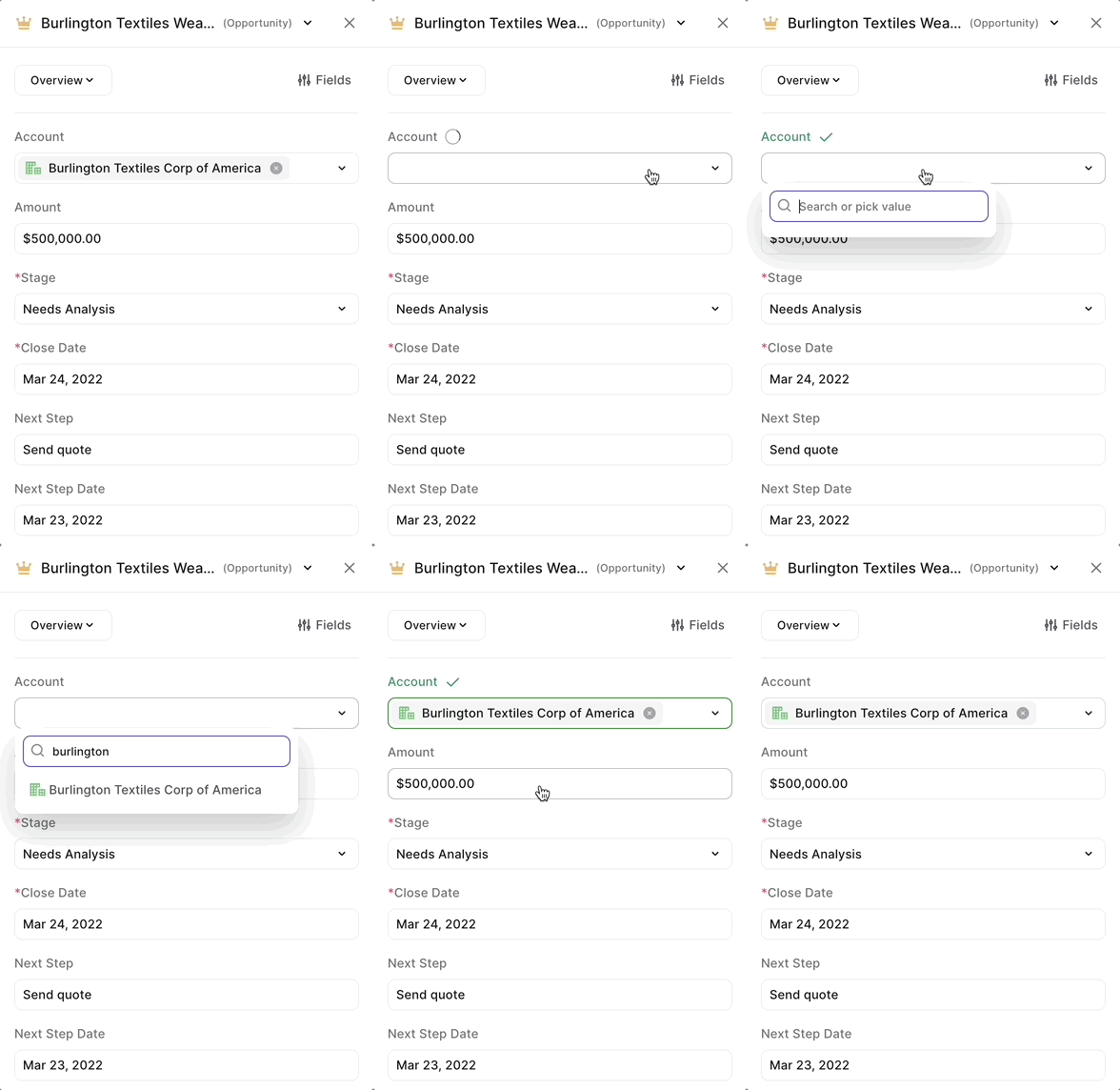
From today on, you can enjoy a more intuitive and generally easier to navigate note list design. What does that mean?
Got feedback on the new design? Let us know!
Weflow now gives you feedback on how likely it is whether an Opportunity is set to Closed/Won successfully in the future.
This feature is currently in beta mode only. If you would like access, please reach out to philipp.stelzer@getweflow.com