 weflow
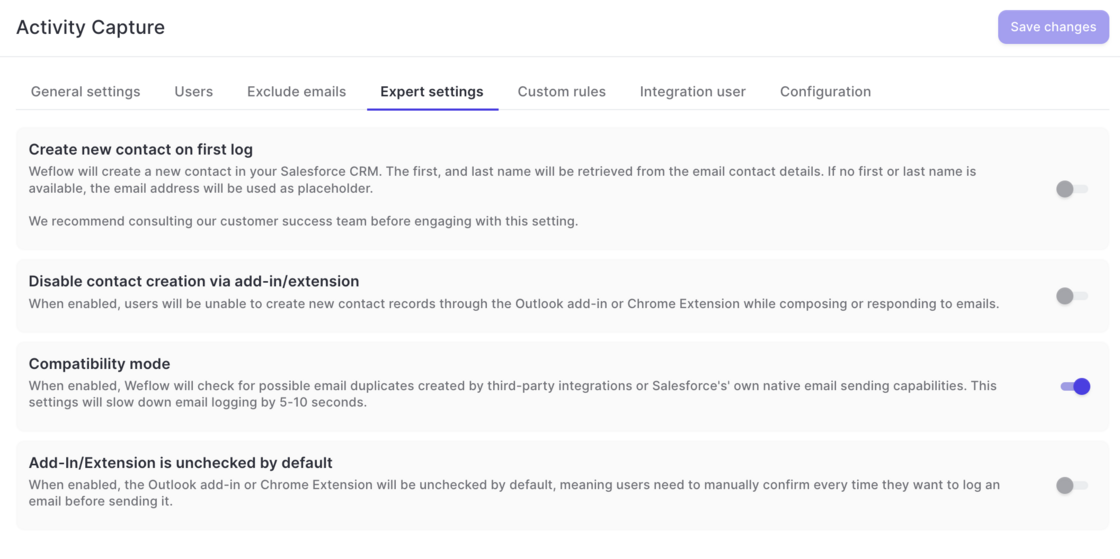
Disable recurrent events from getting logged
- To help customers who do not need or want to log recurring event series from Outlook/Google to Salesforce, this can now be fully disabled via the 'Expert Settings' in Weflow's admin console.

45 updates shipped in 2026317 all time
Showing March 2025 and earlier · Back to latest
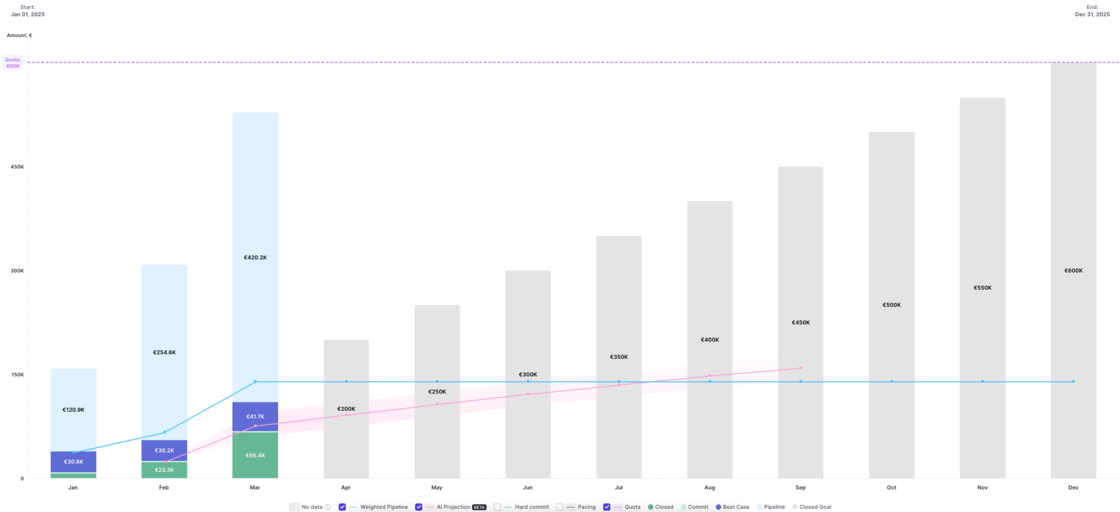
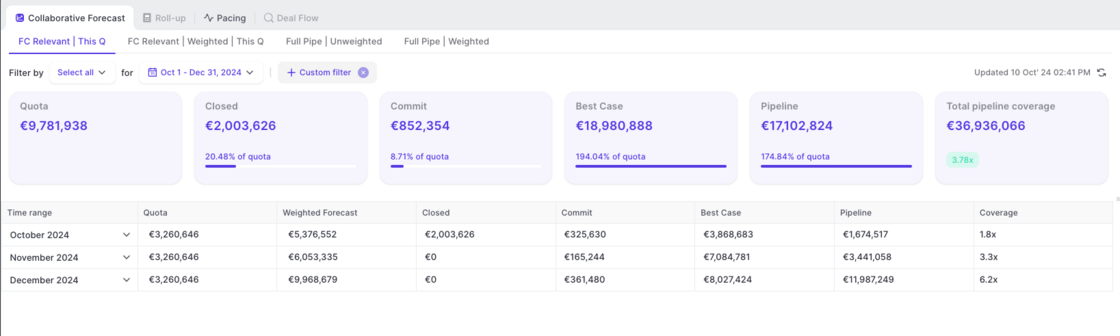
Version 2.66 of our forecasting & analytics suite has introduced the ability to see live data in the pacing chart. No action is required to use this improvement. All pacing charts have been updated automatically.
[New Feature]
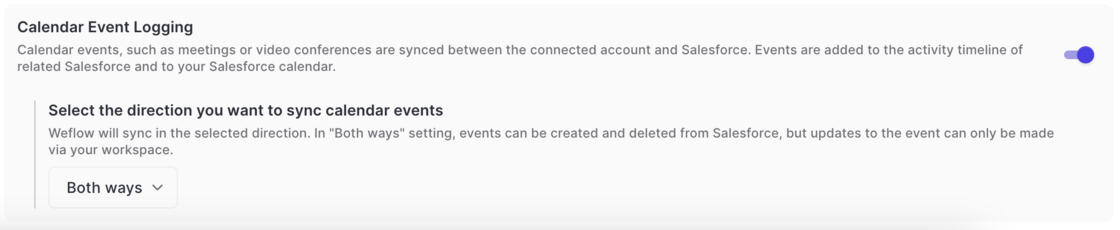
In the admin console:
In Google Calendar:
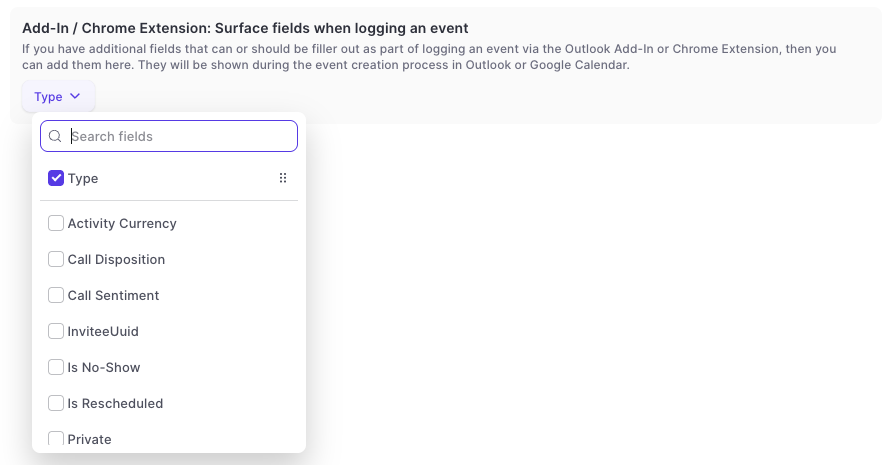
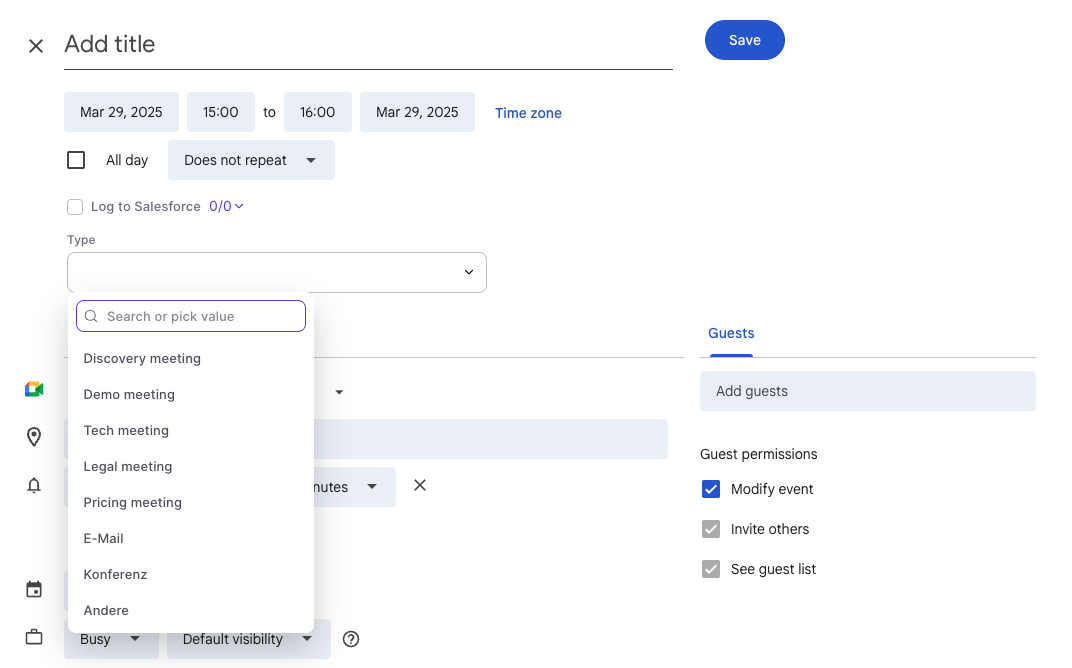
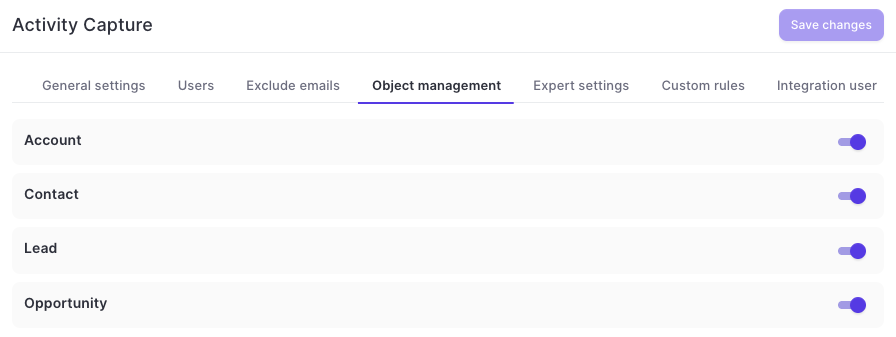
This update contains multiple improvements to Weflow Activity Capture on Google Workspace in combination with Weflow's Chrome Extension:
This feature is automatically available for all Weflow Activity Capture customers on Google Workspace.
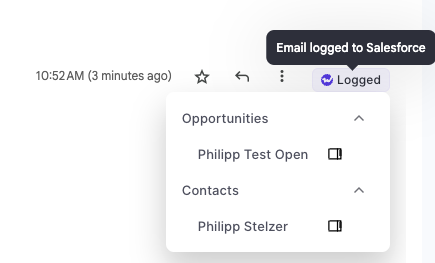
A new permission setting has been added to Weflow which limits the access to seeing opportunity data in forecasting and analytics.
Admin: Full access to all opportunity data (as per defined in your Salesforce settings) incl. admin console.
Full Access: Full access to all opportunity data (as per defined in your Salesforce settings) without access to admin console.
Limited Access: Only access to your own opportunity data (as per defined in your Salesforce settings).
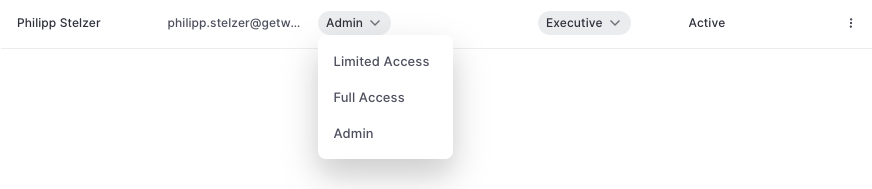
This issue affected custom filters in pipeline views:
When creating a custom filter with a multi ick-list field, the Weflow App would only return records where there is an exact match of only one value
However, no records will be returned where multiple pick-list values have been selected.
This issue has been fully resolved.
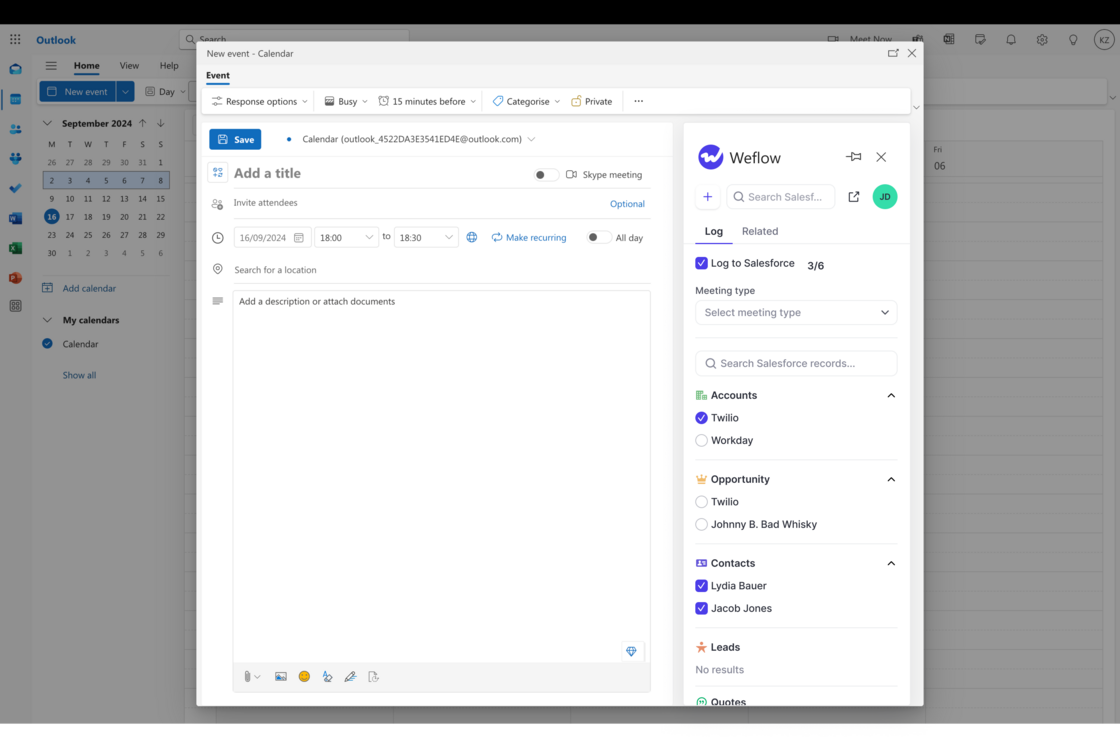
The task manager in Weflow showed emails logged as tasks for all users.
This creates partially huge lists of completed / uncompleted tasks for the users and causes confusion.
This issue has been fully resolved. Weflow does not show logged emails in its own task manager anymore.
Warning: Do not use this feature while other activity capture solutions are active, as this may cause duplicate events in Salesforce. Consult our support team to ensure maximum compatibility.
Last Activity - Call: See and filter by when the last call activity occurred with this record
Close Date Pushed: View and filter by how often the close date was changed
Deal Age: See how old this deal is based on its creation date.

As of today, Weflow uses 60% fewer API calls for logging emails and meetings from your Microsoft/Google account to Salesforce.
We will continue to improve these metrics month-over-month.
Now, meetings and emails can be deleted in bulk by admins.
To delete a meeting or email, go to a table pipeline view and select the checkbox next to the record.