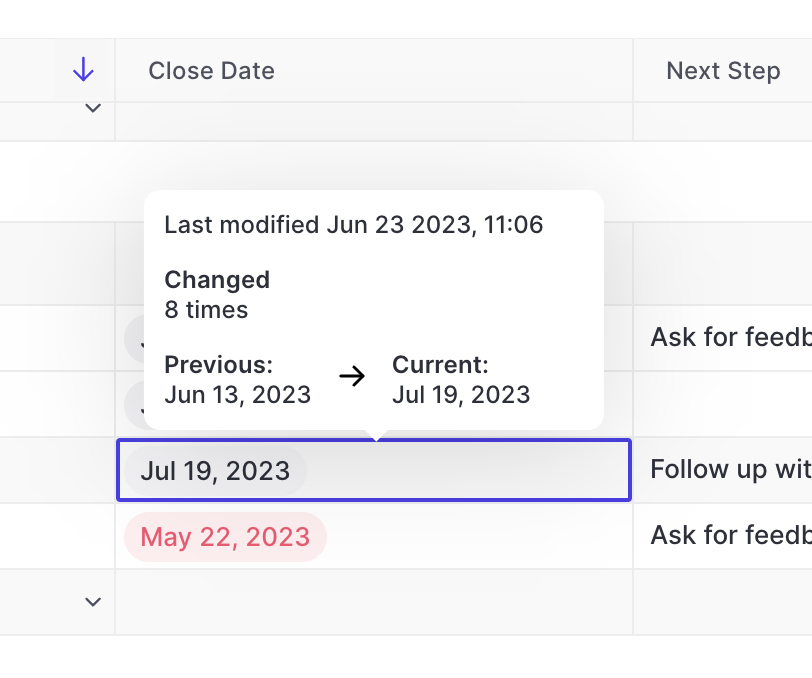
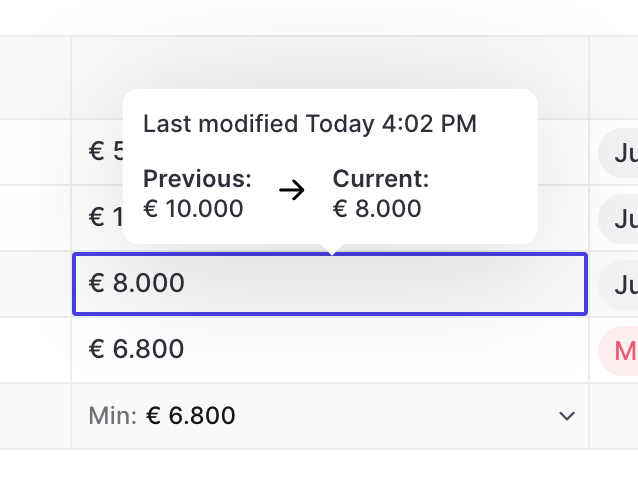
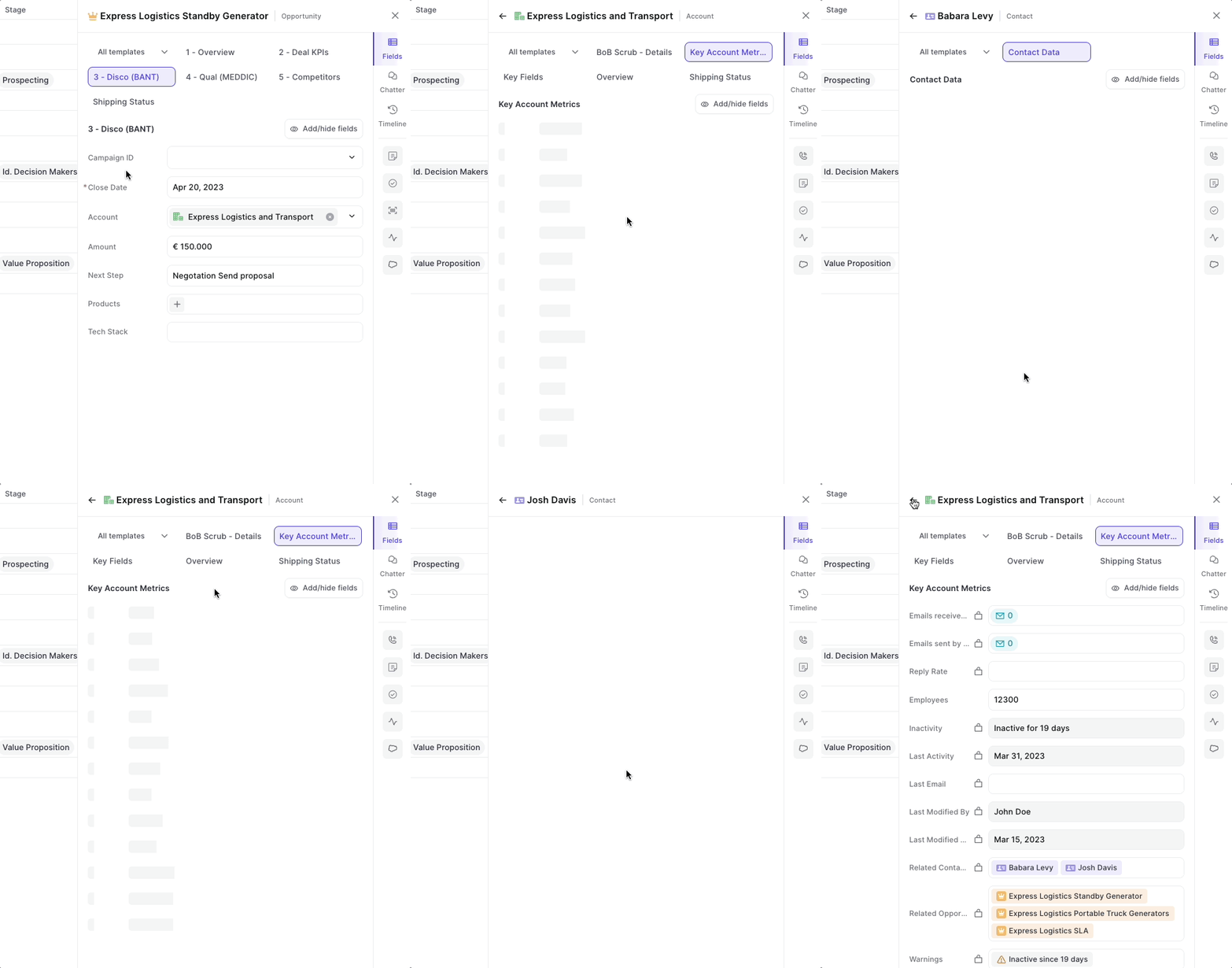
Ever wondered how often a close date has already been pushed out, or adjusted and what its previous value was? You can see all that in Weflow easily.
On hover, Weflow will show you the number of times a close date has been edited, the last modified time and date as well as the previous and current value
Useful during pipeline reviews and forecasting sessoins
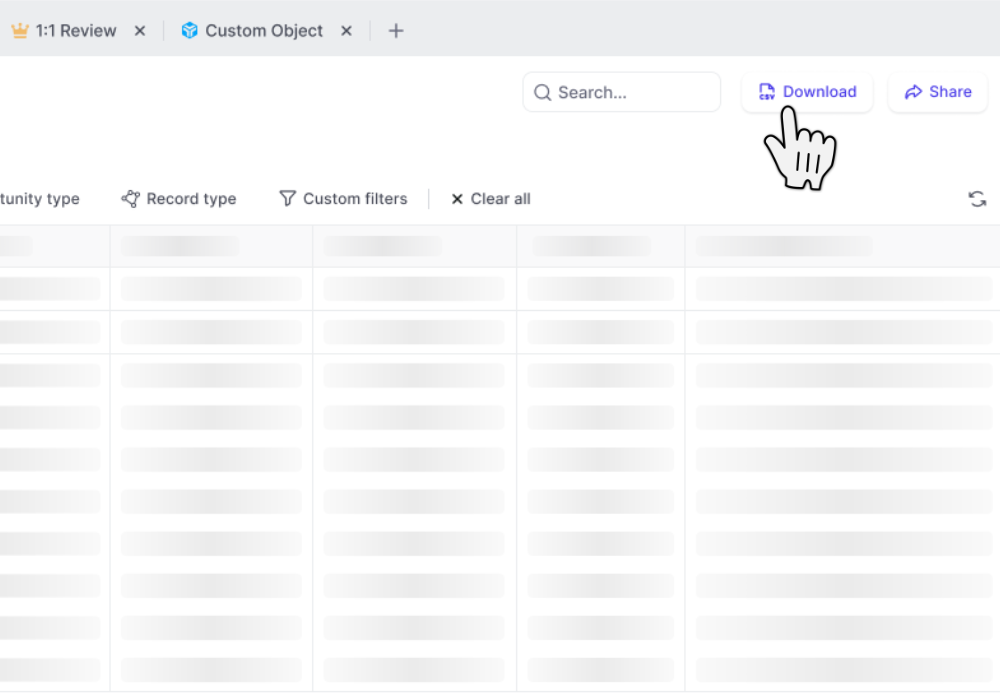
CSV files include custom Weflow Fields which you cannot utilize outside of Weflow such as "Reply Rate", "Time in Stage", "Weflow Engagement Score", and other use metrics
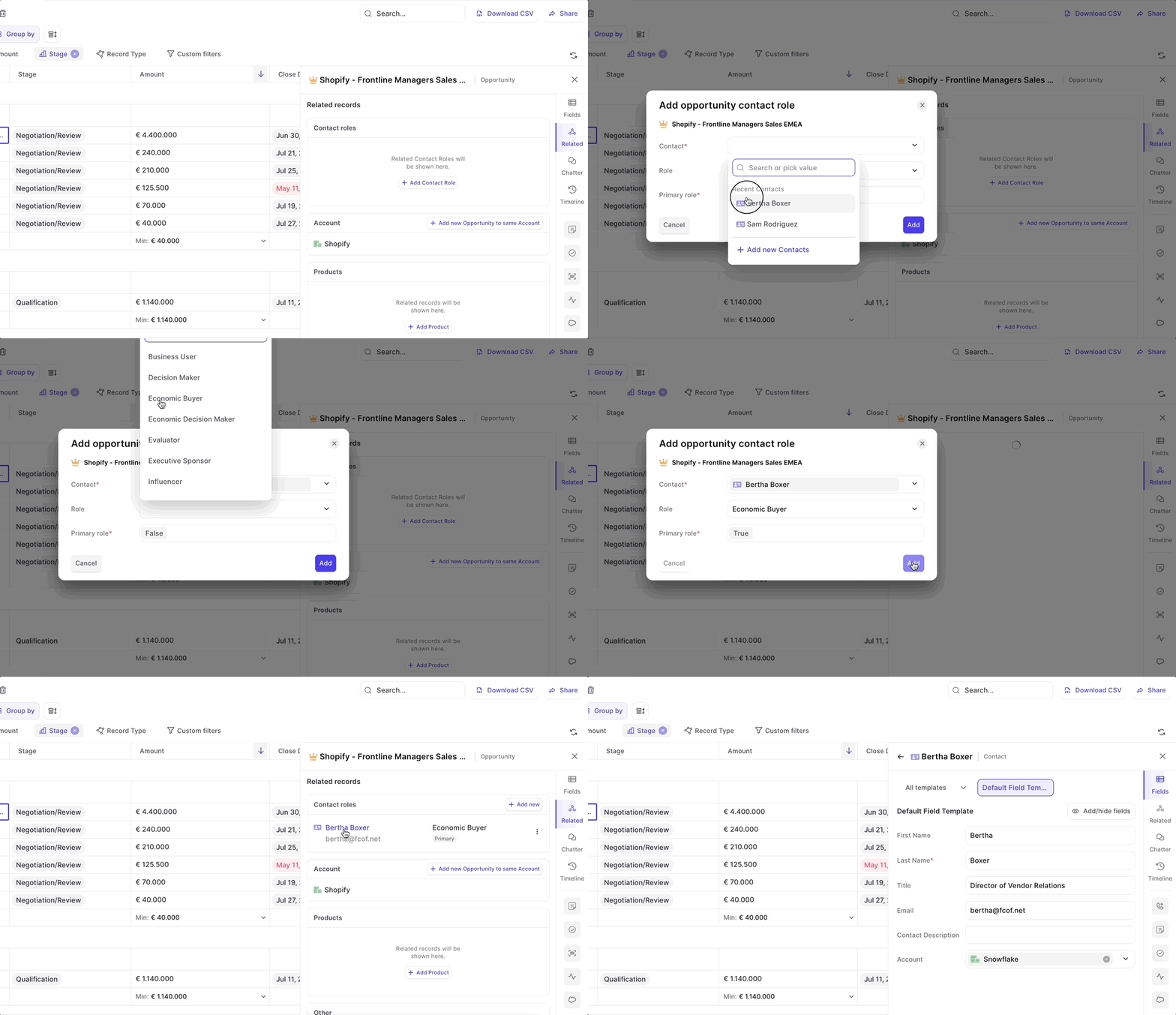
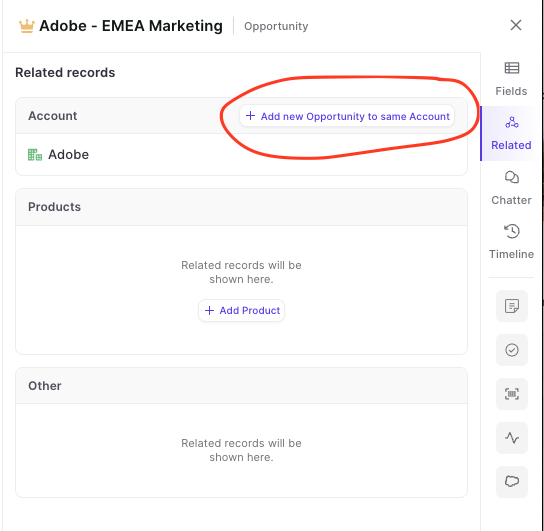
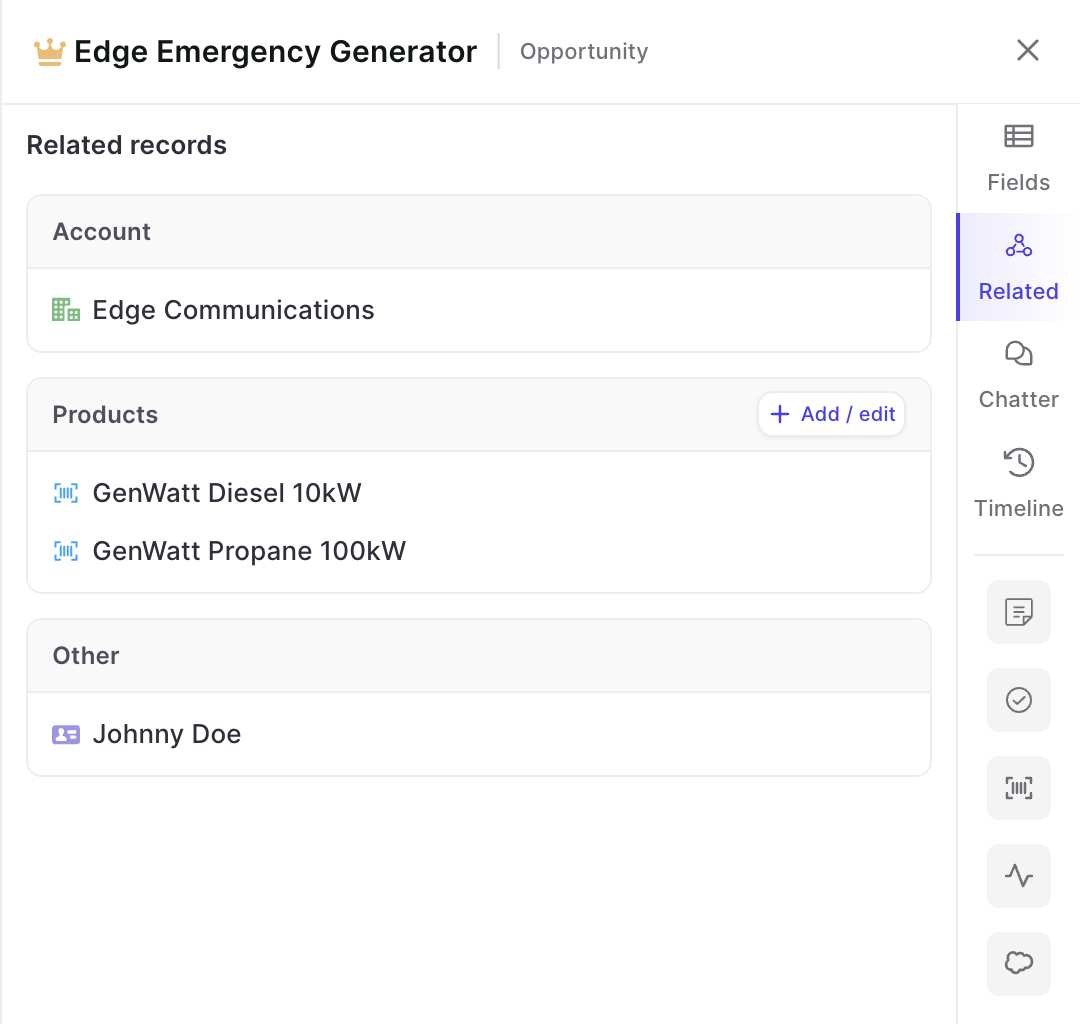
You can now add custom objects via the related tab.
This is especially useful when utilizing third-party integrations in Salesforce such as Loopio, Partnerships, or other tools that create custom objects in your Salesforce setup.
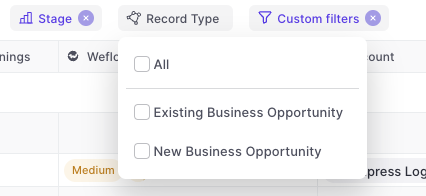
Weflow will automatically adjust other filters based on your business process settings in Salesforce e.g. hide irrelevant stages for a specific record type
The following is an excerpt of improvements and fixes we shipped over the past two weeks:
Refreshing the pipeline manually sometimes did not work
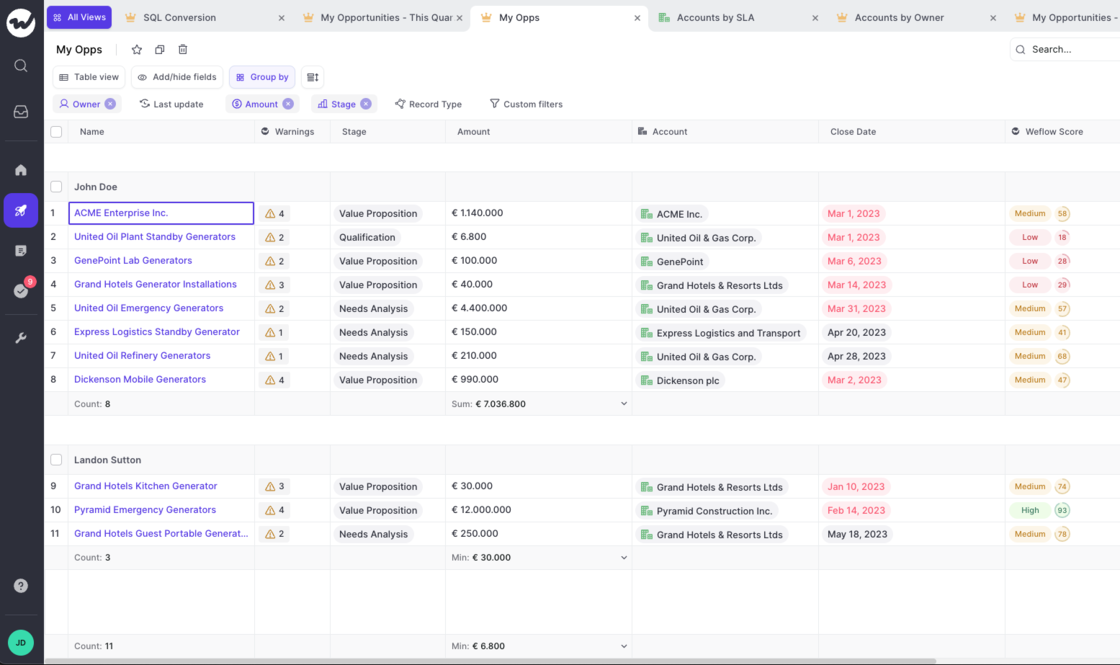
When using the "Group by" filter in a pipeline view, sometimes we did not show the difference between an "Account" and an "Opportunity" field creating confusion as to possible duplicates in the list
The "Timeline" layout in the panel looked broken when there were long texts in field updates
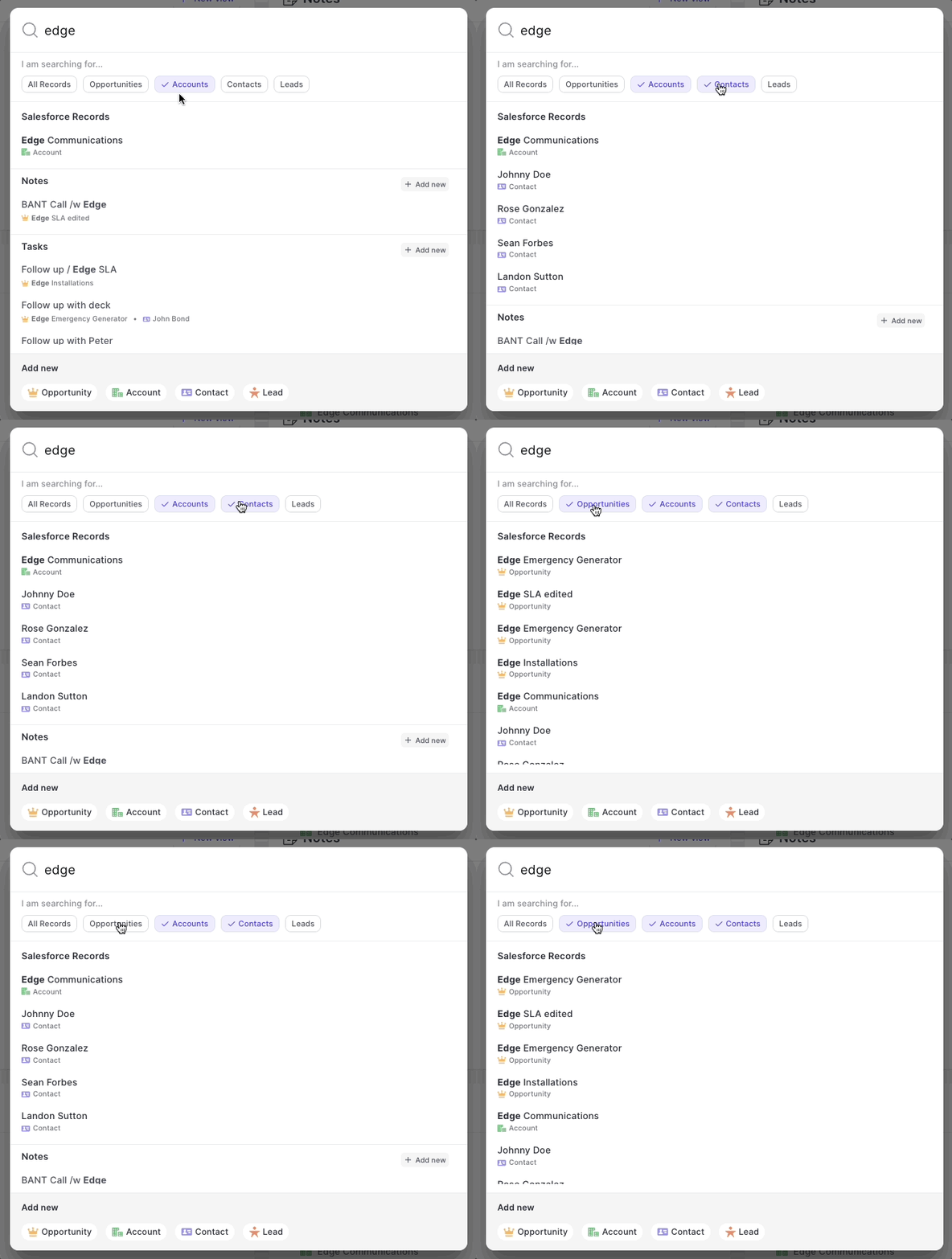
Global search did not render results quickly and accurately
On Windows there were too many scroll bars (even if not needed)
One of our most beloved features is the ability to let Weflow log all your emails in the background. No clicking, no worrying…it just works.
But sometimes, you want to tweak the details a bit more. Maybe there is that one email that should not get logged or that one email that absolutely needs to get into Salesforce even though typically it shouldn't. Exceptions are the norm. And Weflow let's you stay in control.
 weflow