Outlook and Google Workspace allow admins to define custom "undo" timeouts to set the time that users have to undo a sent email.
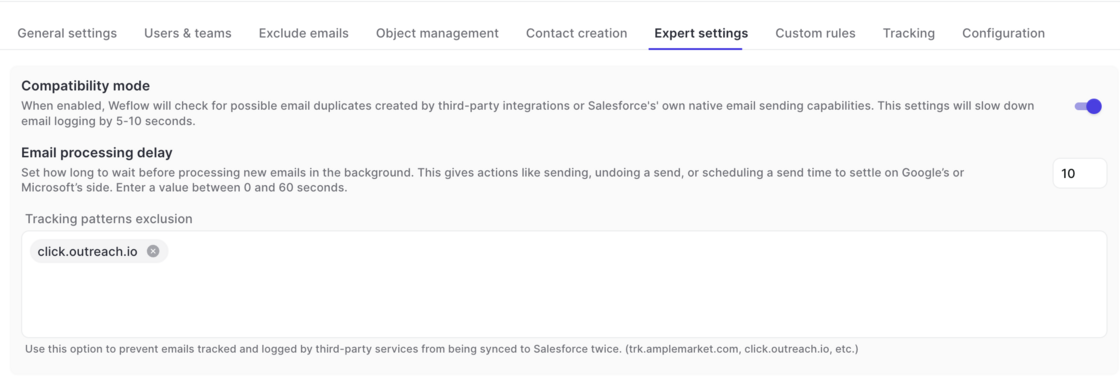
If your admin has set a time of >10 seconds to undo an email, we recommend adjusting the processing delay time in Weflow in your activity capture configuration.
Go to Activity Capture -> Expert Settings -> Email Processing Delay
You can now control which fields users are allowed to edit in Weflow when syncing to Salesforce. By default, Weflow syncs records bi-directionally, so any change you make in Weflow updates Salesforce instantly. With this release, admins get two new ways to tighten that:
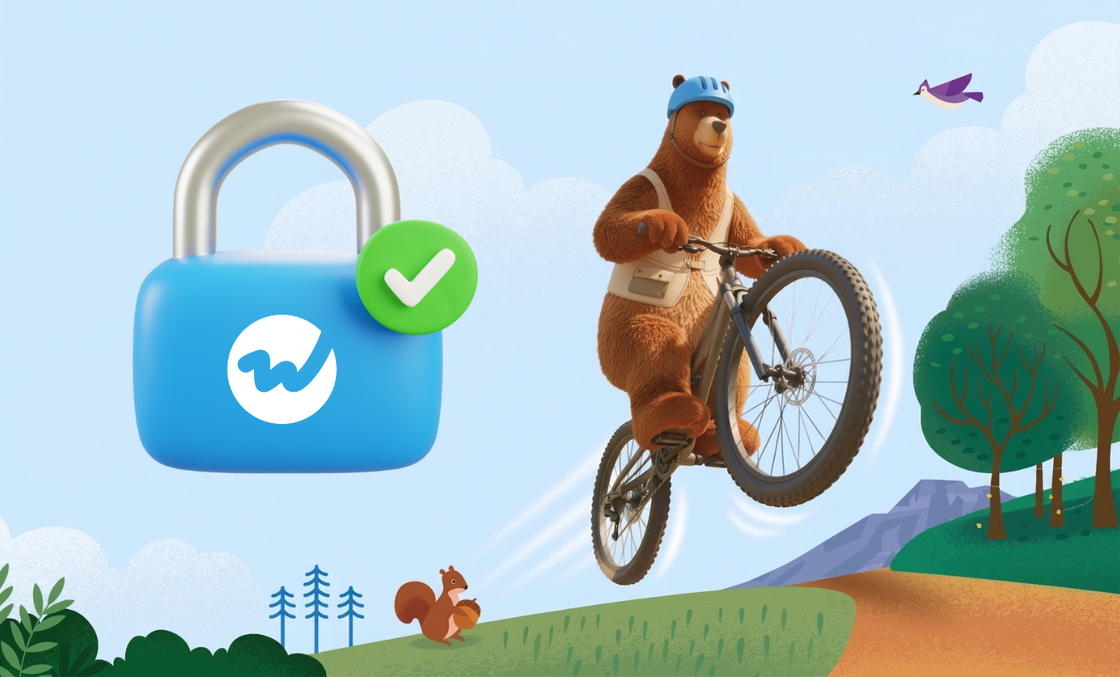
Read-only mode: Blocks all record creation and field updates from Weflow to Salesforce. Users can still create tasks, notes, events, emails, and recordings.
Field-level permissions: Allow specific fields to be edited while locking the rest. For example, you can keep Close Date editable on opportunities while setting Stage, Amount, and Owner to read-only.
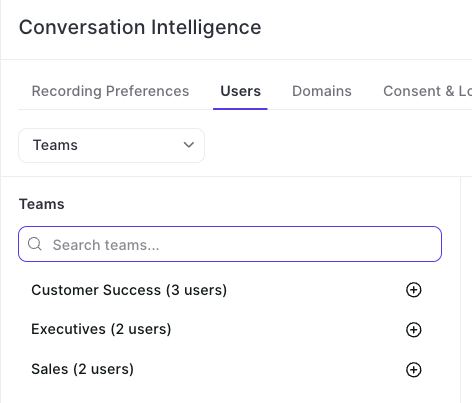
Instead of adding individual users, admins can now make use of Weflow's team feature to add groups of users dynamically (or manually) to the Conversation Intelligence configuration.
For companies who want to avoid giving Weflow the permission to modify and send emails from Google Workspace, Weflow now offers a new authentiction flow that limits Weflow to read and sync emails from Google Workspace to Salesforce only.
Contact your account manager or support to enable this feature for your organization.
We've reduced API call and login rates by 20%, resulting in a leaner, more efficient integration that puts less load on your Salesforce org.
Our applications have been updated to align with Salesforce's most recent security requirements for the upcoming Spring '26 release, so your data stays protected and your workflows stay uninterrupted.
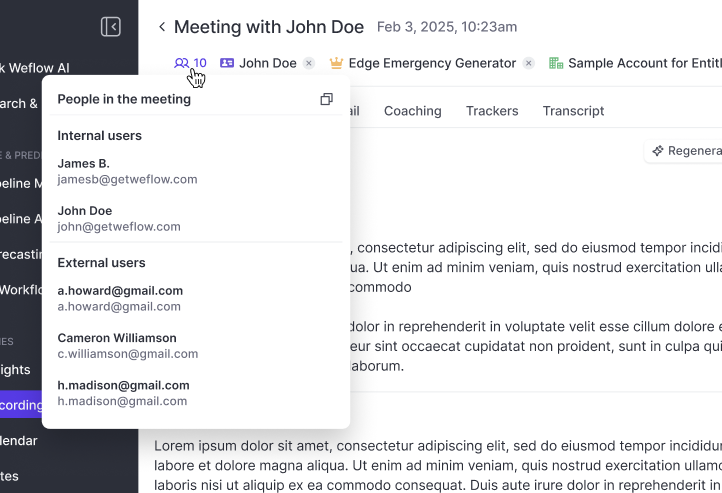
Independent from whether or not the record was successfully linked to a Contact or Lead, Weflow will always show you the participants based on the calendar invite.
You can copy all email addresses with one click e.g. for your follow-up email.
 weflow