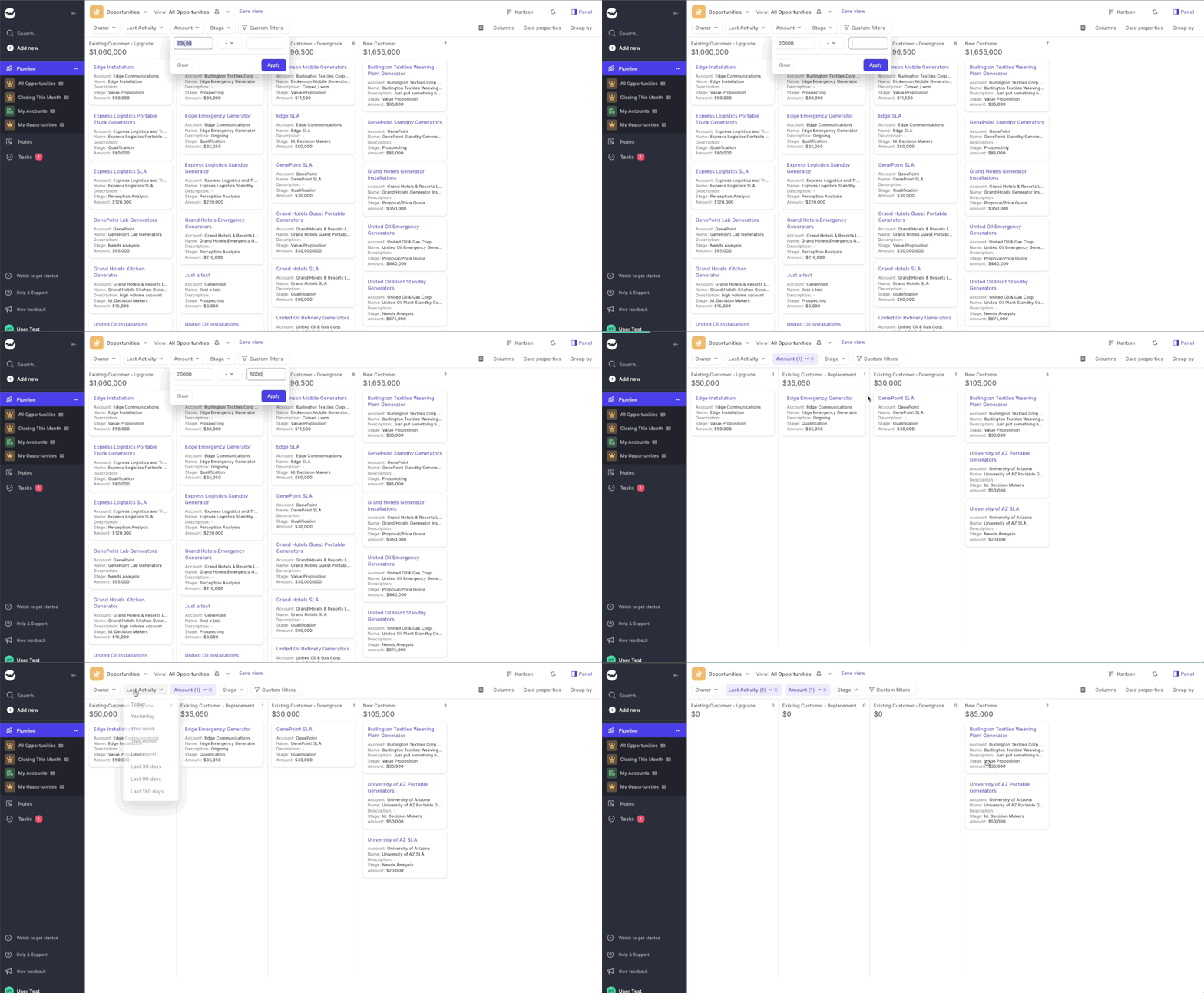
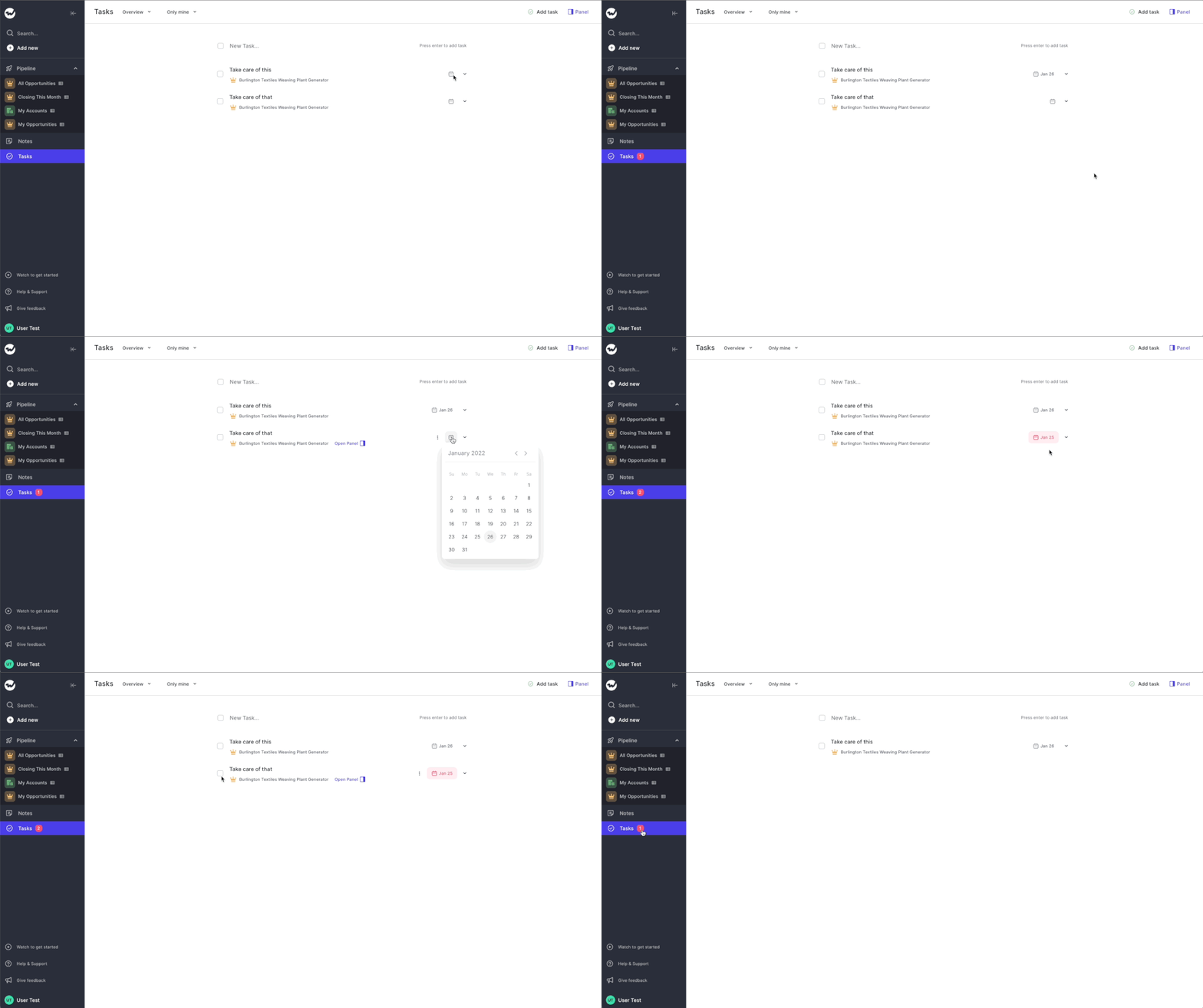
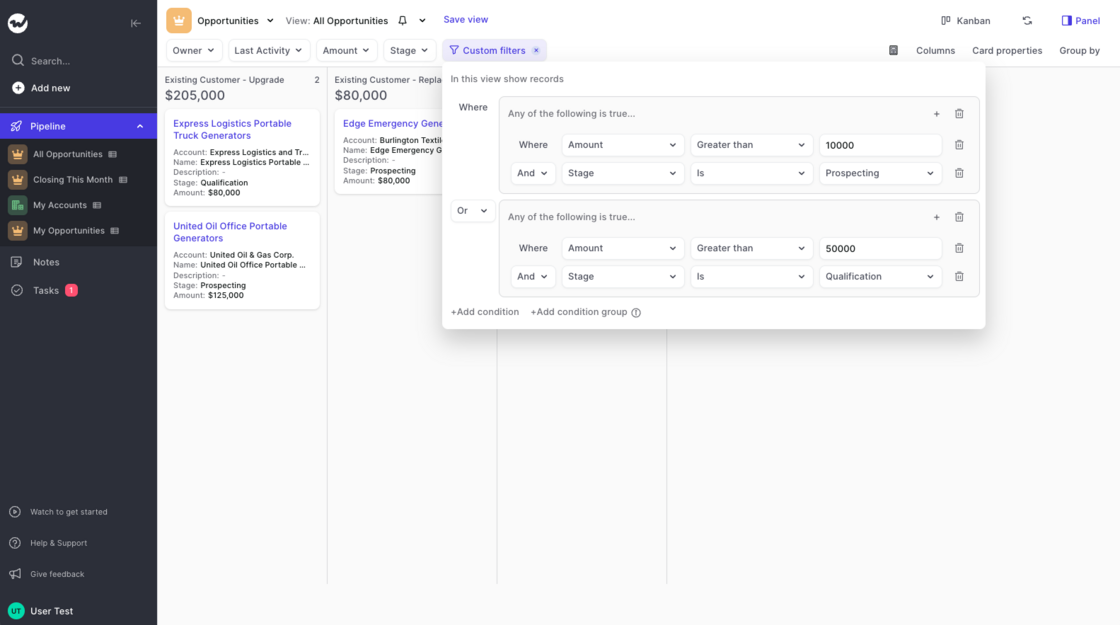
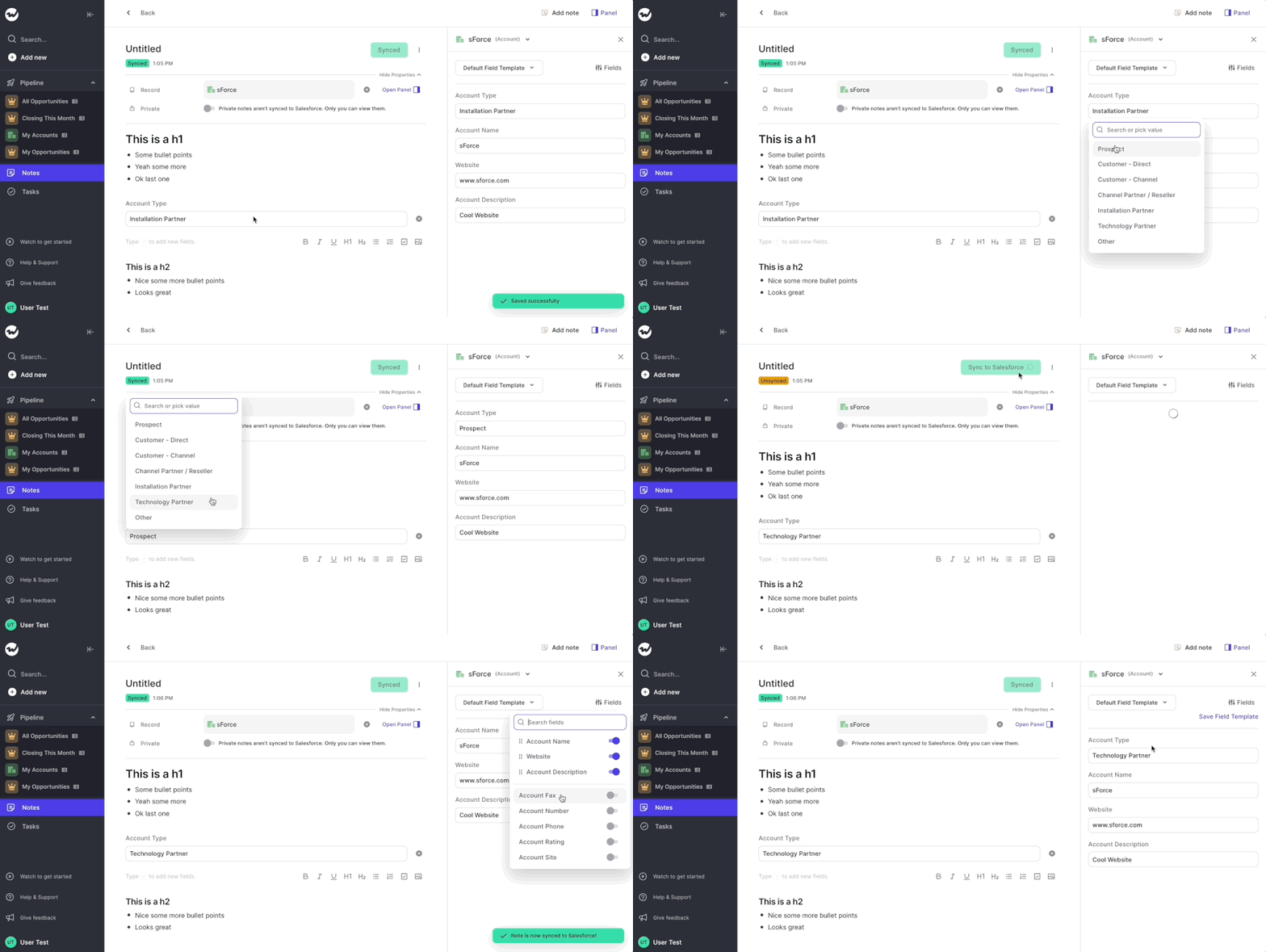
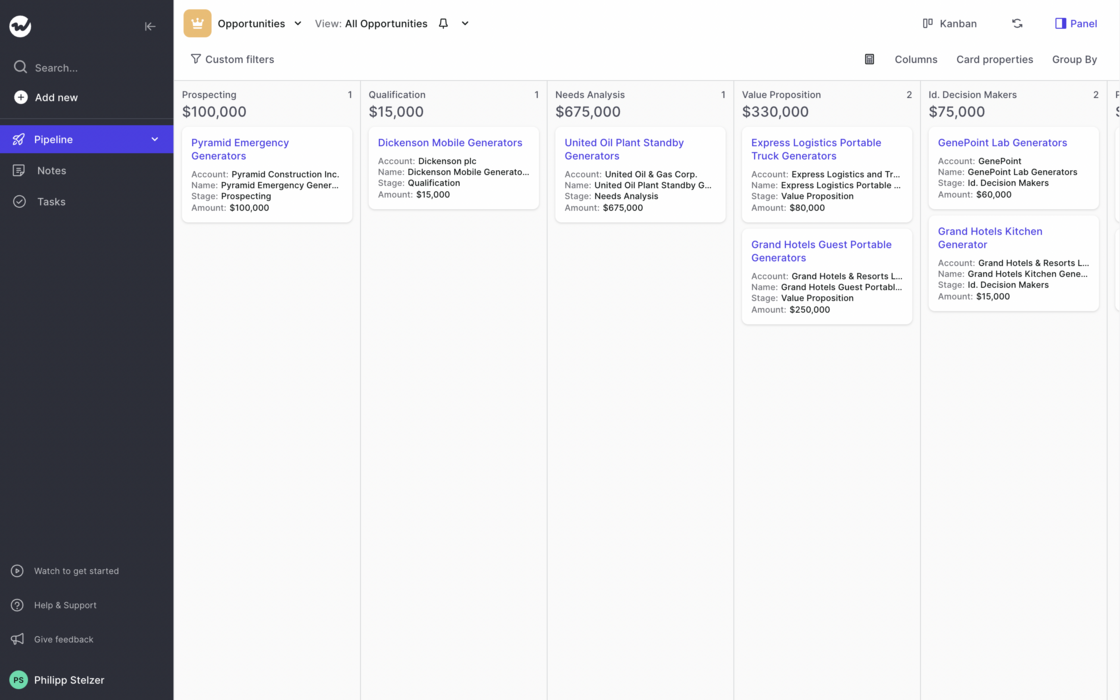
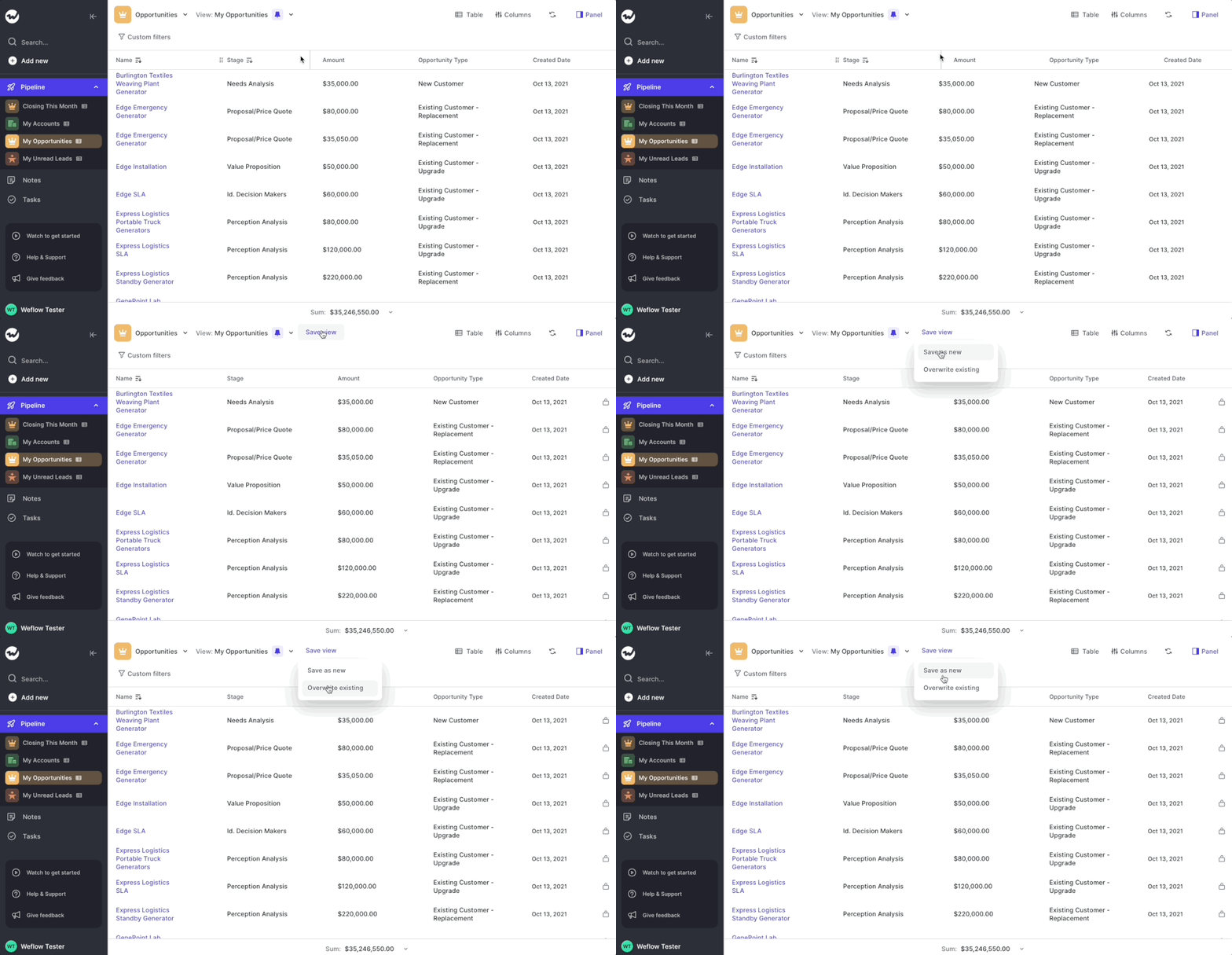
Views are a powerful way to segment your data and work with 100% focus on your most important opportunities, accounts, contacts, leads…you name it!
Previously:
Now:
Bonus: We create 8 special views that will make it easy for you to navigate Weflow. Feel free to adjust them to your needs. Of course, we will continue to import your old Salesforce views as well. But we encourage you to create new ones if possible.
Got some time? Here is a 4 minute deep dive into using custom views in Weflow:
When creating a new view, we based that new view on existing views that were imported from Salesforce
This could cause issues, in case there were hidden filters the user could not change and adjust themselves
All new views are built from scratch taking all record data for an opportunity type into account
That means for you: Full flexibility on all fronts and pure freedom when creating your own new views
When searching Weflow, you now not only find the record you are looking for, but also related objects.
Here is an example: Let's say you are searching for the "Billburry Farm" opportunity. Weflow, will not only show you the Billburry Farm opportunity, but also e.g. the contact "John Doe" who works at Billburry Farm. In addition, you'll also see notes and tasks relating to Bilburry Farm.
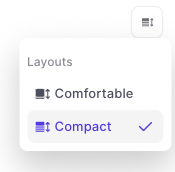
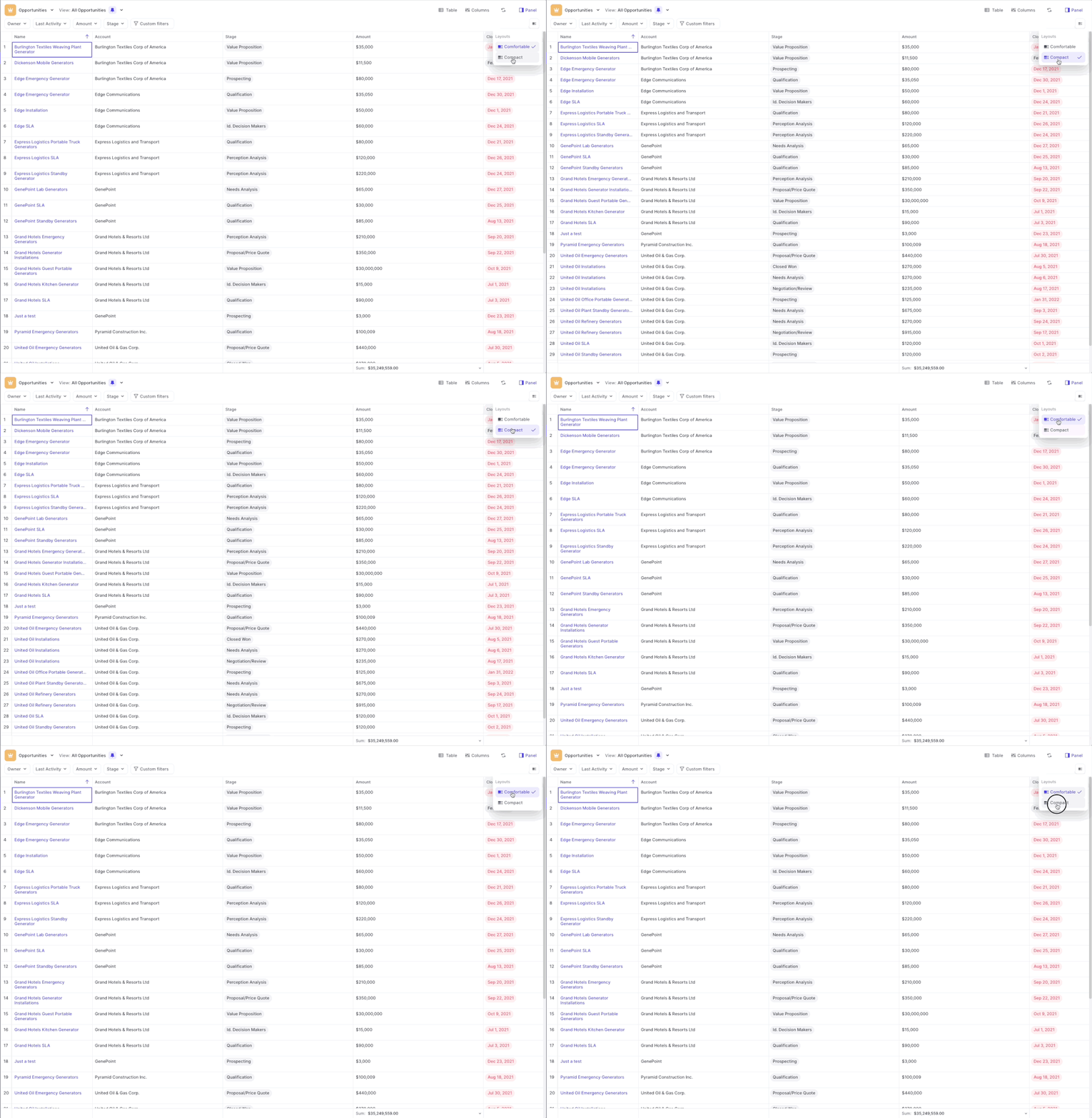
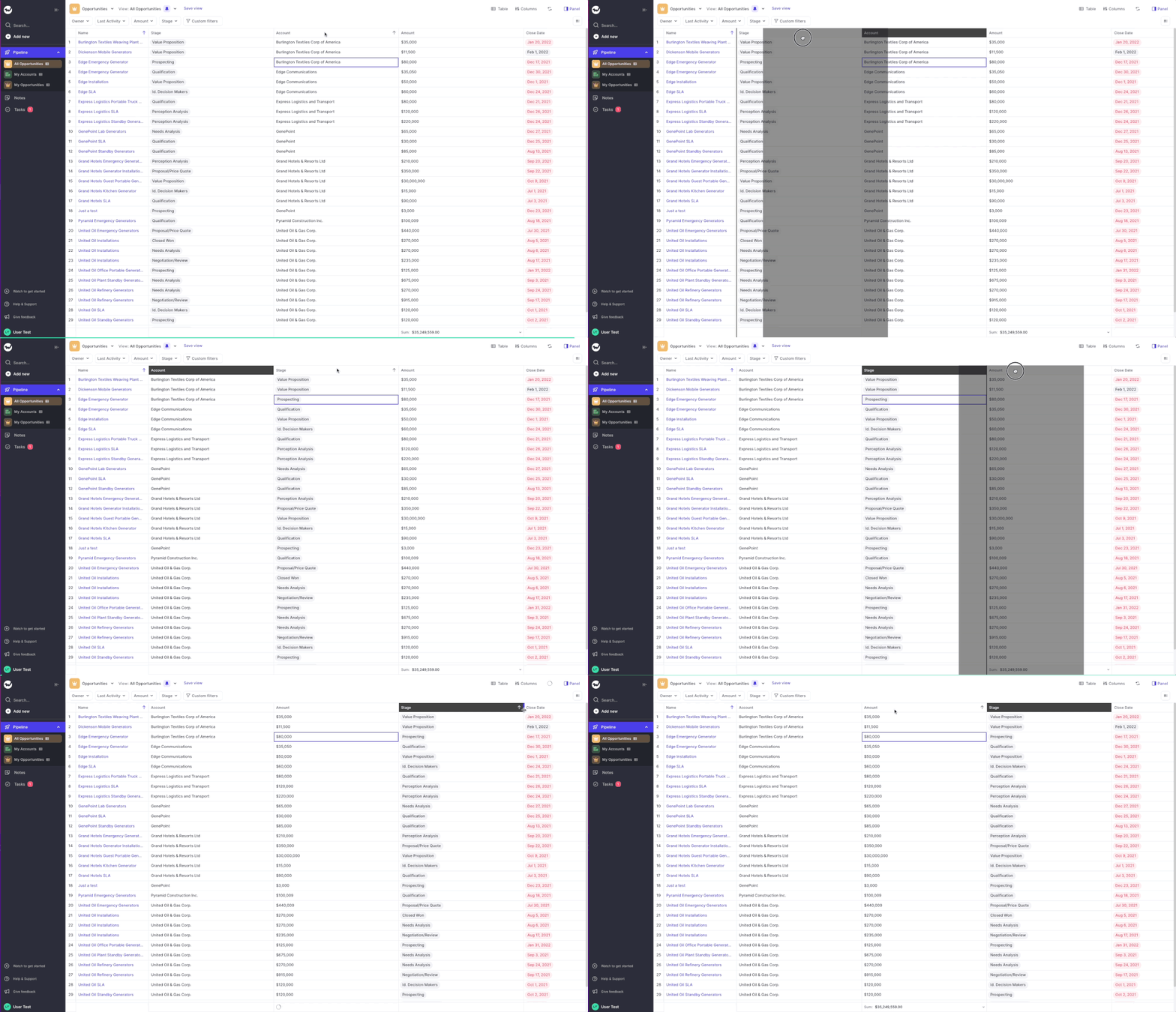
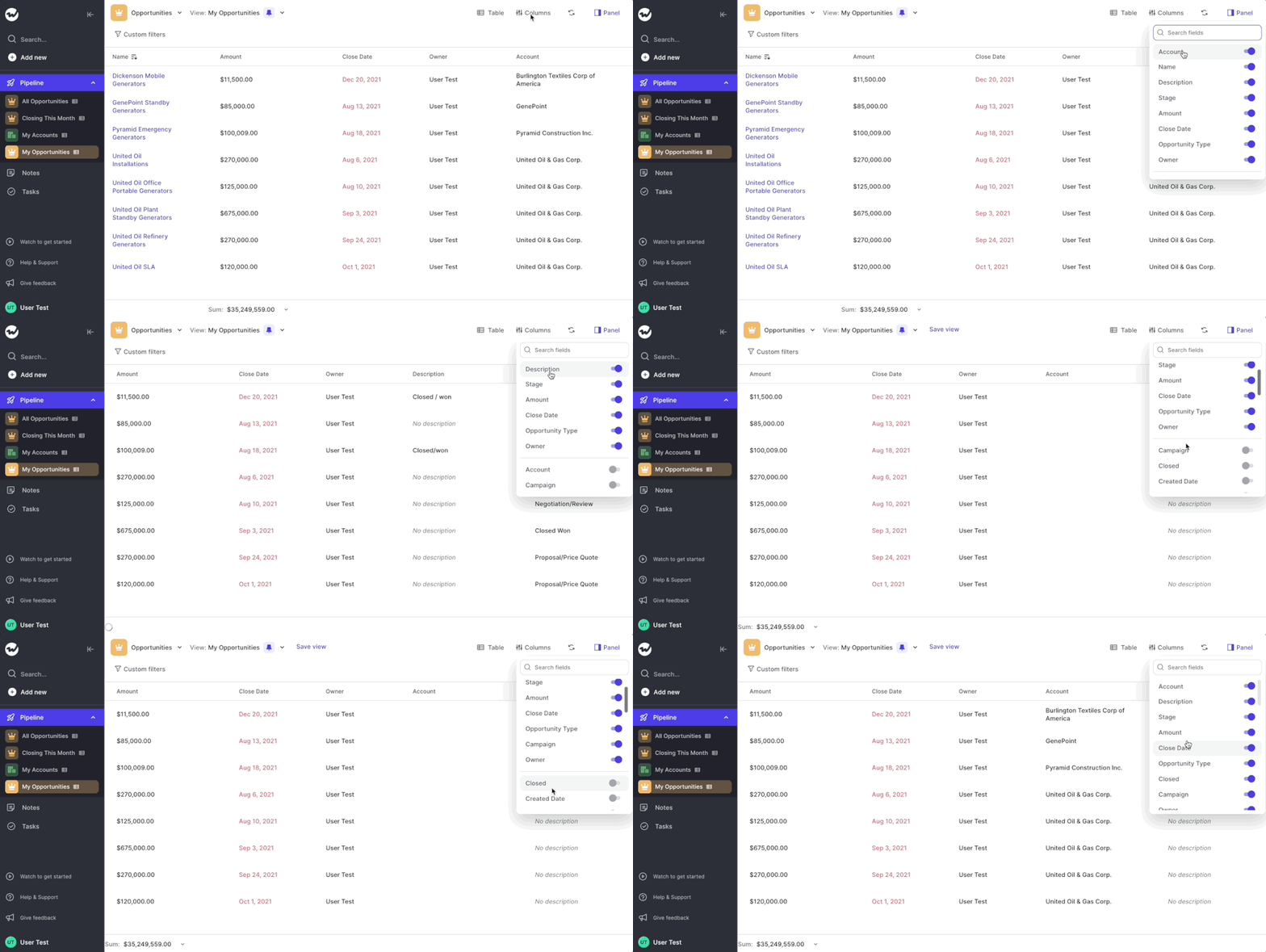
After releasing the first initial version of our table pipeline, we ran hundreds of tests with customers and first-time users. Based on their feedback, we now re-imaged how the table pipeline should look like.
With the initial designs, we tried breaking away from dull-looking spreadsheets which can easily overwhelm you and are sometimes hard to comprehend and navigate. However, we quickly realized that there are also many benefits that come naturally with the classic "spreadsheet look".
Take a look yourself:
Like it? Don't like it? Let us know at hello@getweflow.com 💌
The help and support section at the bottom left of the sidebar navigation has been re-designed. It's a small tweak including a reduced font size and a transparent background so that it embeds more nicely into the overall app styling.
 weflow