weflow
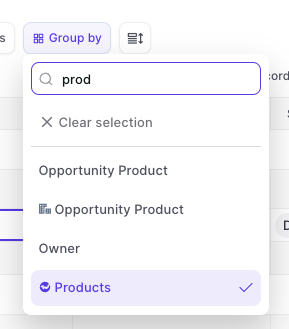
Group by 'Product'
Records in a pipeline view can now be grouped together by different products.
67 updates shipped in 2026339 all time
Showing October 2023 and earlier · Back to latest
Records in a pipeline view can now be grouped together by different products.
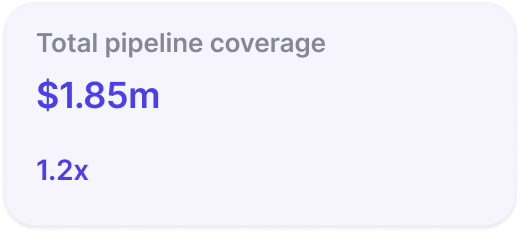
Pipeline coverage is now displayed as a factor e.g. 2x instead of a percentage.
Weflow now respects the correct order of stages when using a 'group by' view in the pipeline or opening the selection options from a stage field (in sidebar and pipeline).
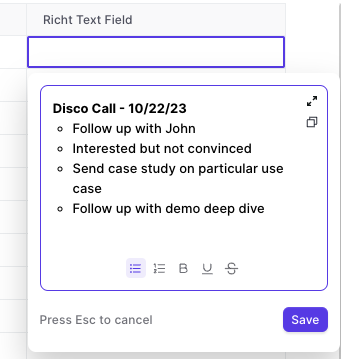
As of today, Weflow supports rich media text fields.
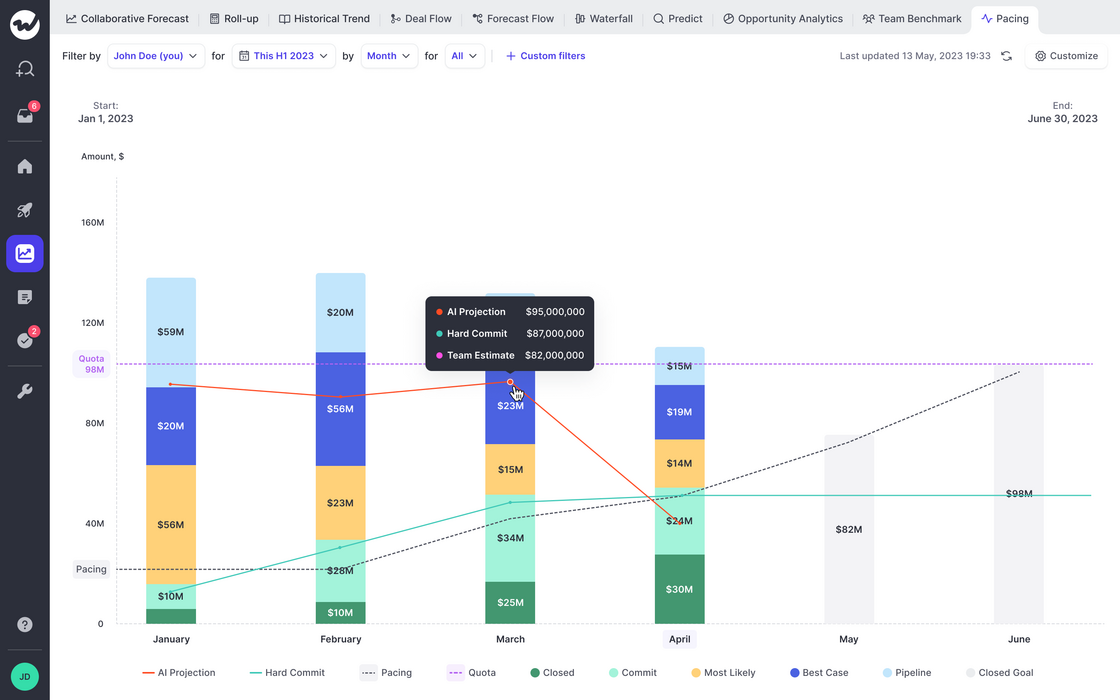
The new pacing chart is perfect for understanding trends in forecasting and quota attainment.
We understand that API calls are a valuable resource with Salesforce. Hence, Weflow has developed a new way to ensure that important data for forecasting and analytics is pulled directly from your Salesforce account without triggering an API call or requiring field history to be activated for the specific field.
To install the managed package, please activate forecasting first (Growth license required).
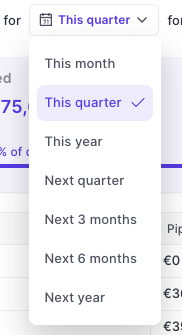
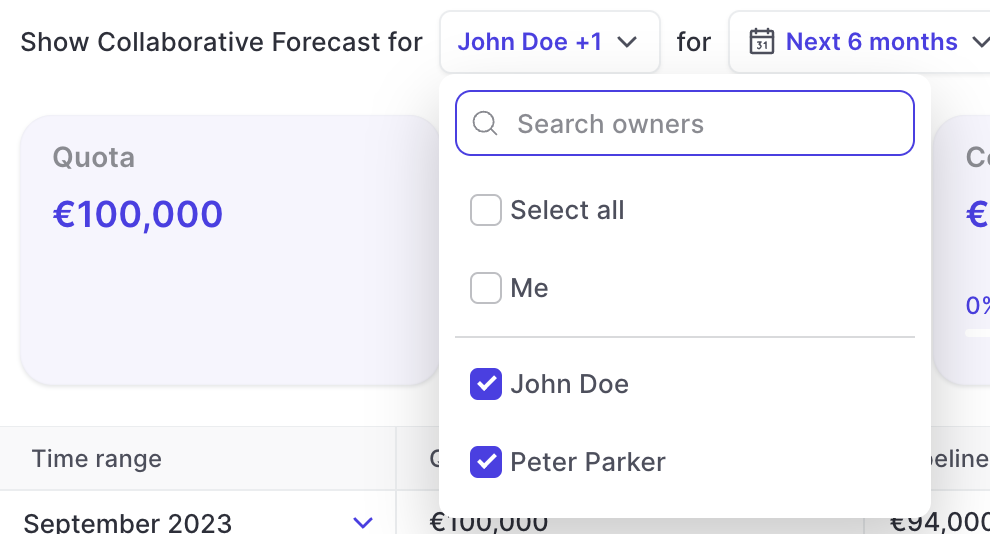
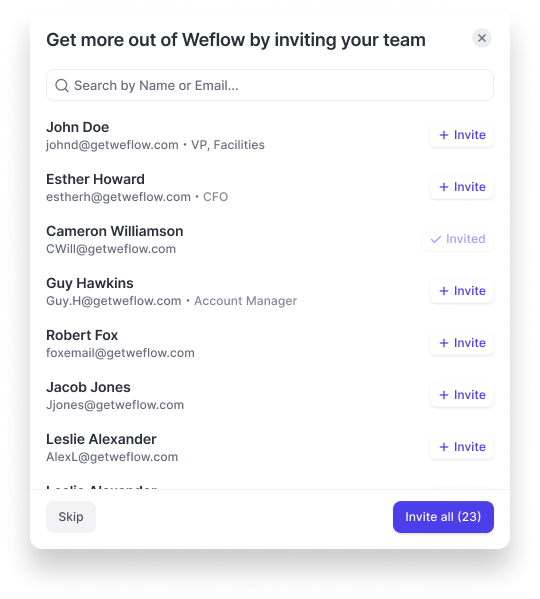
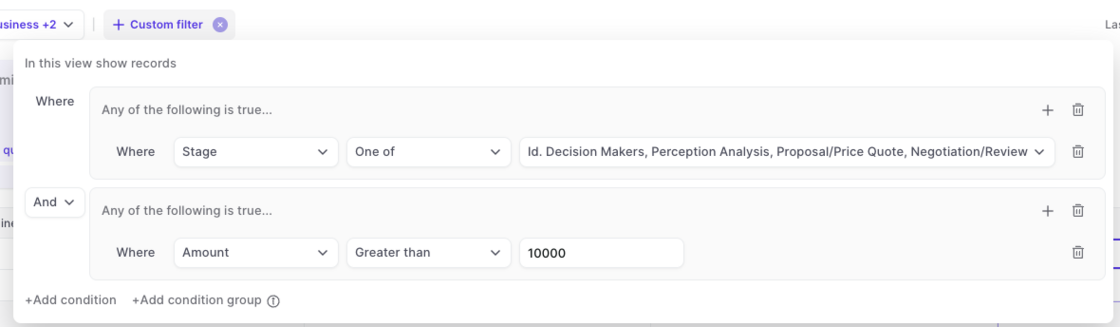
Filter your forecasts with any field in Salesforce
Weflow is automatically showing all options for record types now.
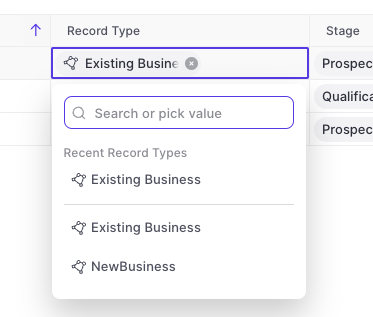
The "Stage" field for Opportunities or "Status" field for Leads will automatically show only the values relating to the specific record type.
Weflow now supports multi-currency setups. There is nothing you need to configure within Weflow. All conversion rates and currencies are imported automatically from your existing Salesforce setup.
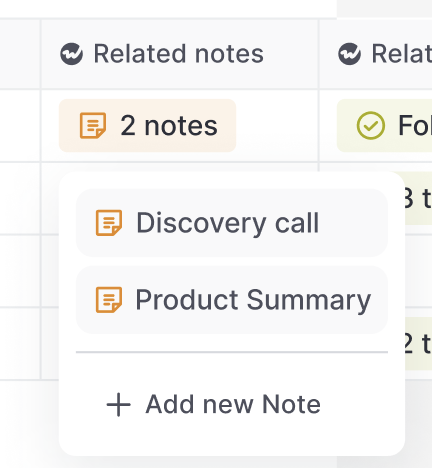
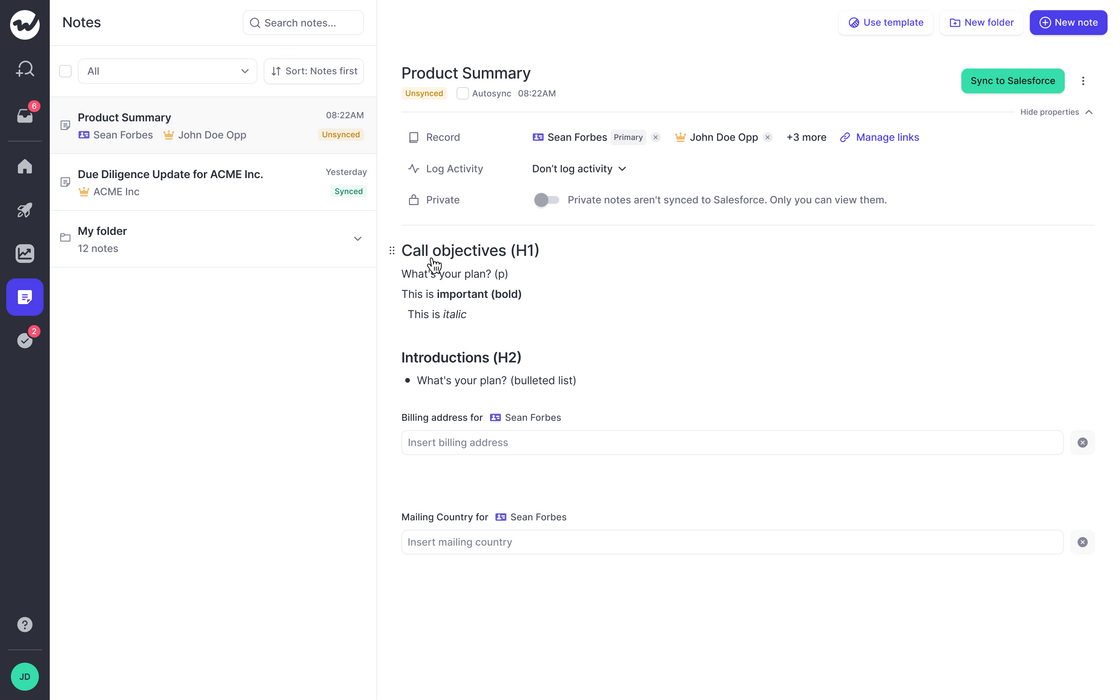
Access notes via the "Related Notes" field anywhere in your pipeline, sidebar, or Chrome Extension.
You can add this special Weflow field anywhere you want in our Web App or Chrome Extension.