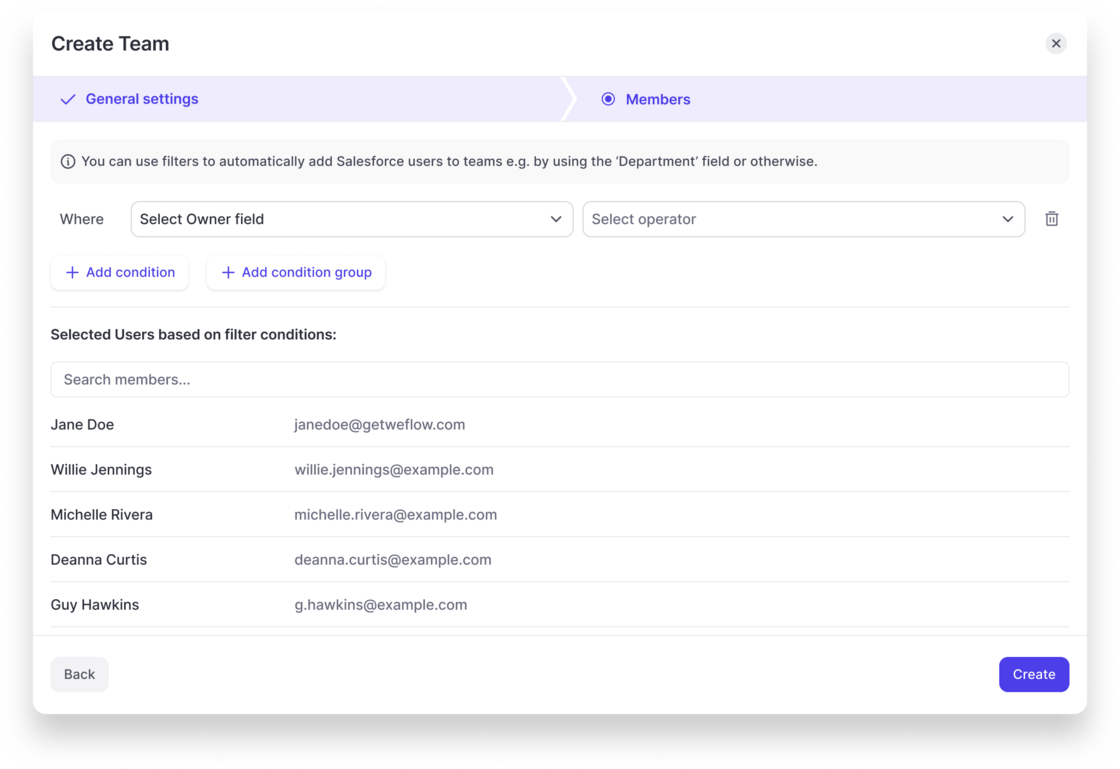
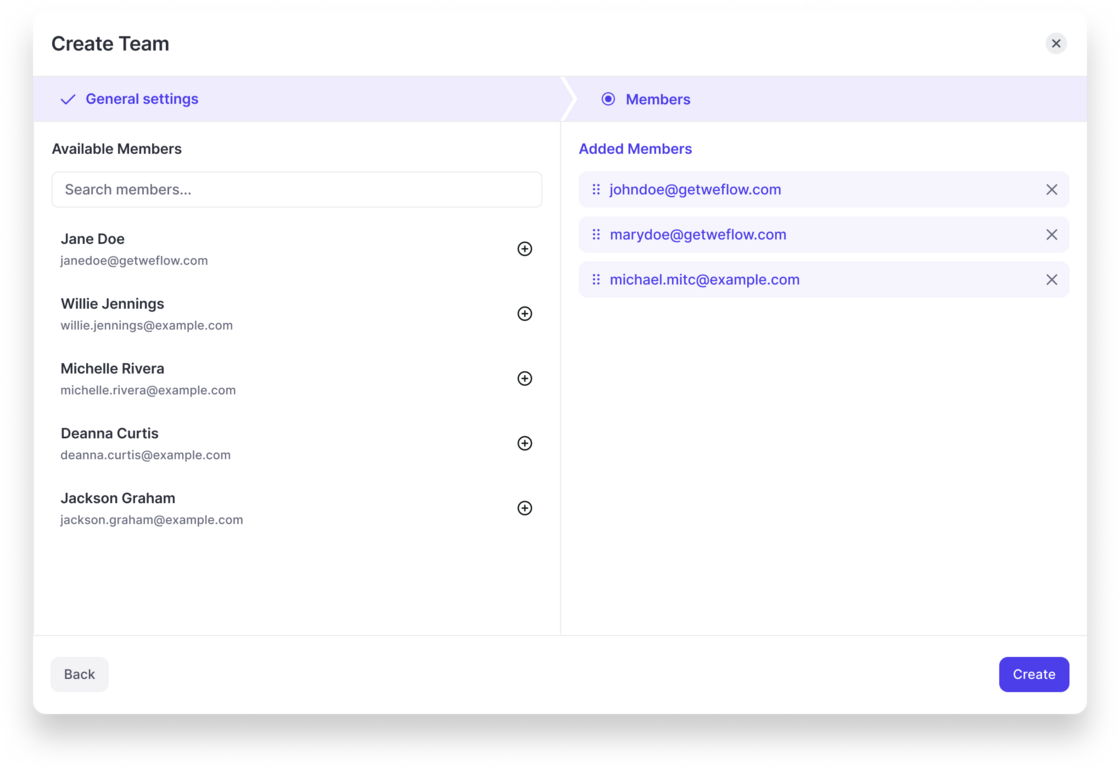
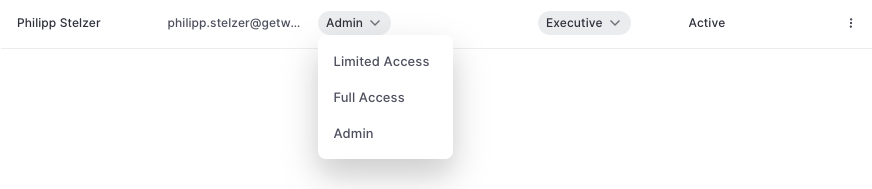
Weflow now let's admins configure dynamically updated teams based on fields related to the user object in Salesforce.
Weflow will automatically update the users assigned to a team based on these rules.
Also, Teams can be used to assign configurations for activity capture or conversation intelligence, so that Salesforce and Weflow always stay perfectly in-sync.
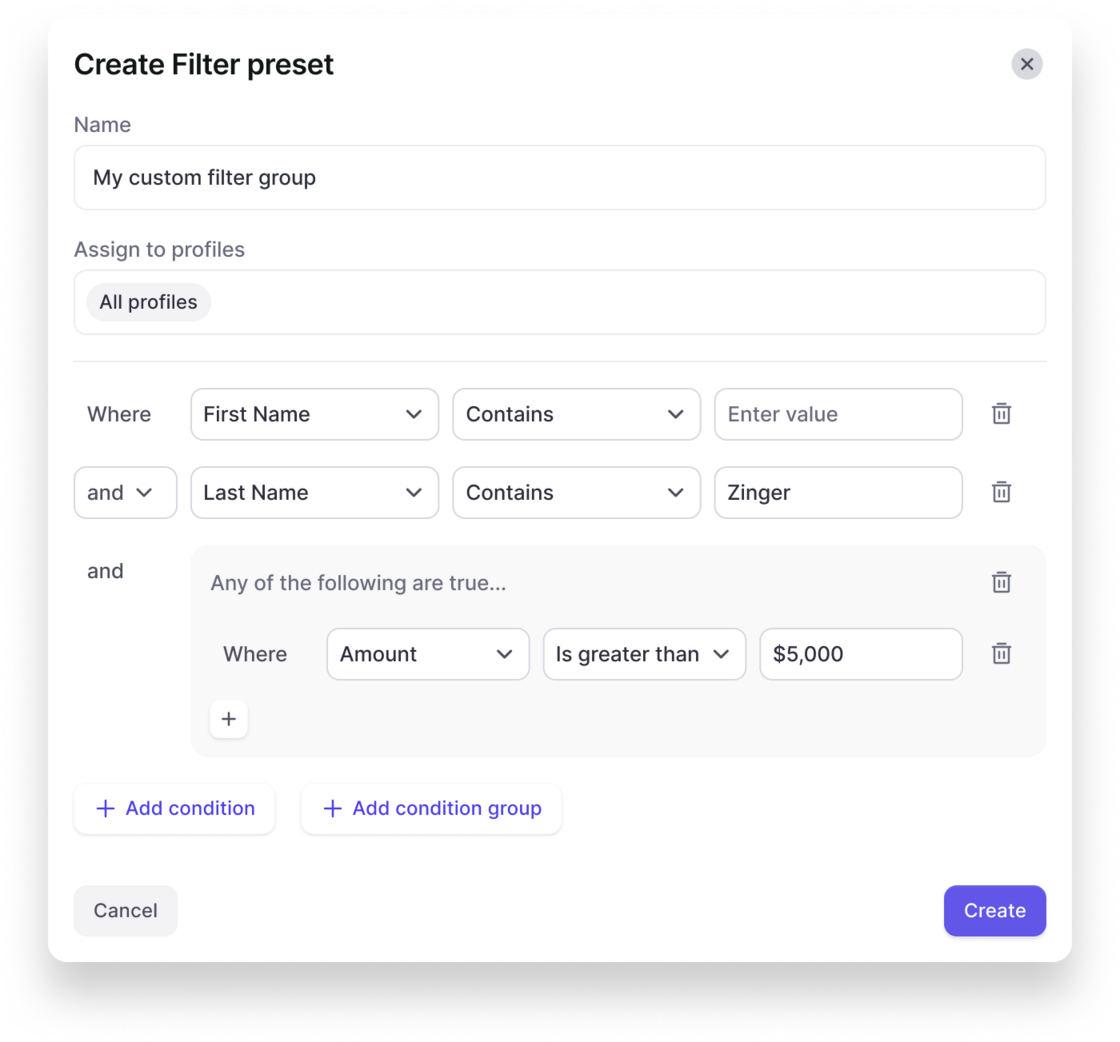
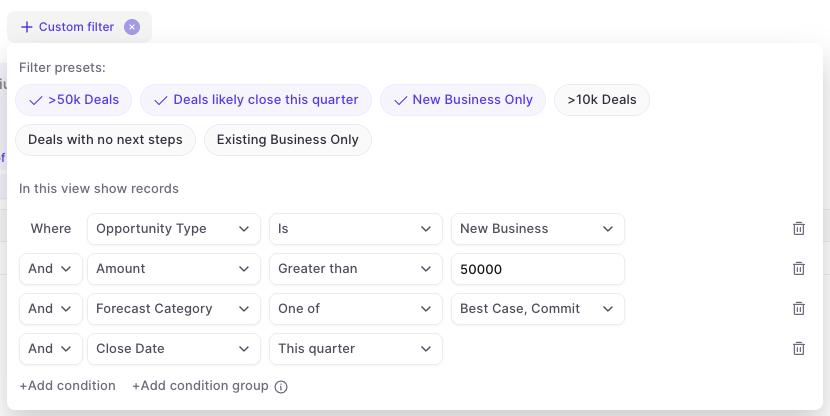
In the admin console, you can now create your own custom filter presets that are also visible and usable for other users in the Weflow app.
This gives you more control over key filters that should be used across the organization and saves time for each user when it comes to setting up tedious details in specific views.
Create a filter preset in the admin console:
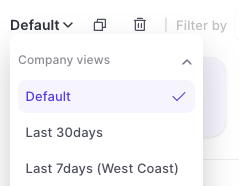
Users can quickly toggle between filters in analytics & forecasting:
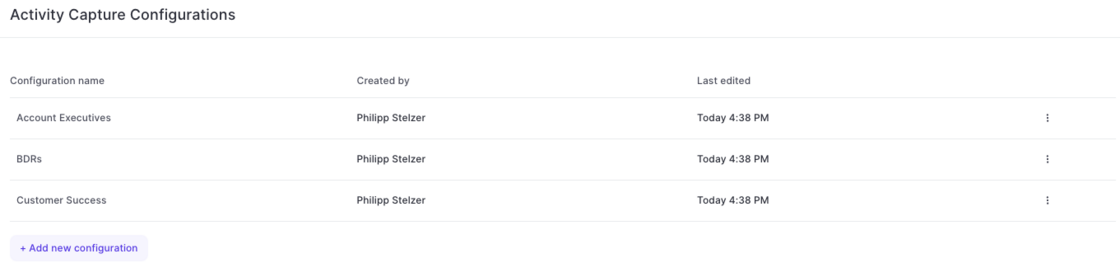
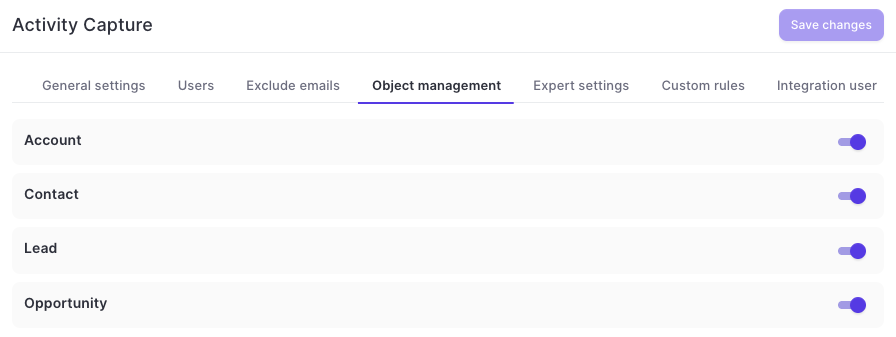
With this latest update, admins can now configure different activity capture configurations for specific user groups, profiles, roles or teams in Weflow.
Simply add a new configuration and customize it based on your specific requirements and needs.
To help customers who do not need or want to log recurring event series from Outlook/Google to Salesforce, this can now be fully disabled via the 'Expert Settings' in Weflow's admin console.
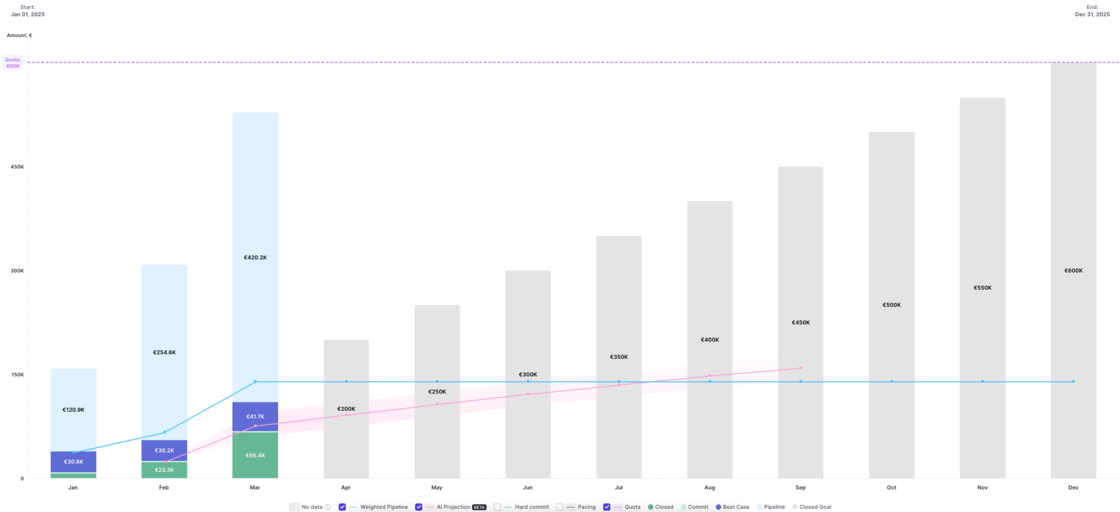
Version 2.66 of our forecasting & analytics suite has introduced the ability to see live data in the pacing chart. No action is required to use this improvement. All pacing charts have been updated automatically.
 weflow