 weflow
Recently used records
When linking an Opportunity to an account (or any other object), Weflow will now show the last 5 used records.
This will save you a click or search every now and then.

67 updates shipped in 2026339 all time
Showing March 2023 and earlier · Back to latest
When linking an Opportunity to an account (or any other object), Weflow will now show the last 5 used records.
This will save you a click or search every now and then.
The note list has been cleaned up a bit:

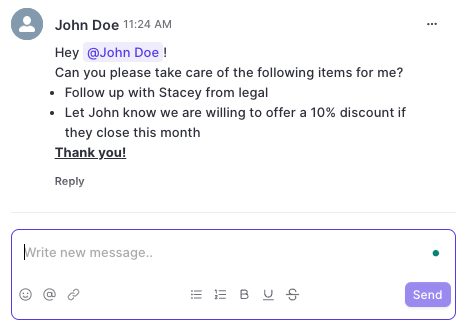
You can now use text formatting for bold, italic, underlined and strikethrough texts.
In addition, you can add in emojis, tag colleagues, add links, create lists and many more options.
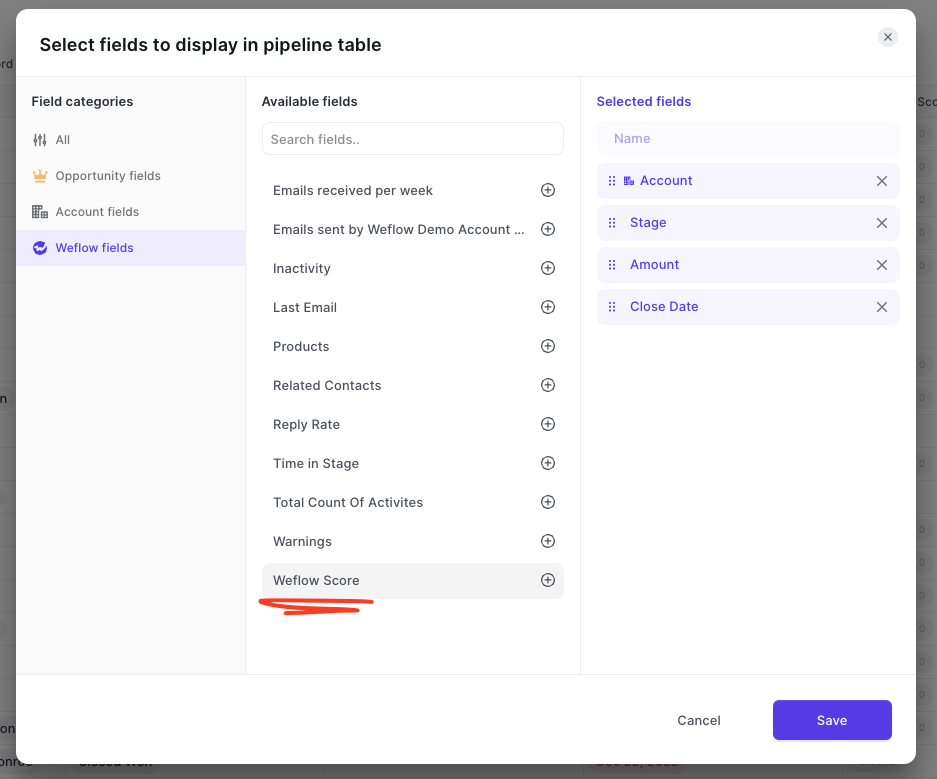
To make filtering for specific dates and time ranges easier, we added the following options for date filters to Weflow:
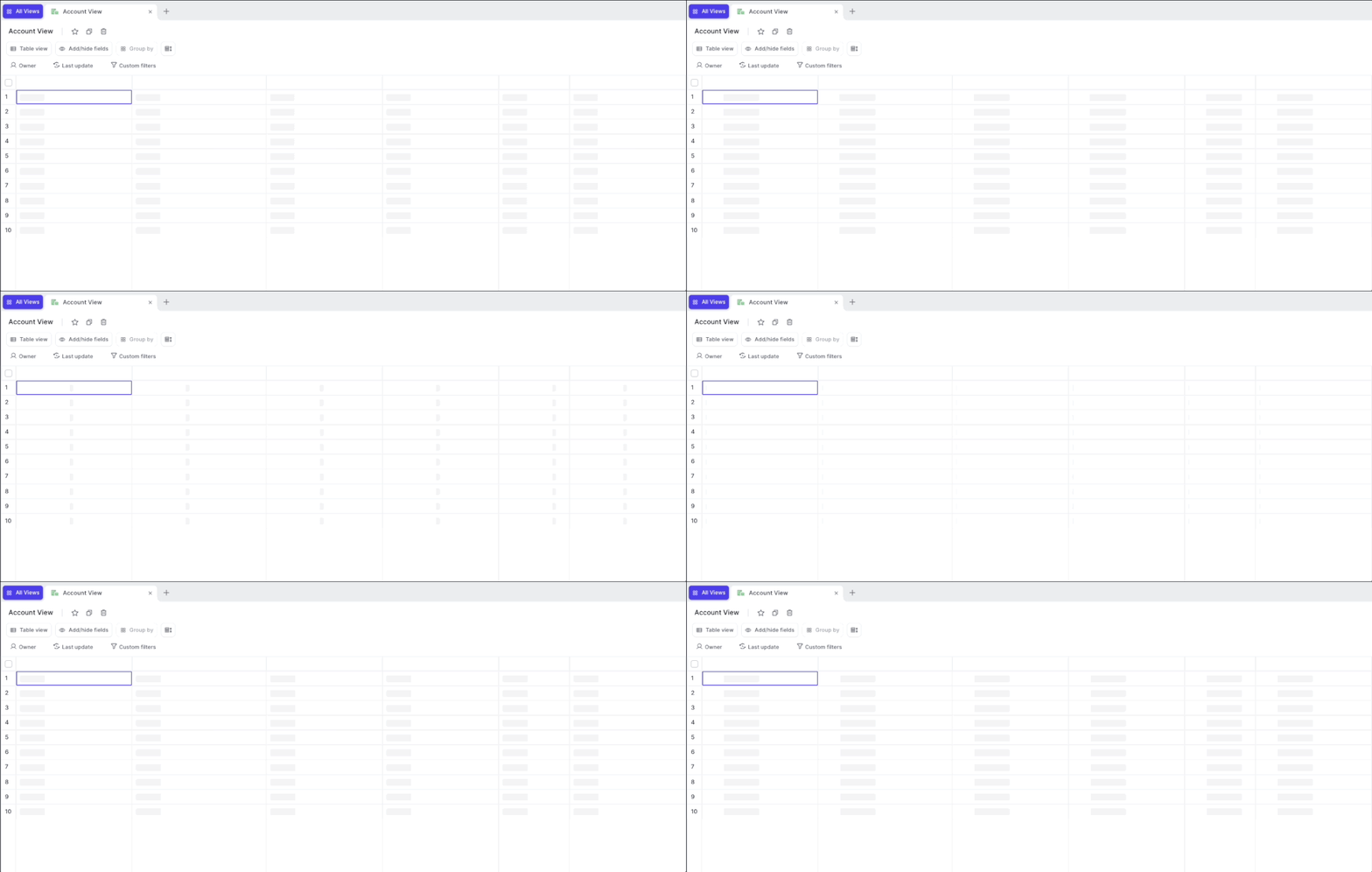
For these rare instances, we rebuilt our loading indicators to make it clearer to our customers that the page is still loading.
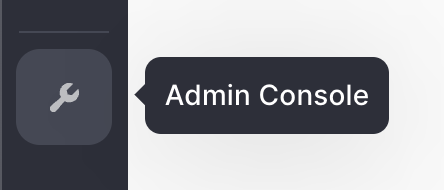
Would you like access to the admin console? Shoot us a message to hello@getweflow.com
Setting up custom objects in Weflow has never been easier. We improved the implementation time from a few days to less than 24 hours. Do you want to see your custom objects in Weflow today? Shoot us an email at hello@getweflow.com or fill out this form.
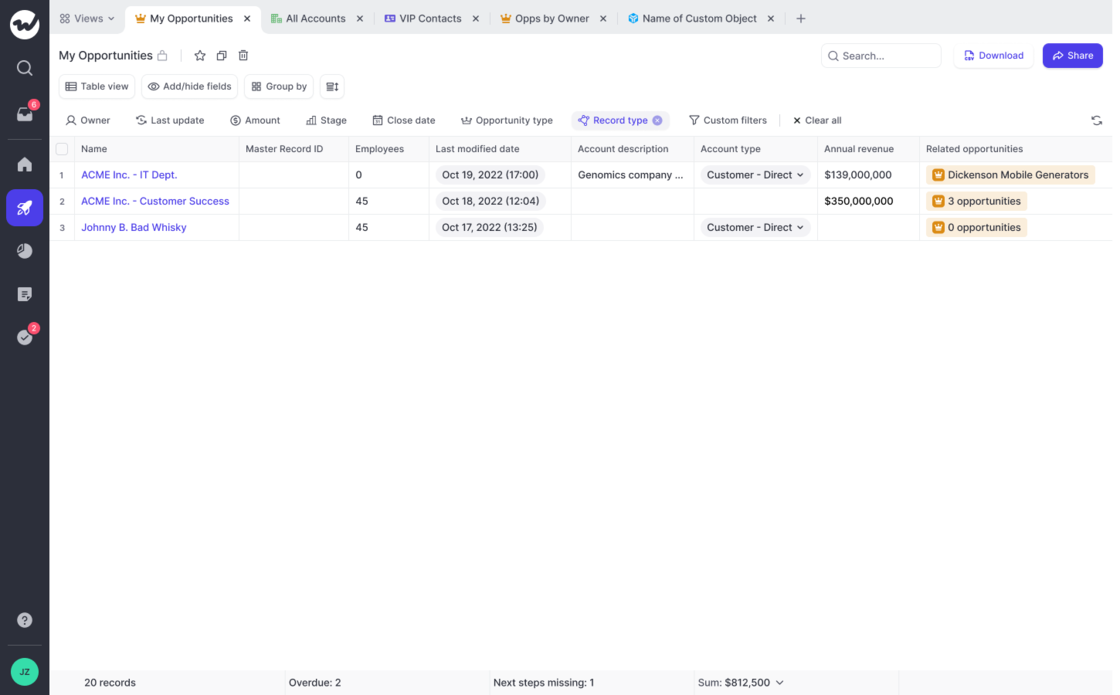
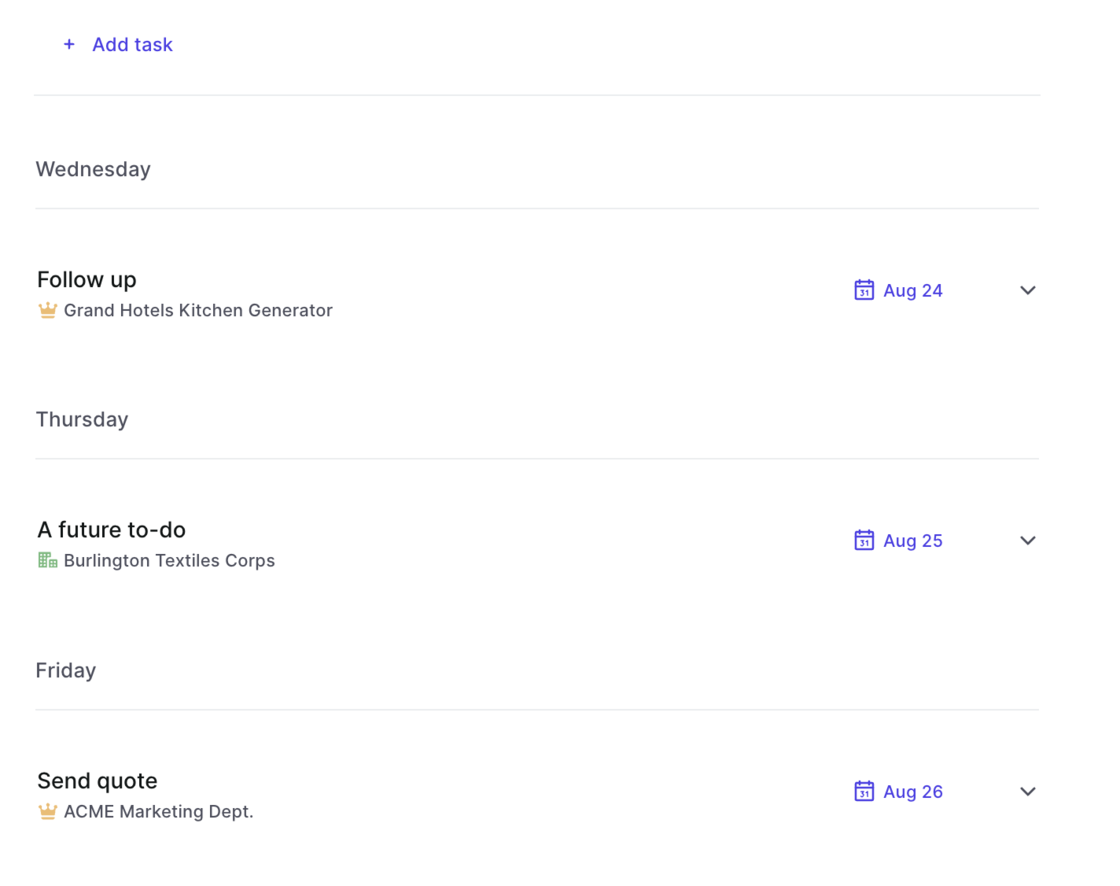
We know from many conversations with our customers, that the panel is a great way to access and update information quickly. However, space was always a bit too limited and switching between different panel templates never felt intuitive enough. Here is what we changed:
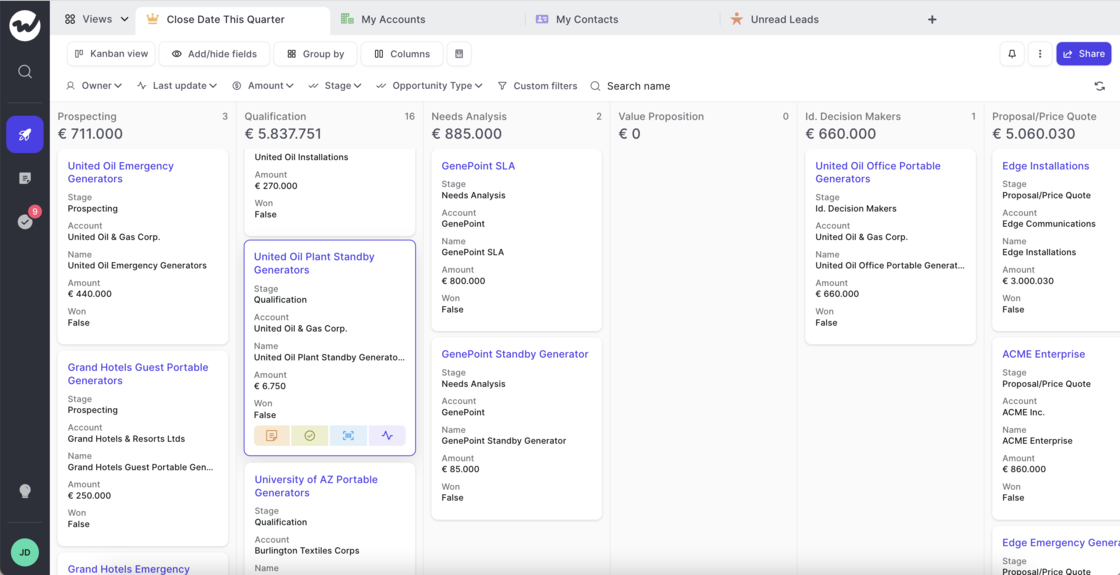
The Kanban board received a UX update:
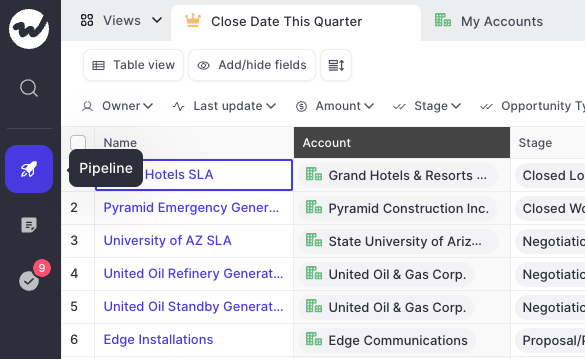
Quick actions can now be used in the panel, kanban and table view.
A fresh & clean sidebar, to let you focus on what matters:
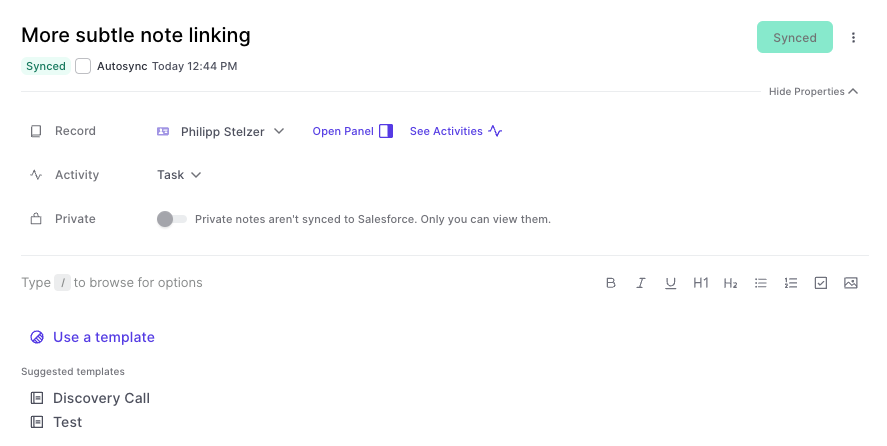
We improved the readability of the note pad editor by making the following changes:
This improvement was made possible by a suggestion from one of our great customers. If you find issues like this, always let us know.
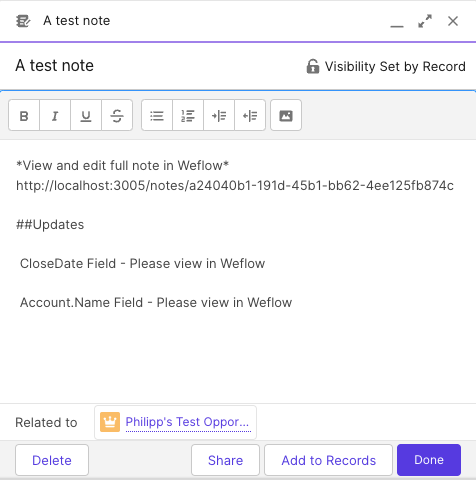
Before:
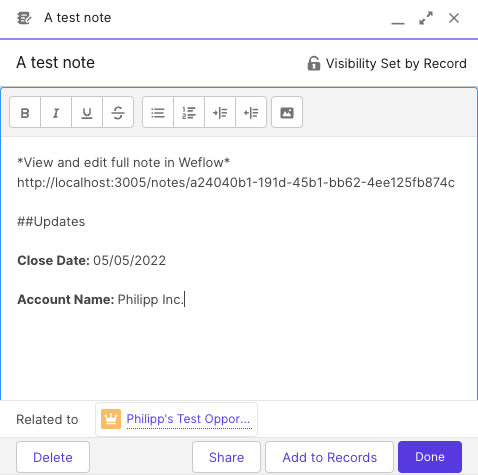
This format was not that readable. In fact, we used the API name of a field and not the customer-facing field label, which users are more accustomed to. This has been changed now to look like this:
Please note, that field values in notes are always only a snapshot since the last sync. Even if you have auto-sync activated, the auto-sync will only come into play if you made a pro-active change to that note.
Depending on your Salesforce settings, sometimes you can have customs fields which are generally accessible but not visible. This can cause issues in our interface. Hence, Weflow now regularly checks which fields and objects a user has access to and what kind of access (i.e. read or write access).
This is a backend change, and you will unlikely notice any differences while using Weflow. However, it is a major improvement to ensure a 100% stable user experience.
Don't you hate that random clicking around when trying to close a menu or window you don't want in your view anymore?
We definitely try to avoid this whenever possible. So here is another update where we made improvements to ensuring you can close whatever you want as quickly as possible with no unnecessary clicks.