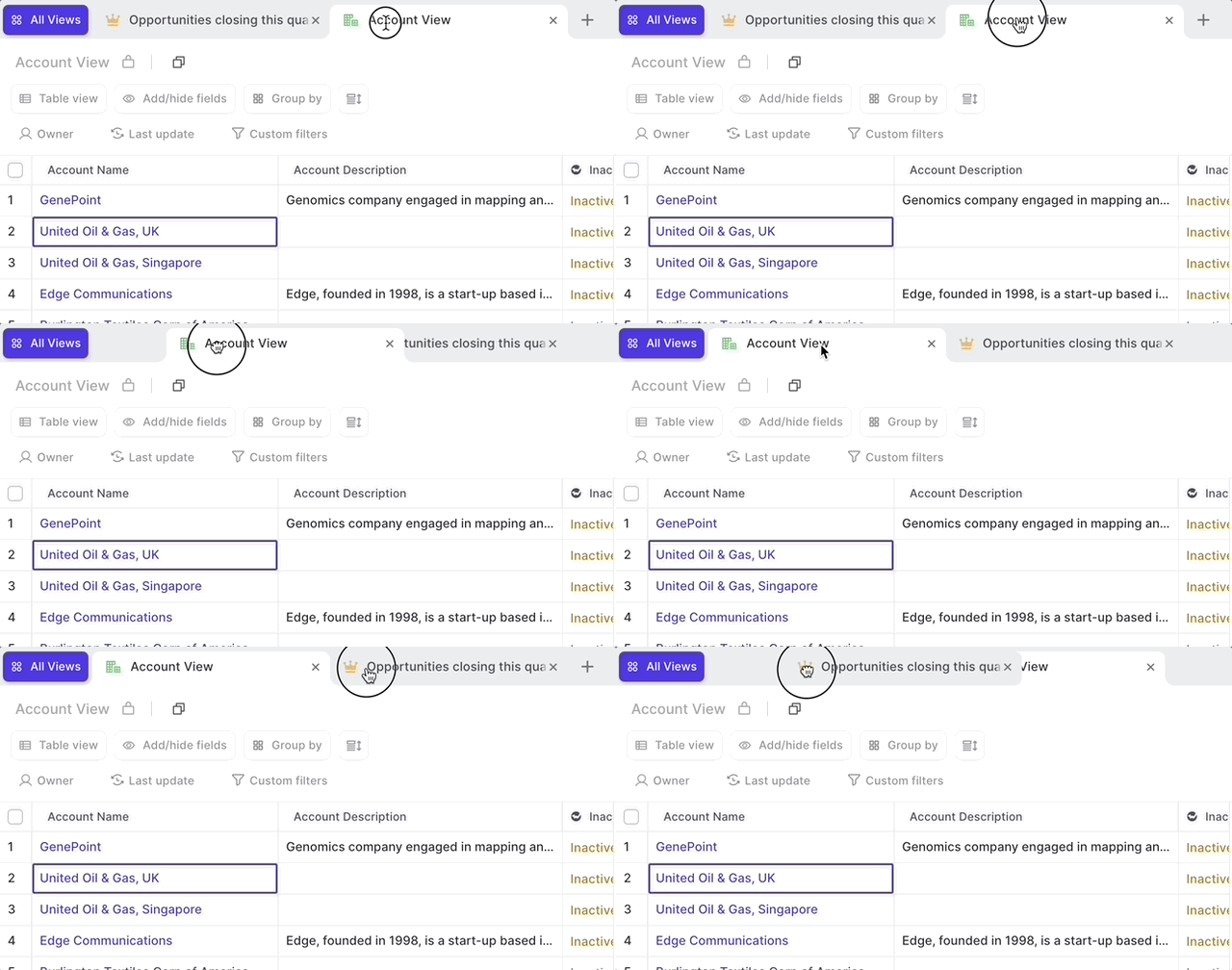
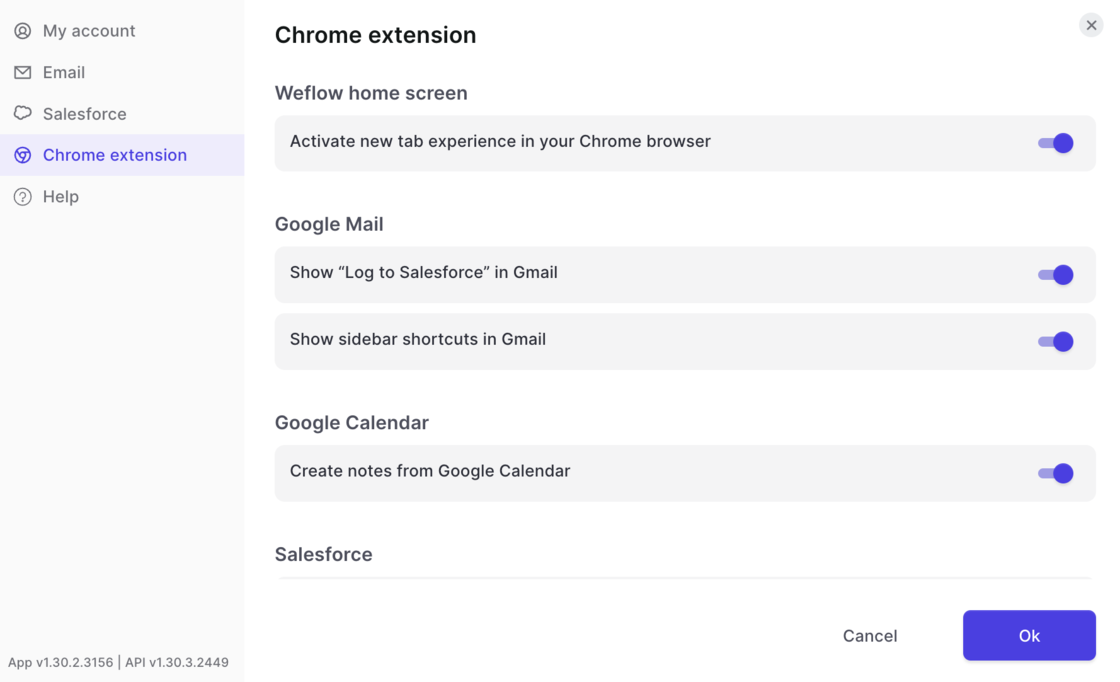
One of our most beloved features is the ability to let Weflow log all your emails in the background. No clicking, no worrying…it just works.
But sometimes, you want to tweak the details a bit more. Maybe there is that one email that should not get logged or that one email that absolutely needs to get into Salesforce even though typically it shouldn't. Exceptions are the norm. And Weflow let's you stay in control.
Previously, Salesforce Classic users could not open SFDC records from within Weflow. From now on, Weflow supports both Salesforce Classic and Salesforce Lightning URLs.
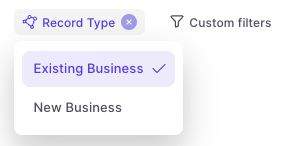
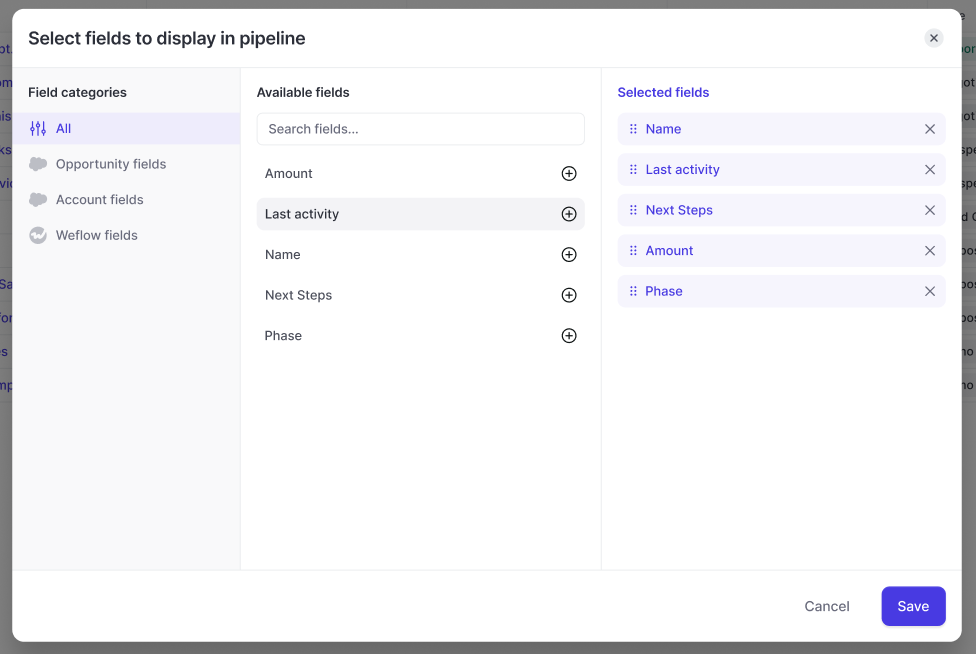
With this updated design, users can now filter by field type. In addition, it is now possible to combine account and opportunity fields within an opportunity pipeline view.
Merge Opportunity and Account fields in any Opportunity-related pipeline view
Quickly filter by field type e.g. Weflow fields vs. Opportunity fields
Change the order or the fields with drag & drop
Quickly see which fields have already been added to a view
There are a lot of hidden insights in your Salesforce CRM. Some are so well hidden, that sales reps sometimes wonder why they even make the effort to add all this data.
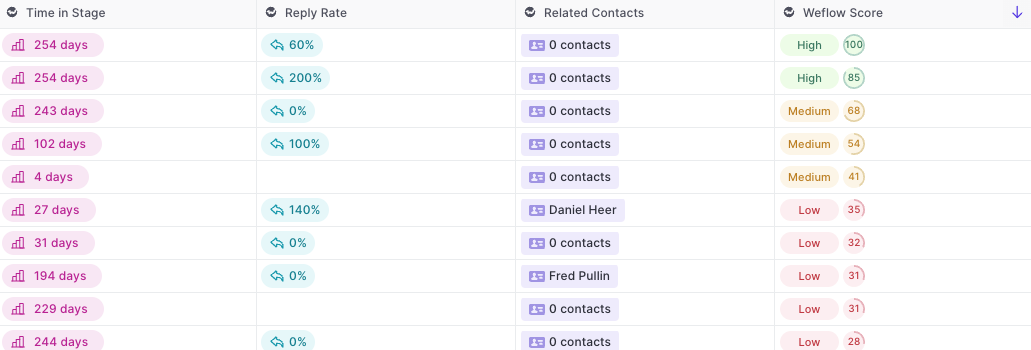
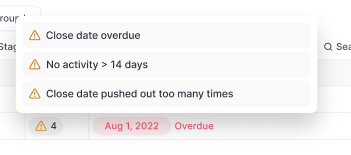
Weflow fields automatically calculate useful insights for you and surface them in your pipeline and panel.
Example of Weflow fields:
Warning summary field:
You can add all Weflow fields via the Add/Hide button in the pipeline or panel.
You can now edit activity details via the Weflow note pad. In addition, you can also connect notes to existing activities which have already been logged in Salesforce previously.
 weflow