 weflow
Related notes
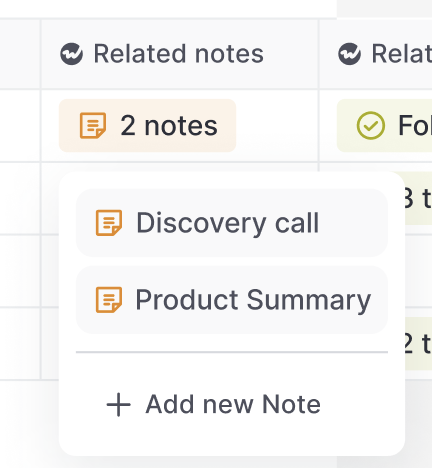
Access notes via the "Related Notes" field anywhere in your pipeline, sidebar, or Chrome Extension.
You can add this special Weflow field anywhere you want in our Web App or Chrome Extension.
67 updates shipped in 2026339 all time
Showing July 2023 and earlier · Back to latest
Access notes via the "Related Notes" field anywhere in your pipeline, sidebar, or Chrome Extension.
You can add this special Weflow field anywhere you want in our Web App or Chrome Extension.
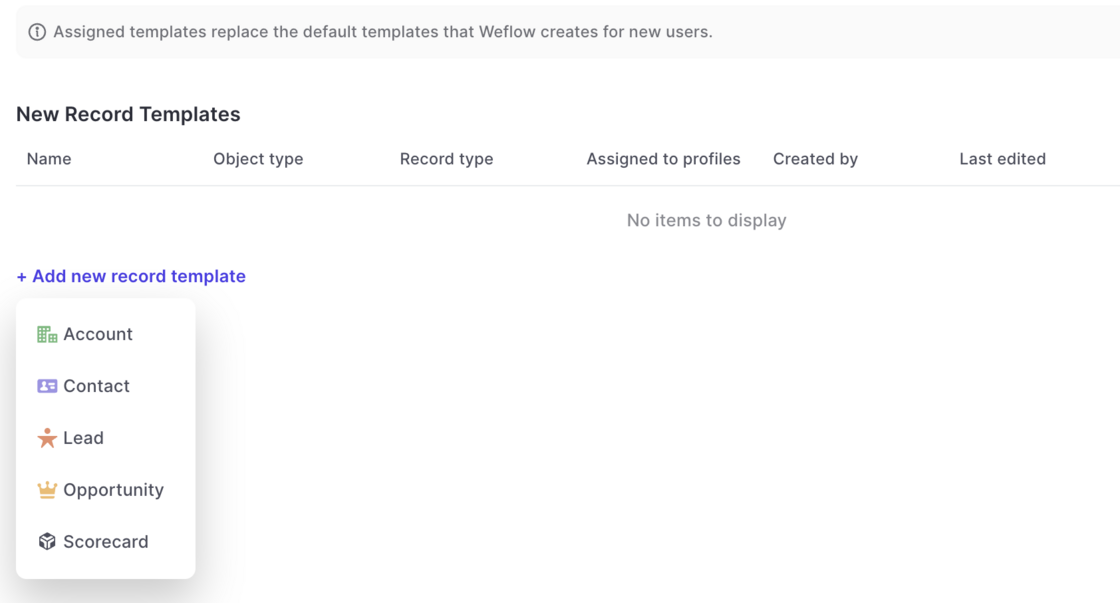
Now, you can create templates for new records as well as activities and meetings via the admin console and assign them to different user profiles.
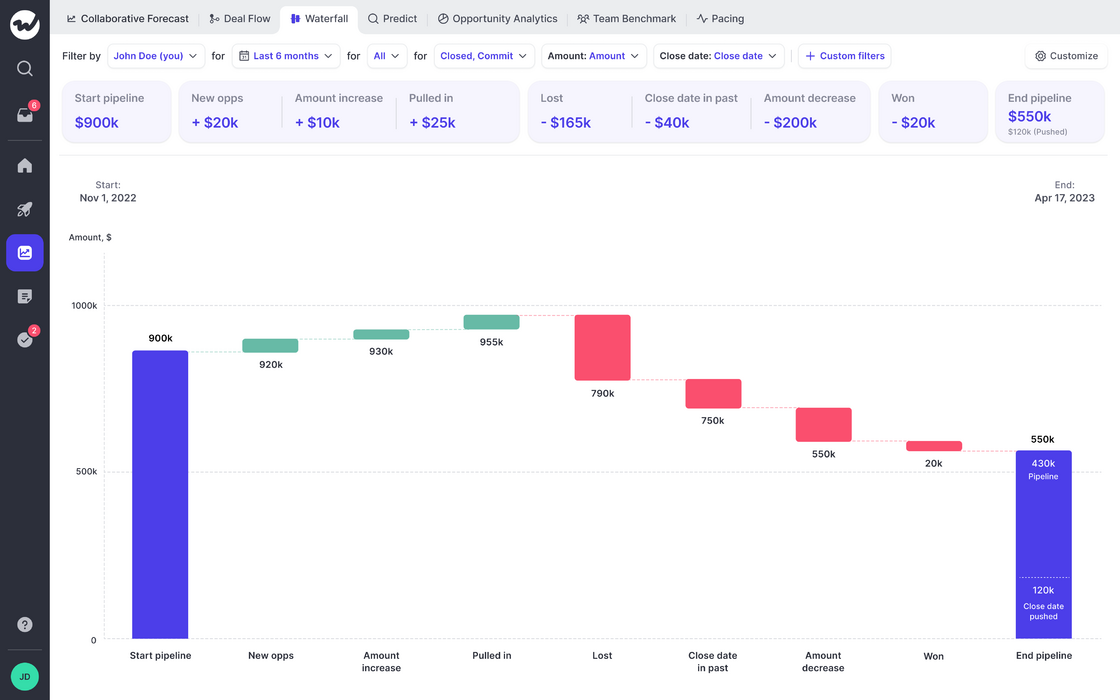
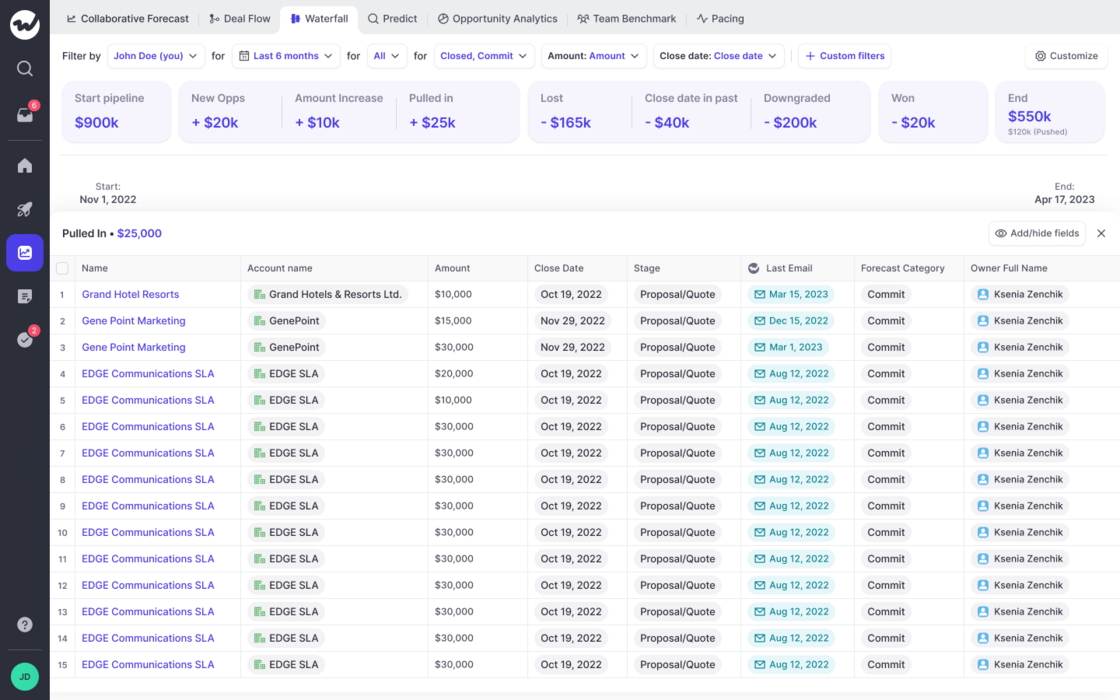
See how your pipeline developed over time. Filter by rep or entire teams.
If you have questions or feedback, please reach out to us at hello@getweflow.com or contact your customer success manager.
Running efficient forecasts with your entire team is hard. Weflow is here to make it easy for you, and your team.
Highlights
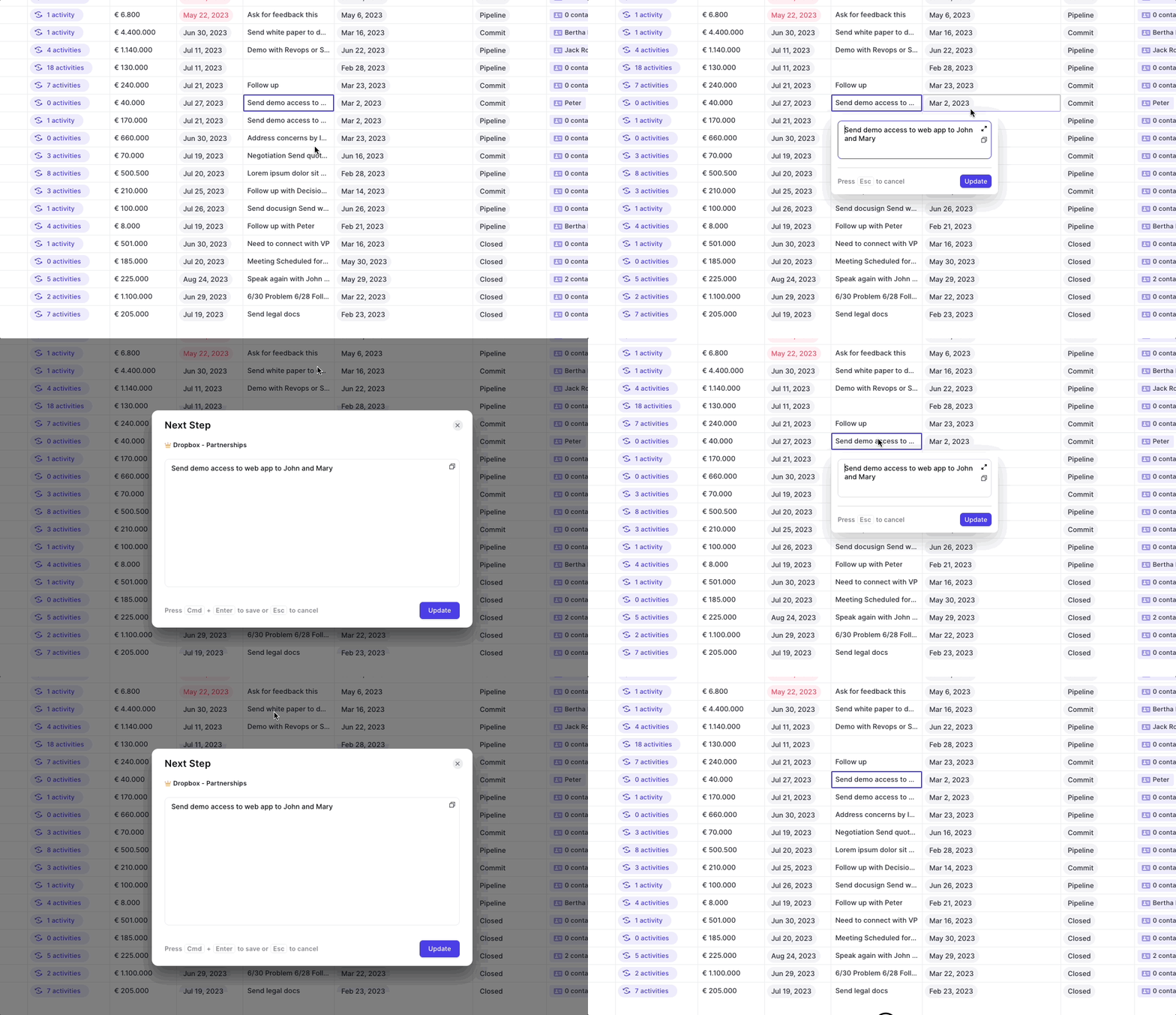
Entering information into large text fields was sometimes a bit tedious with Weflow. We fixed that now:
💡 Pro tip: This also works in the sidebar and Chrome Extension.
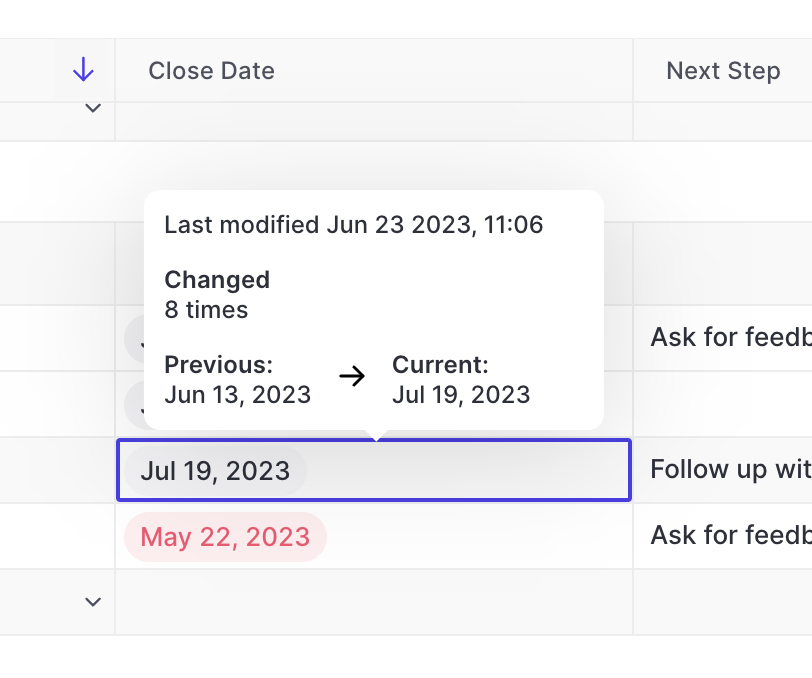
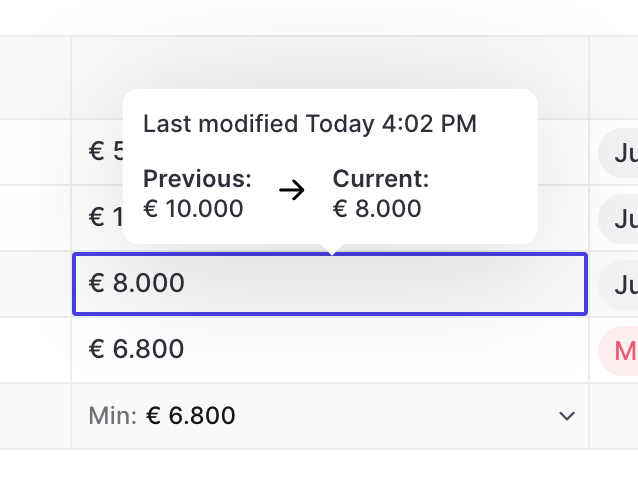
Ever wondered how often a close date has already been pushed out, or adjusted and what its previous value was? You can see all that in Weflow easily.
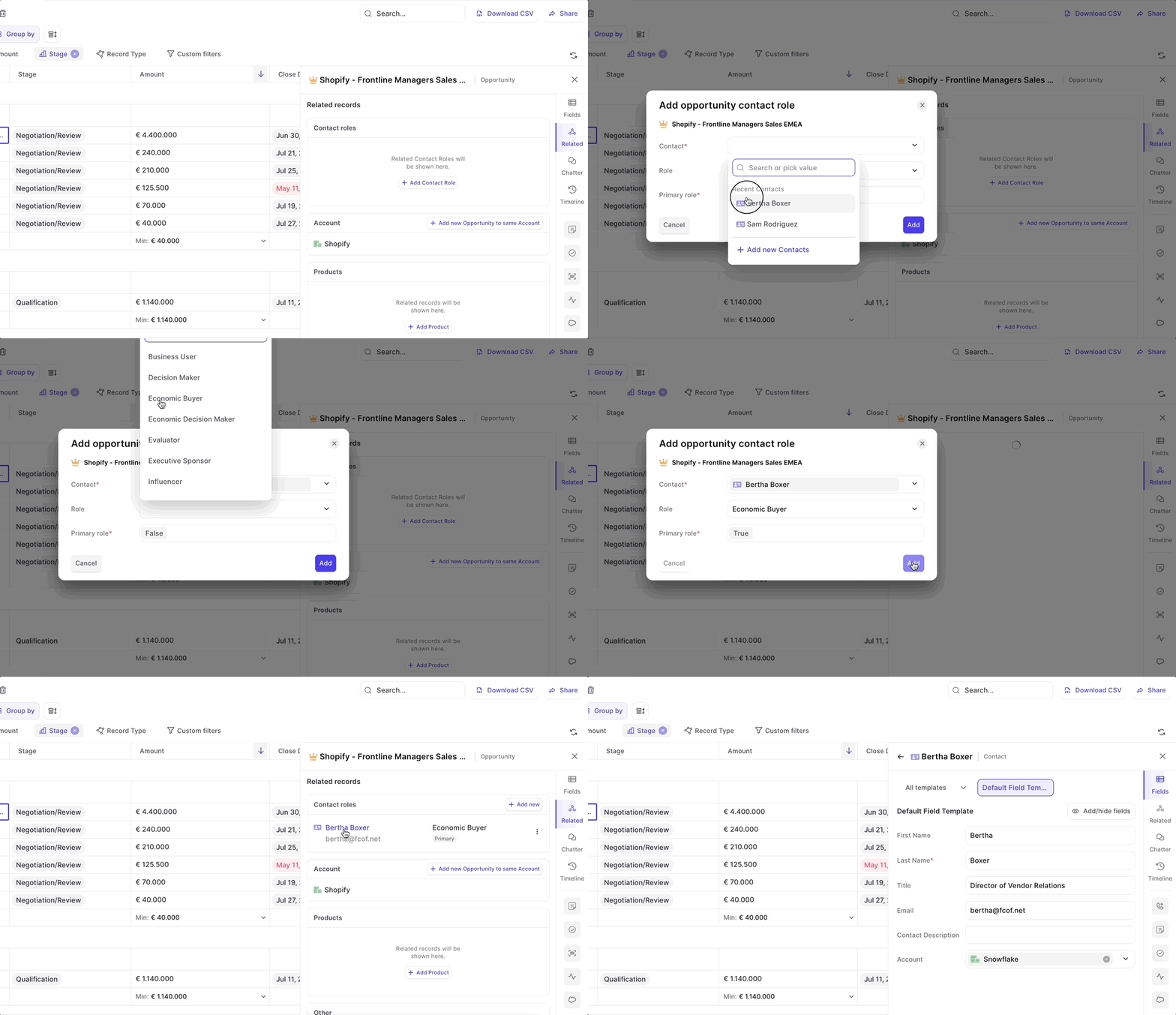
Contact roles are now fully supported in Weflow. Add new contacts, set primary contact and quickly edit fields.
You can access contact roles via the related tab in our sidebar/panel.
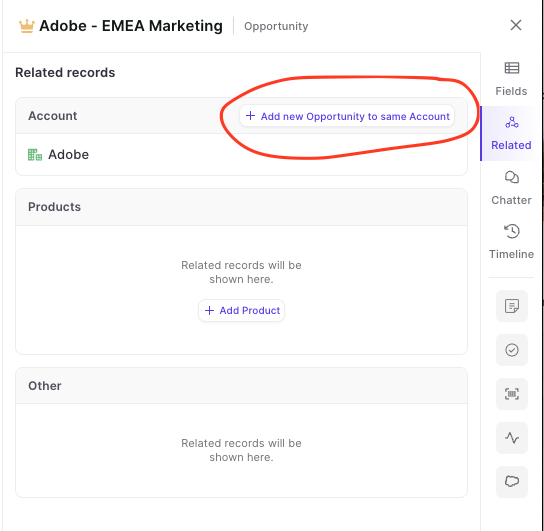
See all related records with just one click
Please note: Shortly, you will also be able to edit 'Contact Roles' from here.
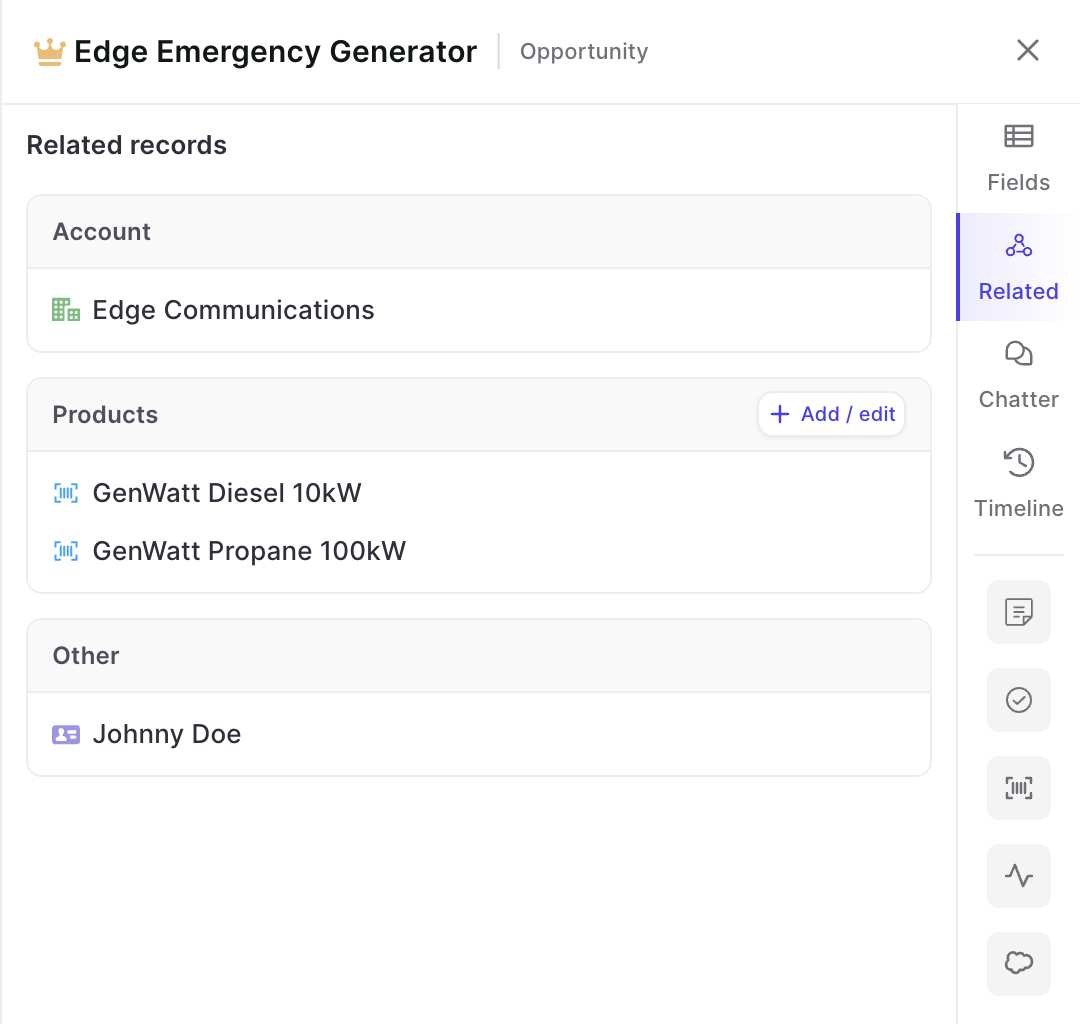
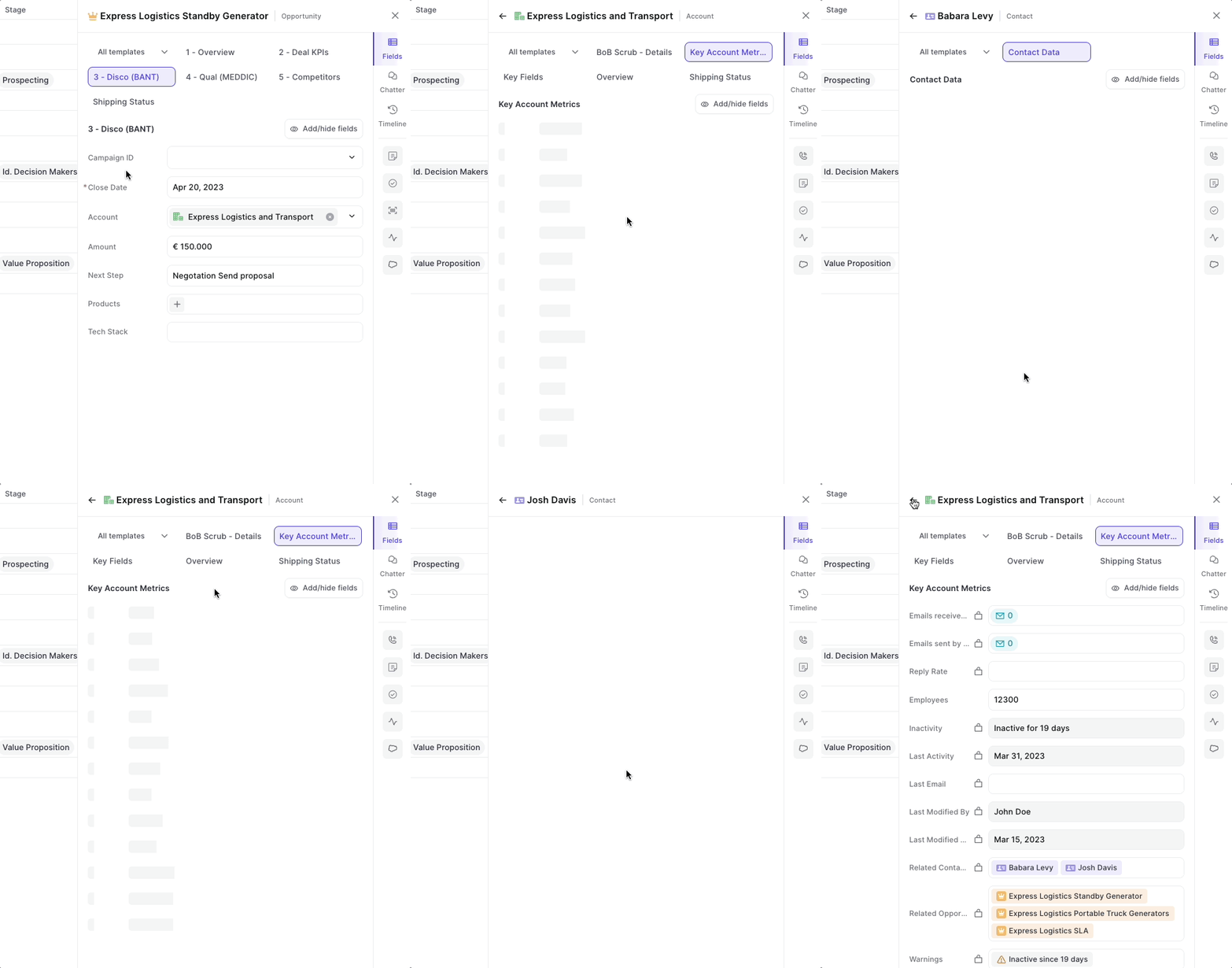
Drill into an infinite amount of records with the Weflow panel
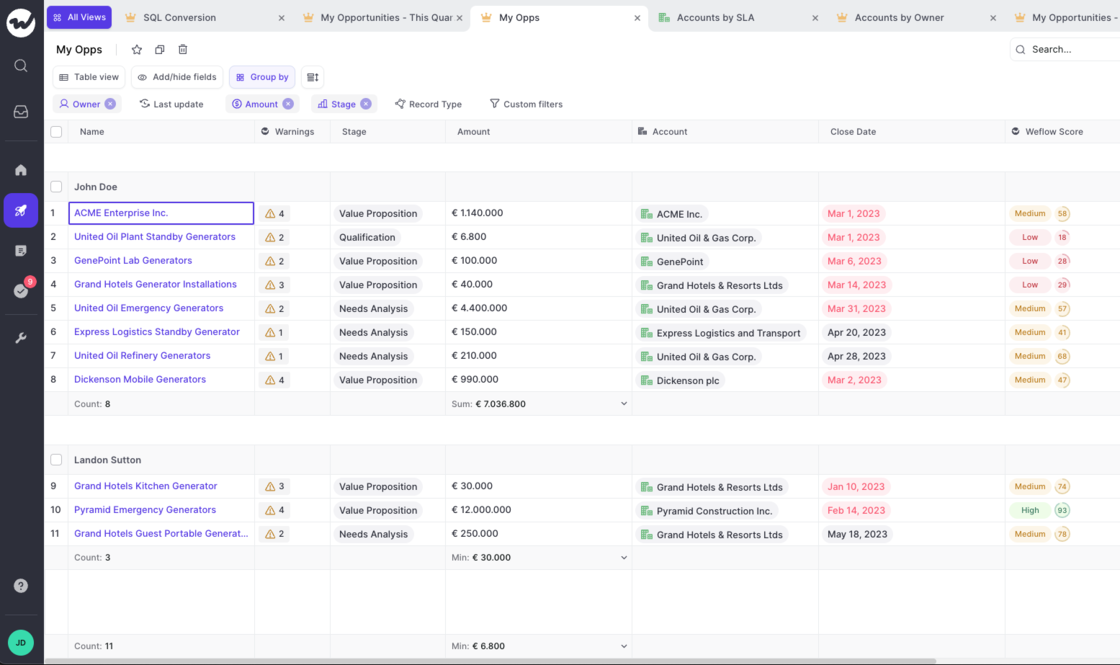
Let Weflow calculate number and currency fields for individual groups.
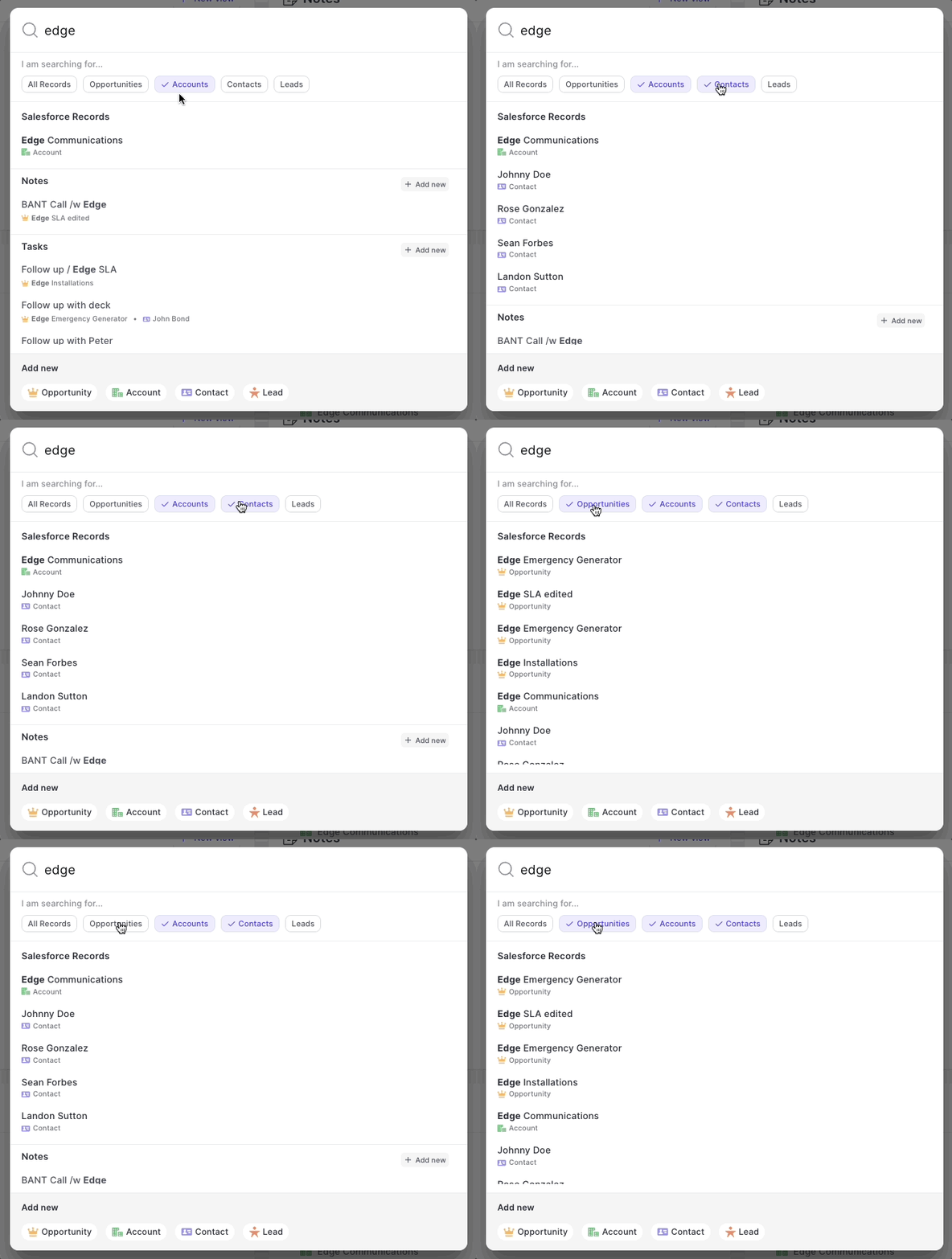
As of today, when signing into Weflow we will not re-direct you to your pipeline, but start every session in the new home screen.
It's purpose is simple. Give you a quick overview of the status quo:
You can also quickly create new actions and records from here. Got feedback? Let us know at hello@getweflow.com

One of our most beloved features is the ability to let Weflow log all your emails in the background. No clicking, no worrying…it just works.
But sometimes, you want to tweak the details a bit more. Maybe there is that one email that should not get logged or that one email that absolutely needs to get into Salesforce even though typically it shouldn't. Exceptions are the norm. And Weflow let's you stay in control.
You can install our Chrome Extension here.
Let Weflow log your emails via Outlook/Microsoft accounts and link them automatically to your Salesforce records.

Weflow has now a full integration with Chatter.

Start phone calls from anywhere on the web, via the click-to-call button in the Weflow panel.
