Weflow changelog

67 updates shipped in 2026339 all time

Showing August 2023 and earlier · Back to latest

August 2023

Smart Record Type Selection

Weflow is automatically showing all options for record types now.
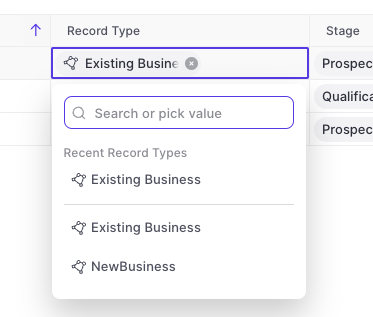
  • Previously, Weflow only showed recently used record types in the drop-down menu
  • Now, Weflow gives you a full list of all available record types and dynamically filters for relevant stages/statuses relating to said record type
  • This is part of our effort to reduce clicks and save you time wherever possible
Smart Record Type Selection

Show only stages relating to record type

The "Stage" field for Opportunities or "Status" field for Leads will automatically show only the values relating to the specific record type.

Multi-Currency Support

Weflow now supports multi-currency setups. There is nothing you need to configure within Weflow. All conversion rates and currencies are imported automatically from your existing Salesforce setup.

July 2023

Various improvements (v2.2.5 release)

The following improvements and fixes were applied to Weflow as part of the latest v2.2.5 release on July 17th 2023:

  • The "Panel" is now called "Sidebar" everywhere in the application
  • Activities and meetings can be logged for the "Lead" object now
  • There is no limit on the description field for tasks, meetings and other activities anymore
  • The task list in the home screen always uses the filters "Overview" and "Mine"
  • When changing an operator in the custom pipeline filter, the pipeline is re-rendered automatically now

May 2023

Add Custom Objects from related tab

You can now add custom objects via the related tab.

This is especially useful when utilizing third-party integrations in Salesforce such as Loopio, Partnerships, or other tools that create custom objects in your Salesforce setup.
April 2023

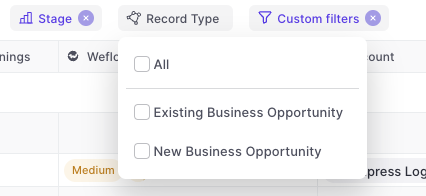
Multi-select record types

  • You can now multi-select record types
  • Weflow will automatically adjust other filters based on your business process settings in Salesforce e.g. hide irrelevant stages for a specific record type
Multi-select record types

March 2023

Recently used records

When linking an Opportunity to an account (or any other object), Weflow will now show the last 5 used records.

This will save you a click or search every now and then.

Recently used records

Increased width in note list

The note list has been cleaned up a bit:

  • Increased width
  • Auto-aligning labels on the right side
  • More space for note titles
Increased width in note list

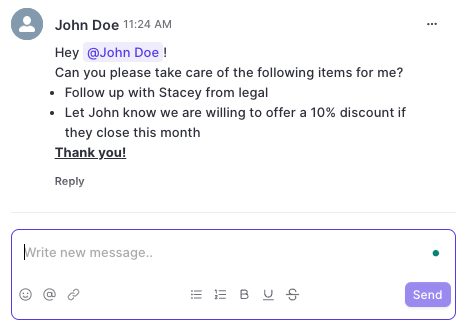
Text formatting for Chatter messages

You can now use text formatting for bold, italic, underlined and strikethrough texts.

In addition, you can add in emojis, tag colleagues, add links, create lists and many more options.
Text formatting for Chatter messages

Improved date filter options

To make filtering for specific dates and time ranges easier, we added the following options for date filters to Weflow:
  • Today [new]
  • Tomorrow
  • Yesterday
  • Last 7 days
  • Last 14 days [new]
  • Last 30 days [new]
  • Last 60 days [new]
  • This week [new]
  • Last week [new]
  • This month
  • Last month
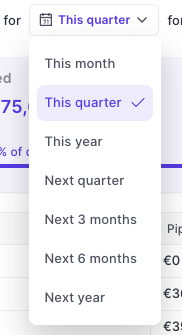
  • This quarter [new]
  • Last quarter
  • This year [new]
  • Last year

January 2023

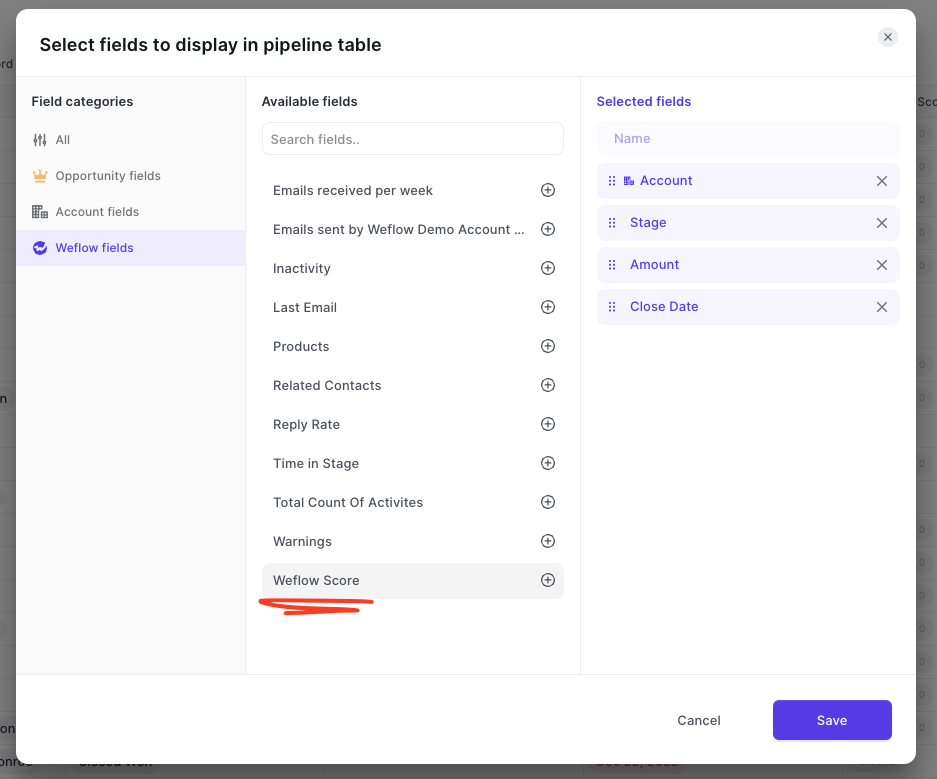
Weflow Score

  • From now on, all accounts signing up for Weflow will automatically get a Weflow score calculation
  • To access the Weflow score, simply add the 'Weflow Score' field to a pipeline view
Weflow Score

Improved loading indicators

For these rare instances, we rebuilt our loading indicators to make it clearer to our customers that the page is still loading.
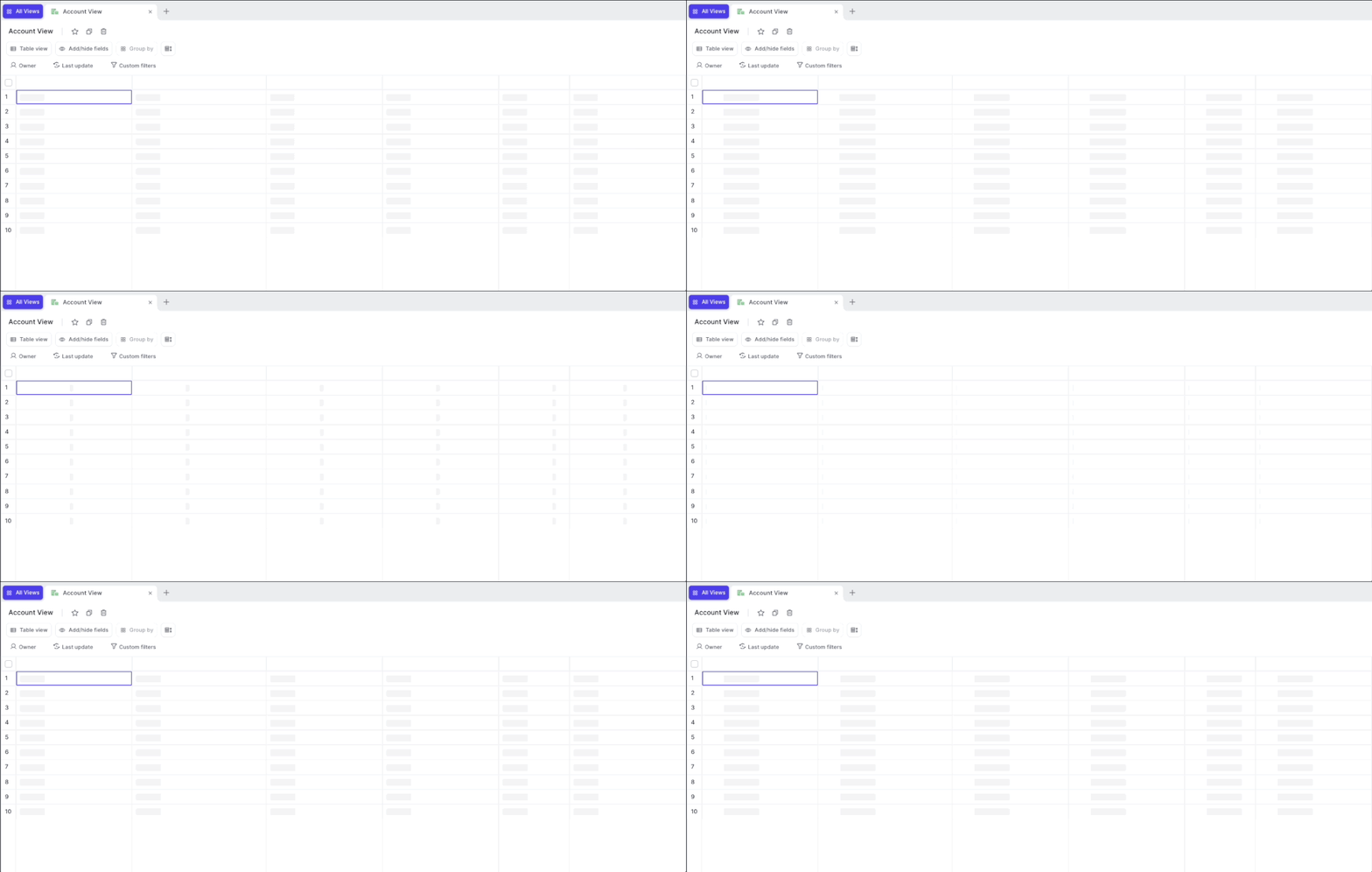
  • Nobody wants to see this screen, we know
  • But sometimes, the internet connection can be bad or worse, the Salesforce API too slow
Improved loading indicators

December 2022

Easy access to the admin console

Would you like access to the admin console? Shoot us a message to hello@getweflow.com
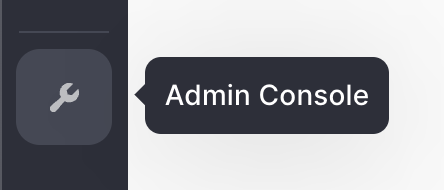
  • In the past, the admin console was a bit hidden
  • You can now find quick access to the admin console from the left-side menu (if you are an admin)
Easy access to the admin console

November 2022

Custom objects in less than a day

Setting up custom objects in Weflow has never been easier. We improved the implementation time from a few days to less than 24 hours. Do you want to see your custom objects in Weflow today? Shoot us an email at hello@getweflow.com or fill out this form.
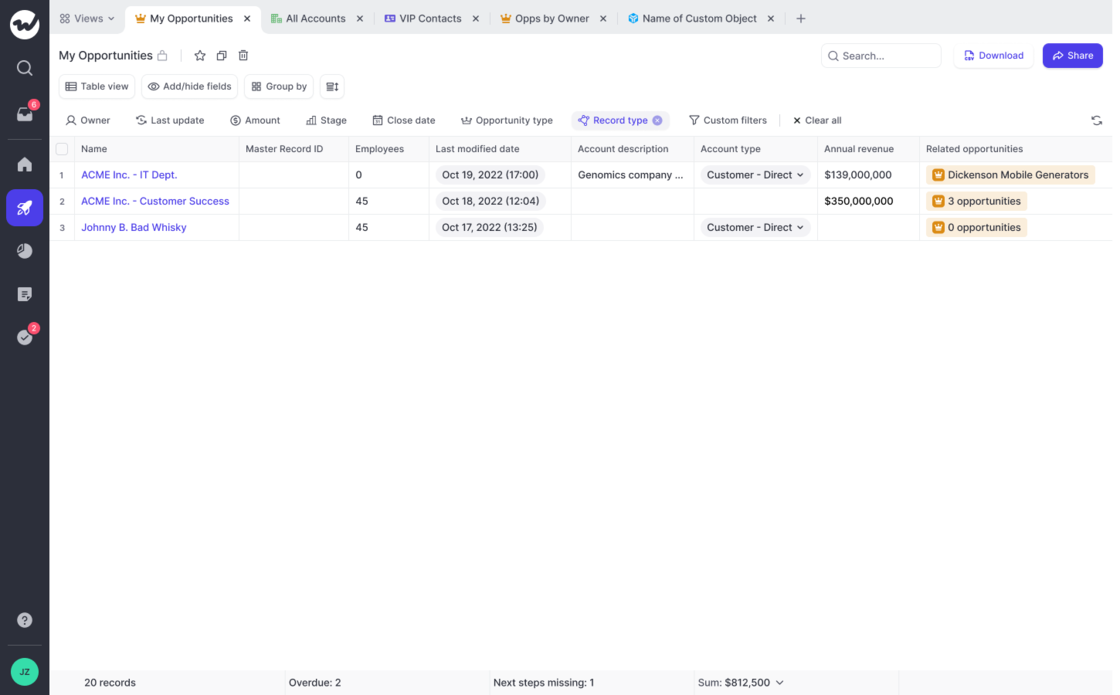
A cleaner pipeline table

  • Previously, the table pipeline displayed a "No value" placeholder if the field was empty
  • We removed this placeholder and simply show a blank cell now
  • We did this to improve the readability of our table views
A cleaner pipeline table

August 2022

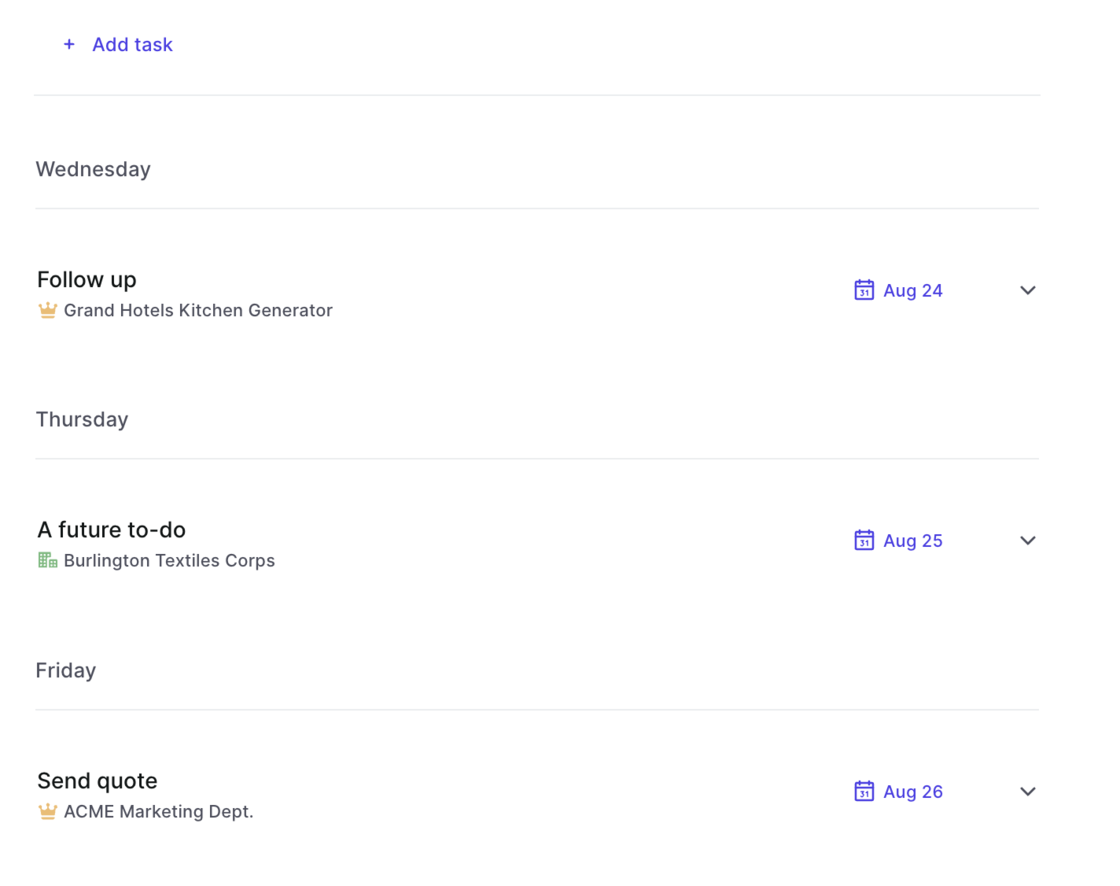
Tasks sorting updated

  • When selecting the "Next 7 days" filter in the task list, the tasks are now sorted with the earliest date at the top
  • Previously tasks were listed based on creation date
Tasks sorting updated

Faster navigation with the panel

We know from many conversations with our customers, that the panel is a great way to access and update information quickly. However, space was always a bit too limited and switching between different panel templates never felt intuitive enough. Here is what we changed:

  • Fast switch between panel field templates
  • Add an infinite amount of different templates
  • Quick actions in the panel
  • Wider, more space to display and update information