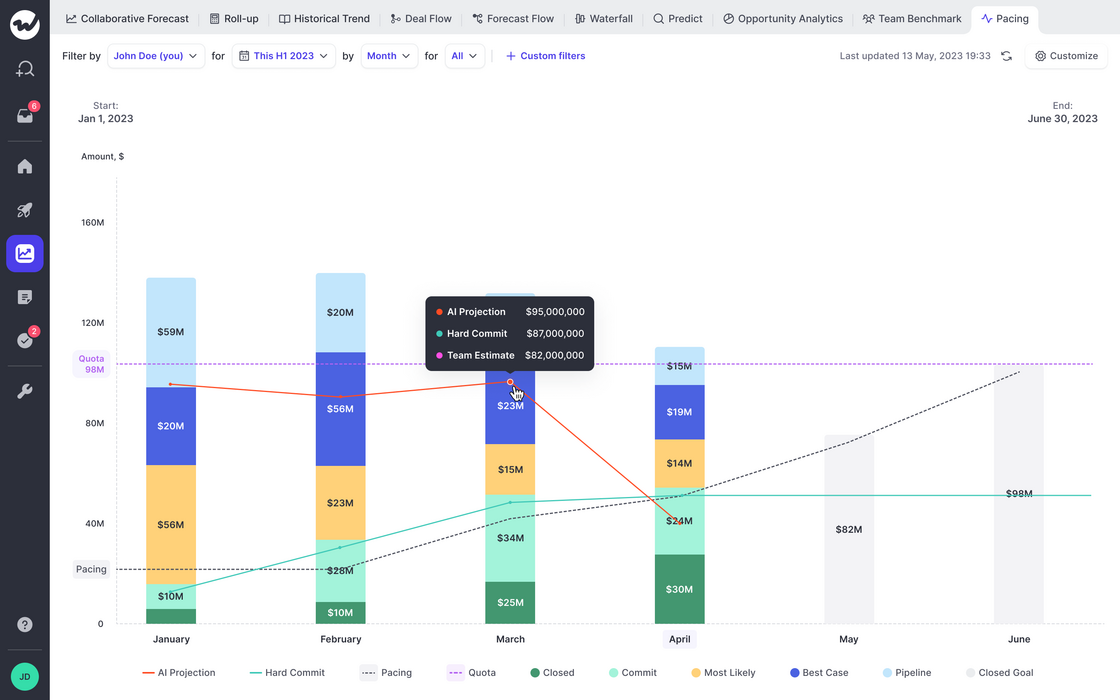
The new pacing chart is perfect for understanding trends in forecasting and quota attainment.
Weflow will automatically look for historical data of up to 12 months (field history tracking is required)
If no historic data is available, then only a snapshot of the status quo will be taken instead
The Pacing chart will tell you how you are moving towards your revenue goals (=quota)
In addition, you can observe the optimal pacing line and compare the sum of your committed and closed deals against the team call and our own AI projection (currently in beta; coming soon)
We understand that API calls are a valuable resource with Salesforce. Hence, Weflow has developed a new way to ensure that important data for forecasting and analytics is pulled directly from your Salesforce account without triggering an API call or requiring field history to be activated for the specific field.
To install the managed package, please activate forecasting first (Growth license required).
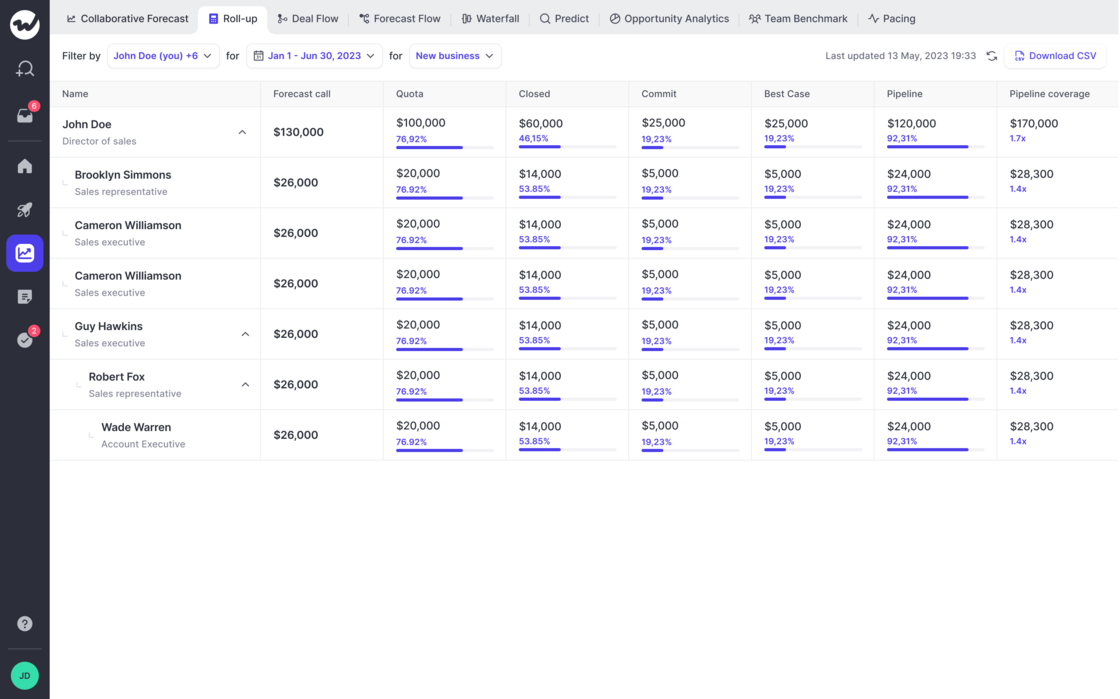
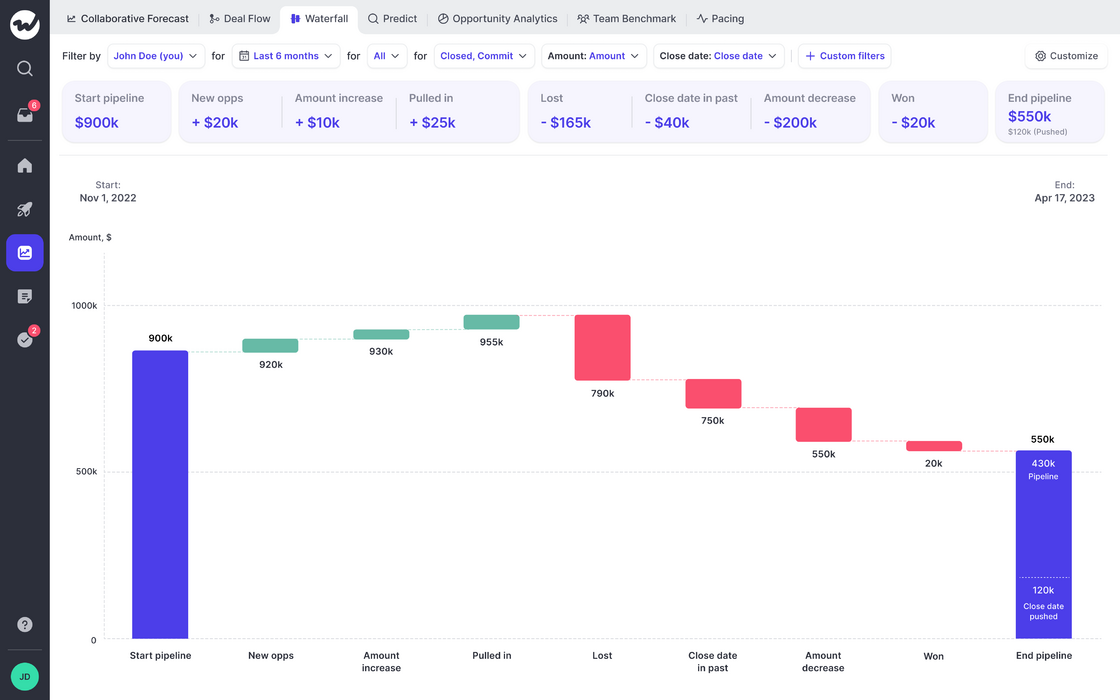
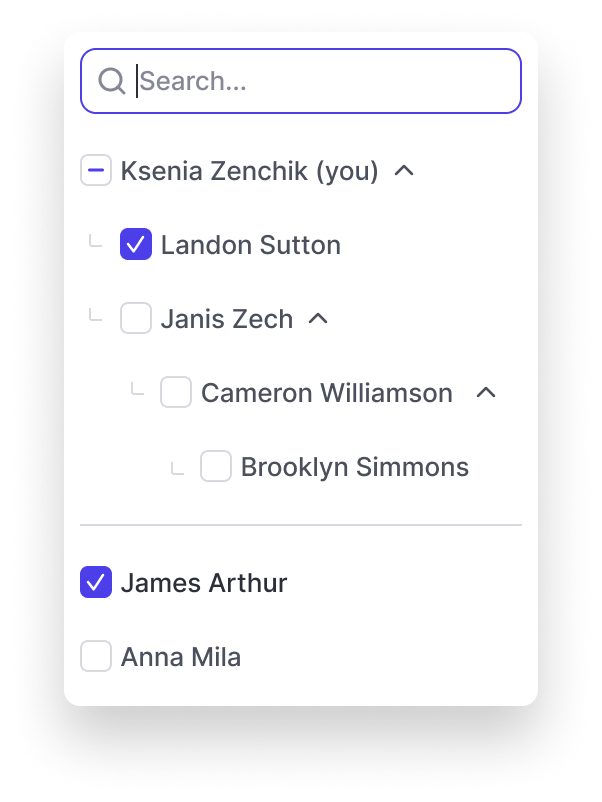
See how your pipeline developed over time. Filter by rep or entire teams.
If you have questions or feedback, please reach out to us at hello@getweflow.com or contact your customer success manager.
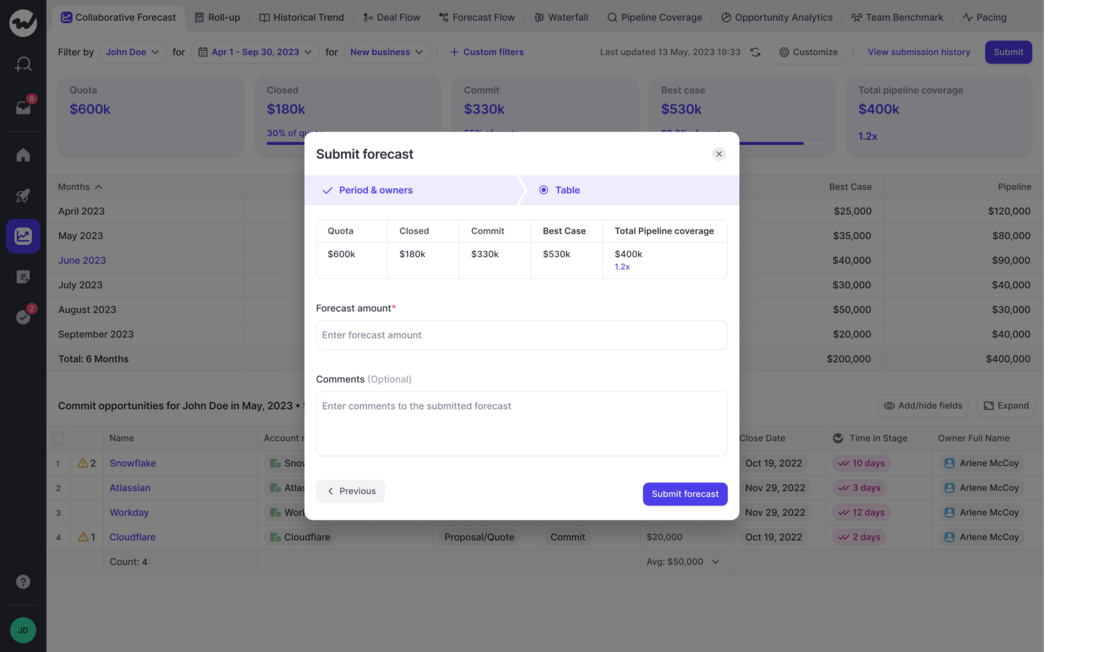
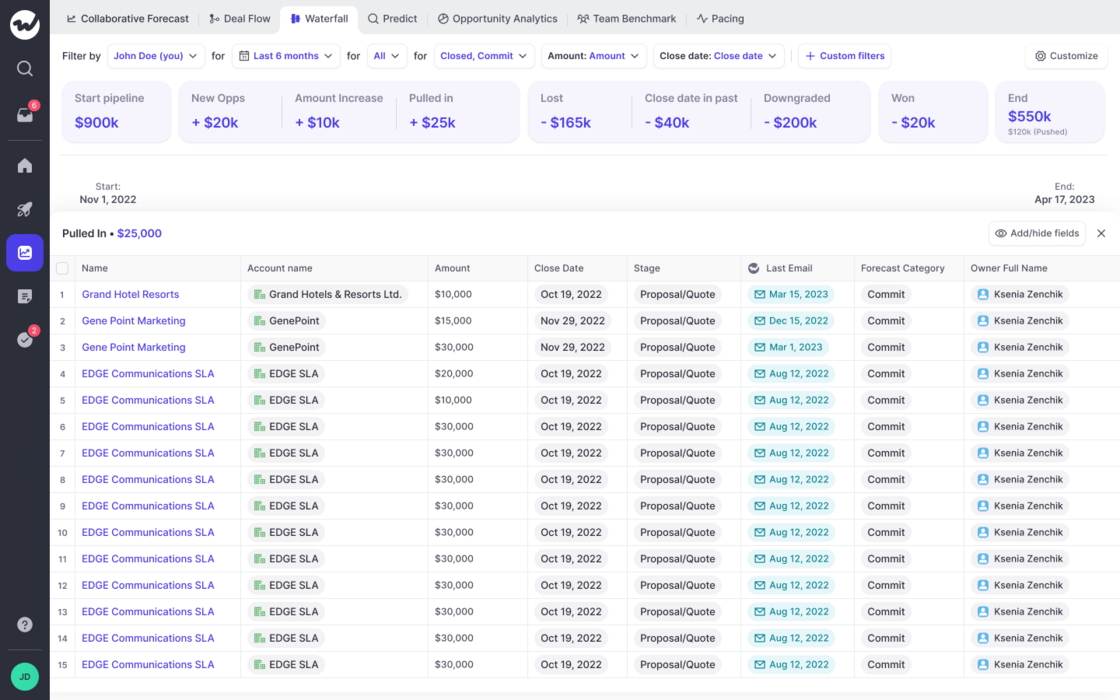
If you have forecasting enabled, you can now quickly learn how your pipeline developed over time
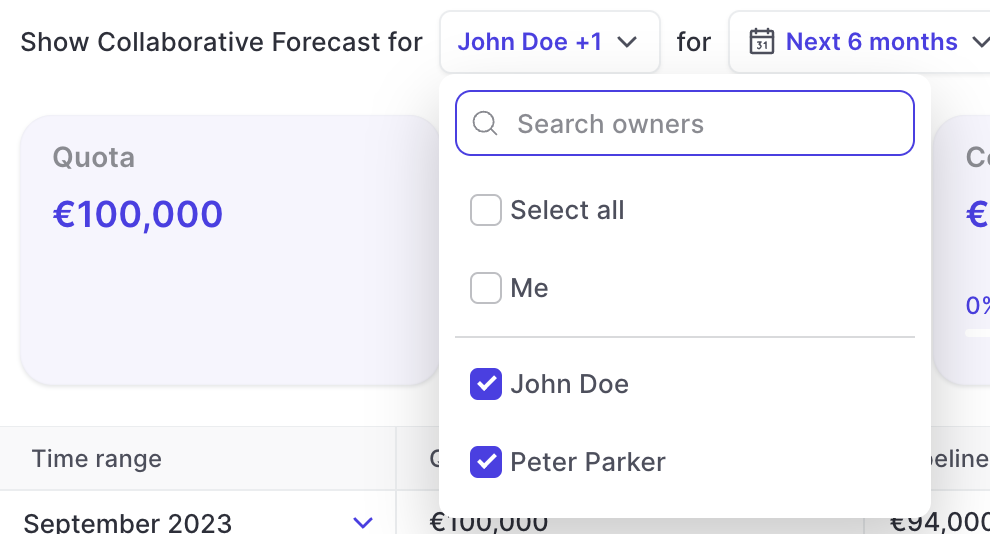
Filter by owner, record time and different time frames
Quickly learn which opportunities relate to the different categories such as "Close date pushed out", "Amount increased", "Amount decreased" and others
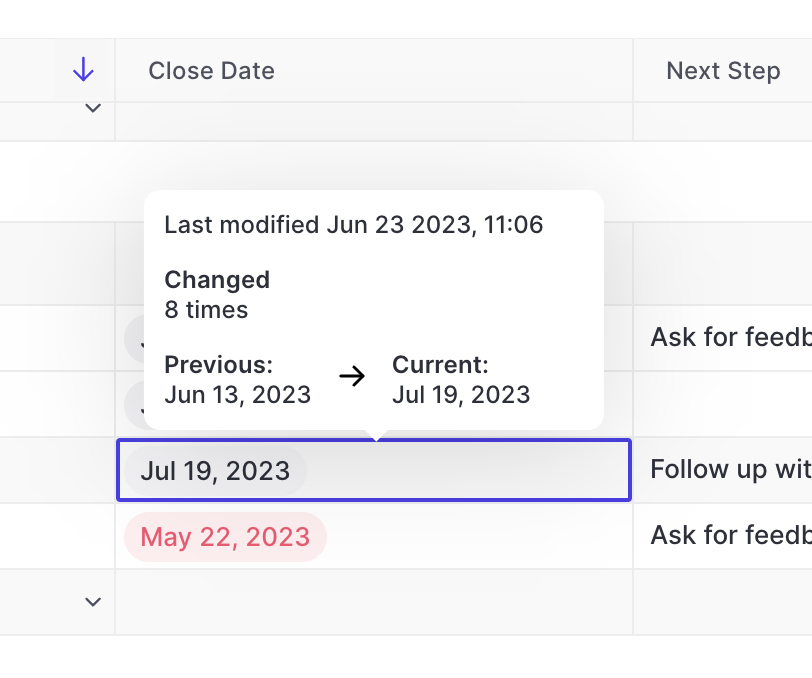
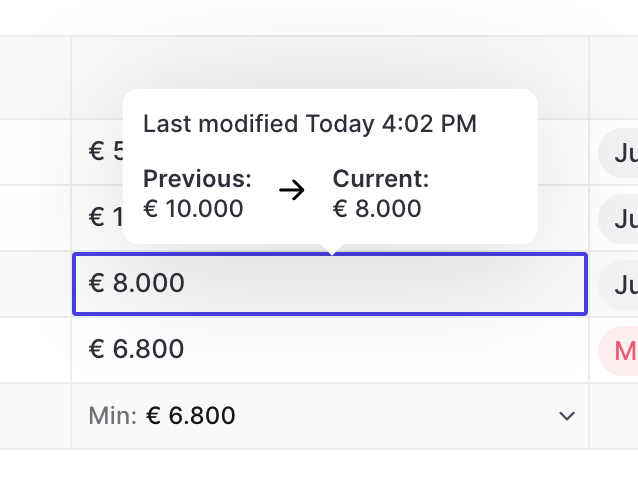
Ever wondered how often a close date has already been pushed out, or adjusted and what its previous value was? You can see all that in Weflow easily.
On hover, Weflow will show you the number of times a close date has been edited, the last modified time and date as well as the previous and current value
Useful during pipeline reviews and forecasting sessoins
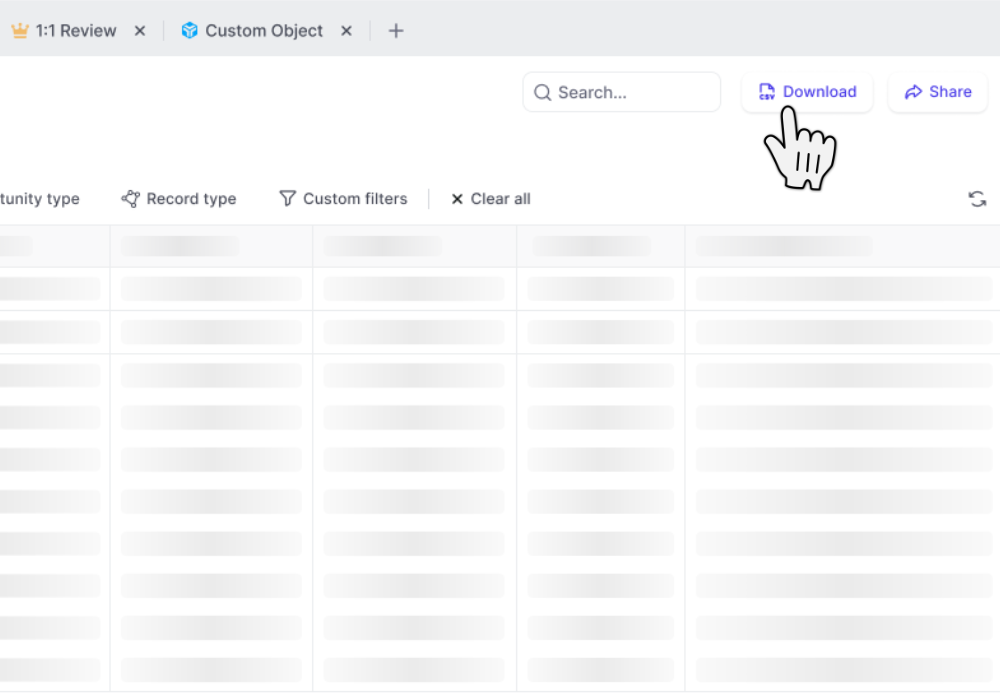
CSV files include custom Weflow Fields which you cannot utilize outside of Weflow such as "Reply Rate", "Time in Stage", "Weflow Engagement Score", and other use metrics
 weflow