weflow
Chrome Extension works with Google Marketplace Configuration
The Chrome Extension can now be used for users who have set up activity capture via the Weflow Activity Capture application for Google Workspaces.
67 updates shipped in 2026339 all time
Showing August 2024 and earlier · Back to latest
The Chrome Extension can now be used for users who have set up activity capture via the Weflow Activity Capture application for Google Workspaces.
With this improvement, you can create submission cadences as part of each forecast view directly from Weflow's admin console:
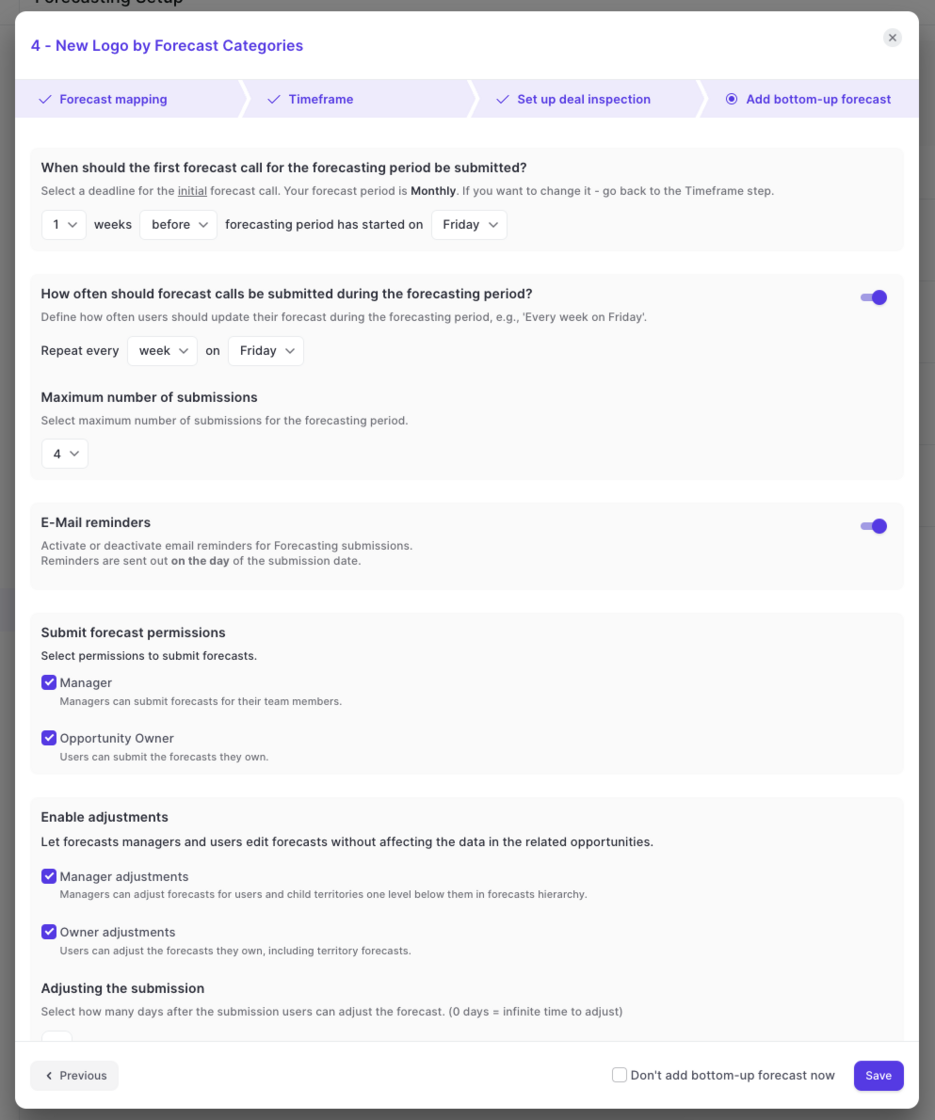
Weflow now lets you create and manage multiple forecasts using different settings and field mappings.
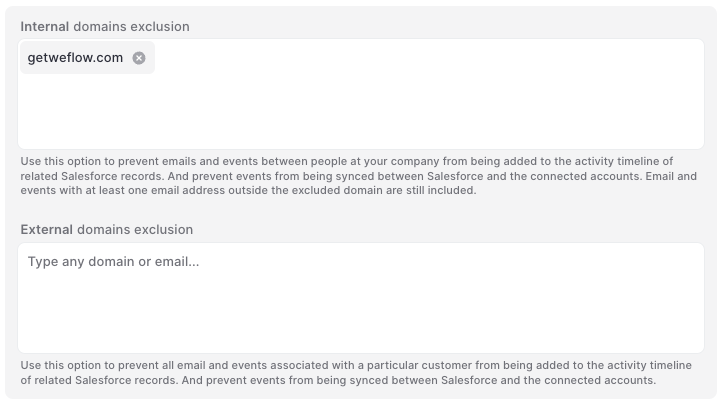
Are you still using Einstein Activity Capture? Switch to Weflow and effortlessly sync back all your historical data. Control how your activities are logged and make them fully reportable.
Please note: If you are using an older version of Weflow's activity capture, please sign in to Weflow and re-authenticate your Google Workspace or Microsoft account with Weflow.
You should see a pop-up once you sign in to Weflow that guides you through re-authenticating your account. Alternatively, you can also follow the steps outlined below:
That's it. You did it!
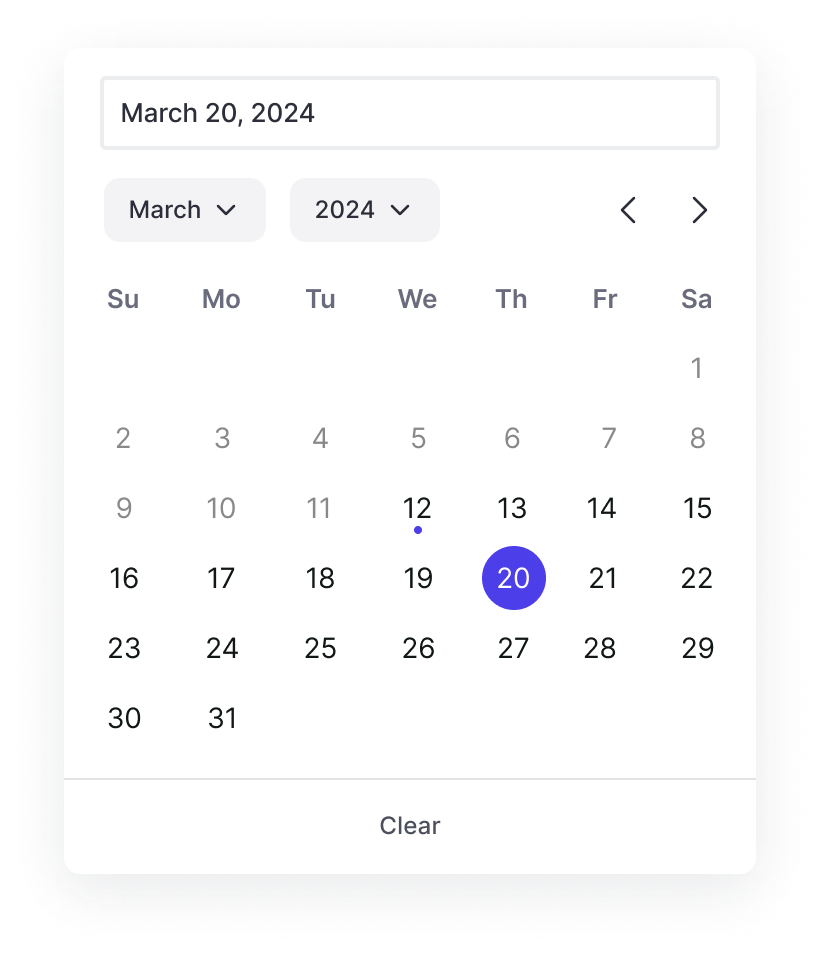
Based on feedback from our customers, we updated the date and calendar picker across the app and Chrome Extension. Picking dates is now faster and easier with a more responsive user interface and fewer layout shifts.
In some cases, Weflow showed too many and too visible/large scrollbars for users on Windows operating systems. This has been improved by:
The data in the "Pacing" chart is now loading 3x faster than previously.
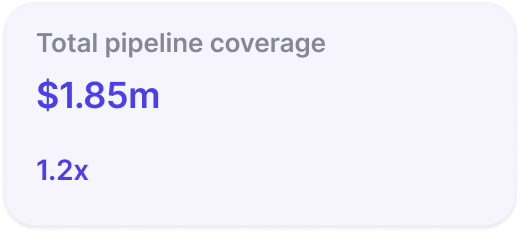
Pipeline coverage is now displayed as a factor e.g. 2x instead of a percentage.
Weflow now respects the correct order of stages when using a 'group by' view in the pipeline or opening the selection options from a stage field (in sidebar and pipeline).