weflow
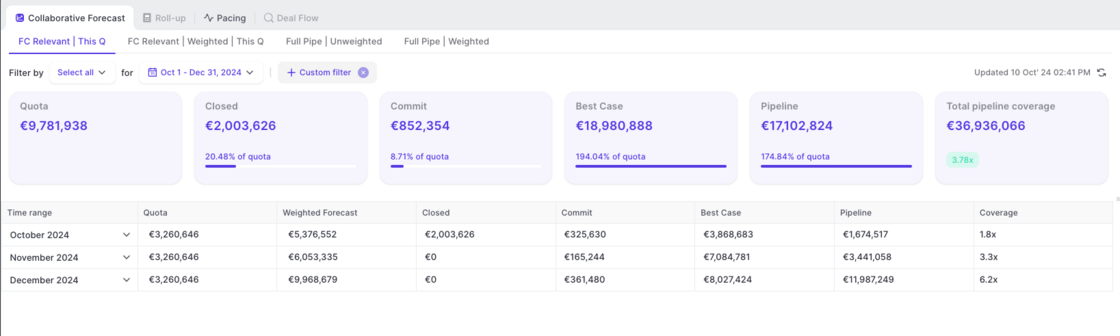
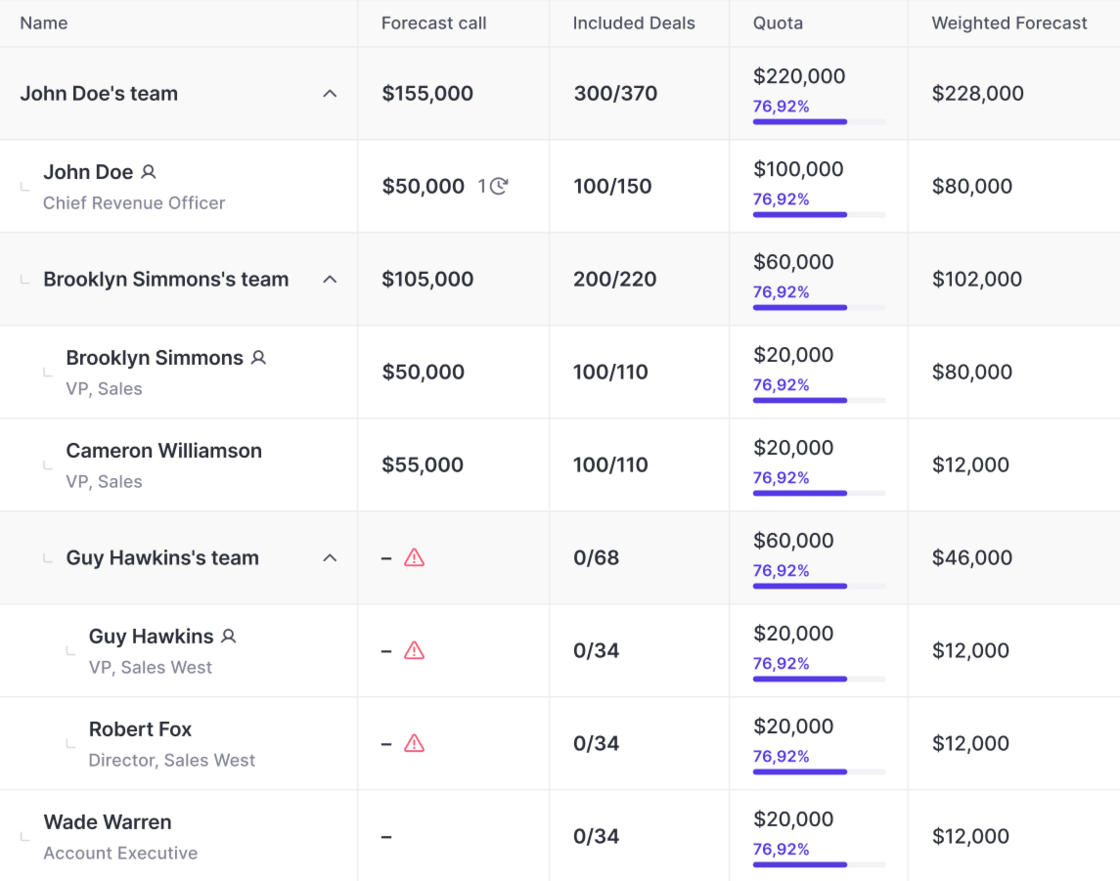
Pipeline coverage is now shown in collaborative forecasting views
- The collaborative forecast views automatically calculate coverage for each month
- Coverage = open pipeline ($) / remaining quota ($)”
67 updates shipped in 2026339 all time
Showing September 2024 and earlier · Back to latest
Now, meetings and emails can be deleted in bulk by admins.
To delete a meeting or email, go to a table pipeline view and select the checkbox next to the record.
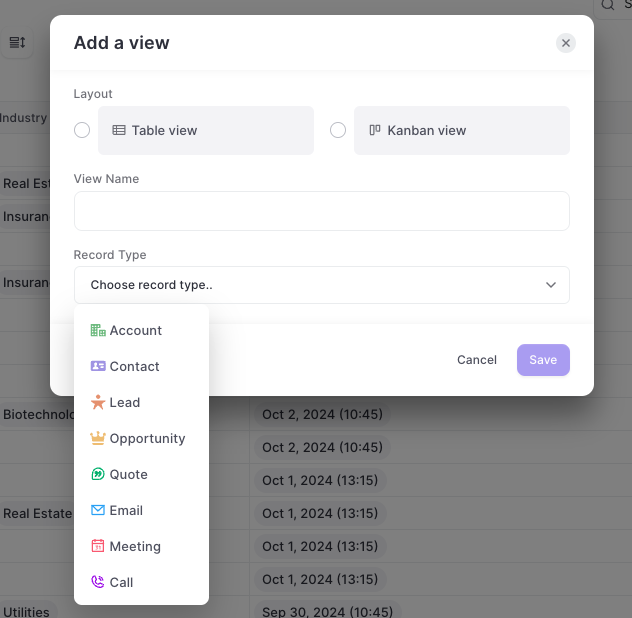
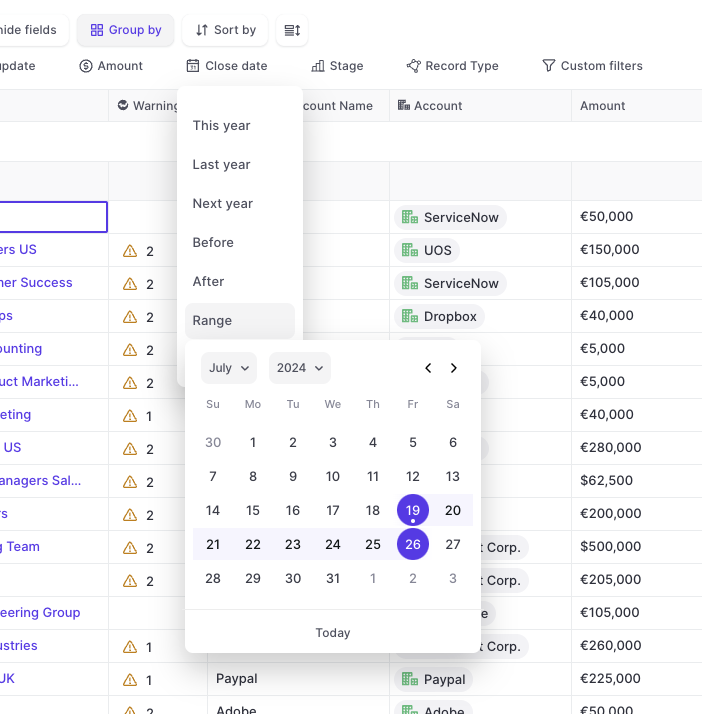
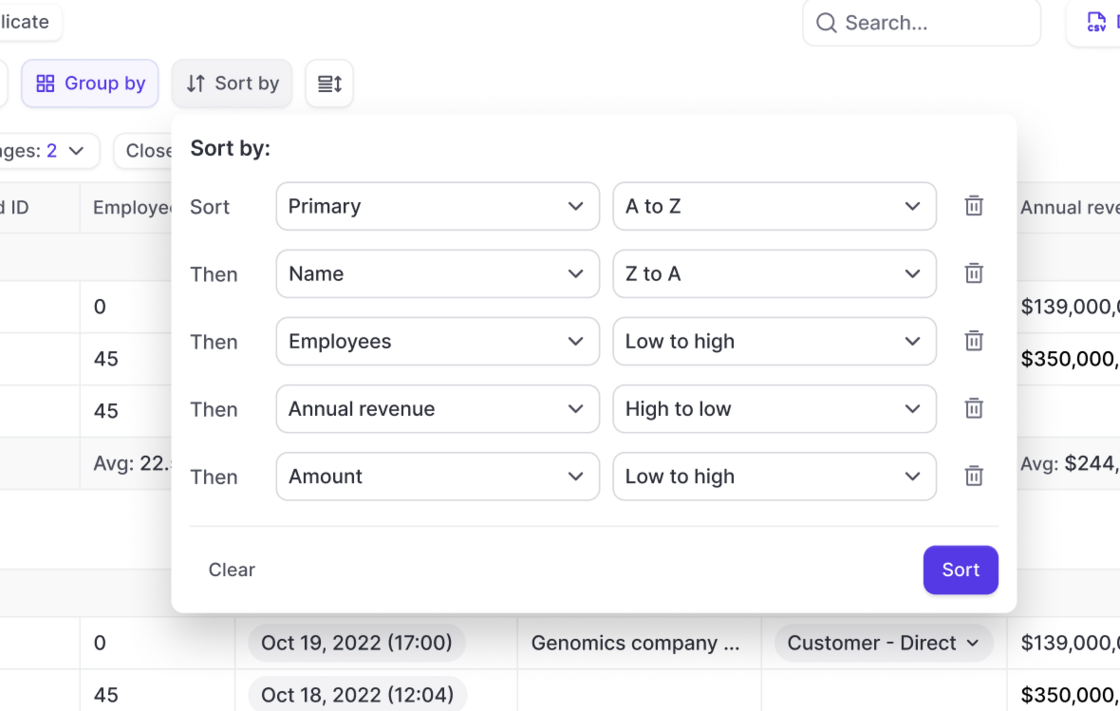
Weflow now lets you create up to five unique forecast views. For each view, admins can define:
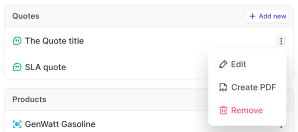
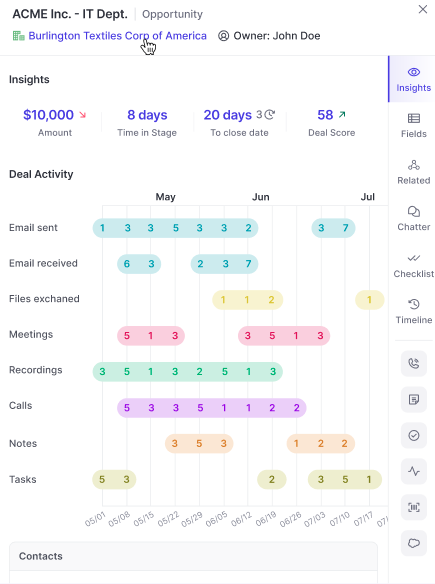
Tasks now surface in the insights tab for all opportunities.
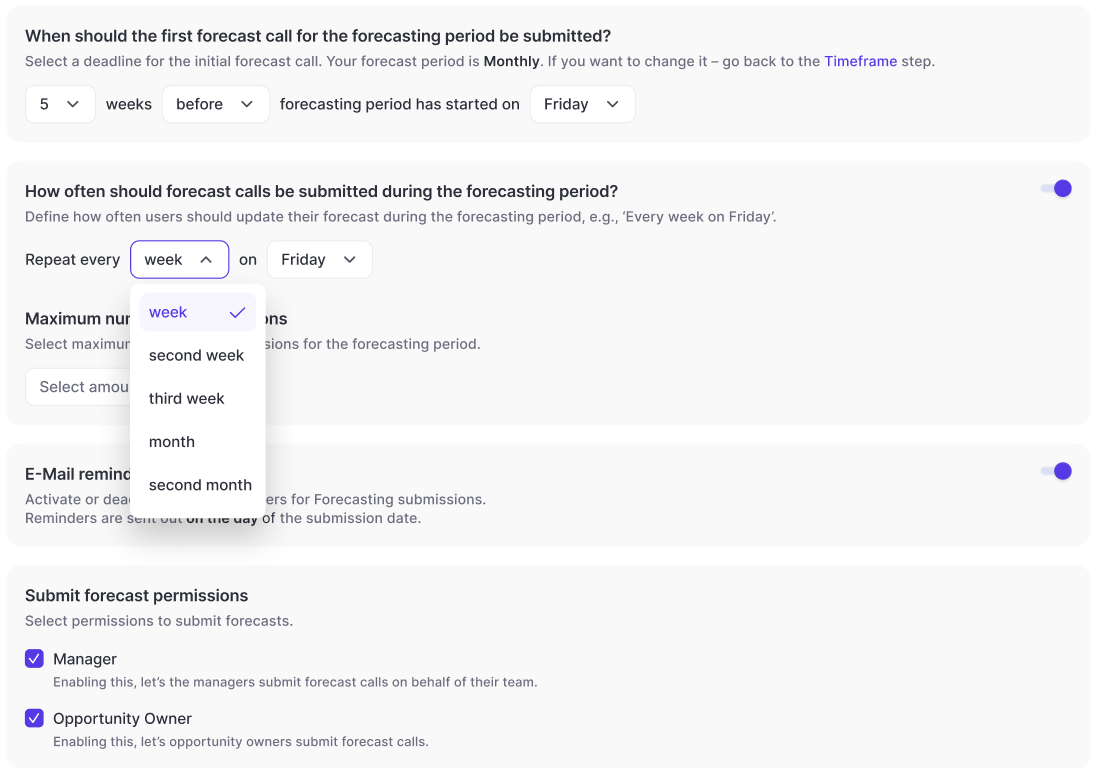
With Weflow, you are in control of your forecasting process.
Add weighed forecasts to your pipeline views, roll-ups, collaborative forecast views and sidebar.
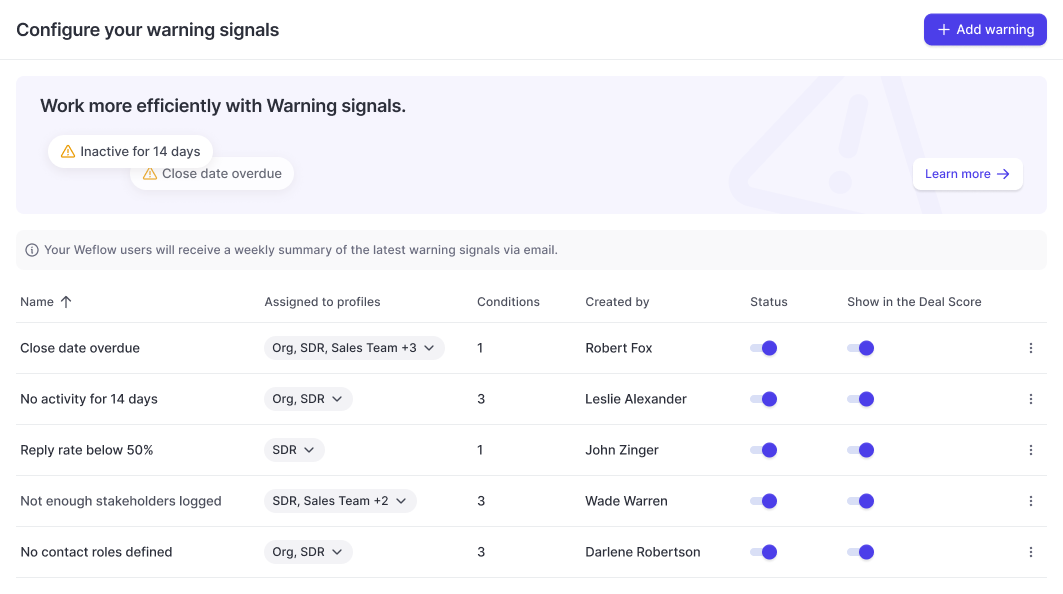
Create fully customizable Warning Signals based on any field in your Salesforce CRM.
Configure fully customizable warning signals and assign them to different user profiles within Weflow:
Weflow lets you use any field in your CRM to create custom Warning Signals.
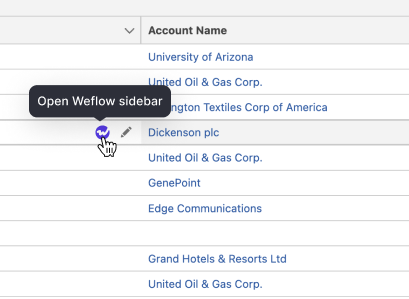
Step 1: Hover over records in Salesforce to click on Weflow icon
Step 2: Inspect and update records from the Weflow sidebar
To use this feature, please install the Weflow Chrome Extension.
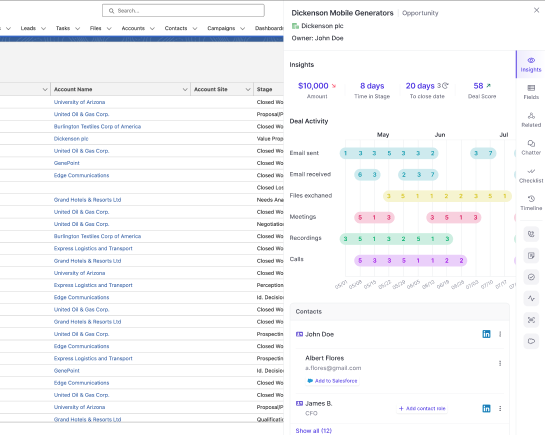
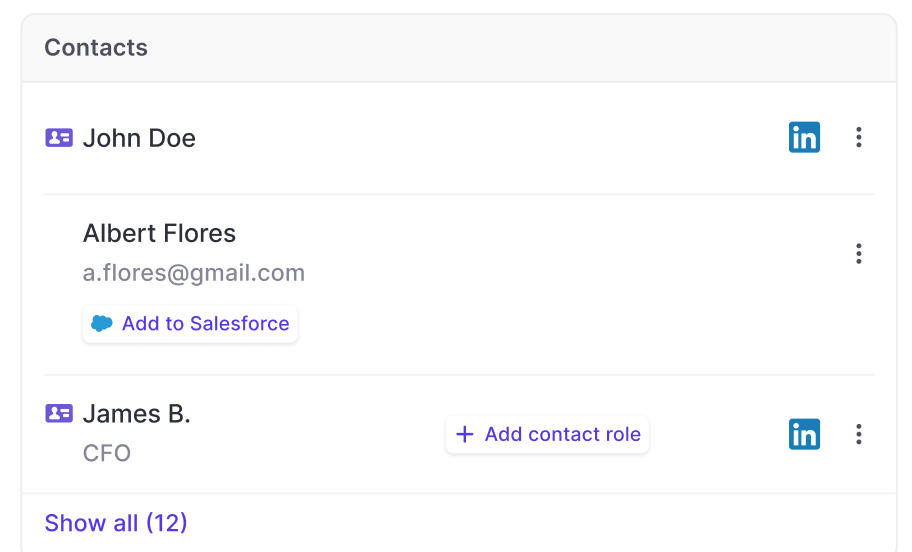
A huge benefit of using our in-house activity capture solution is that Weflow will automatically surface deal stakeholders - even if they have not been added to your Salesforce CRM yet.
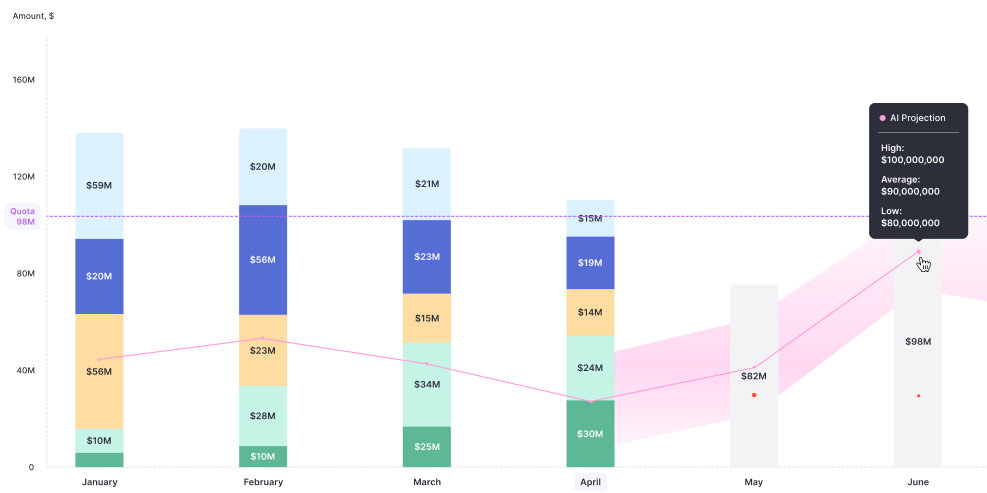
AI forecasts are now available for all customers on our growth plan.
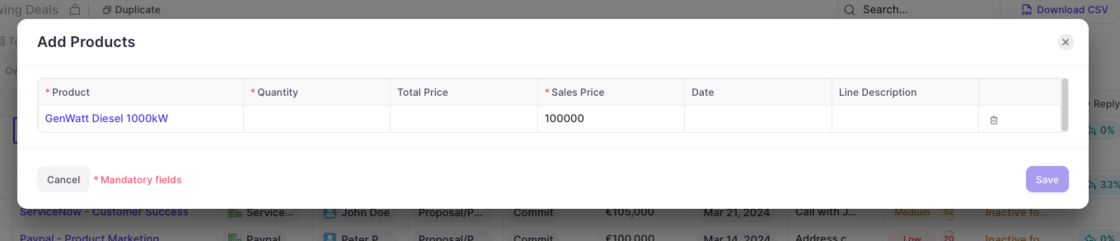
Now, admins can create templates for products in Weflow.
Connect your Google Calendar (via Workspace or Gmail) to Weflow to automatically sync and log meetings to Contacts, Opportunities and Accounts.
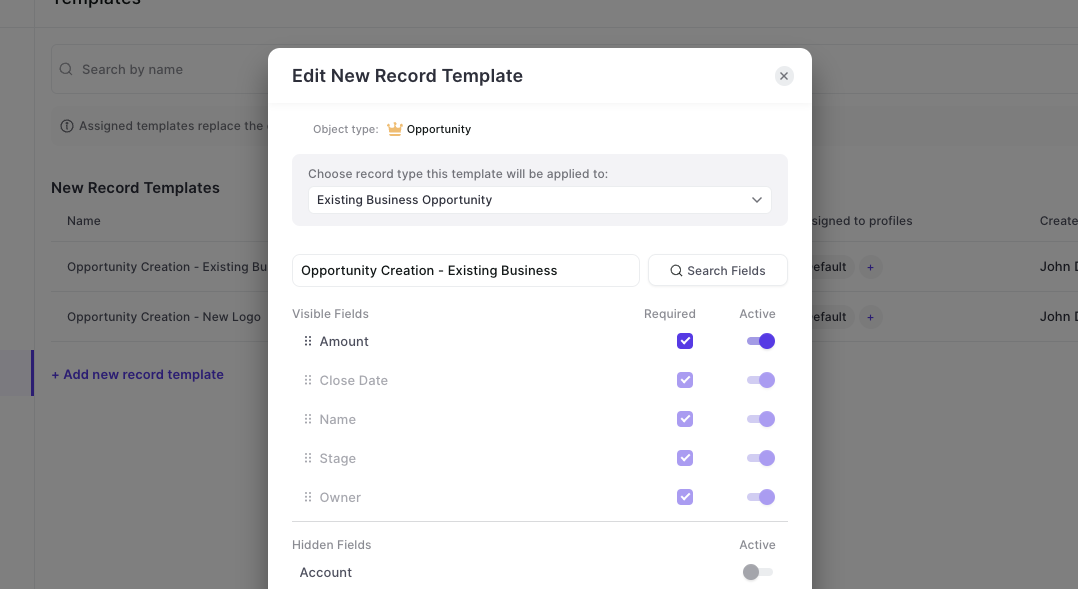
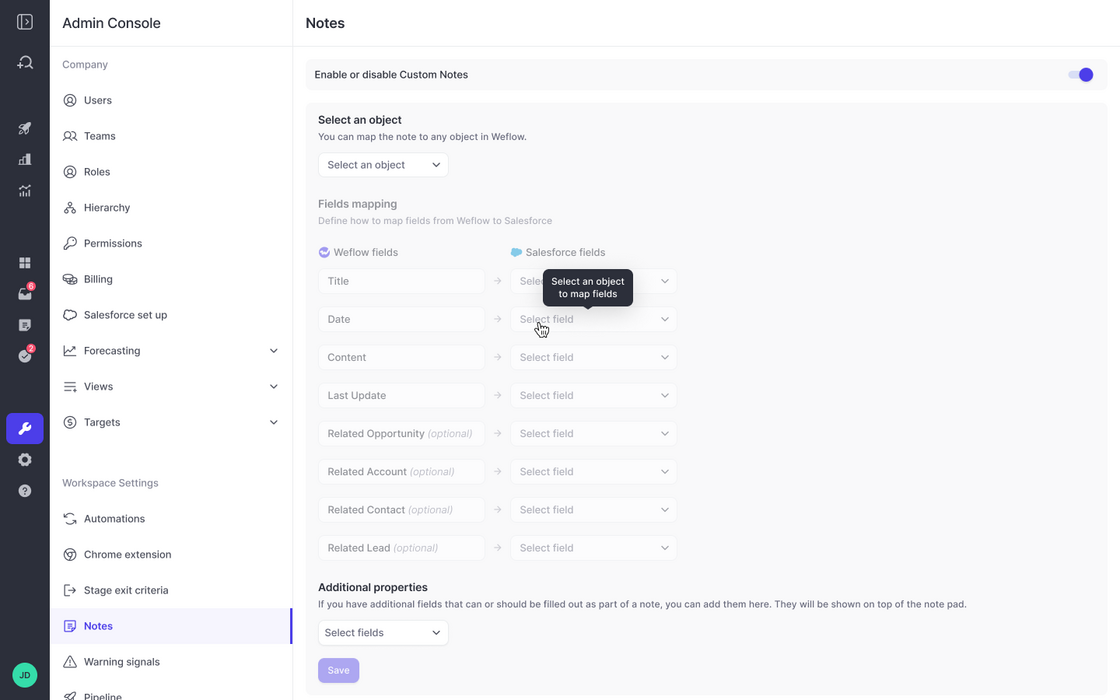
There are reasons where you'd want a field to be required in Weflow without marking it as required in your Salesforce systems. Our new template editor now covers these cases.