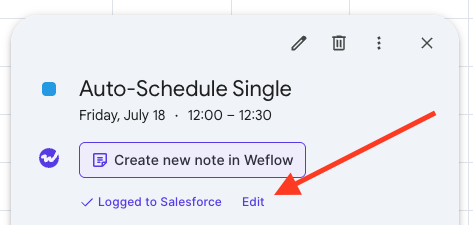
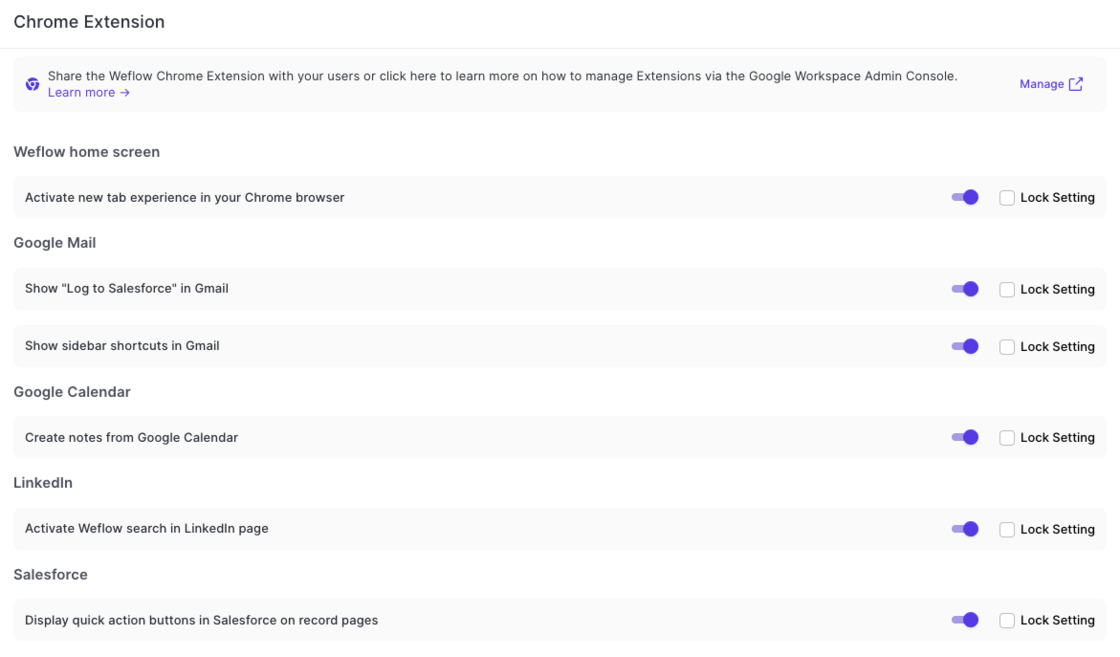
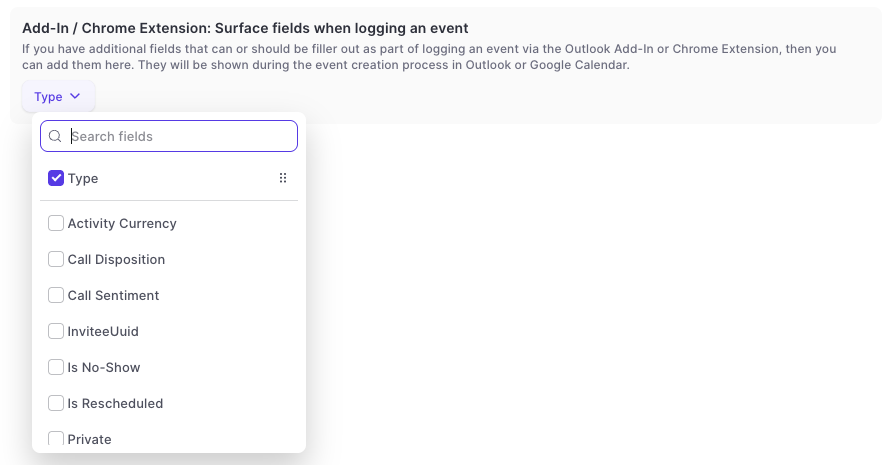
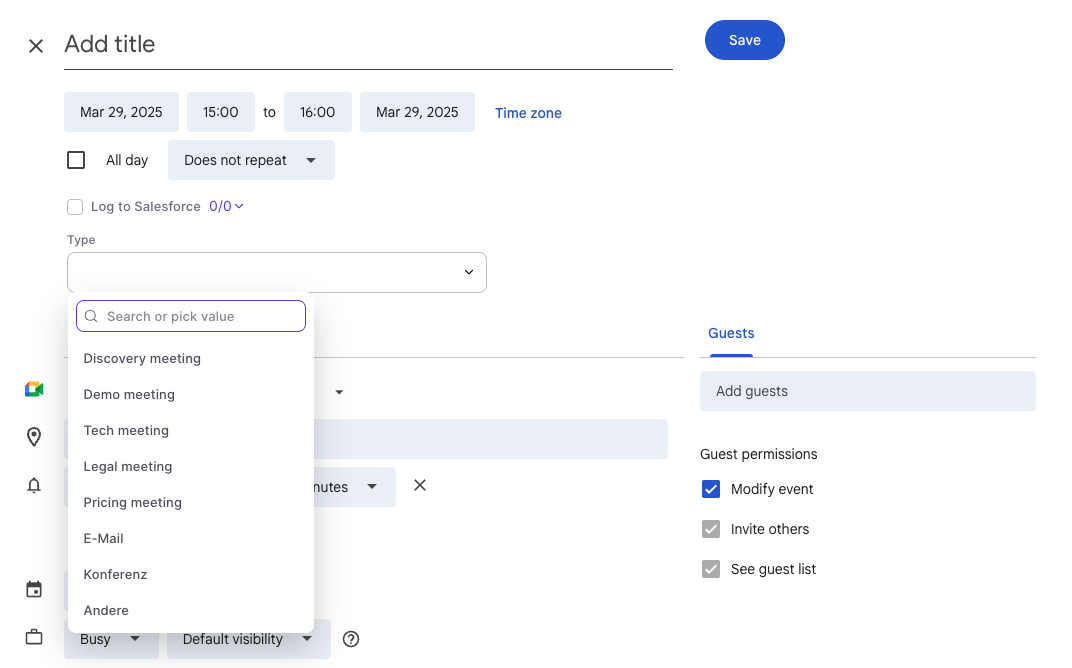
On Google Calendar, users can now edit already logged meetings via a new "Edit" button. This will open a pop-up (customizable via the admin console) to let end users edit standard and custom fields on the activity record in Salesforce directly from their Google Calendar.
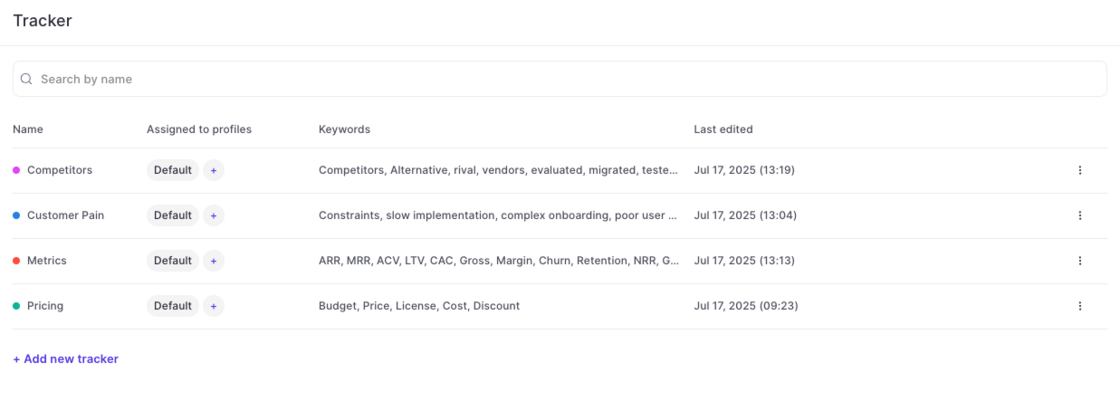
Use Weflow's smart tracker to measure and capture important topics and keywords.
Setup in Admin Console:
Weflow automatically creates four default templates for you (pain points, metrics, pricing, decision makers). Admins can create unlimited additional templates as needed.
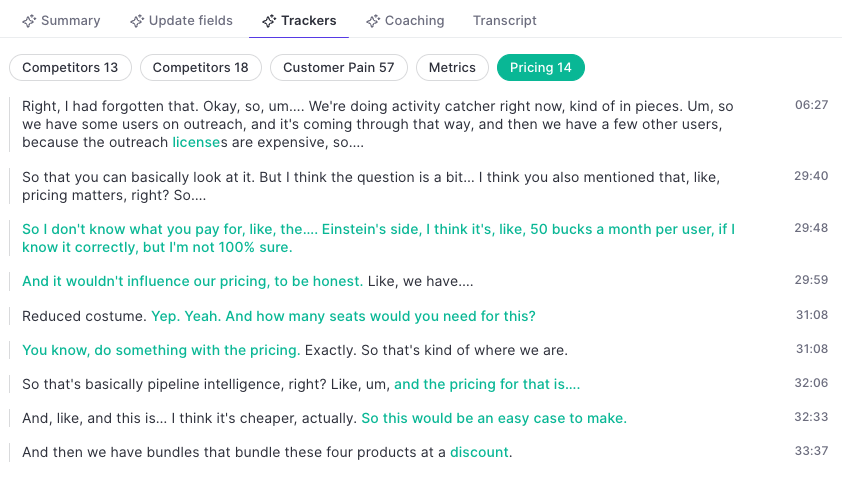
Trackers in the Transcript:
Use keywords to refine the topic tracker. Weflow's AI will pick up additional related keywords and topics automatically.
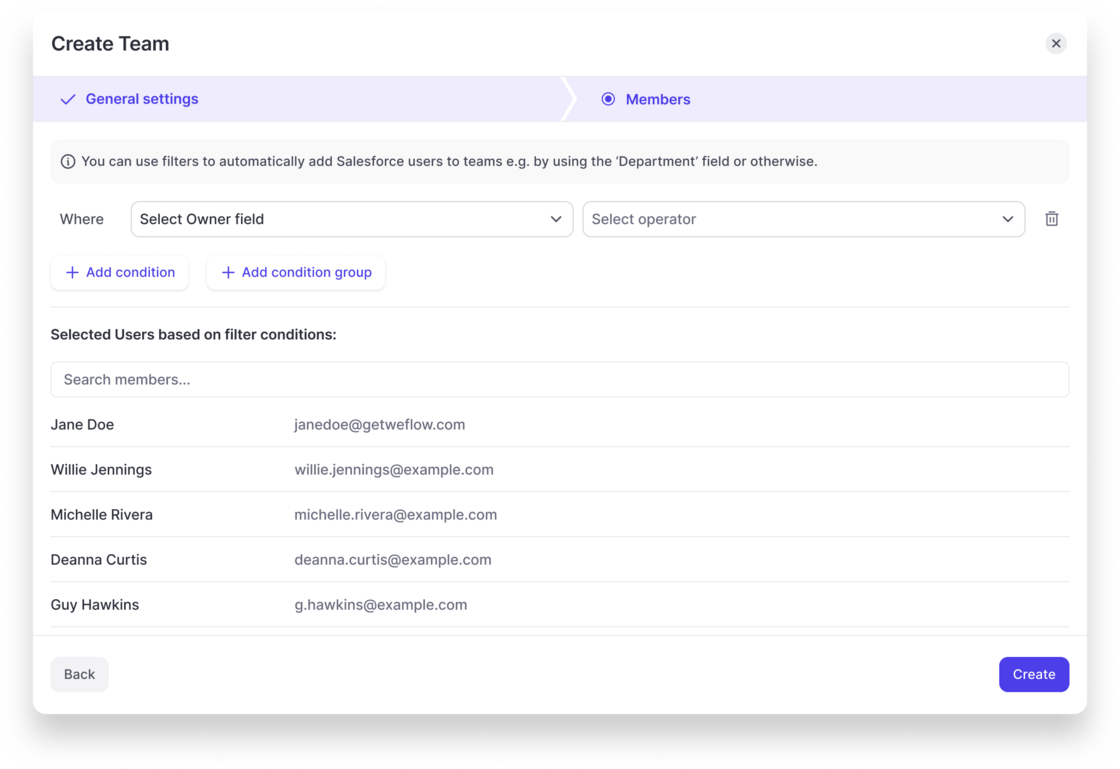
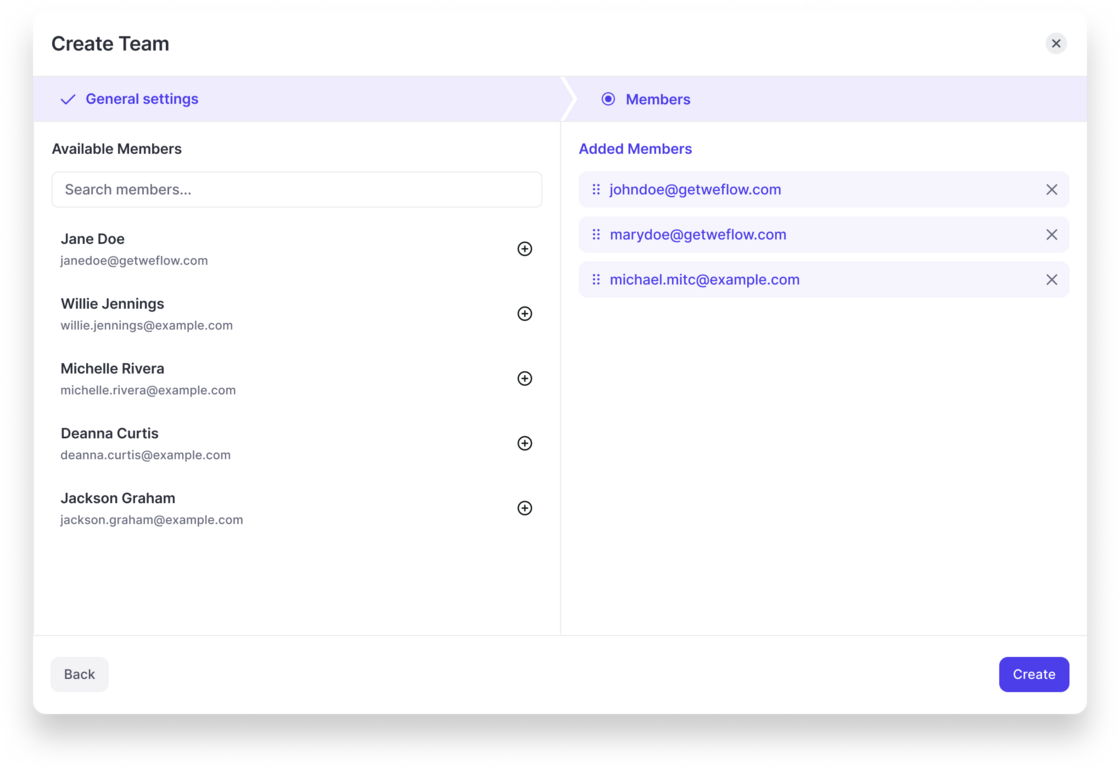
Weflow now let's admins configure dynamically updated teams based on fields related to the user object in Salesforce.
Weflow will automatically update the users assigned to a team based on these rules.
Also, Teams can be used to assign configurations for activity capture or conversation intelligence, so that Salesforce and Weflow always stay perfectly in-sync.
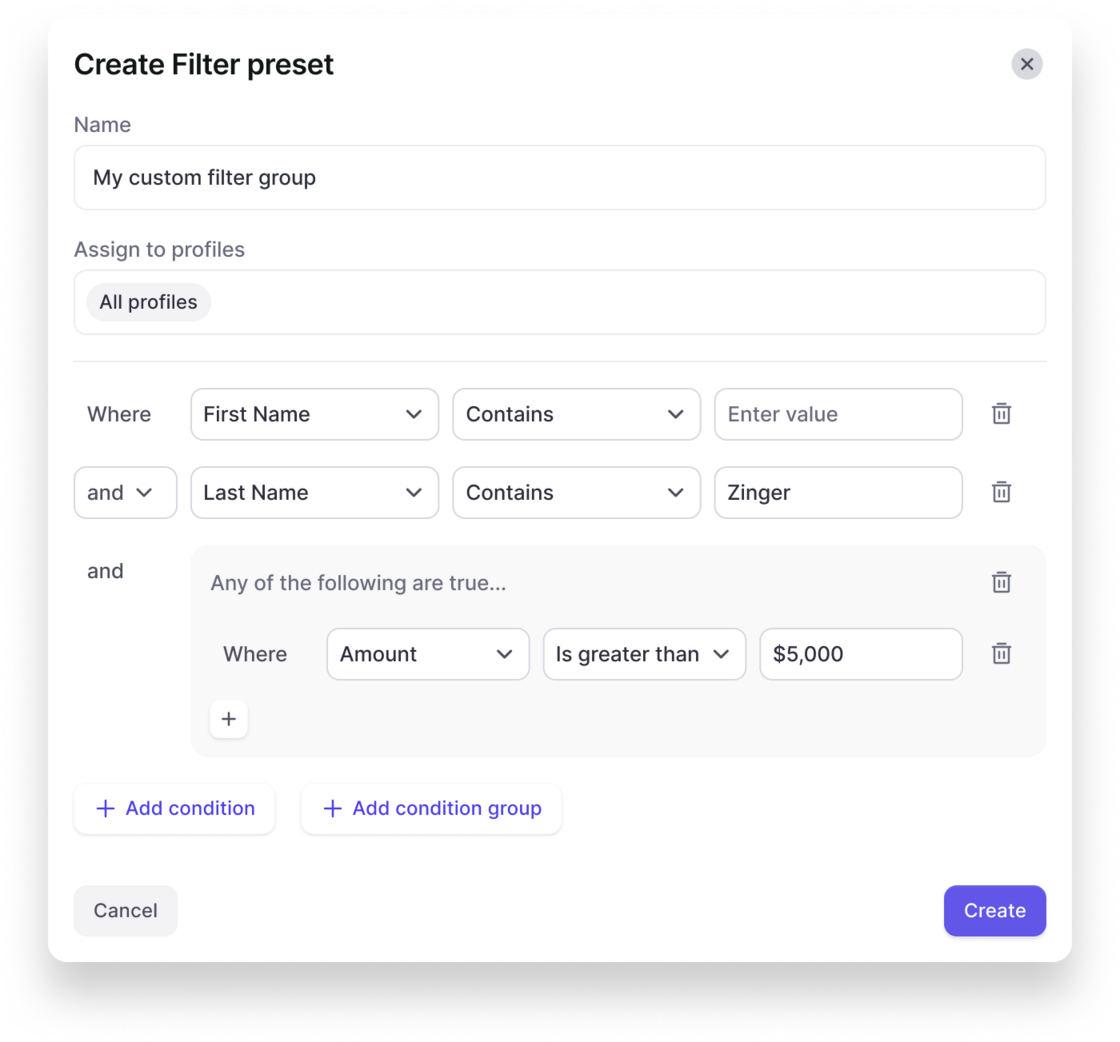
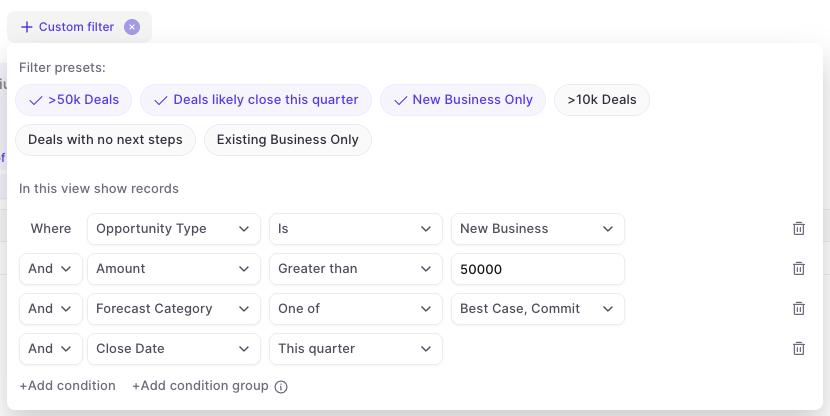
In the admin console, you can now create your own custom filter presets that are also visible and usable for other users in the Weflow app.
This gives you more control over key filters that should be used across the organization and saves time for each user when it comes to setting up tedious details in specific views.
Create a filter preset in the admin console:
Users can quickly toggle between filters in analytics & forecasting:
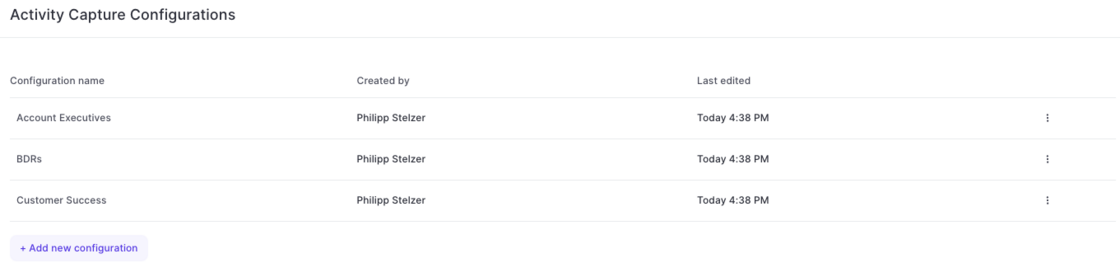
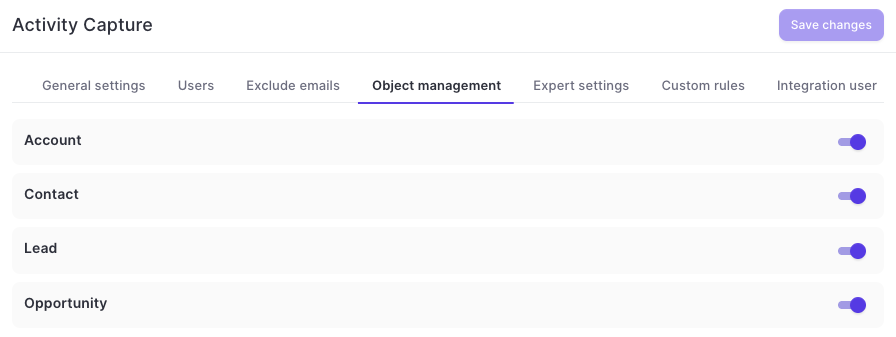
With this latest update, admins can now configure different activity capture configurations for specific user groups, profiles, roles or teams in Weflow.
Simply add a new configuration and customize it based on your specific requirements and needs.
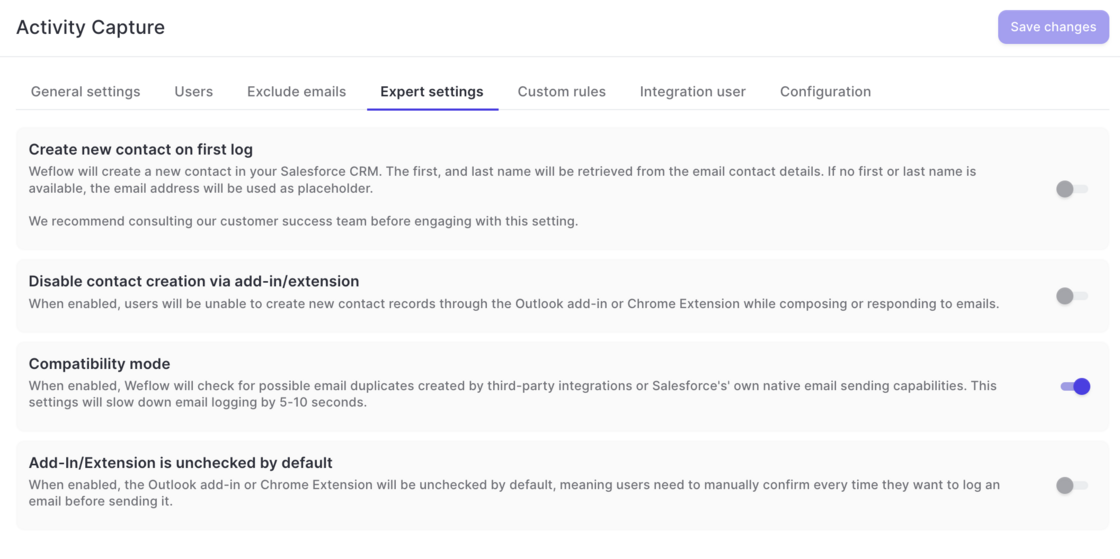
Creating contact on first log was moved from 'General Settings' to 'Expert Settings' as this setting should be enabled with care.
Contact creation can now be disabled via the add-in or Chrome Extension.
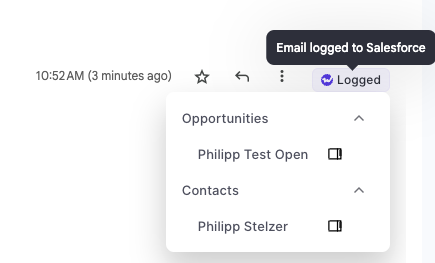
A new compatibility mode ensures that no duplicate emails are created when third-party integrations are used in addition to Weflow. In addition, this helps avoid duplicates when sending emails via Salesforce.
The add-in and Chrome Extension can be unchecked by default. This means, that users will have to manually log each email.
Warning: Do not use this feature while other activity capture solutions are active, as this may cause duplicate events in Salesforce. Consult our support team to ensure maximum compatibility.
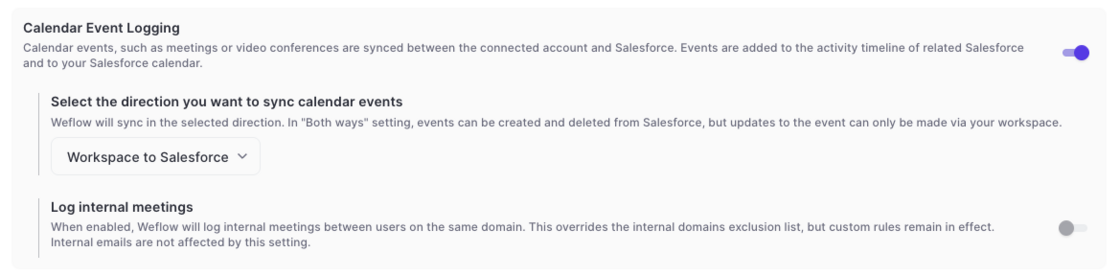
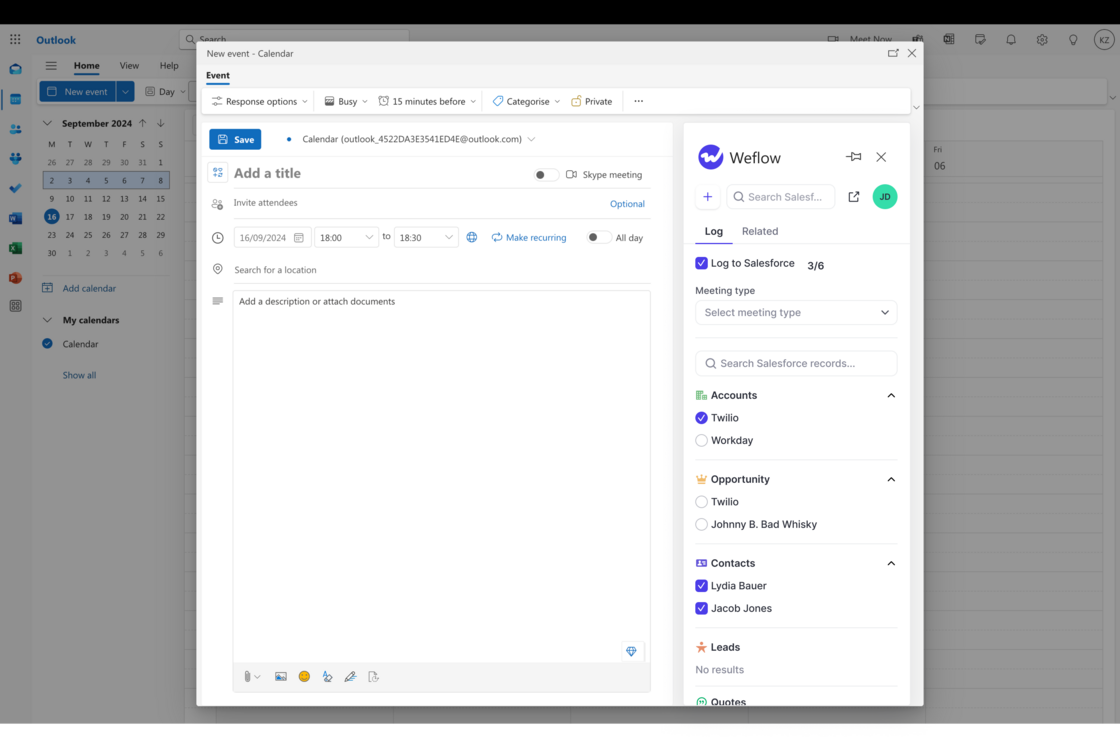
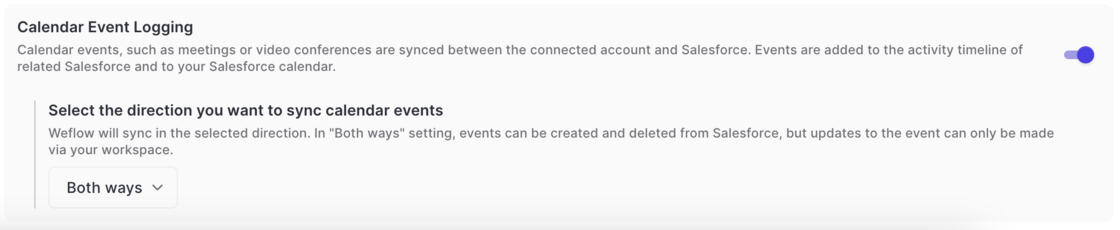
Meetings can now be synced bi-directionally between Salesforce and Google/Microsoft calendars.
Events which are scheduled via the Salesforce calendar are now synced to Google/Microsoft calendars and vice versa.
 weflow