 weflow
Keyword Tracker: Stricter and multi-lingual
The keyword tracker in Weflow now automatically translates keywords in to all available languages. The tracker is overall more strict when it comes to identifying keywords mentioned.
67 updates shipped in 2026339 all time
Showing November 2025 and earlier · Back to latest
The keyword tracker in Weflow now automatically translates keywords in to all available languages. The tracker is overall more strict when it comes to identifying keywords mentioned.
In the "Contact Creation" settings of an Activity Capture configuration, admins can now define a participant threshold for emails and meetings where Weflow should not create new contacts.
Example: If you have training events with 20+ participants, you may not want to create new contacts automatically. With this setting, you can fine tune the contact creation rules within Weflow.
As of version 2.91, Weflow will only create a contact if there is no currently non-converted lead with the same email.
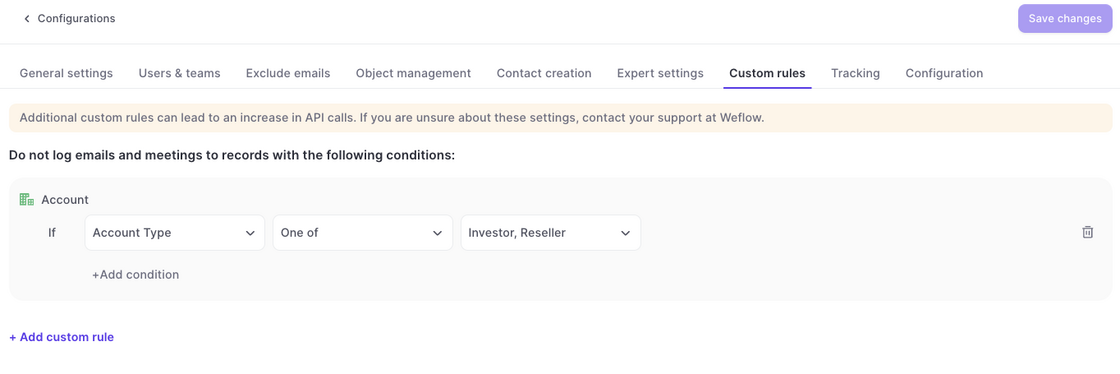
Custom Rules in the Activity Capture configurations now also block the creation of new contacts.
Example: In the example above, no contact would be created if the parent account matches the one of these values i.e. Investor and/or Reseller.
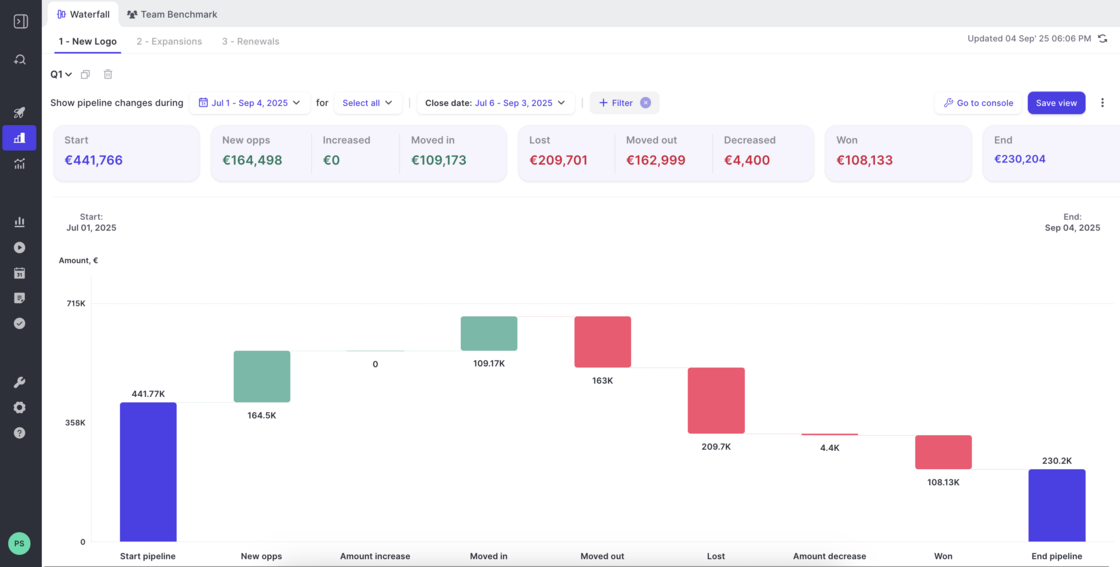
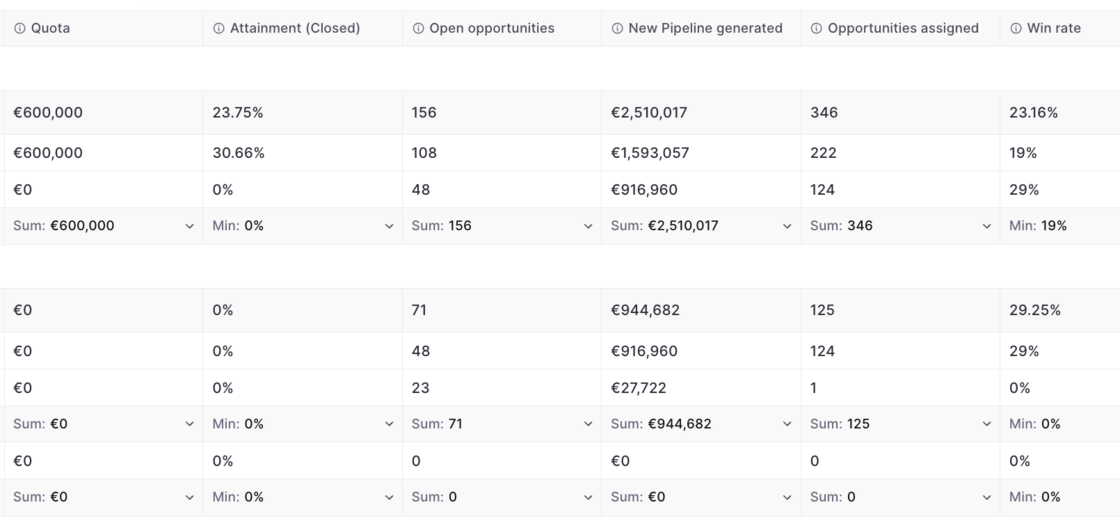
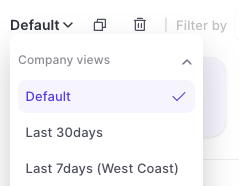
Duplicate or create new views from here:
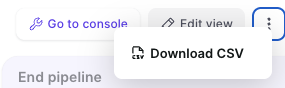
Download views as CSV file from here:
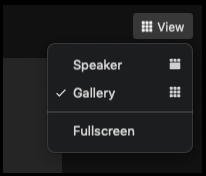
Weflow will now auto-detect the meeting language for all recordings. By default, Weflow supports 96 languages.
You can access the full list and feature overview here: help.getweflow.com/en/article/language-detection
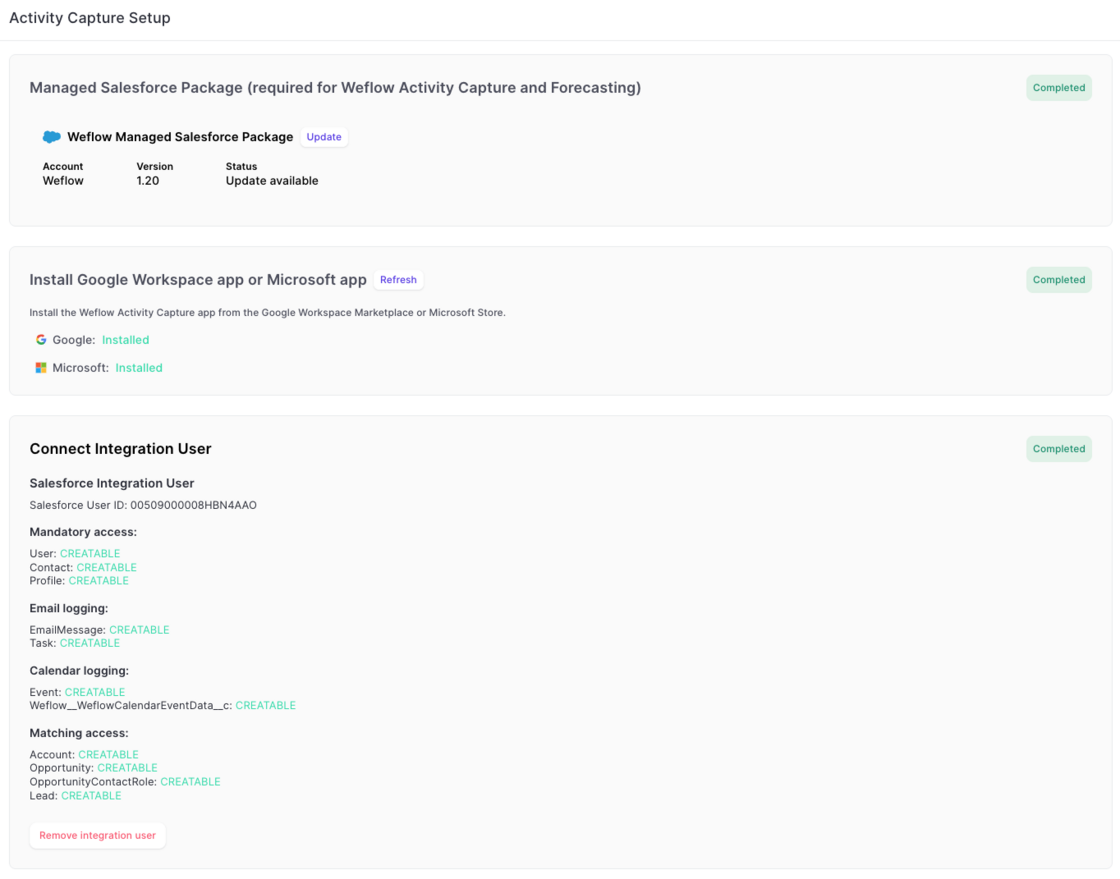
The new activity capture flow, guides admins more easily through every step:
1) Install the managed package.
2) Install the EntraID or Google Workspace app.
3) Connect an integration user.

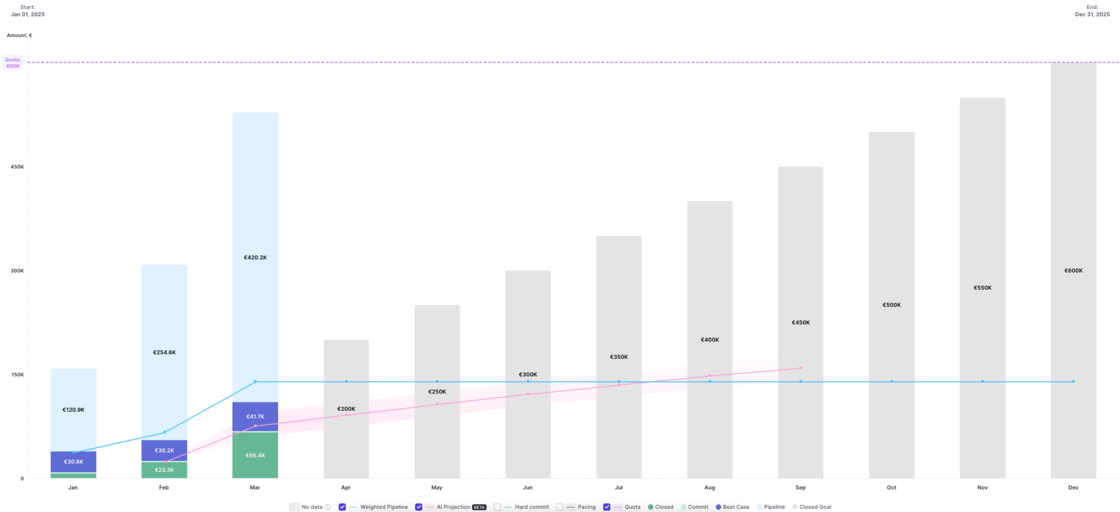
Version 2.66 of our forecasting & analytics suite has introduced the ability to see live data in the pacing chart. No action is required to use this improvement. All pacing charts have been updated automatically.
As of today, Weflow uses 60% fewer API calls for logging emails and meetings from your Microsoft/Google account to Salesforce.
We will continue to improve these metrics month-over-month.
Weflow's time in stage calculation is based on LastStageChangeDate instead of stage change history now.
You will now see time in stage for all opportunities.
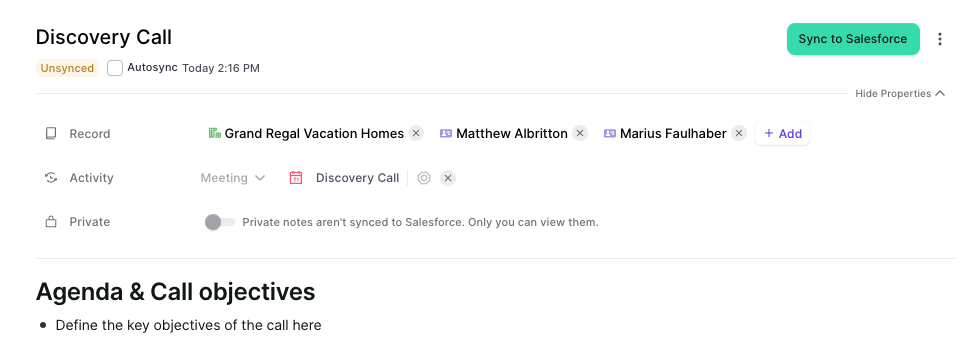
The Chrome Extension can now be used for users who have set up activity capture via the Weflow Activity Capture application for Google Workspaces.
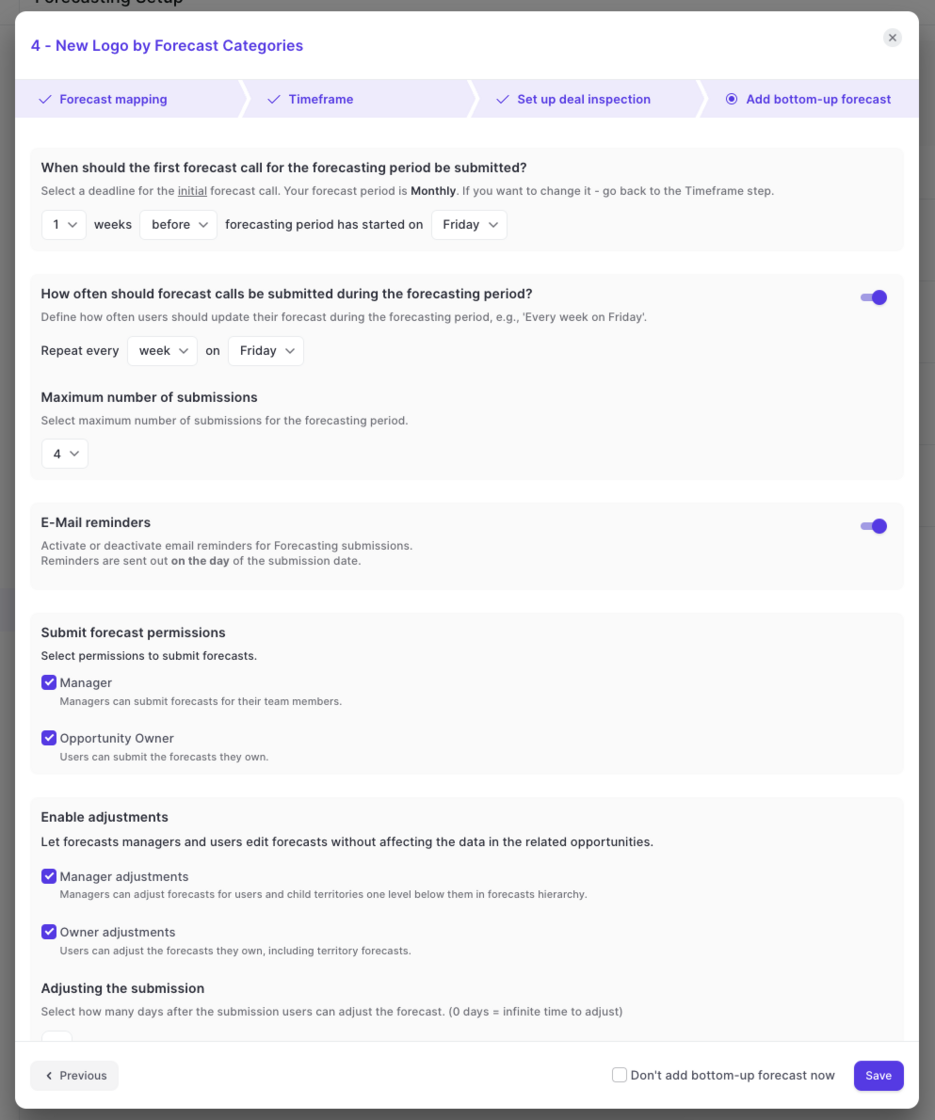
With this improvement, you can create submission cadences as part of each forecast view directly from Weflow's admin console:
Weflow now lets you create and manage multiple forecasts using different settings and field mappings.