When installing the Weflow Chrome Extension, you'll get an entirely new "new tab" experience that is optimized for revenue teams with a fast access to your pipeline, notes and tasks.
With the latest Weflow update, you can now choose whether you want to keep the new tab or switch it off. In the past, deactivating the "new tab" experience, deactivated the entire Chrome Extension. Now, you can choose what works best for you.
Please note: We heavily recommend to keep the "new tab" experience alive and running as we constantly push new updates and improvements.
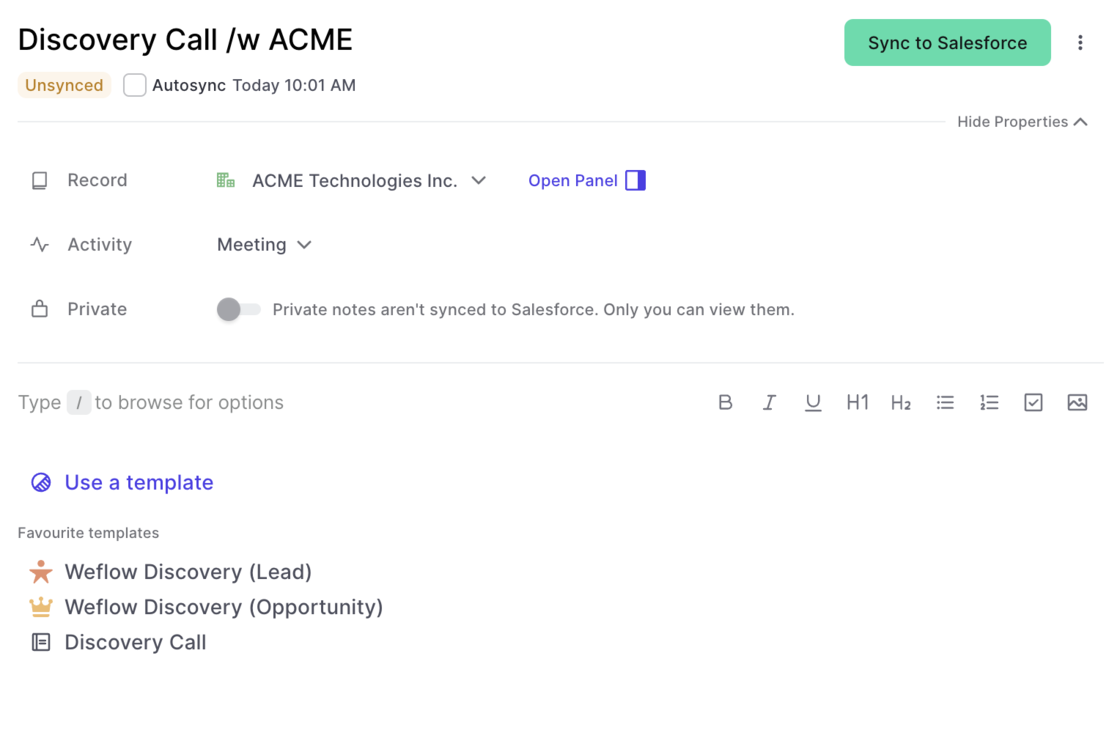
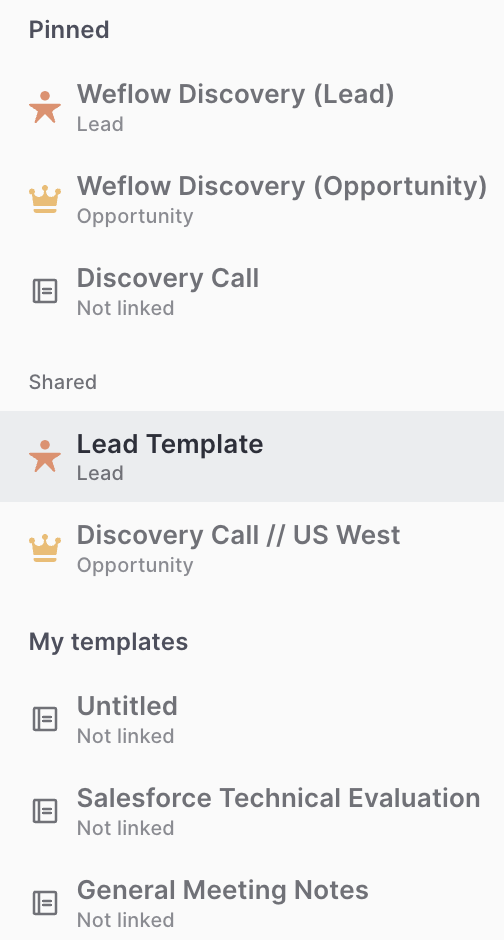
Previously, the link between a note template and a record type was not that obvious. We now added record icons into the quick selection and the template editor to change that.
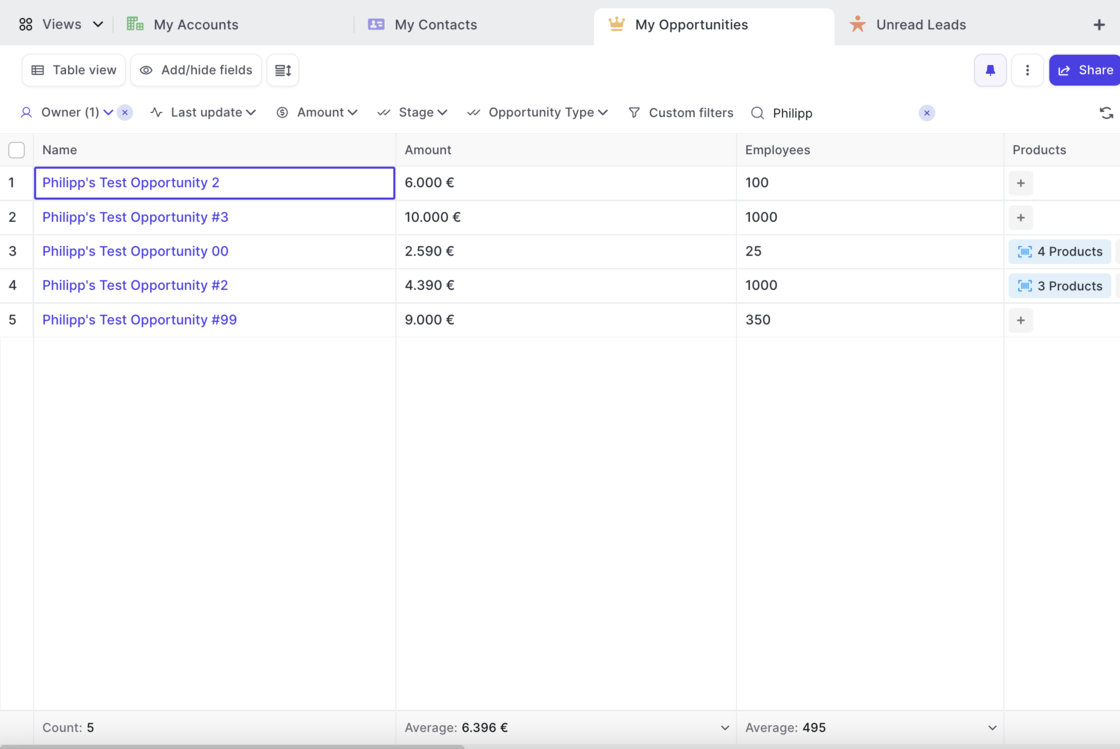
Weflow now features Opportunity Products giving you full access and editing functionality to select price books, add new products or edit existing ones.
Check this 3 minute demo and tutorial video on how to get the most out products with Weflow:
Look up your total number of API calls, manage your integrations and access information about your user profile as well as our help desk all from within t he new settings page.
You can access the settings by clicking on your account avatar and then selecting 'Settings'
Look up your total number of API calls made by Weflow that day
Manage your integrations (more on this coming soon)
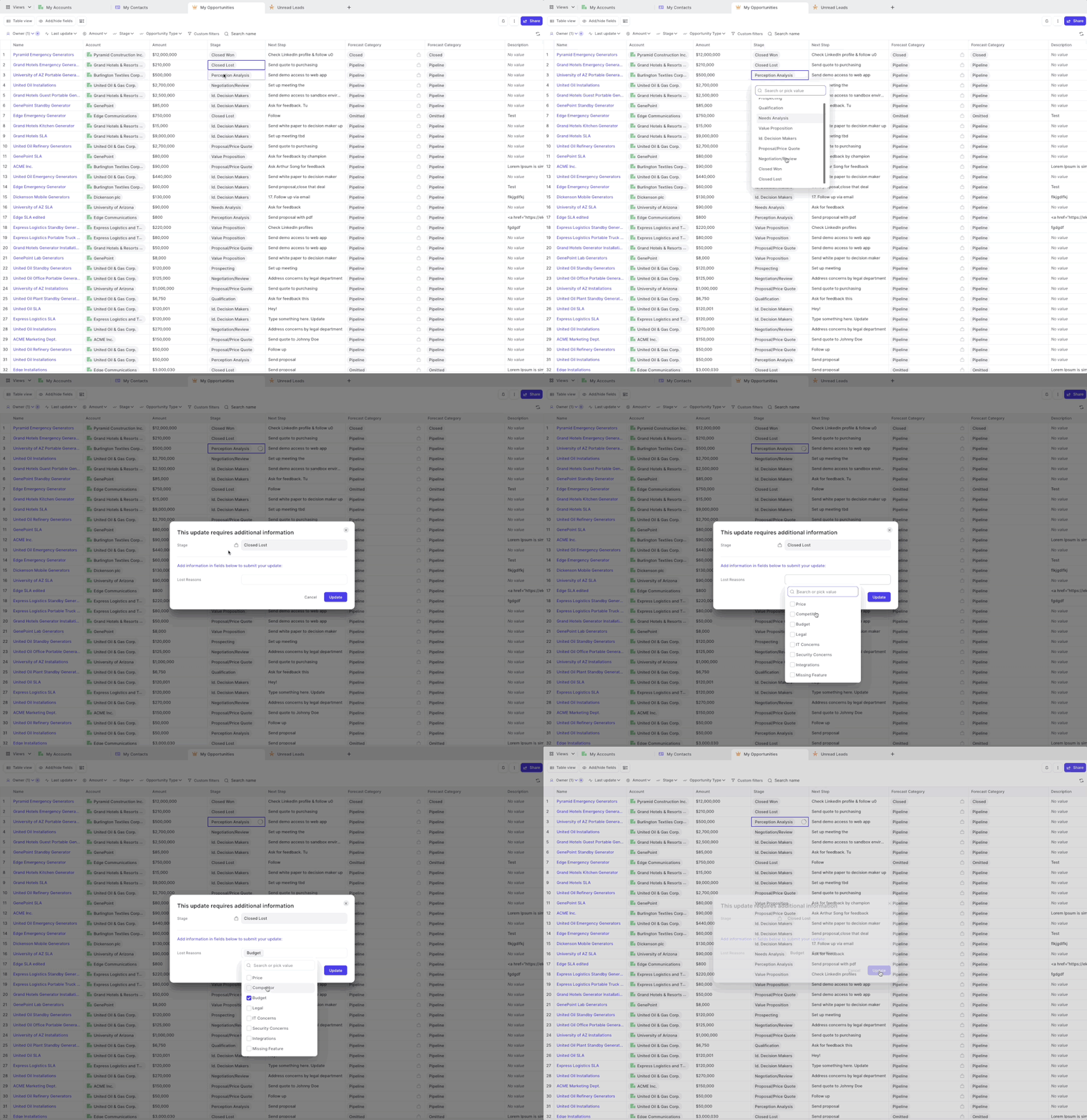
Weflow has always been respecting required fields and validation rules. However, for field dependencies, we did not show the dependent fields in all cases.
As of this week, you can now safely rely on Weflow to trigger a message to your Salesforce users, whenever they make a change to a controlling field which asks for input in dependent fields.
A popular example is changing the stage of an opportunity to "Closed/Won" and then requiring additional input in a field such as e.g. "Lost Reasons".
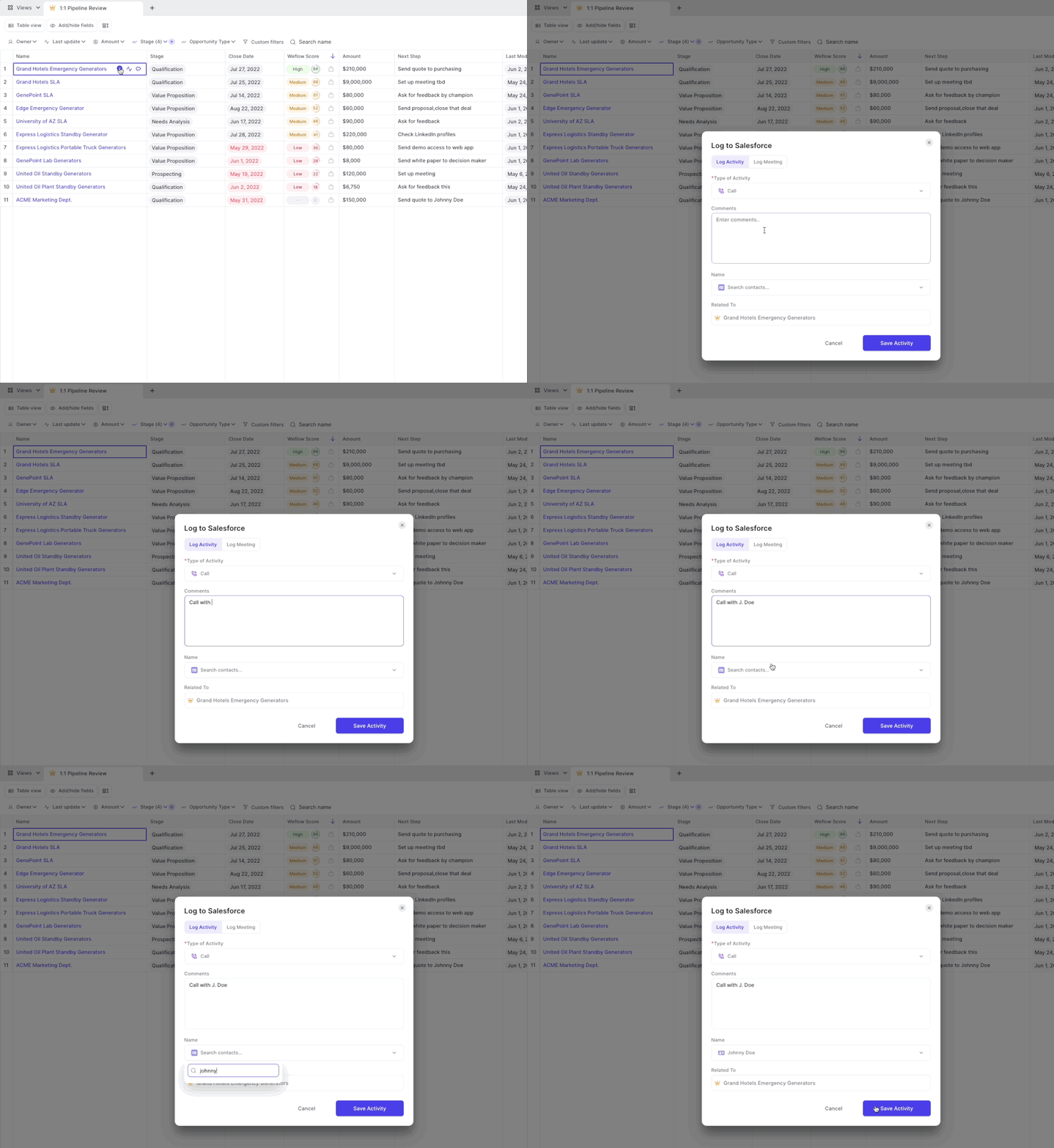
Weflow now let's you link a task to multiple records with more ease
In addition, Weflow displays all linked records on the first level of our user interface, meaning no need to look into the task details i.e. when having a task linked to a Lead or Contact
Sales is an endurance sport combined with the strategic gameplay of a football match. Sometimes you get lucky. But most deals take a lot of prospecting, negotiation, alignment and most of all: time.
On average, you need eight activities (like an email, call or meeting) until a prospect says yes or no 80% of sales are made on the fifth to 12th contact
With everything else you got going on in life and work, it's easy to lose oversight of what's been happening.
That is why we are proud to introduce the new Weflow Activity Timeline.
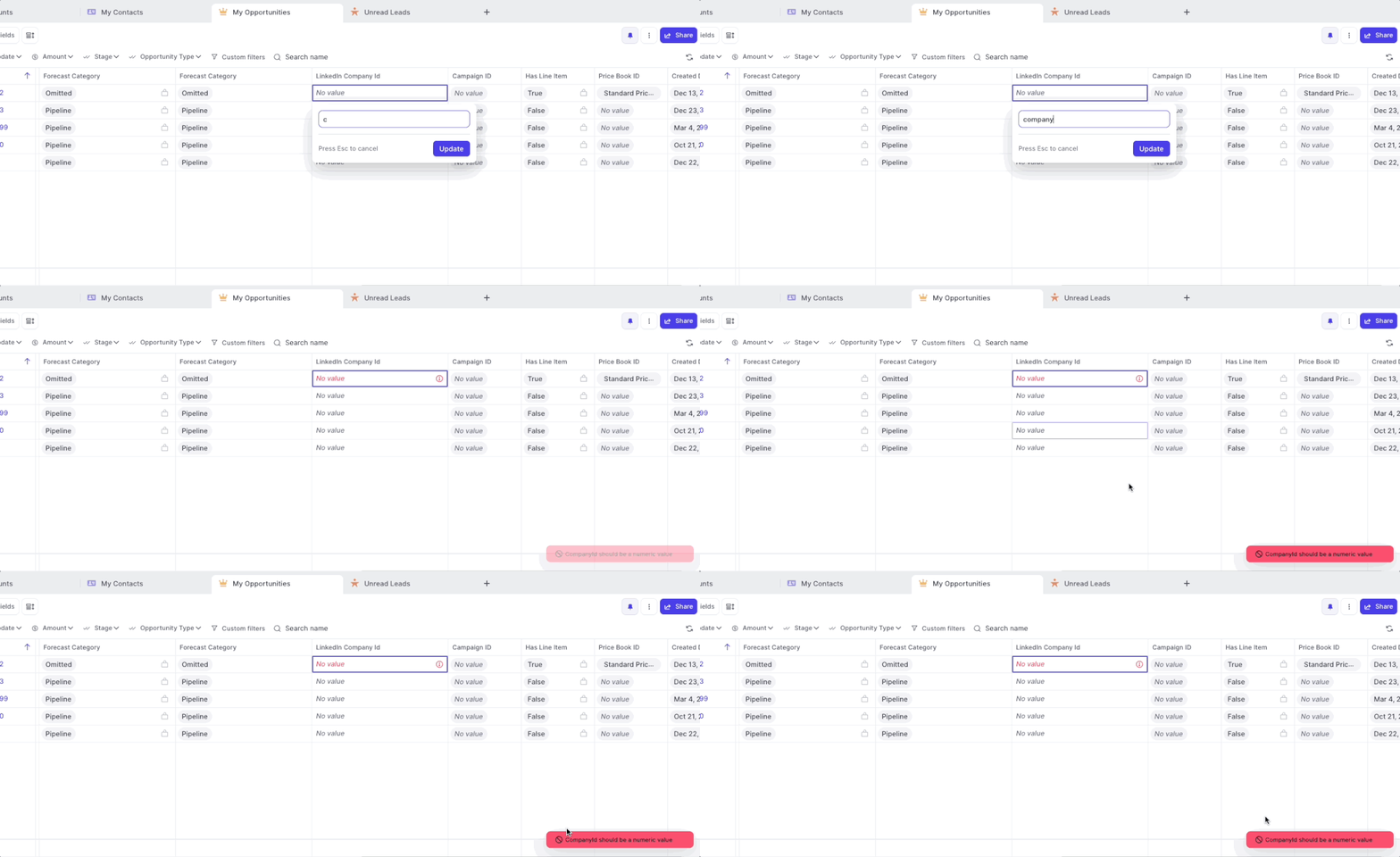
If you set up validation rules including error messages, Weflow now displays all error messages as defined in Salesforce.
If you set up validation rules without setting an explicit error message, Weflow will still ensure that no incorrect values can bet synced to Salesforce however, will display only a generic error message.
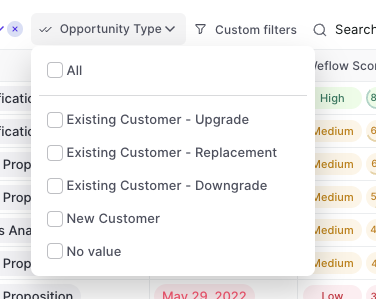
The Weflow Kanban board is a favorite among our customers to run effective weekly sales meetings. Now, Weflow automatically highlights card which have been inactive for more than 30 days.
Use Case:
➡️ No need to use the "Last update" filter (though you of course still can)
➡️ Get a quick overview of which records need attention
➡️ Combine it with the Weflow score for more actionable insights
The inactive state will appear if a record has not been modified or updated for more than 30 days
Adding an activity or updating a field resets the inactive status for 30 days or until another update is added
 weflow