weflow
Create view button more prominently positioned in Pipeline Management
- It's now a lot easier to create a new view in Pipeline Management
- With one click, you can access the view creation flow
67 updates shipped in 2026339 all time
Showing March 2024 and earlier · Back to latest
In some cases, Weflow showed too many and too visible/large scrollbars for users on Windows operating systems. This has been improved by:
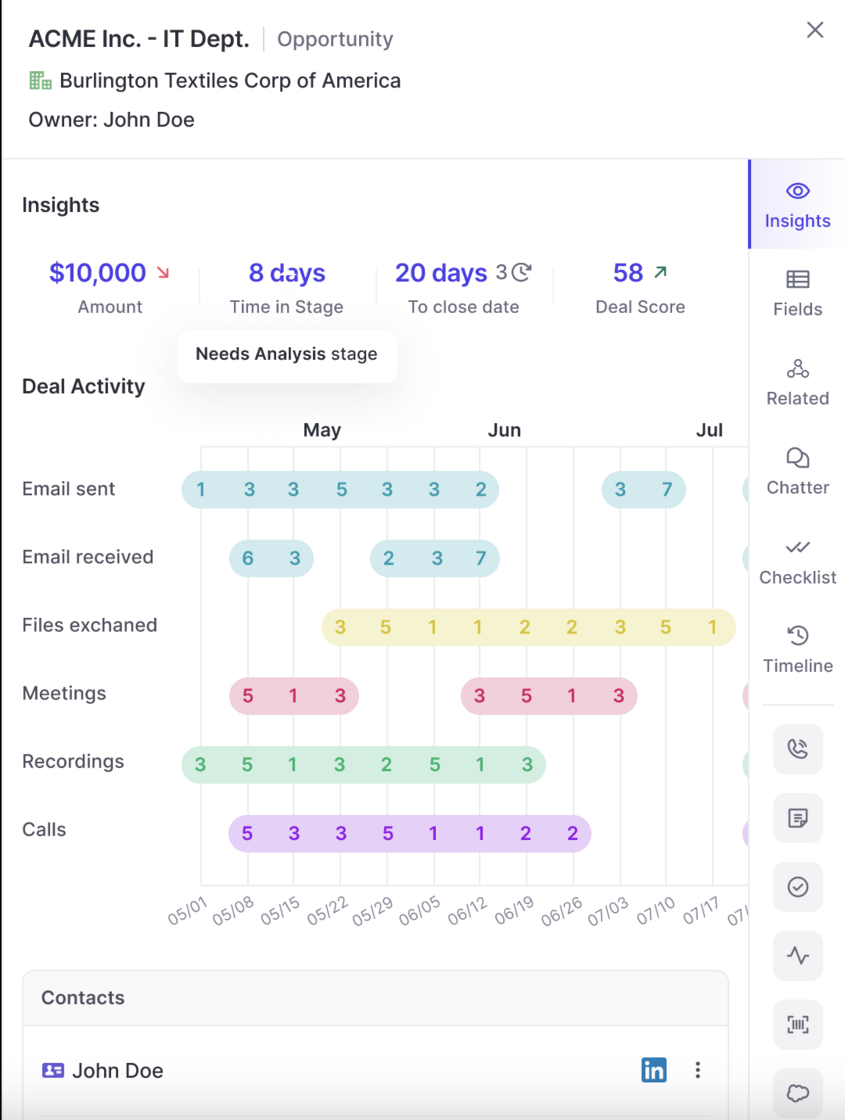
The data in the "Pacing" chart is now loading 3x faster than previously.
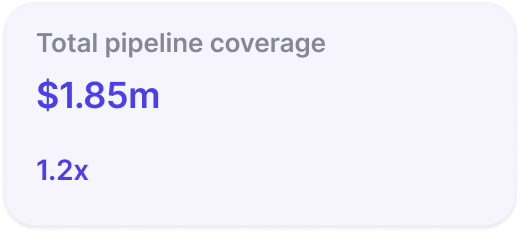
Pipeline coverage is now displayed as a factor e.g. 2x instead of a percentage.
Weflow now respects the correct order of stages when using a 'group by' view in the pipeline or opening the selection options from a stage field (in sidebar and pipeline).
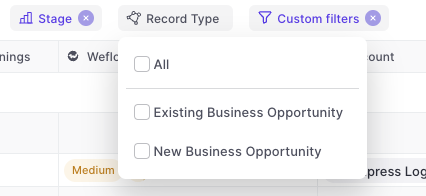
Weflow is automatically showing all options for record types now.
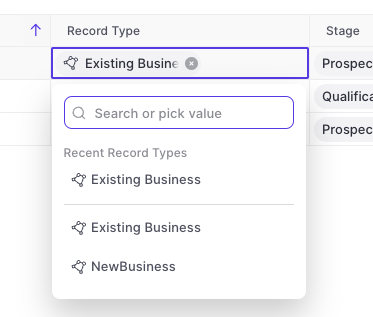
The "Stage" field for Opportunities or "Status" field for Leads will automatically show only the values relating to the specific record type.
Weflow now supports multi-currency setups. There is nothing you need to configure within Weflow. All conversion rates and currencies are imported automatically from your existing Salesforce setup.
The following improvements and fixes were applied to Weflow as part of the latest v2.2.5 release on July 17th 2023:
Panel templates defined in the web app are now also automatically shared with the Chrome Extension and vice versa.
You can now add custom objects via the related tab.
This is especially useful when utilizing third-party integrations in Salesforce such as Loopio, Partnerships, or other tools that create custom objects in your Salesforce setup.
When linking an Opportunity to an account (or any other object), Weflow will now show the last 5 used records.
This will save you a click or search every now and then.

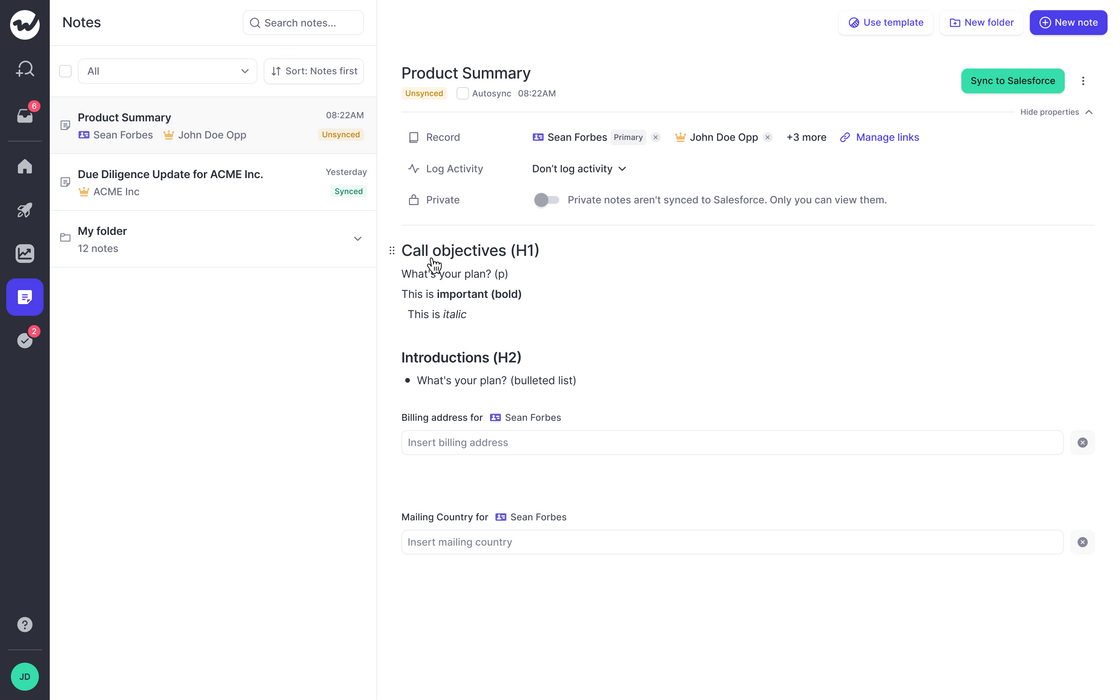
The note list has been cleaned up a bit:

You can now use text formatting for bold, italic, underlined and strikethrough texts.
In addition, you can add in emojis, tag colleagues, add links, create lists and many more options.