weflow
Add "Teams" instead of users to Conversation Intelligence
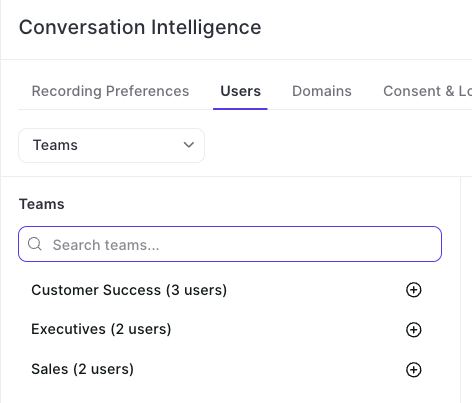
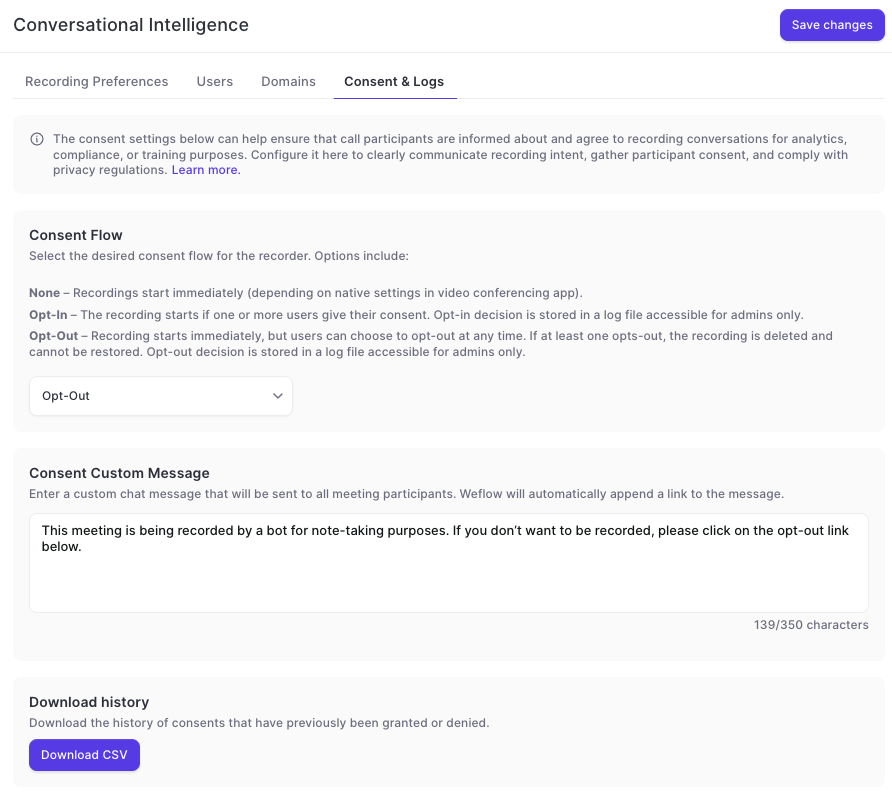
Instead of adding individual users, admins can now make use of Weflow's team feature to add groups of users dynamically (or manually) to the Conversation Intelligence configuration.
67 updates shipped in 2026339 all time
Showing June 2026 and earlier · Back to latest
Instead of adding individual users, admins can now make use of Weflow's team feature to add groups of users dynamically (or manually) to the Conversation Intelligence configuration.
We've reduced API call and login rates by 20%, resulting in a leaner, more efficient integration that puts less load on your Salesforce org.
Our applications have been updated to align with Salesforce's most recent security requirements for the upcoming Spring '26 release, so your data stays protected and your workflows stay uninterrupted.

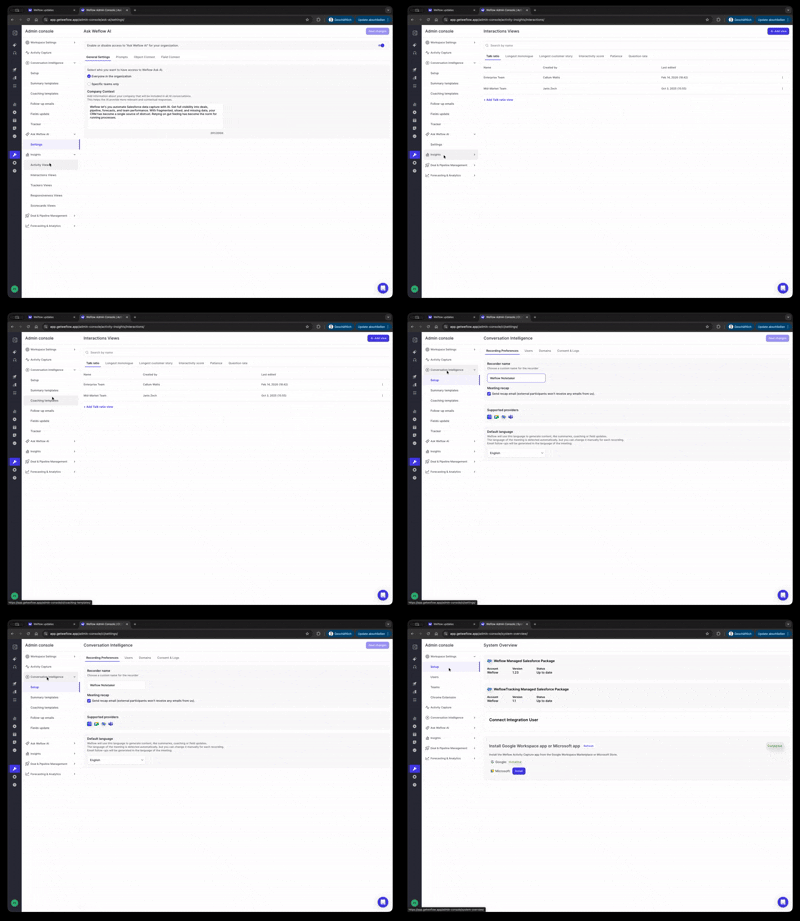
Faster and easier navigation with collapsable menus.
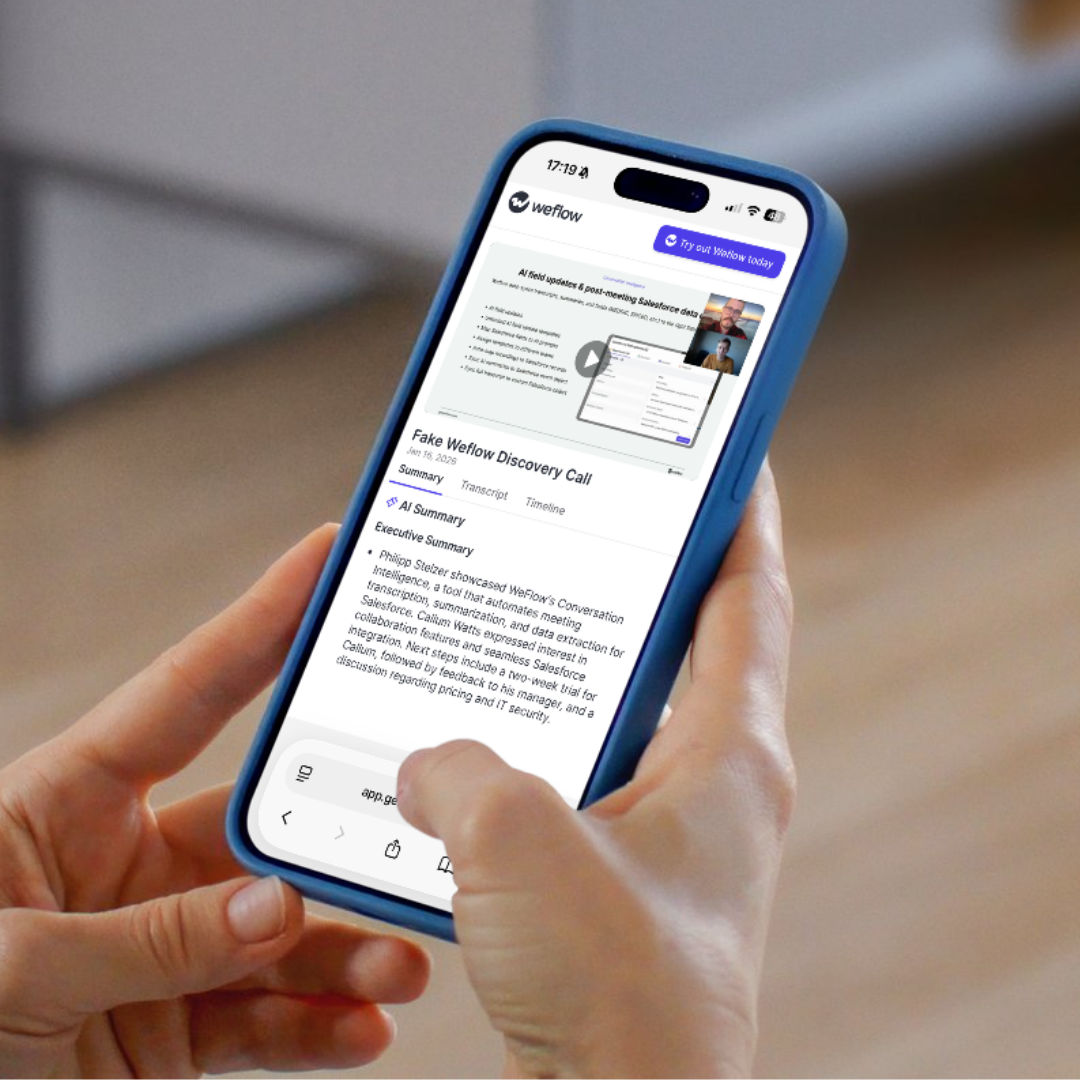
Recordings are now optimized for mobile screen formats (tablet, phone).
The keyword tracker in Weflow now automatically translates keywords in to all available languages. The tracker is overall more strict when it comes to identifying keywords mentioned.
In the "Contact Creation" settings of an Activity Capture configuration, admins can now define a participant threshold for emails and meetings where Weflow should not create new contacts.
Example: If you have training events with 20+ participants, you may not want to create new contacts automatically. With this setting, you can fine tune the contact creation rules within Weflow.
As of version 2.91, Weflow will only create a contact if there is no currently non-converted lead with the same email.
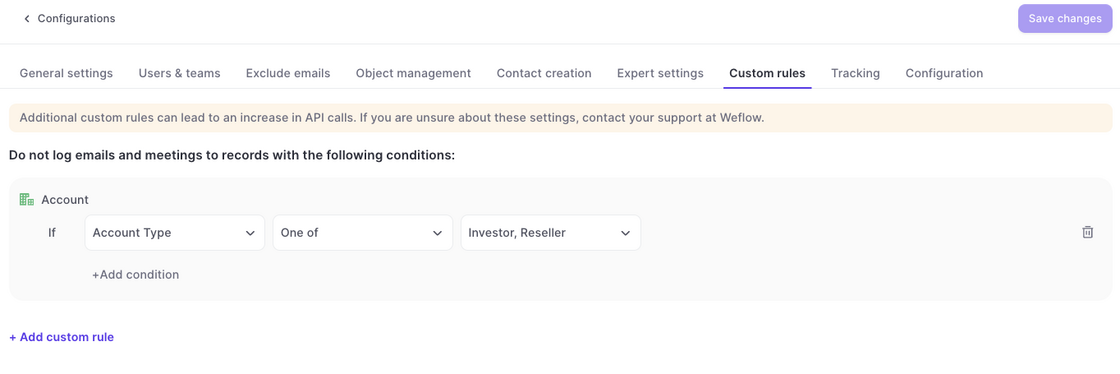
Custom Rules in the Activity Capture configurations now also block the creation of new contacts.
Example: In the example above, no contact would be created if the parent account matches the one of these values i.e. Investor and/or Reseller.
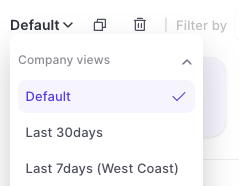
Duplicate or create new views from here:
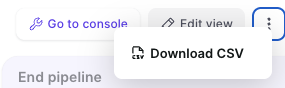
Download views as CSV file from here: