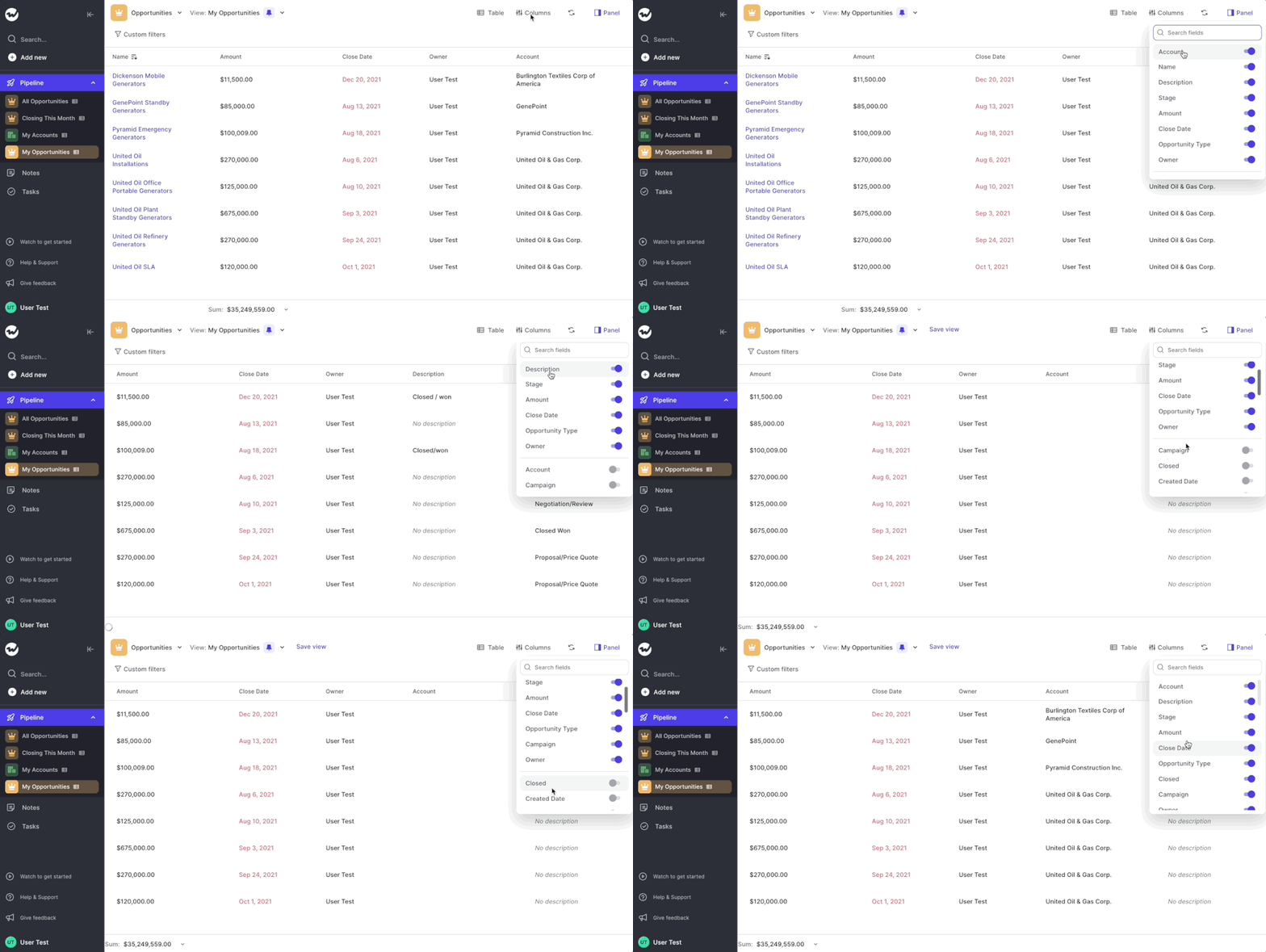
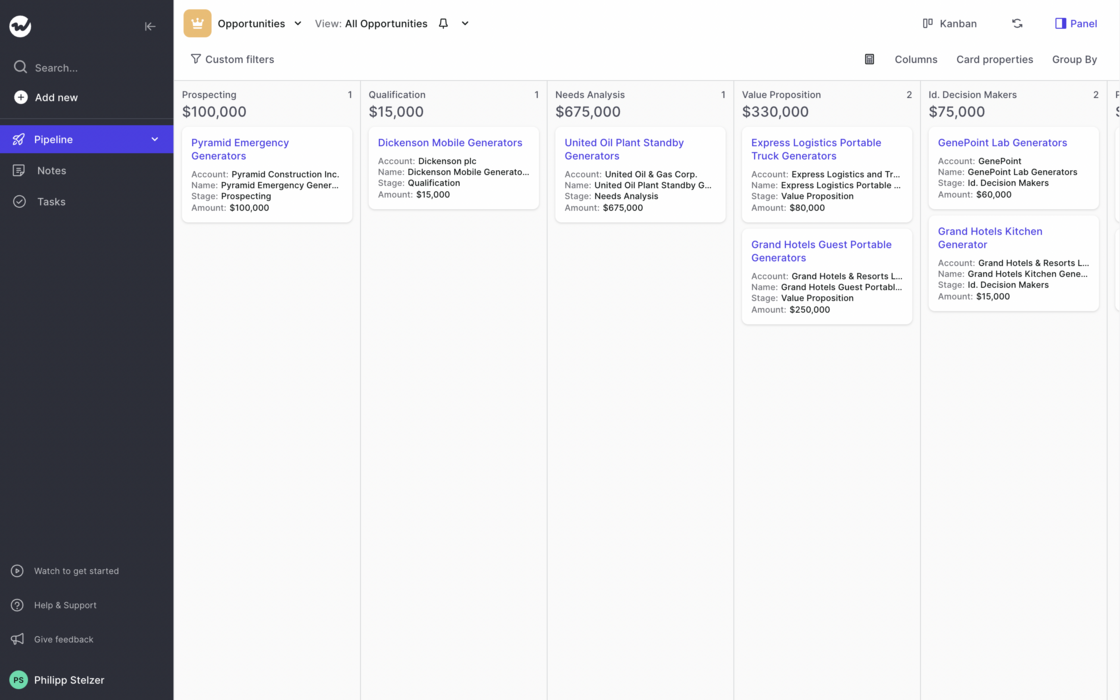
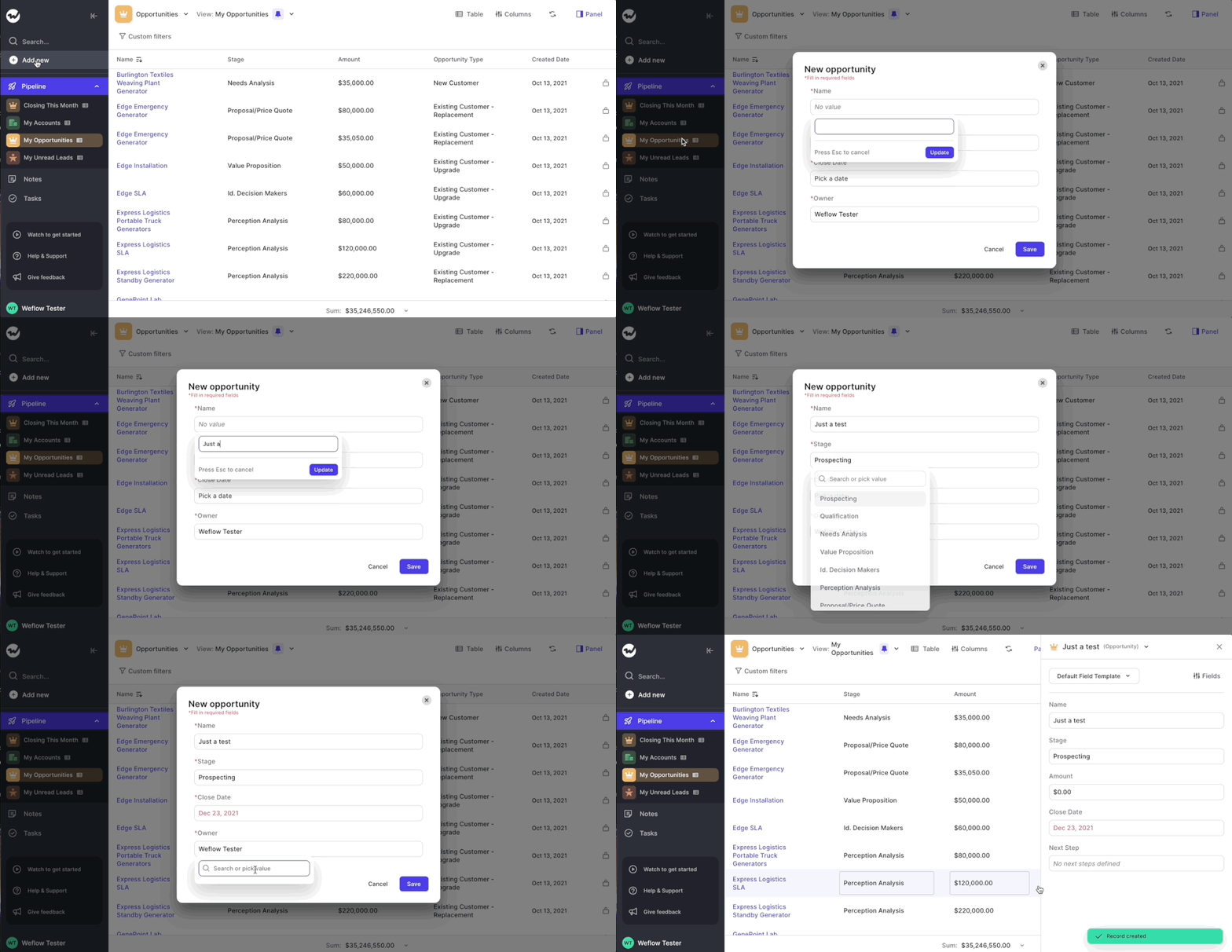
After releasing the first initial version of our table pipeline, we ran hundreds of tests with customers and first-time users. Based on their feedback, we now re-imaged how the table pipeline should look like.
With the initial designs, we tried breaking away from dull-looking spreadsheets which can easily overwhelm you and are sometimes hard to comprehend and navigate. However, we quickly realized that there are also many benefits that come naturally with the classic "spreadsheet look".
Take a look yourself:
Like it? Don't like it? Let us know at hello@getweflow.com 💌
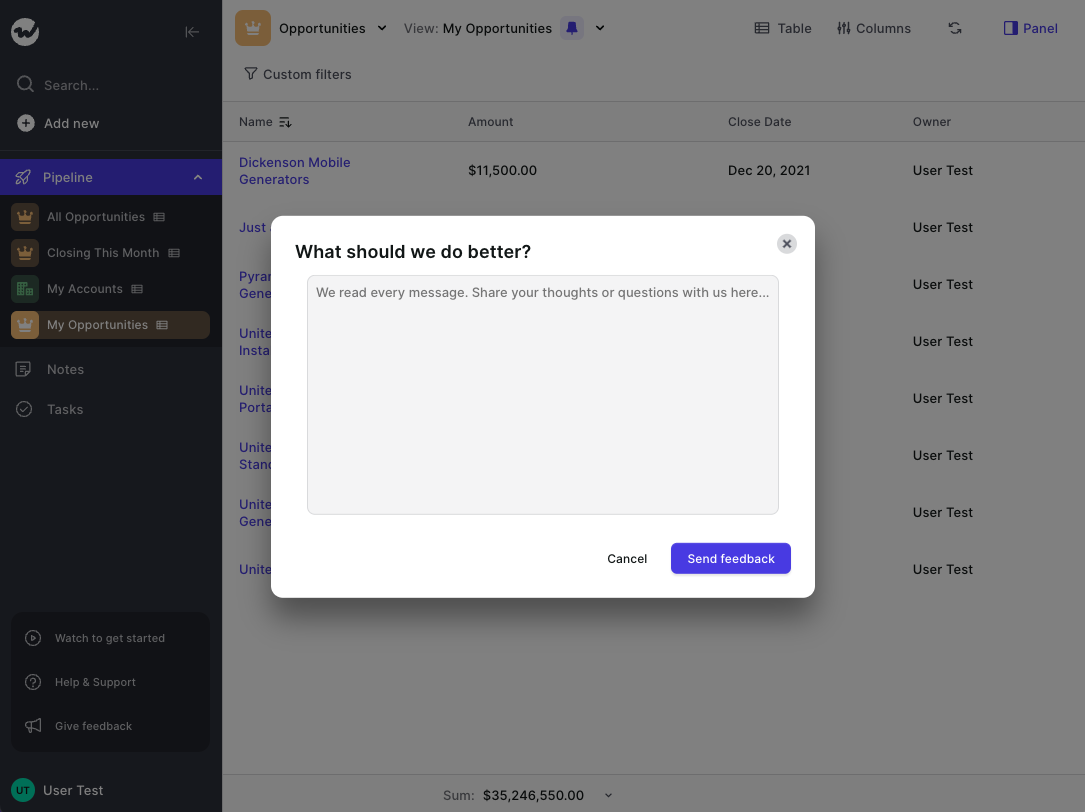
The help and support section at the bottom left of the sidebar navigation has been re-designed. It's a small tweak including a reduced font size and a transparent background so that it embeds more nicely into the overall app styling.
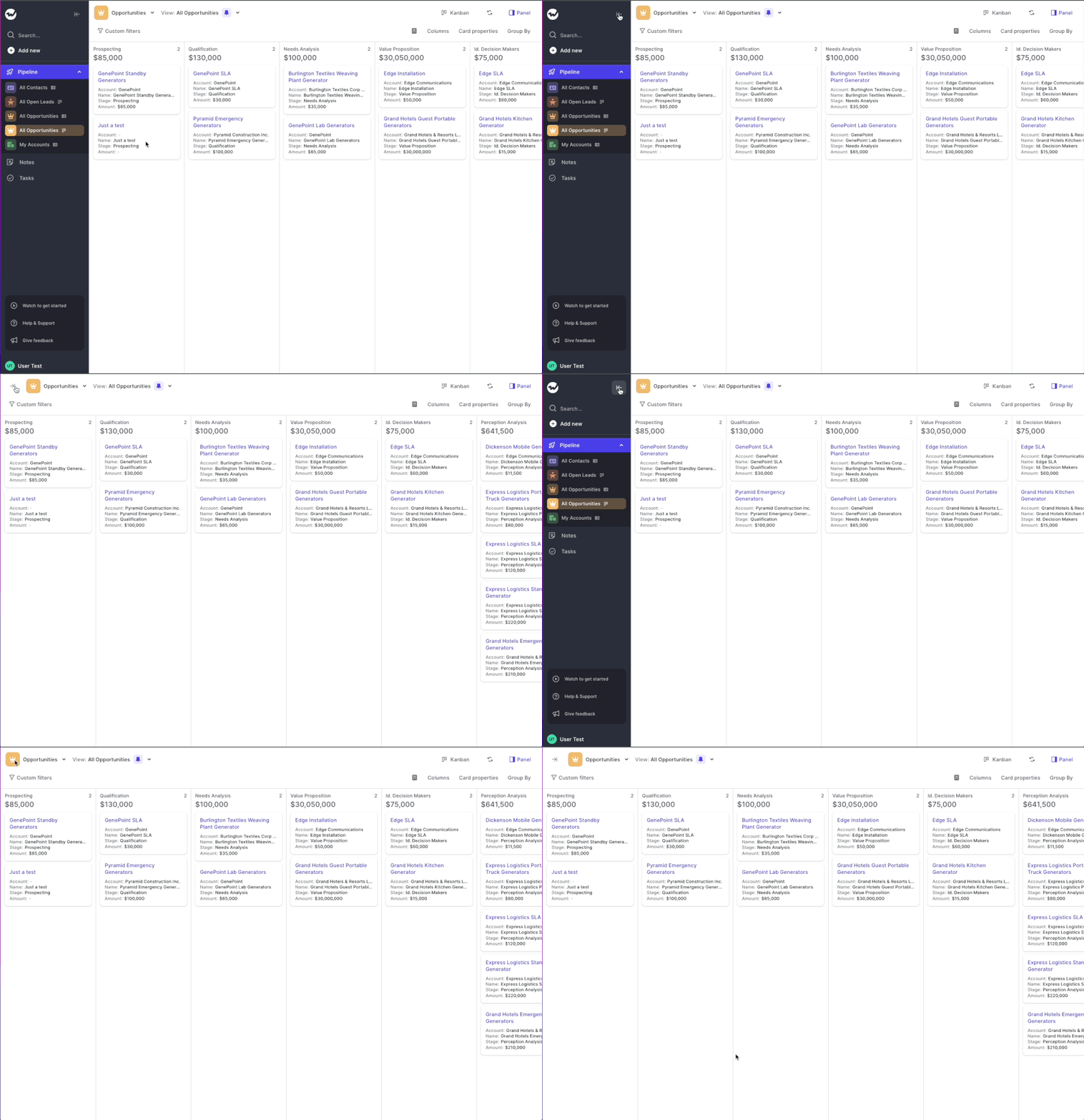
Need a full-focus mode for your weekly sales review meeting? We got you covered. Enable the full screen mode by toggling the menu via the arrow button at the top. It's quick and simple. Just as we like it.
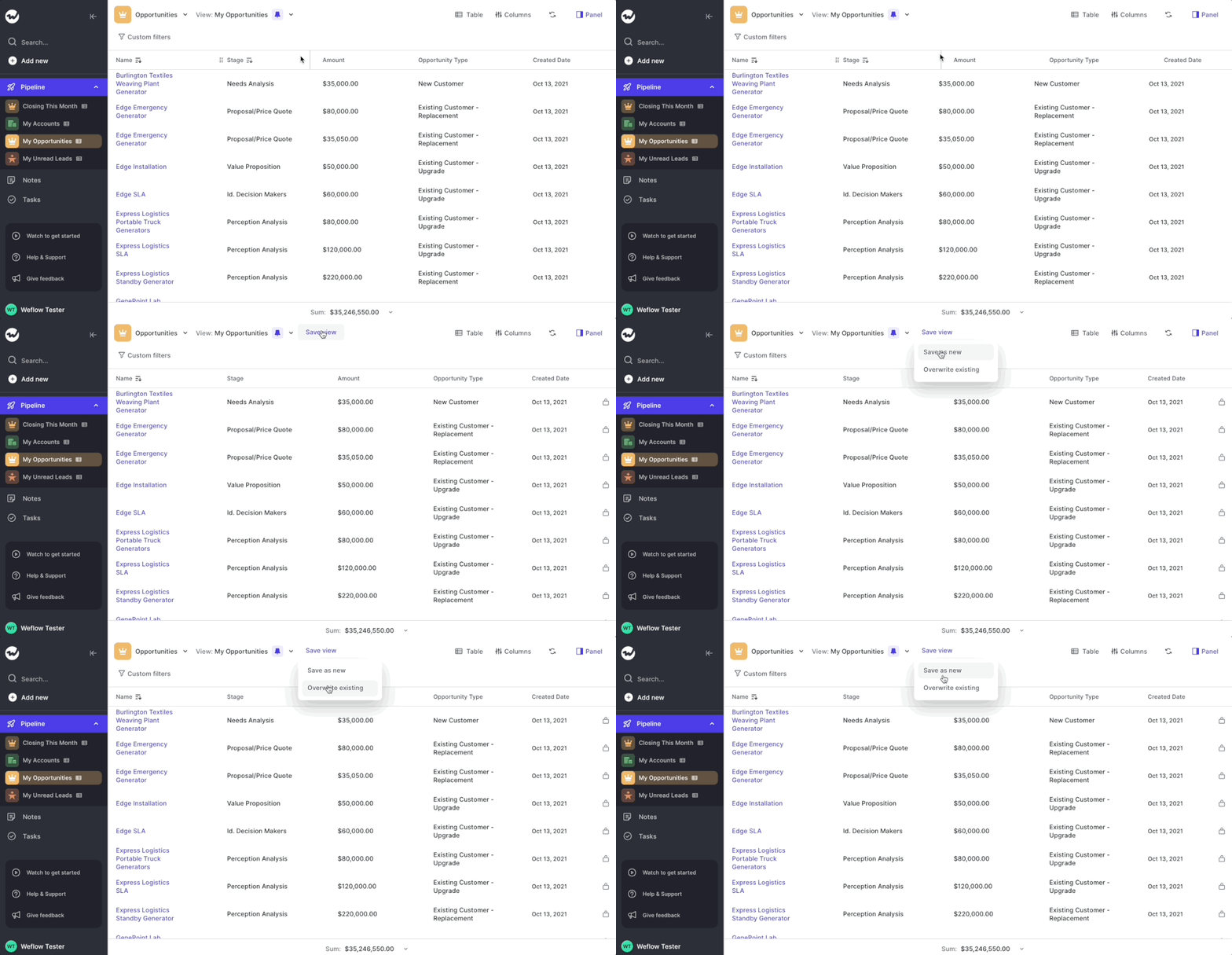
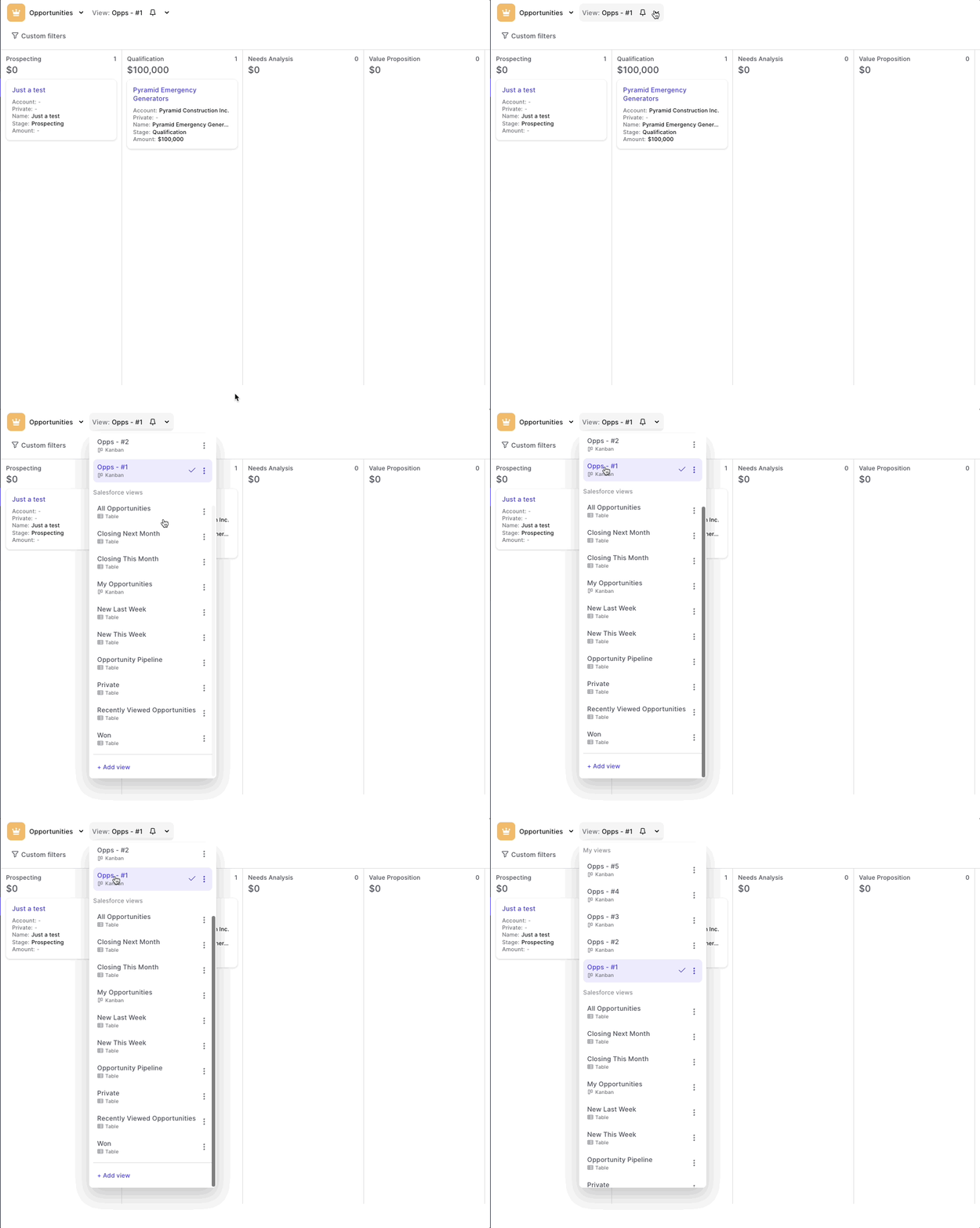
We had a few situations where if a user had an extensive list of saved views, then the menu to select them would not be able to contain all of them anymore.
Hence, we made your "My views" list scrollable. No matter how many views you have, Weflow has got you covered.
You reached the beginning. Thanks for scrolling all the way back.
 weflow