Sales is an endurance sport combined with the strategic gameplay of a football match. Sometimes you get lucky. But most deals take a lot of prospecting, negotiation, alignment and most of all: time.
On average, you need eight activities (like an email, call or meeting) until a prospect says yes or no 80% of sales are made on the fifth to 12th contact
With everything else you got going on in life and work, it's easy to lose oversight of what's been happening.
That is why we are proud to introduce the new Weflow Activity Timeline.
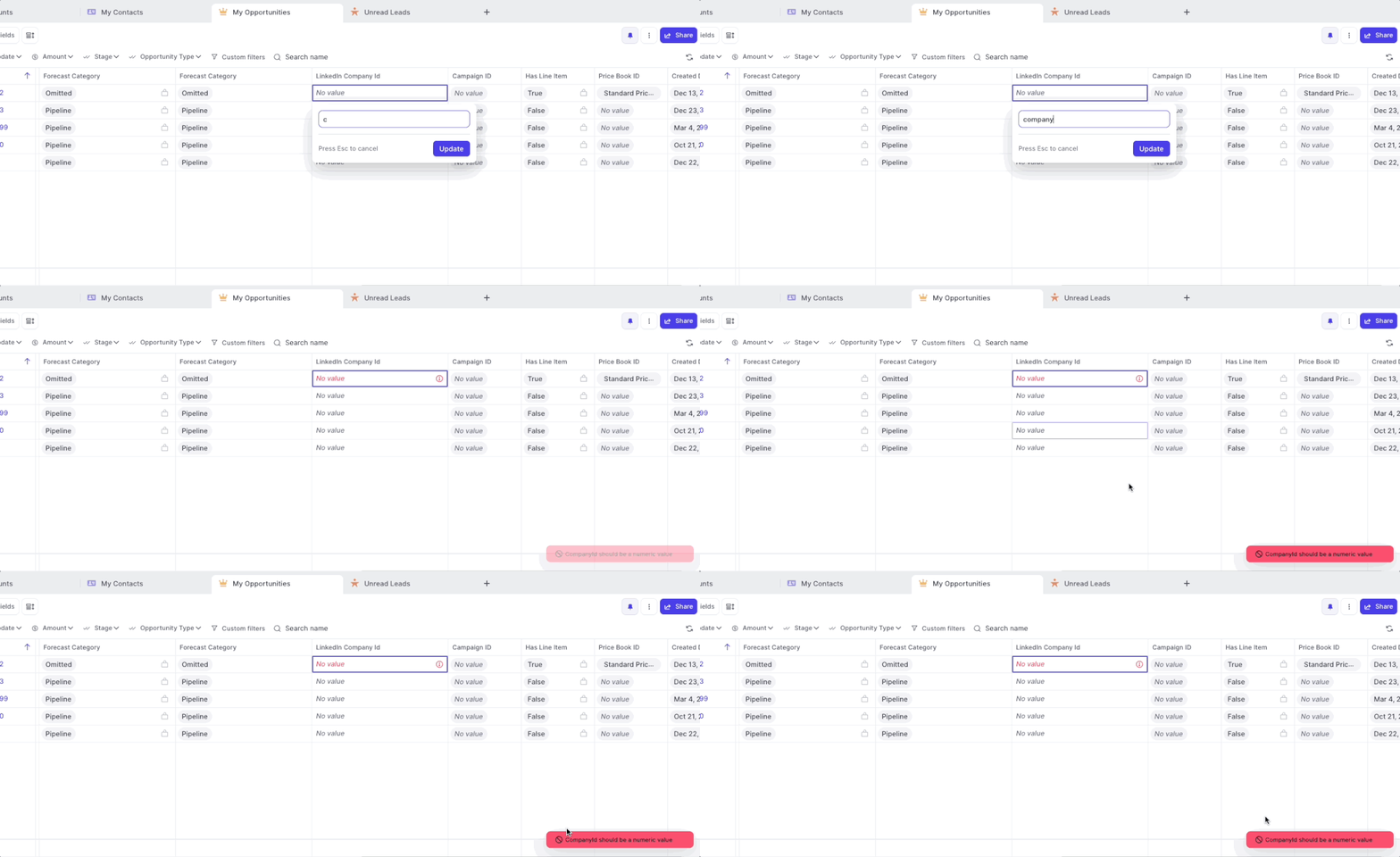
If you set up validation rules including error messages, Weflow now displays all error messages as defined in Salesforce.
If you set up validation rules without setting an explicit error message, Weflow will still ensure that no incorrect values can bet synced to Salesforce however, will display only a generic error message.
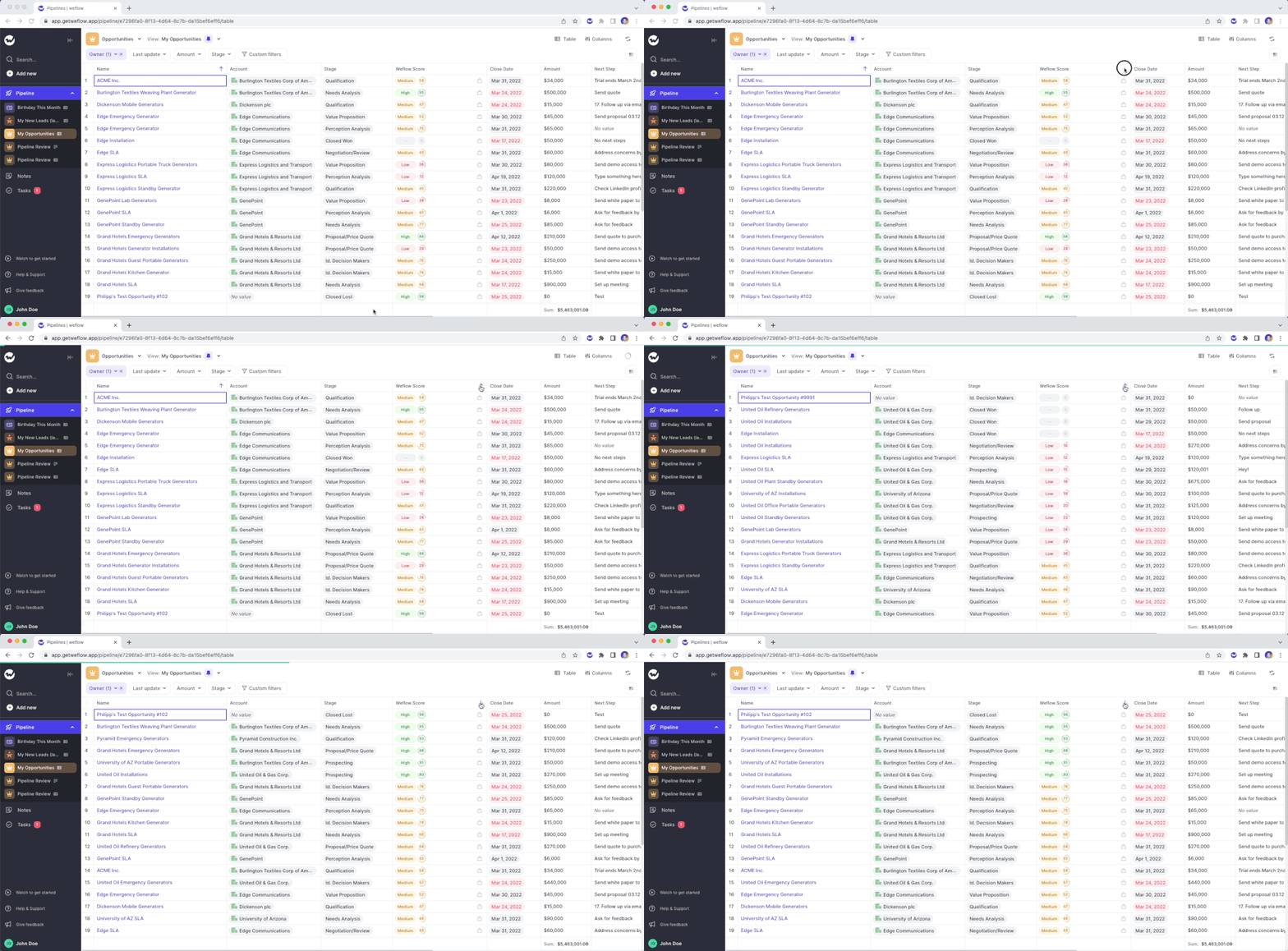
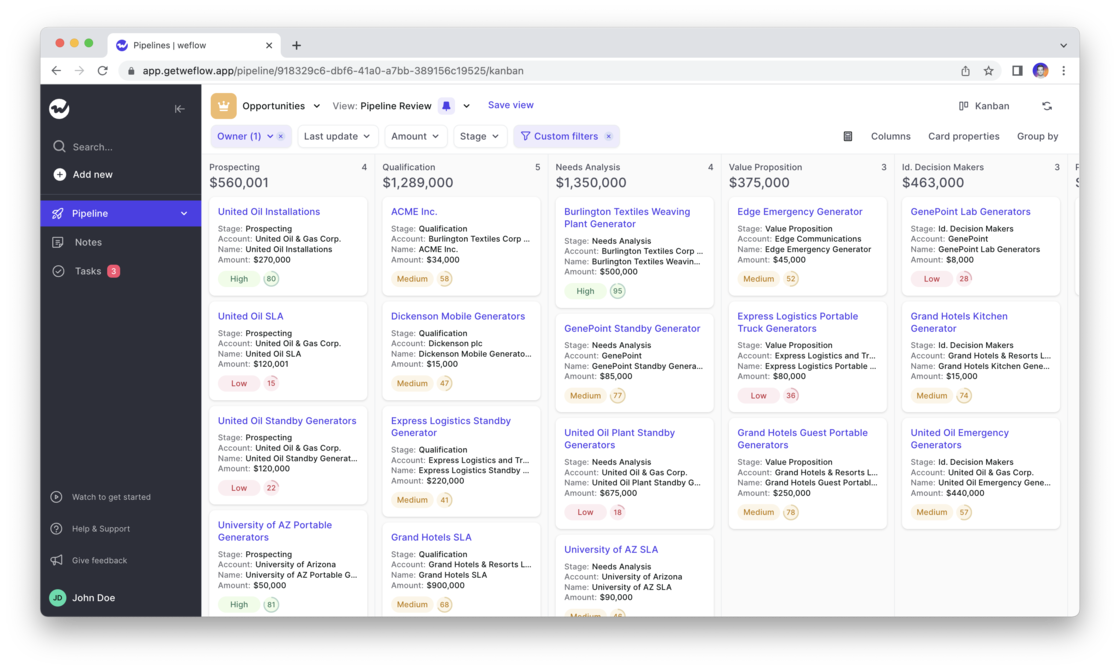
The Weflow Kanban board is a favorite among our customers to run effective weekly sales meetings. Now, Weflow automatically highlights card which have been inactive for more than 30 days.
Use Case:
➡️ No need to use the "Last update" filter (though you of course still can)
➡️ Get a quick overview of which records need attention
➡️ Combine it with the Weflow score for more actionable insights
The inactive state will appear if a record has not been modified or updated for more than 30 days
Adding an activity or updating a field resets the inactive status for 30 days or until another update is added
Two weeks ago, we released our algorithm which rates your Opportunity pipeline based on the likelihood to win a deal. Now, you can filter and sort the score.
Please note: The Weflow score is currently in private beta. If you are interested in using the score, please send an email to hello@getweflow.com and we will get back to you.
Simply look add the "Weflow Score" to your pipeline view
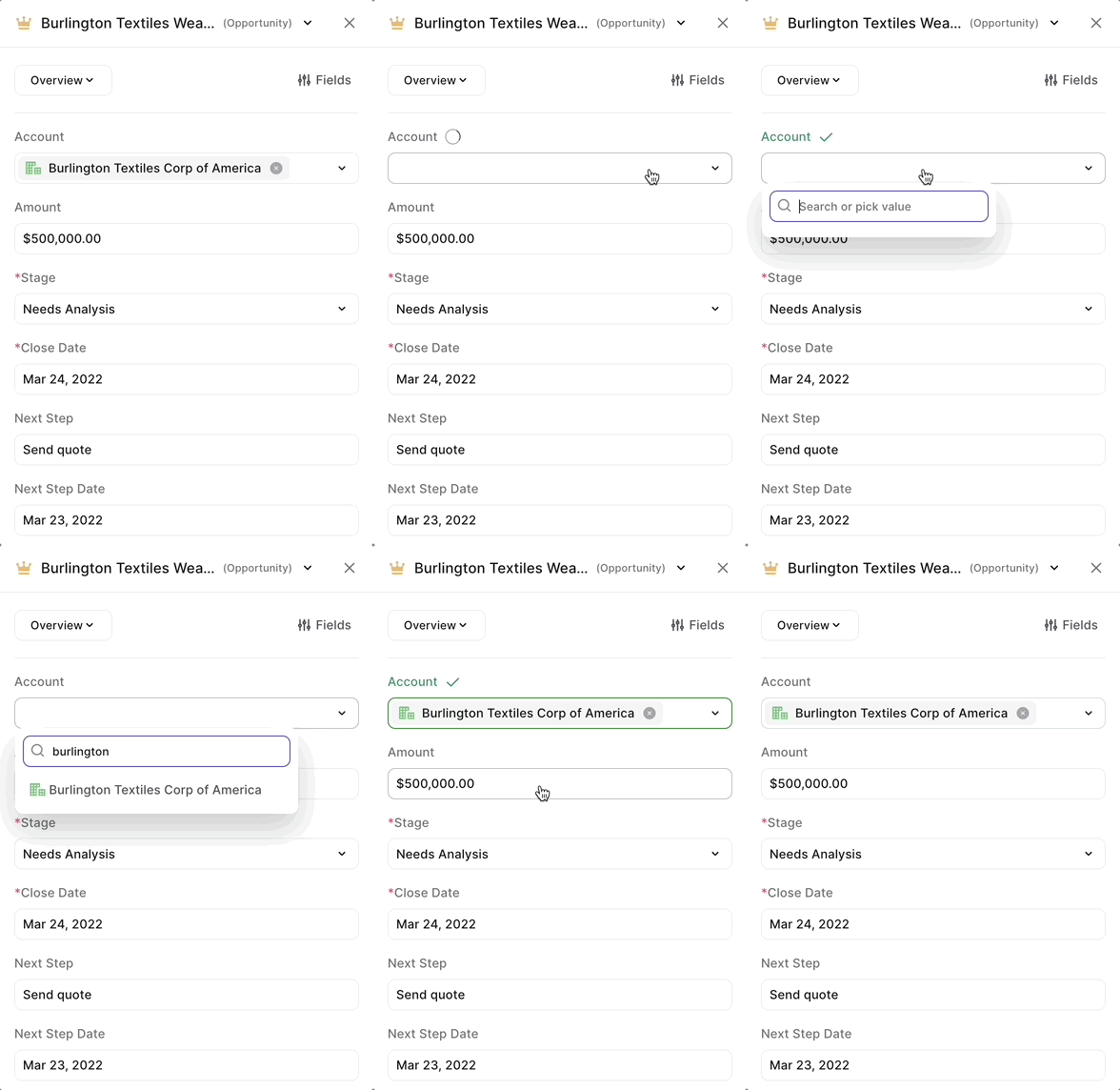
We understand, that using Salesforce sometimes is simply necessary. That is why we extended the functionality of the Weflow Chrome Extension to make use of Weflow within Salesforce itself.
What would you like us to build next for Salesforce? Let us know at hello@getweflow.com
Create linked notes
Create linked tasks
Access the Weflow Panel within Salesforce for faster and more convenient updates
Are you a busy note-taker? You deserve to find your notes quickly!
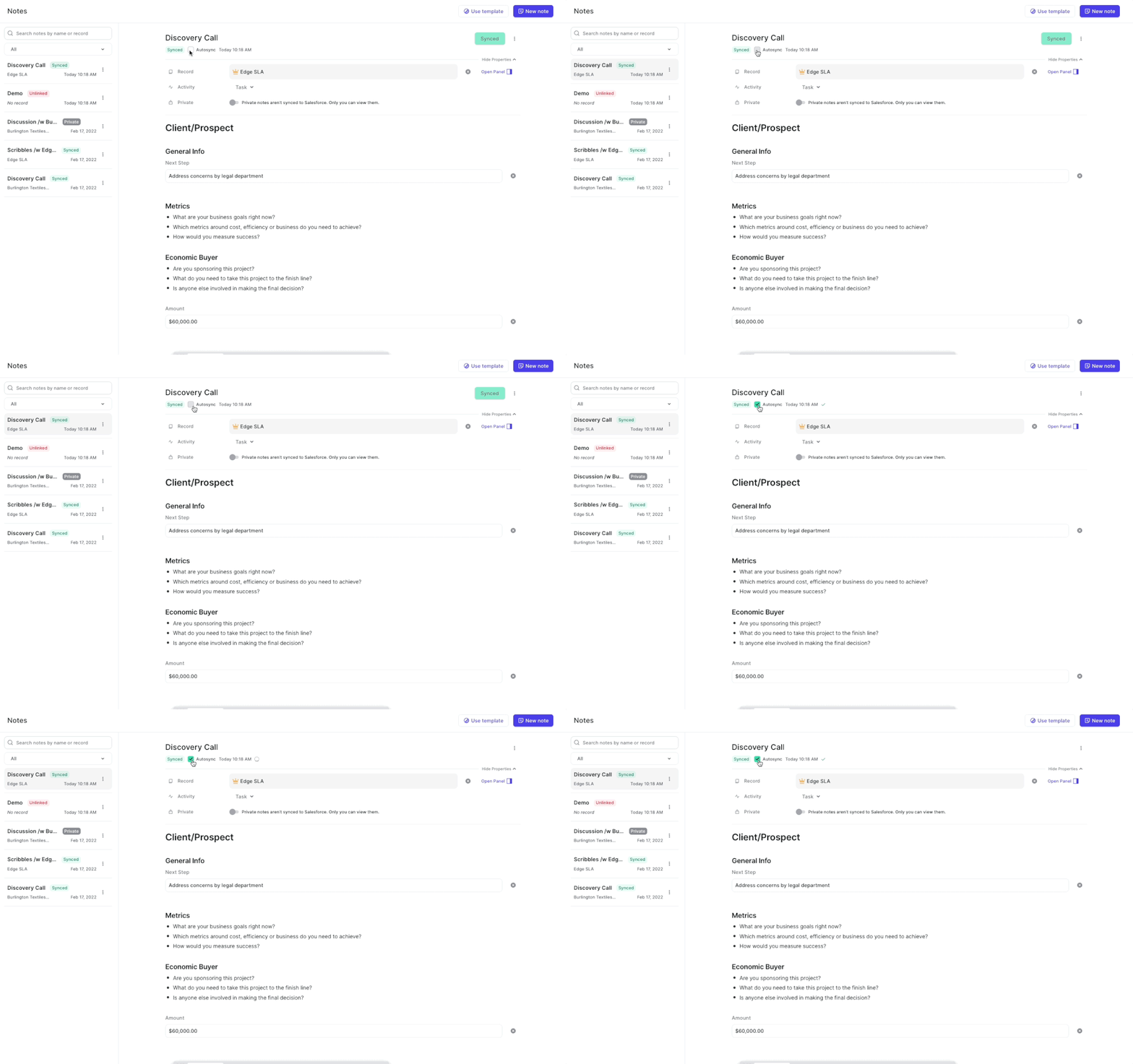
You can already find your notes by using the Weflow search (CMD+J on macOS or ALT+J on Windows). Now, you can also find your notes by searching in the note list itself.
Still having trouble finding your notes? Let us know! We would love to hear from you.
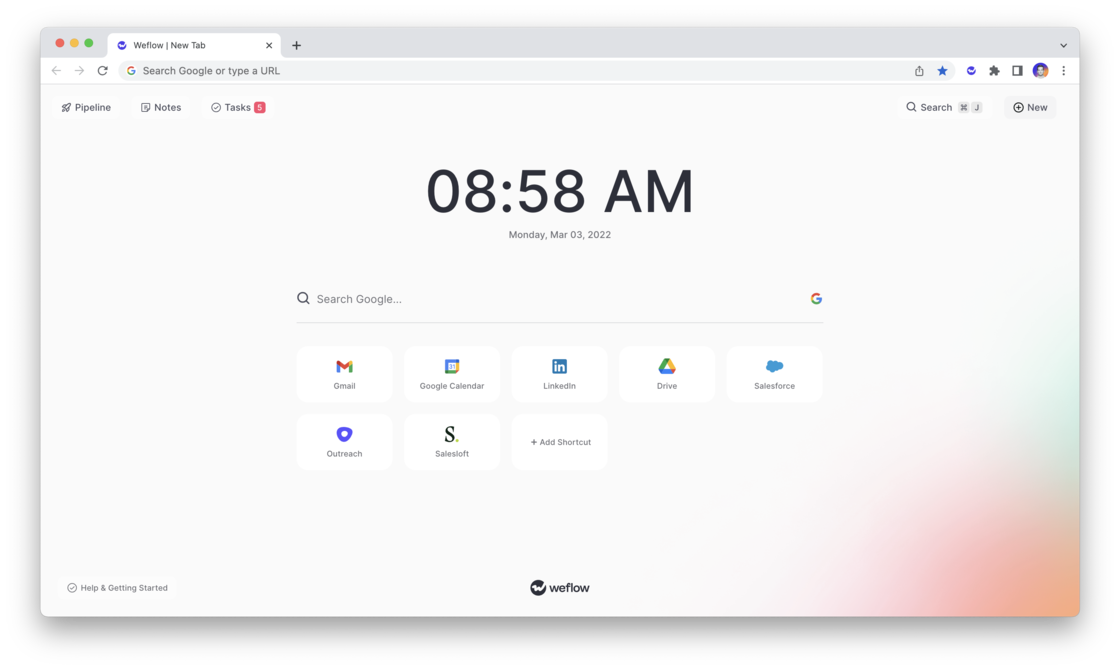
You can now download and use Weflow's very own Chrome Extension in the official Google Chrome Extension Store here.
What can you do with it?
How does it work?
We will continue to invest heavily into the Chrome Extension. If you have feedback or ideas, let us know at hello@getweflow.com
Weflow’s free Chrome Extension, replaces your default new tab in Chrome with a powerful, yet elegant and subtle command center for Salesforce.
Update your pipeline, create notes, manage tasks and add new records within seconds - all synced with Salesforce.
Use the Chrome Extension on LinkedIn, Google Calendar, Gmail, Office 365 or Salesforce.com itself
Install the Chrome extension and sign in with your Salesforce account
Open a new tab to use Weflow’s Salesforce command center or use our shortcut (MacOS: CMD + K | Windows: ALT + J) to launch global search from LinkedIn, Salesforce, Google Workspace, Outreach or Salesloft
View your pipeline, create notes, manage tasks and add new records within seconds
All changes are automatically synced with Salesforce
When searching Weflow, you now not only find the record you are looking for, but also related objects.
Here is an example: Let's say you are searching for the "Billburry Farm" opportunity. Weflow, will not only show you the Billburry Farm opportunity, but also e.g. the contact "John Doe" who works at Billburry Farm. In addition, you'll also see notes and tasks relating to Bilburry Farm.
 weflow